VEED vs CapCut 2026: Best Online Video Editor Compared
Quick Answer: CapCut is the better choice in 2026 for solo creators making short-form social content, because its free plan exports 1080p without a watermark and its paid plans start at $9.99 per month. VEED is the better choice for teams and businesses that need real-time collaboration, brand consistency tools, and professional AI features for long-form content, with paid plans starting at $19 per month. The gap comes down to audience: CapCut dominates mobile and social workflows, while VEED is built around browser-based team production.
VEED is a browser-based AI video editor that focuses on subtitles, translation, and post-production polish, and it is used by teams and businesses to create social and marketing videos. CapCut is a cross-platform video editor developed by ByteDance that combines mobile, desktop, and web editing with a generous free tier, and it is used by creators to produce short-form content for TikTok, Instagram Reels, and YouTube Shorts. Both tools bring strong AI features, but they target different creators with different priorities.
What Is CapCut and How Is It Different From VEED?
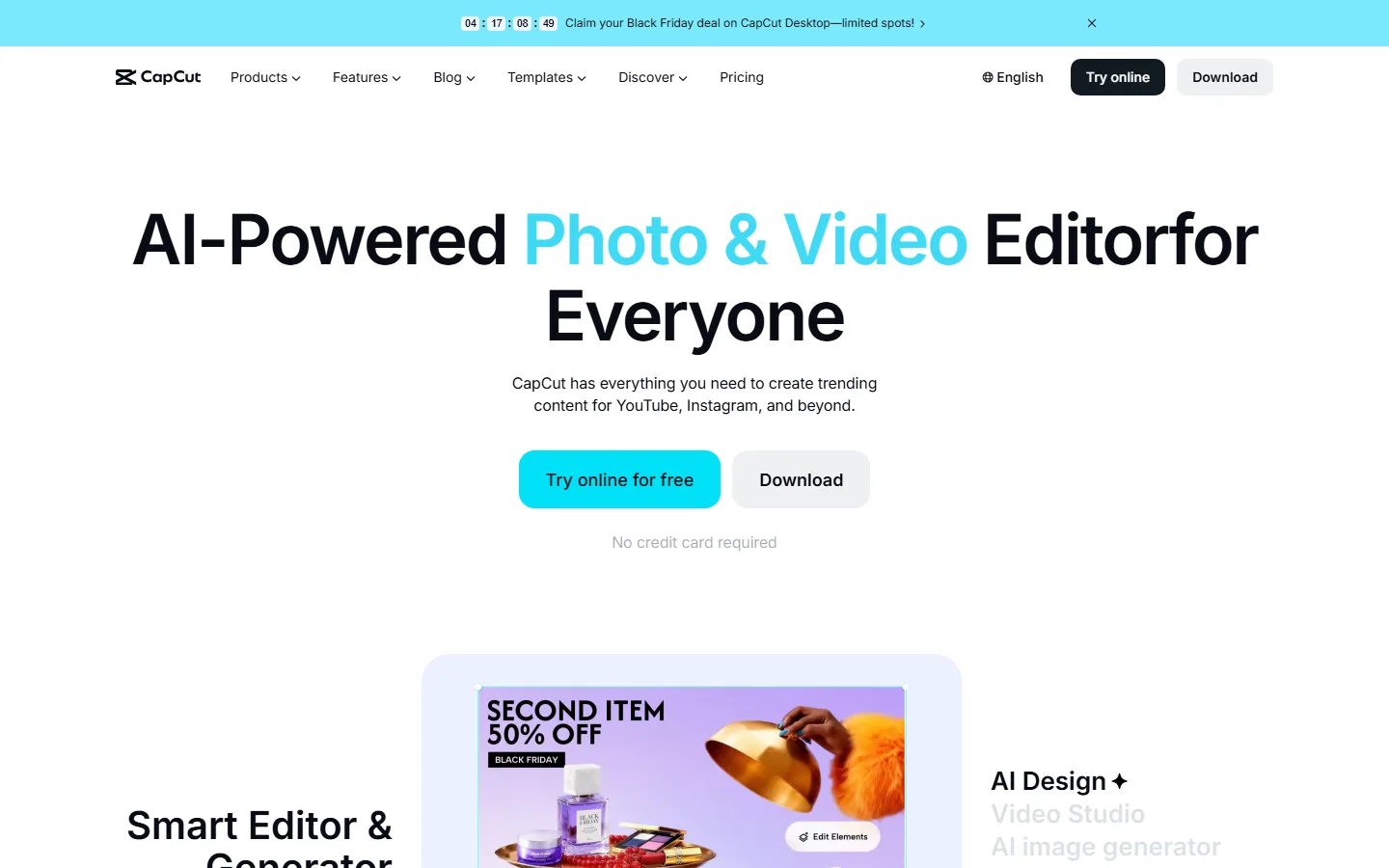
CapCut is a cross-platform editor that started as a mobile app and grew into a full production suite across smartphone, tablet, desktop, and web. Its free plan is one of the most generous in the category, offering 1080p exports without a watermark, core AI features, and a large library of music, effects, and templates. The tool is tightly integrated with TikTok, so creators can move from edit to publish in one flow, and the AI video maker can turn a text prompt into a fully edited video with scenes, voiceover, and music.
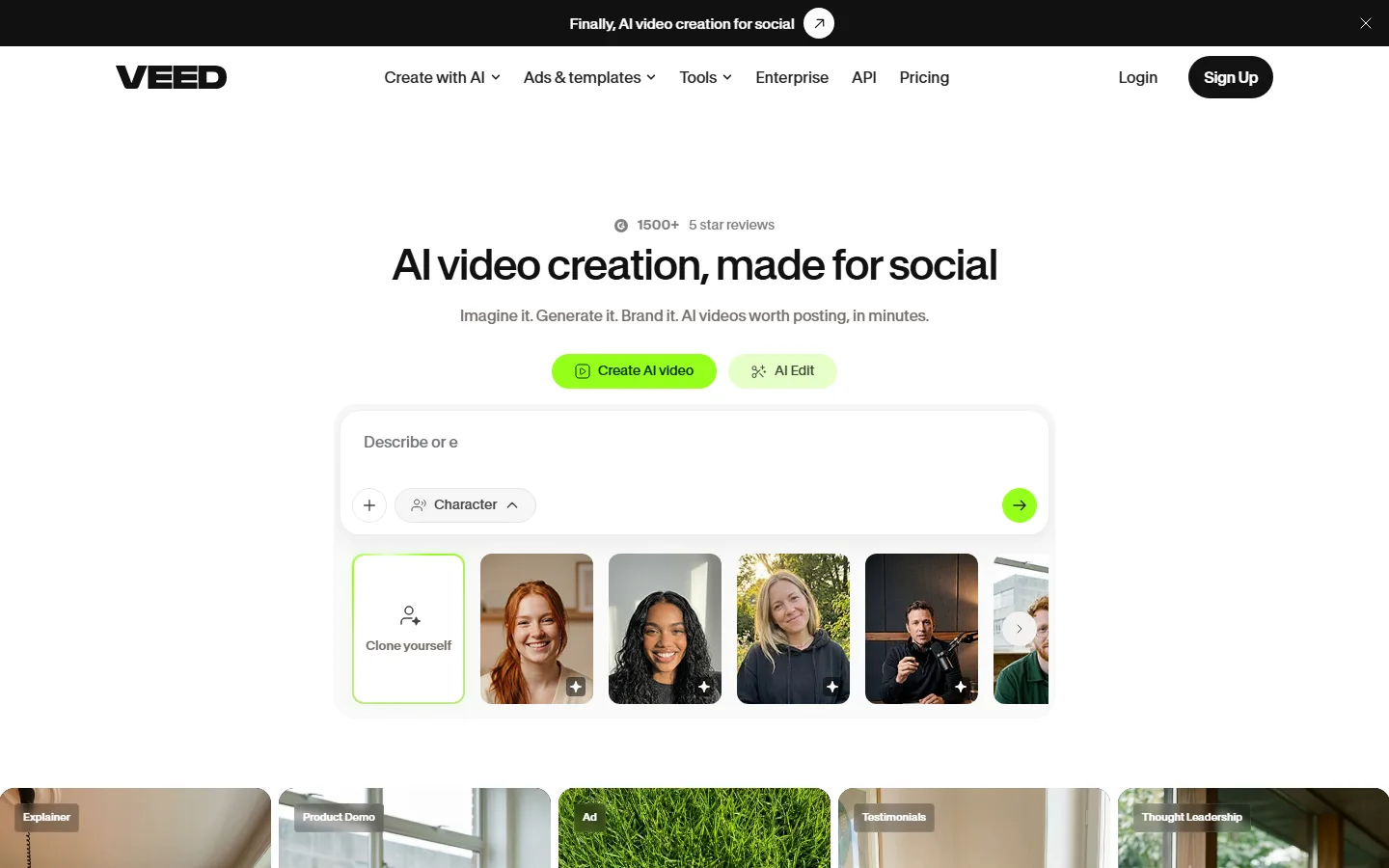
VEED is a web-only editor built around a clean, minimalist interface. Its core strength is subtitle generation and translation: the auto-subtitle generator is among the fastest and most accurate available, and one-click subtitle translation into multiple languages makes it a strong option for international audiences. It also offers background removal, auto-reframing for social formats, and noise removal, positioning itself as a post-production suite rather than a from-scratch generator. There is no desktop app, and the free plan limits exports to 720p with a watermark.
VEED vs CapCut 2026: Pricing Compared
Pricing favours CapCut at every tier. CapCut's free plan exports 1080p without a watermark. The Standard plan costs $9.99 per month or $89.99 per year and is mobile-only, removing watermarks and adding premium filters plus 100GB of cloud storage. The Pro plan costs $19.99 per month or $179.99 per year and unlocks cross-platform access, 4K export, 1TB storage, 1,200 AI credits per month, the complete premium asset library, and a commercial license for monetized content. The Teams plan costs $24.99 per month or $214.99 per year and adds multi-user access and shared workspaces.
VEED starts with a free plan capped at 720p exports with a watermark and roughly 10 minutes of subtitles per month. The Lite plan costs $9 per month billed annually, or $19 month to month. The Creator plan runs about $12 to $20 per month depending on billing, with Pro at $22 to $29 per month and Studio at $39 to $49 per month for teams that need the full AI suite and higher export volumes.
| Pricing factor | CapCut | VEED |
|---|---|---|
| Free plan | 1080p export, no watermark | 720p export, watermark |
| Cheapest paid | Standard $9.99/mo | Lite $9/mo annual |
| Pro tier | $19.99/mo, 4K, 1TB, 1,200 AI credits | ~$22-29/mo |
| Collaboration | Teams $24.99/mo | Real-time team editing |
| Platforms | Mobile, desktop, web | Web only (iOS Pro) |
Which Has the Better Free Plan, VEED or CapCut?
CapCut has the better free plan, and the gap is substantial. Free CapCut exports at 1080p without a watermark, which is the standard most creators need for social platforms. Free VEED exports at 720p and stamps every video with a watermark, which makes the free tier effectively a trial rather than a usable production tool. CapCut also includes core AI features in the free tier, while VEED locks its strongest features behind paid plans.
Subtitle capacity is the one area where VEED's free plan holds its own. The auto-subtitle generator is accurate and fast, and the free tier covers roughly 10 minutes per month, enough for occasional clips. CapCut's free captioning is also strong, with reports suggesting about five auto-caption runs per 30 days, but VEED's translation into multiple languages is more developed for international workflows. For creators who primarily need subtitles, VEED is worth evaluating; for anyone making videos regularly, CapCut free is the pragmatic default.
How Do Export Quality and Editing Depth Compare?
CapCut offers professional-grade editing tools at no cost on the free plan. The editor includes multi-track timelines for video, audio, and text, keyframe animation for precise control over movement and effects, a full color correction suite with curves and HSL adjustments, and smooth speed ramping. Free exports run at 1080p, and Pro adds 4K with the complete premium asset library and a commercial license for monetized content. That combination, deep tools plus a usable free tier, is why reviewers consistently rank CapCut as the most balanced editor in the category.
VEED's editing depth is more focused. The browser workflow handles quick cuts, subtitle styling, background removal, and format-specific export cleanly, and Pro plans reach 4K output. But the tool is not built for narrative restructuring, advanced color grading, or layered audio mixing, and its free exports are capped at 720p. The absence of a desktop app also means offline editing is not possible, which matters for creators on unreliable connections or those who need to work while traveling. VEED's polish is in the workflow around subtitles, translation, and team collaboration, not in timeline depth.
For most short-form creators, the practical test is export speed and control. CapCut gets a finished social video from footage in fewer steps, with the AI handling beat-syncing and captions while the user retains manual control over the timeline. VEED gets a clean subtitle-focused edit done quickly, but its limitations on free export quality and narrative control push serious creators toward paid tiers or other tools. The learning curve reflects the difference: most reviewers estimate 2 to 3 hours to reach CapCut proficiency against 4 to 5 hours for VEED.
Which AI Video Editor Is Better for Short-Form Content?
CapCut is the clear leader for short-form content in 2026. Its AI features are integrated into the editing flow rather than bolted on: automatic beat-syncing aligns cuts to music, background removal and replacement work with high precision, object removal cleans up clips, and the AI video maker generates complete videos from text prompts with storyboard, voiceover, and music. The TikTok integration means creators can publish directly, and the mobile-first design makes quick edits possible from a phone.
VEED is stronger for specific post-production tasks. Its subtitle generation and translation are best-in-class, its background remover handles video well, and auto-reframing adapts footage to different social formats. The interface is clean and fast for quick workflows. But it is not designed for narrative restructuring or deep story refinement, and its generative AI capabilities are more limited than CapCut's. For turning an idea into a finished social video quickly, CapCut requires fewer steps and offers more creative control.
Is VEED Better for Teams and Businesses?
Yes, and this is VEED's strongest case. VEED offers real-time team editing, where multiple collaborators can work on the same project from different locations, plus Brand Kit tools that keep colors, fonts, and logos consistent across videos. That combination makes it a practical choice for marketing teams, agencies, and businesses producing branded video at volume. The web-based workflow removes software installation and sync friction, and the translation features support multinational content operations.
CapCut's collaboration is limited by comparison. Its Teams plan adds multi-user access and shared workspaces, but the product's centre of gravity is individual creation, and the mobile-first heritage shows in the collaboration layer. A solo creator or a small team working on social content will find CapCut faster to master, with a learning curve of roughly 2 to 3 hours versus 4 to 5 hours for VEED. A distributed team managing brand campaigns will find VEED's collaboration and consistency tools worth the higher price.
VEED vs CapCut: Which One Should You Choose in 2026?
Choose CapCut if you are a solo creator focused on short-form social content. The free plan is genuinely usable at 1080p without watermarks, paid plans start at $9.99 per month, and the mobile, desktop, and web coverage plus TikTok integration makes it the fastest path from idea to published video. AI features are front and center, and the learning curve is the shortest in the category.
Choose VEED if you work in a team, need real-time collaboration, or require brand consistency across videos. The subtitle and translation engine is best-in-class, Brand Kit keeps output on-brand, and the browser workflow suits distributed production. Paid plans start at $19 per month, which is higher than CapCut, but the collaboration features justify the premium for team-based workflows. Our HeyGen vs VEED comparison and best AI video generators guide cover the wider video production market, and the best AI video editors guide adds more editing-focused options.
FAQ
Q: Is CapCut free without a watermark?
A: Yes. CapCut's free plan exports at 1080p without a watermark, which is unusual in the category. Some premium templates and effects add watermarks, and paid plans remove those restrictions while adding 4K export.
Q: Does VEED have a free plan?
A: Yes, but it is limited. The free plan caps exports at 720p, stamps every video with a watermark, and covers about 10 minutes of subtitles per month. Paid plans start at $19 per month and remove those limits.
Q: Which is better for subtitles, VEED or CapCut?
A: VEED has the more developed subtitle and translation system, with fast auto-subtitling and one-click translation into multiple languages. CapCut's auto-captions are accurate and easy to edit, but VEED's multilingual translation is stronger for international content.
Q: Does VEED have a desktop app?
A: No. VEED is web-based only, with an iOS app available on Pro plans. CapCut offers native apps for mobile and desktop plus a web editor, with cloud syncing across devices.
Q: Is CapCut owned by TikTok?
A: CapCut is developed by ByteDance, the same company as TikTok, and the two products are tightly integrated. That integration lets creators move from editing to publishing in one workflow.
Conclusion
VEED and CapCut serve different creators, and the right choice depends on your workflow. CapCut wins for solo creators making short-form social content, with a genuinely free 1080p plan, lower paid pricing, and the most complete AI editing suite. VEED wins for teams and businesses, with real-time collaboration, Brand Kit consistency, and the best subtitle translation in the category. If your priority is speed, price, and mobile reach, start with CapCut. If you produce branded video as a team and need collaboration and consistency, VEED is worth the higher price. For the broadest capability at the lowest cost, CapCut remains the default recommendation in 2026.
CTA
Start editing free at capcut.com or veed.io. For more video production comparisons, read our Runway vs Pika breakdown and the Kling vs Hailuo comparison to see how generative video tools compare with editors.