Best Kling AI Alternatives 2026: Cheaper Video Generators Compared
Quick Answer: Kling AI alternatives are AI video generators that produce text-to-video and image-to-video clips with different pricing models than Kling's credit system. The best in 2026 are Runway Gen-4.5 for filmmaking and editing, Pika for the best price per clip on a starter plan, and Wan 3.0 for affordable open-source generation; Veo 3.1 leads on realistic visuals and Seedance 2.5 on photorealism at a higher cost. If Kling's credits burn too fast, switch to a plan where the credit cost per clip is visible before you generate.
How Much Does Kling AI Actually Cost per Video?
Kling charges credits per generation, and the price of a single 5-second clip runs from about $0.40 to $2.60 depending on the model and whether you enable native audio. A talking-head avatar clip costs around 50 credits, roughly $0.40 on an annual plan, while Kling 3.0 with audio costs about 250 credits, roughly $2.00. On the model tiers, Kling Lite is a flat 70 credits for a 5-second standard-definition clip without audio, Fast is 90 credits for 5 seconds at 1080p with audio, and Standard is the flagship per-second engine.
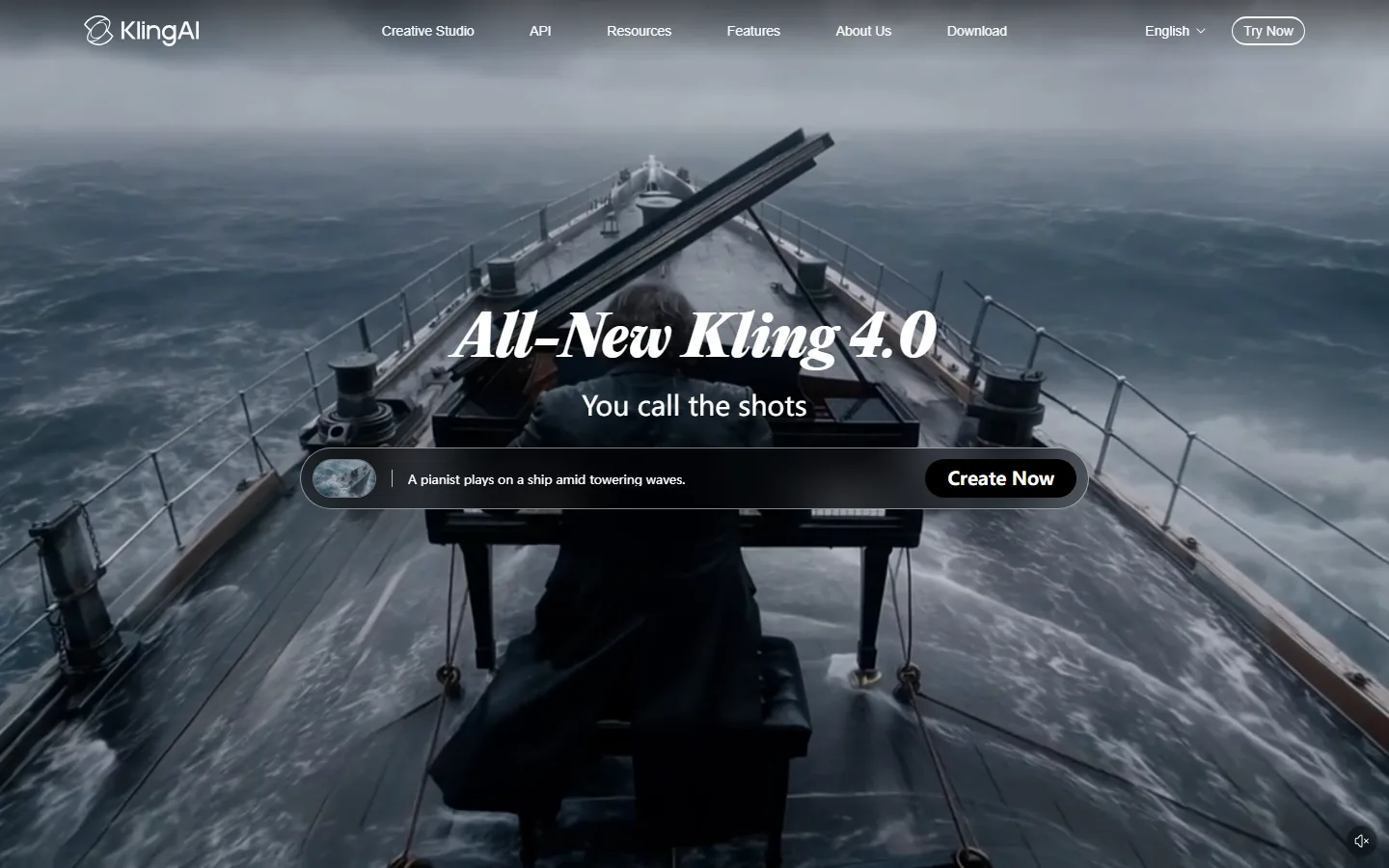
The screenshot above shows Kling's current homepage with the Kling 4.0 release. Kling 4.0 is positioned as a dependable, production-ready generator with up to 30-second clips, but every generation still consumes credits, and the complaint we hear most from users matches the pain point in our research: "Kling AI's credit system burns fast, 30-40% failure rate on credits." Failed generations that consume credits are the main reason people look for an alternative with clearer pricing.
Why Are Creators Leaving Kling in 2026?
The cost structure, not the output quality, is the main trigger. Because Kling charges per clip and models with audio cost 2-3x more, a heavy editing session can drain a monthly plan in days. Some creators also report "unauthorized charges continuing years after cancellation" on AI subscriptions in general, which is why we recommend checking the billing terms before committing to a yearly plan. Finally, alternative platforms such as Runway and Pika show the exact credit cost before generating and include failed-generation protection on some plans, which removes the surprise.
The Best Kling Alternatives in 2026
1. Runway Gen-4.5: Best for Filmmaking and Editing
Runway Gen-4.5 is the strongest Kling alternative for filmmaking, editing, and control-heavy workflows. Its pricing is transparent: the Standard plan costs $15 per month (or $12 billed yearly) for 625 credits, Pro is $35 per month ($28 yearly) for 2,250 credits, and Max is $95 per month ($76 yearly) for 9,500 credits with a one-month rollover. Independent tests rate Runway Gen-4 high on consistency and control, which matters when you need a character or scene to stay stable across multiple clips.
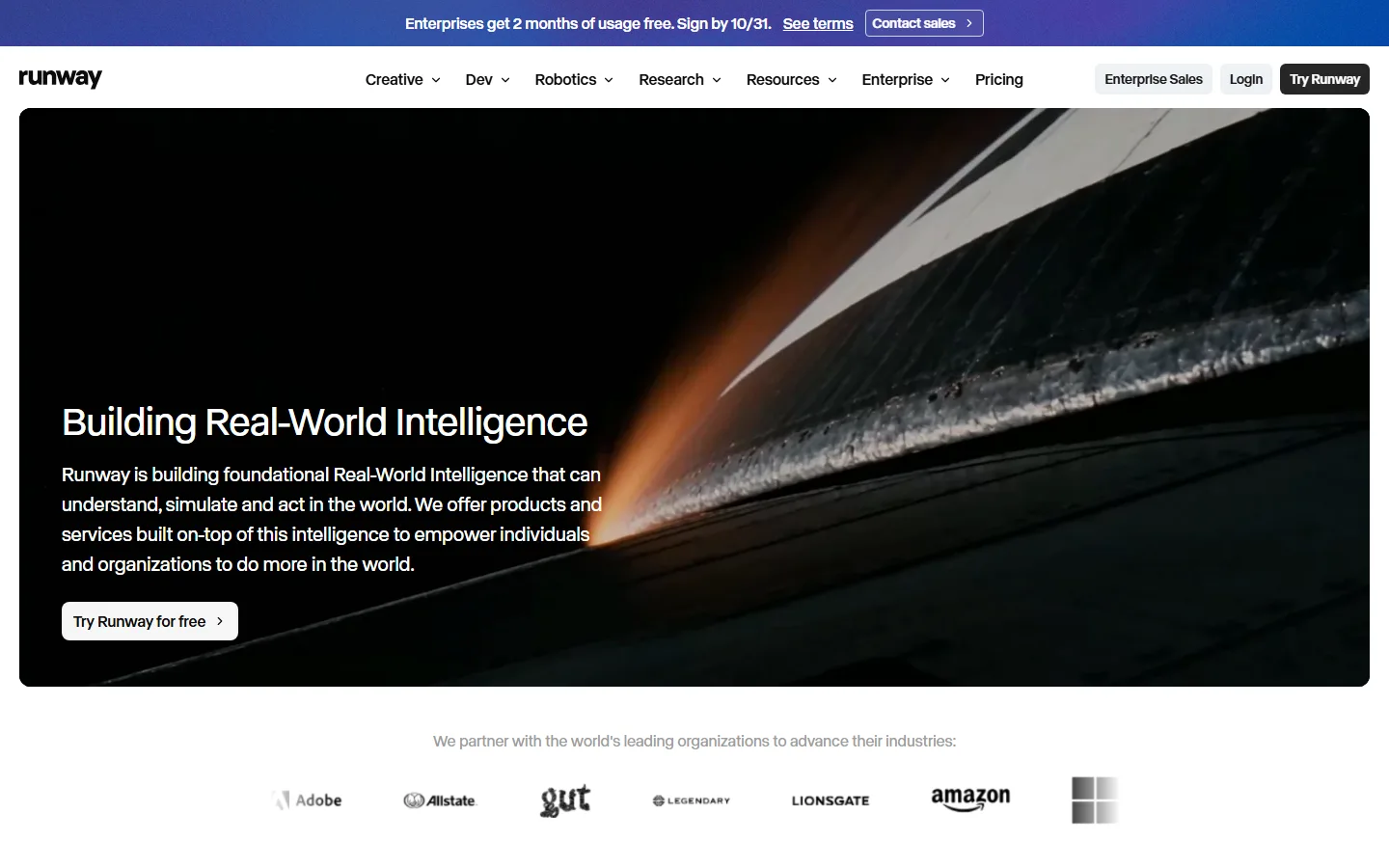
Pricing: Free plan with 125 credits; paid plans from $15/month (Standard).
Pros:
- Strong consistency and control scores in independent testing
- Transparent credit costs with a usable free tier
- Editing-focused workflow used by film professionals
Cons:
- Expensive at the top end for heavy solo usage
- No native 30-second clips on lower tiers
Try Runway if you need control and editing depth rather than raw speed.
2. Pika: Best Price per Clip on a Starter Plan
Pika offers the lowest barrier to paid video generation: the Starter plan is $10 per month for 900 credits, and the Creator plan is $35 per month for 3,150 credits with parallel generation. Its pricing page lists all plans with visible credit counts, and it includes a commercial license even on the free tier.
Pricing: Free (0 credits per month, packs only), Starter $10/month (900 credits), Creator $35/month (3,150 credits), Fancy $95/month (8,550 credits).
Pros:
- Cheapest paid entry at $10/month
- Commercial license on free and paid plans
- No watermark across all plans
Cons:
- Fewer credits than Runway Pro at the same price point
- Longer generations for complex prompts
Try Pika if you are starting out and want the cheapest paid plan.
3. Veo 3.1: Best Realistic Visuals With Audio
Veo 3.1, Google's video model, delivers the most realistic visuals with strong audio integration in current roundups. It is a strong pick when your project needs lifelike motion and sound in one pass, and it pairs naturally with Google's ecosystem.
Pricing: Available through Google's AI plans; credit consumption scales with resolution and duration.
Pros:
- Most realistic visuals in 2026 roundups
- Native audio integration
- Strong ecosystem integration
Cons:
- Higher effective cost per clip at high resolutions
- Availability varies by region and plan
4. Wan 3.0: Best Affordable Open-Source Option
Wan 3.0 is the fast, affordable, open-source-friendly option in current comparisons. If you want local generation, model control, or lower per-clip cost without a subscription lock-in, Wan is the alternative to evaluate first.
Pricing: Open-source; costs are compute-only (GPU hours).
Pros:
- No per-clip credit lock-in
- Open weights for fine-tuning and local use
- Competitive quality for the price
Cons:
- Requires setup and hardware
- No turnkey web editor on the same level as Kling
5. Seedance 2.5: Best Photorealism, Premium Price
Seedance 2.5 is called out in 2026 comparisons as the best photorealism option but expensive at the top end. Choose it when visual fidelity is the deciding factor and budget is secondary.
Pricing: Higher-tier subscription; credits scale with generation quality.
Pros:
- Best-in-class photorealism
- Strong cinematic output
Cons:
- Expensive relative to Kling and Pika
- Limited free tier
Comparison Table: Kling Alternatives Side by Side
| Tool | Best For | Starting Price | Credit Model | Commercial License |
|---|---|---|---|---|
| Kling 4.0 (reference) | Production-ready 30s clips | Credit-based | ~$0.40-2.60 per 5s clip | Paid plans |
| Runway Gen-4.5 | Filmmaking and editing | $15/month | 625 credits (Standard) | Included |
| Pika | Budget start | $10/month | 900 credits (Starter) | Included |
| Veo 3.1 | Realistic visuals and audio | AI plan | Credit-based | Plan dependent |
| Wan 3.0 | Open-source and local | Compute only | No credits | Open weights |
| Seedance 2.5 | Photorealism | Premium plan | Credit-based | Plan dependent |
How Many Credits Does a 5-Second Clip Really Cost?
Credit math is where the "cheaper alternative" argument lives or dies, so it pays to work through a concrete example. On Kling, a 5-second clip costs between roughly $0.40 and $2.60 depending on the model and native audio. The Lite tier is a flat 70 credits for a standard-definition clip without audio, Fast is 90 credits for 1080p with audio, and Standard scales per second. An image-to-video generation on Kling 3.0 costs 90 credits on Fast, 110 on Turbo, and 225 on Omni.
On Runway, the Standard plan gives 625 credits per month at $15 ($12 billed yearly), and each generation shows its credit cost before you run it. At roughly 30-60 credits per standard clip, you can produce several hundred short clips per month on the entry paid tier. On Pika, Starter gives 900 credits for $10, and the interface states credit counts per plan explicitly, with parallel generation on higher tiers.
The effective metric to compare is cost per finished minute, not cost per clip. A Kling session that includes failed generations at a 30-40% failure rate doubles your real price per usable clip, because failures consume credits on the paid tiers. Runway and Pika show the charge before generation, which lets you cancel a bad prompt instead of paying for it. Wan 3.0 sidesteps the question entirely: with open weights and no credits, your only cost is the GPU time you choose to spend.
How Do I Choose Between Kling, Runway, and Pika?
Use Kling when you need long clips up to 30 seconds with cinematic quality and you can tolerate credit-based pricing. Switch to Runway when you need control, editing, and consistency across shots, especially for client work. Choose Pika when your budget is tight and you want the cheapest paid plan with a commercial license. If you run heavy experiments or automated pipelines, Wan's open-source model removes per-clip costs entirely. As one reader community noted, "Descript's pricing overhaul sparked an exodus" in the wider video-tools market, so pricing stability matters; compare the monthly effective cost per finished minute, not the headline price.
Frequently Asked Questions
Q: Is there a free alternative to Kling AI?
A: Yes. Runway's free plan includes 125 credits, Pika's free tier works with packs and includes a commercial license, and Wan 3.0 is open-source with no per-clip credits, costing only compute time. Kling itself has a free trial with daily credits, but paid plans start where the free quota runs out.
Q: Why does Kling AI burn through credits so fast?
A: Because every generation costs credits and higher-quality models cost more: audio-enabled clips can cost 2-3x the base model, and failed generations can still consume credits, which matches the "30-40% failure rate on credits" complaint in our research. Check the exact credit cost shown before generating, and switch to a platform with visible per-clip pricing if failures become frequent.
Q: Is Runway better than Kling?
A: For control, editing, and shot consistency, yes: Runway Gen-4.5 scores higher on consistency and control in independent tests, and its pricing is transparent with a usable free tier. For long cinematic clips up to 30 seconds, Kling 4.0 is the stronger tool. Choose by whether you need editing depth or long-form output.
Q: Can I use AI-generated videos commercially?
A: On paid plans, yes. Runway, Pika, and Kling paid tiers include commercial licenses, and Pika includes commercial use even on its free tier. Open-source models like Wan also permit commercial use under their licenses. Always verify the license terms on the official site for your specific use case.
Q: What is the cheapest paid AI video generator in 2026?
A: Pika's Starter plan at $10/month for 900 credits is the cheapest paid entry among the major tools. Runway's Standard plan is $15/month, and Kling's paid tiers start above the free quota. For unlimited-style workflows, Wan 3.0 with your own GPU is the lowest long-run cost.
Conclusion
Kling 4.0 remains a strong production tool, but its credit economics push heavy users toward alternatives with clearer pricing. Runway is the best overall alternative for filmmaking and control, Pika offers the cheapest paid plan with a commercial license, Veo 3.1 leads on realistic visuals, Wan 3.0 is the open-source budget pick, and Seedance 2.5 wins on photorealism at a premium. Try the free tiers of Runway and Pika first, generate the same test prompt on each, and compare the credit cost per finished clip before you commit. For deeper reviews, read our Kling AI review, the best AI video generators guide, our Runway alternatives roundup, and the Sora review for OpenAI's competing model.
CTA
Start with Runway's free 125 credits and Pika's free tier, generate the same 5-second prompt on both, and note the credit cost shown before each generation. If the free quota is not enough, upgrade to Pika Starter at $10/month for your first paid month, then measure your actual finished-minute cost against Kling's credits before deciding where to stay.
Data sources: Kling AI credit guide (Jul 2026) and Kling pricing analysis (May-Aug 2026), Runway pricing page (verified Oct 2026, Free/Standard $15/Pro $35/Max $95), Pika pricing page (verified Oct 2026, Free/Starter $10/Creator $35/Fancy $95), 2026 AI video generator roundups (Synthesia, Fliki, Sept-Oct 2026), competitor scoring (Sozee, Oct 2026). Credit costs verified against official pricing pages at publication.