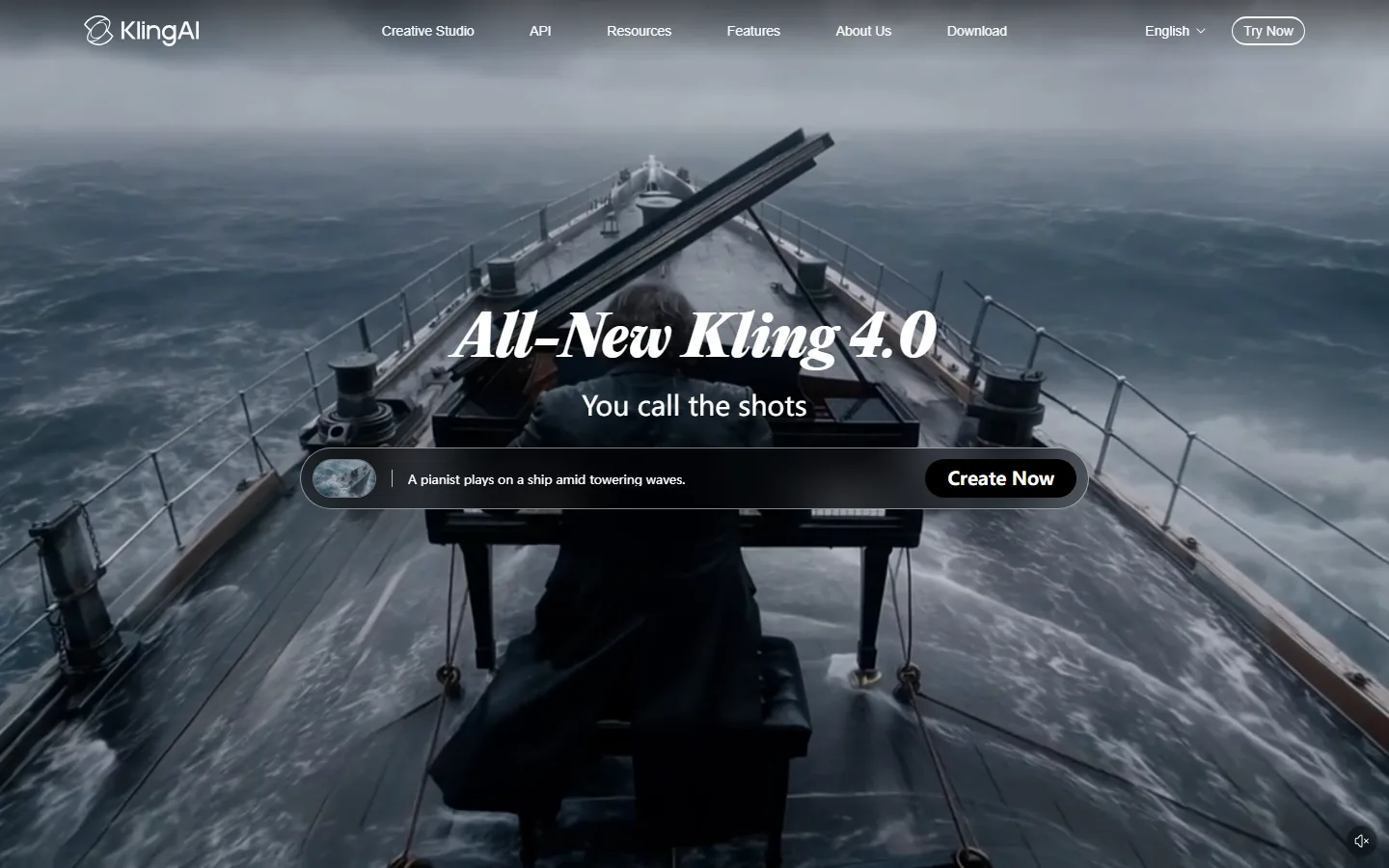
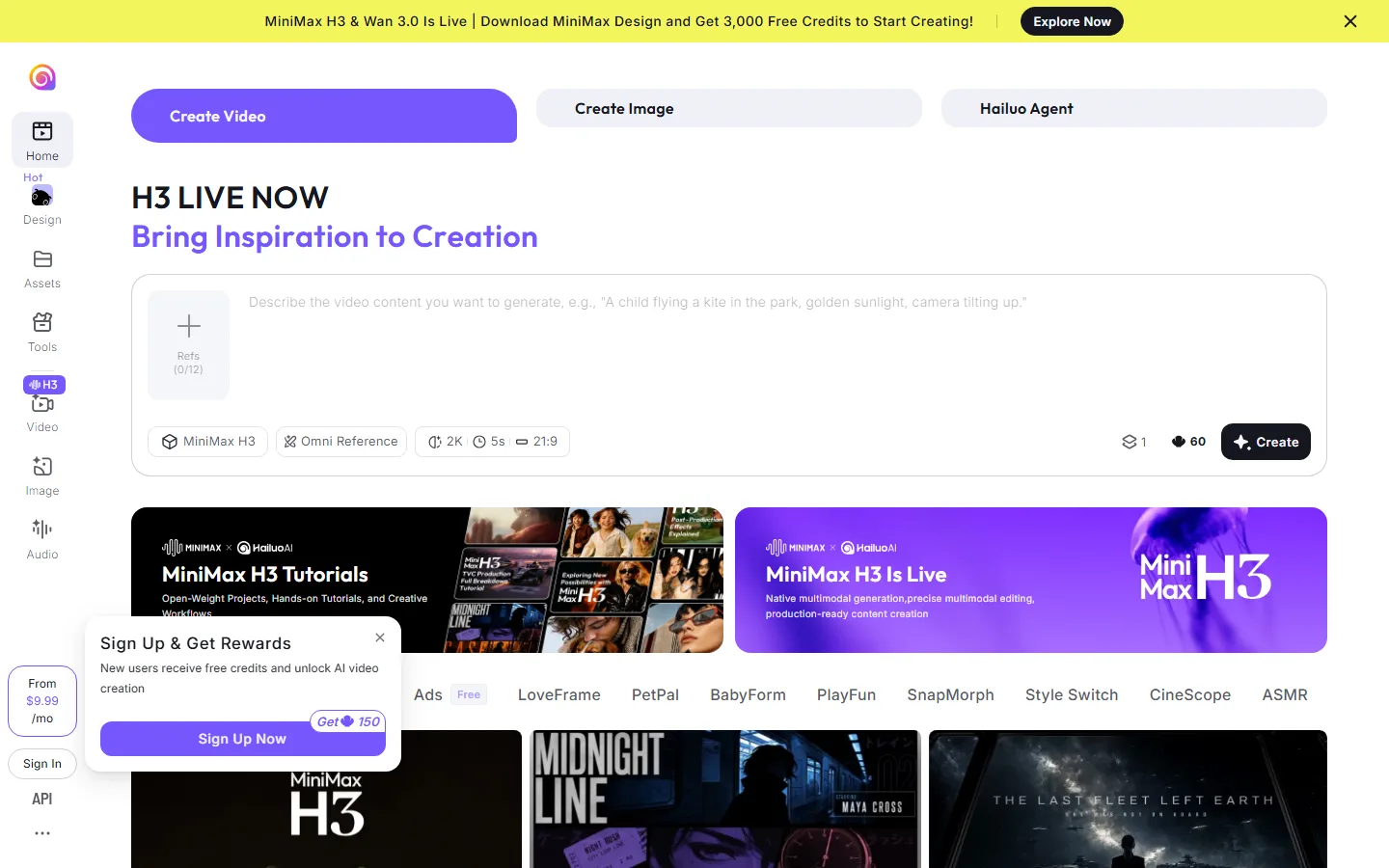
Quick Answer: Kling is the better AI video generator for most creators in 2026 because it outputs native 4K with native audio and multi-shot sequences at roughly the same entry price as Hailuo, and its free tier gives daily credits that reset every day. Hailuo is the better pick for budget-first creators who need the most generations per dollar, accept 2K output, and want stronger reference control with up to 9 image references per call. Both tools start under $10 per month on promotional entry plans, so the decision comes down to resolution and audio versus volume and cost per attempt.
Kling is an AI video generation platform developed by Kuaishou that turns text prompts into short cinematic clips with native audio, while Hailuo is MiniMax's video model family that generates clips up to 2K with strong motion physics and unusually broad reference input. Both are Chinese AI labs competing head to head in the text-to-video market, and both have been regular fixtures in 2026 model comparisons.
Which AI Video Generator Is Better in 2026?
The short answer: Kling is the better all-around choice for finished clips, and Hailuo is the best cheap daily driver. A detailed comparison from the Kling 4.0 site (August 2026) puts it simply: "Kling 3.0 wins on what comes out of the model, native 4K and six connected shots in one job. MiniMax's Hailuo H3 wins on what you can put in, nine image references plus three video and three audio references in a single call."
The free tiers tell the same story from a different angle. A June 2026 test by Pexo found Kling's free tier gives 66 credits per day (roughly 3 to 6 standard clips) with a watermark, while Hailuo gives 200 signup credits plus a daily refresh and, unusually, allows commercial use even on the free plan. For creators who want free output they can actually publish, Hailuo's licensing is the rare edge; for creators who want the most usable daily allowance, Kling wins.
How Much Does Kling Cost?
Kling is billed per second of video, and the rate depends on model, resolution, and whether native audio is on. Official rates on kling.ai for Kling 3.0 are 6 credits per second at 720p and 8 at 1080p without sound, and 9 and 12 with native audio. Kling 4.0, available to everyone since October 15, 2026, costs 10 credits per second at 720p and 15 at 1080p with sound included.
The subscription plans, verified by Genie Artificiel against the Kling plans page on September 26, 2026:
| Plan | First month | Monthly after | Credits per month |
|---|---|---|---|
| Basic | Free | Free | Monthly credits, amount not published |
| Standard | $6.99 | $8.80 (list $10) | 660 |
| Pro | $25.99 | $32.56 (list $37) | 3,000 |
| Premier | $64.99 | $80.96 (list $92) | 8,000 |
| Ultra+ | $402 | $544.99 (list $619) | 57,000 |
Every paid plan removes the watermark and allows commercial use; Pro and up get priority access to new features. Monthly credits are valid for 31 days, so unused credits expire. A 5-second 720p clip without sound costs 30 credits, about $0.40 on Standard, which works out to roughly 22 clips per month on the cheapest paid plan. A 5-second 1080p clip with native audio costs 60 credits, about $0.80, or 11 clips per month.
How Much Does Hailuo Cost?
Hailuo (MiniMax H3) is also billed per second, and the plan page converts credits into seconds of output for you. On H3 at 2K, a second costs about 12 credits, so 1,000 credits cover roughly 84 seconds; at 768p a second costs about 7 credits, stretching the same 1,000 credits to roughly 143 seconds.
The subscription plans, verified by Genie Artificiel on October 15, 2026 (monthly prices shown at a 26 to 31 percent promotional discount off list):
| Plan | Monthly (promo) | Yearly | Credits | H3 2K seconds |
|---|---|---|---|---|
| Free | $0 | $0 | 150 signup credits, valid 3 days | 2 clips |
| Standard | $10.50 | $8.40 (list $14.99) | 1,000 | about 84 |
| Pro | $38.00 | $30.40 (list $54.99) | 4,500 | about 375 |
| Master | $89.00 | $71.20 (list $119.99) | 10,500 | about 875 |
| Max | $216.00 | $184.00 | 27,000 | about 2,250 |
The effective price per second falls from about $0.126 for 2K on Standard month-to-month to about $0.081 on Pro or Master billed yearly. A 5-second 2K clip on Standard costs roughly $0.63, and the same clip at 768p costs roughly $0.37. One important difference: Hailuo charges credits for failed generations, so retries eat into your allowance, while Kling's third-party reseller model (kling4.co) does not charge for failed generations, a difference that quietly matters when you are prompting your way to the right shot.
What Are the Real Differences Between Kling and Hailuo?
The current-generation models are Kling 3.0 (and Kling 4.0 from October 15, 2026) versus MiniMax Hailuo H3 (released to developers July 31, 2026). Both have native audio, so the interesting differences are not about who has sound:
| Capability | Kling 3.0 / 4.0 | MiniMax Hailuo H3 |
|---|---|---|
| Output resolution | Native 4K (Kling 3.0), 720p/1080p on 4.0 | Native 2K, 24fps |
| Single-pass length | 3 to 15 seconds | 5 to 15 seconds (extendable to 30s) |
| Multi-shot in one job | Up to 6 connected shots | Not advertised |
| Reference images | 7 via Omni | 9 |
| Reference video / audio | Video input via Omni | 3 videos + 3 audio clips |
| Editing a finished clip | Video-to-video via Omni | Instruction-based, in words |
| Free tier | 66 credits/day (3rd-party estimate) | 150 signup credits + daily refresh |
| Entry price | $6.99 first month | $9.99 month-to-month promo |
| Failed generations | Not charged on kling4.co | Charged credits |
Hailuo H3 is built around what MiniMax calls omni-reference: a single generation accepts up to 9 reference images, 3 reference video clips, and 3 reference audio clips at once, plus instruction-based editing of a finished clip. Kling's answer is Kling 3.0 Omni, which accepts up to 7 reference images for character and style consistency plus existing video as input for video-to-video editing. The rule of thumb from the Kling 4.0 comparison is that reference count only becomes the bottleneck once you are locking more than one face at a time.
Where Kling still beats Hailuo, the advantages matter more than they sound. Native 4K output matters for clients who need delivery resolution, and multi-shot sequencing keeps characters and style consistent across cuts, which is exactly what product ads and short films need. Kling 3.0 consistently ranks in the top tier of public video-generation leaderboards for motion realism and prompt adherence, competitive with Veo and Runway's newest models.
Which AI Video Generator Has the Better Free Tier?
This matters more than the spec sheet for most hobbyists. Kling's free Basic plan gives monthly credits that reset (third-party tests measured 66 credits per day in June 2026, enough for roughly 3 to 6 standard clips), with a watermark and no commercial use. Hailuo gives 150 credits on signup that expire three days after they are granted, plus a daily refresh, with a reduced watermark, and its terms allow commercial use even on the free plan, which is rare in this category. For a strict $0 budget for ongoing work, both refresh daily, so the honest answer is to test the same brief in both apps and compare the look rather than the credit math.
Which AI Video Generator Should You Choose?
The honest answer is that Kling and Hailuo are not really competitors at the workflow level, because one is better at composing a sequence and the other is better at conforming to references you supply. Choose Kling if you need 4K delivery, or you are building something with cuts in it, such as a sequence, an ad, or a scene, and you want the model to hold consistency across those cuts for you. Kling 3.0 sequences up to six connected shots in a single job, each with its own prompt and duration, which is a workflow no other mainstream generator matches at this price.
Choose Hailuo if your work is reference-heavy: multiple locked characters, an audio bed you need matched, or an existing clip you want to iterate on by describing changes rather than re-prompting. The instruction-based edit loop is Hailuo H3's most underrated feature, and the 9-image reference input is the broadest in the category. A realistic pipeline uses Hailuo H3 to lock a look, then Kling to render the sequence at delivery resolution.
For creators who post high volume on social platforms, cost per attempt decides it. Hailuo's Standard plan at about $9.99 per month gives roughly a dozen 1080p clips, and its lower tiers stretch credits further at 768p. Kling's Standard plan gives fewer clips per month but each one is a finished clip with native audio, and Kling 4.0 at 720p costs 10 credits per second. If failures are eating your budget, the third-party kling4.co reseller is the only mainstream option that does not charge for failed generations, which can quietly double your usable output when you are iterating on prompts.
FAQ
Q: Is MiniMax Hailuo free to use?
A: Yes, Hailuo has a free tier with 150 credits on signup (valid for 3 days) plus a daily refresh. Free output carries a watermark but, unusually, commercial use is allowed on the free plan. The free tier only covers Hailuo's own models.
Q: Is Kling better than Hailuo?
A: For output quality, yes: Kling generates native 4K with native audio and multi-shot sequences, while Hailuo tops out at native 2K. For input control and budget volume, Hailuo wins: it accepts 9 image references plus 3 video and 3 audio clips in one call, and its entry plan is the cheapest credible paid option.
Q: How much does a 5-second AI video clip cost?
A: On Kling 3.0, a 5-second 720p clip without sound costs about $0.40 on Standard, and a 1080p clip with native audio costs about $0.80. On Hailuo H3, a 5-second 2K clip costs about $0.63 on Standard, or about $0.37 at 768p.
Q: Does Kling charge for failed generations?
A: On the official kling.ai plans, failed generations consume credits. On the third-party kling4.co reseller, failed generations are not charged, which changes the math when you are iterating on prompts. Hailuo charges credits for failed generations on all plans.
Q: What resolution can Kling and Hailuo generate?
A: Kling 3.0 outputs native 4K, and Kling 4.0 runs at 720p and 1080p with sound included (4K marked as coming soon). Hailuo H3 tops out at native 2K at 24fps, with 768p as the cheaper tier.
Q: Can I use Kling or Hailuo videos commercially?
A: On both platforms, paid plans remove the watermark and allow commercial use. Hailuo's free tier also permits commercial use, which is rare. Kling's free tier does not allow commercial use by default.
Q: Which is better for short-form social videos?
A: Hailuo is the pragmatic pick for high-volume 1080p social clips because the entry plan gives the most generations per dollar. Kling is the pick when you need finished cinematic output with audio, 4K, or multi-shot consistency for ads and sequences.
Conclusion
Kling and Hailuo are both strong AI video generators in 2026, and both start near $10 per month. Kling wins on output quality: native 4K, native audio, and multi-shot sequences that hold character consistency. Hailuo wins on input control, price per attempt, and free-tier commercial rights. For most creators who want finished, cinematic clips, Kling is the better default; for budget-first creators who post high volume at 1080p, Hailuo is the better spend.
CTA
Test both before you subscribe: try Kling's free tier on kling.ai and start Hailuo's free trial on hailuoai.video. For more context, read our best AI video generators guide, the full Kling review, our Runway vs Pika comparison, the Sora review, and the guide to AI video generator credits that burn too fast.