HeyGen vs VEED 2026: AI Video Tool Compared
Quick Answer: HeyGen is the better choice when you have a script and no camera, because its AI avatars and digital twins produce realistic presenter-led videos and translate them into more than 175 languages with lip-sync, starting at $29 per month on the Creator plan. VEED is the better choice when you already have footage and no time, because its browser-based editor with auto-subtitles, screen recording, and AI clipping turns raw clips into social-ready video fast, starting at $12 per user per month billed annually. If the presenter is the product, pick HeyGen. If the edit is the job, pick VEED.
HeyGen is an AI video generation platform that turns scripts, PDFs, and presentations into videos starring AI avatars or digital twins, used by more than 500,000 users for marketing, training, sales, and localized content. VEED is an AI video editing platform that combines generation tools with a full browser-based editor, used for subtitles, clipping, screen recording, and polishing footage creators already shot. The practical difference is the starting point: HeyGen starts from a script and invents the video, while VEED starts from your footage and finishes it.
What Is the Core Difference Between HeyGen and VEED in 2026?
The two tools sell the same promise, accessible video creation for non-technical teams, but they arrive by different routes, and that difference decides which one you need.
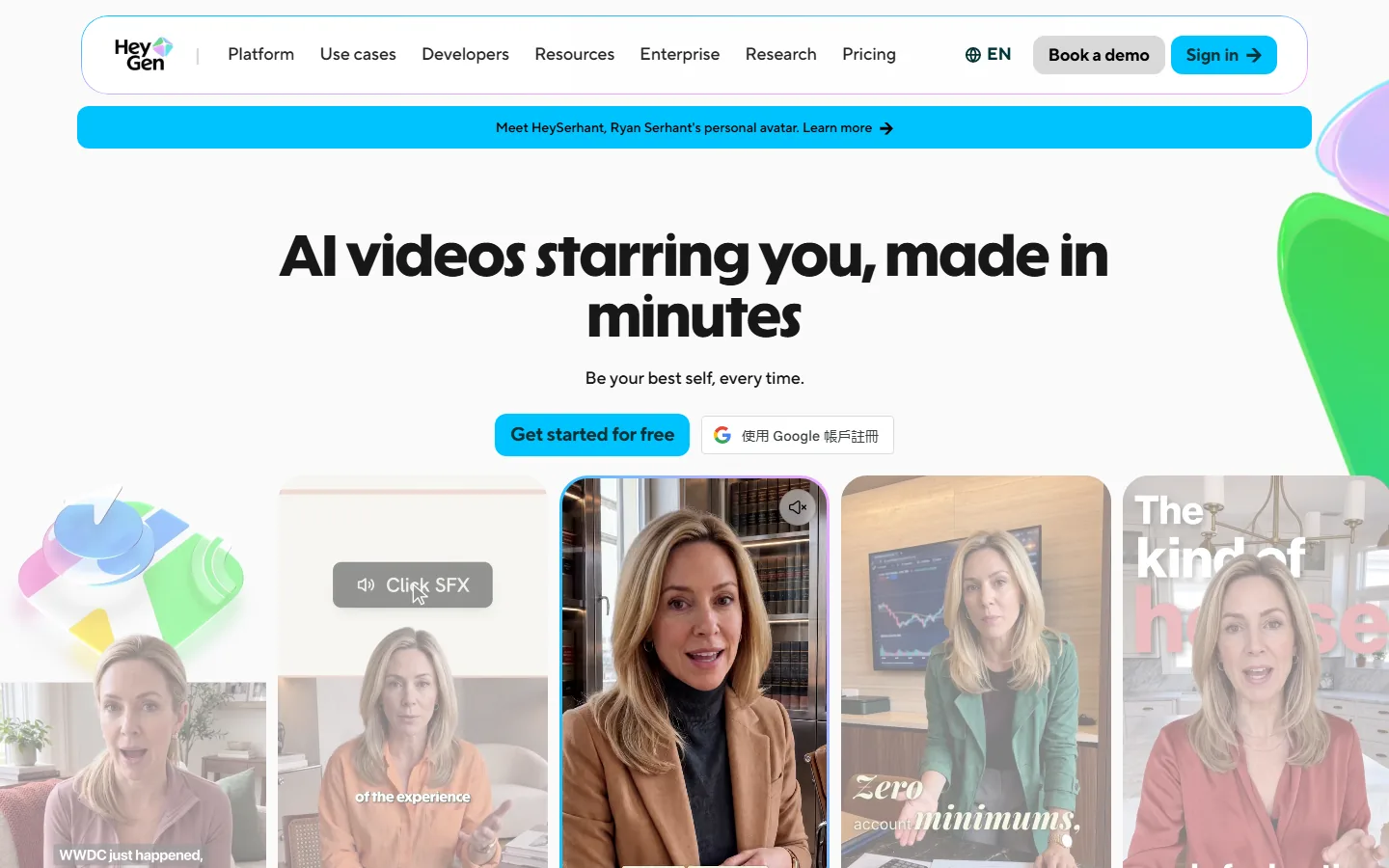
HeyGen is avatar-first. You write a script, pick an avatar or clone your own digital twin, and the platform generates a video of that presenter speaking your words. Its home workflow starts with "Create Digital Twin," followed by voice cloning and avatar creation, according to Fliki's September 2026 hands-on comparison. Video translation with lip-sync is a core feature, covering 175-plus languages and dialects on the Creator plan and above. This is a tool built around a realistic on-screen human, ideally you.
VEED is editor-first. You upload footage, record your screen, or generate a clip, and then work in a real timeline editor with subtitles, audio cleanup, B-roll, and branding. Its Create hub offers talking-head generation, asset generation, AI editing, and recording, but the product's identity is the editor itself, according to eWeek's August 2026 review, which named VEED its top choice for built-in AI video editing. VEED estimates 6,000 credits at roughly 1,500 AI videos, a vendor approximation that signals how many small tasks a credit balance covers.
That structural split is why most 2026 recommendations land where they do: HeyGen answers the "script, no camera" problem, and VEED answers the "footage, no time" problem.
HeyGen vs VEED: Pricing Compared in 2026
The pricing models are different in a way that matters: HeyGen bills by credit-heavy generation, while VEED mixes per-seat pricing with AI credits on top.
HeyGen Free costs $0 and includes 3 videos per month up to 1 minute each with watermarks, plus access to 500-plus stock digital twins and 1 custom digital twin, according to eWeek and AI Tool Discovery. The Creator plan costs $29 per month, or $24 per month billed annually, and includes 600 credits per month, unlimited standard 1080p video exports up to 30 minutes per video, 1 custom avatar, and translation into 175-plus languages. The Pro plan costs $49 per month with 1,000 credits, and Business costs $149 per month for the first seat plus $20 per additional seat, with 1,500 shared credits, according to eWeek's August 2026 breakdown and Marketsplash's October 2026 analysis.
VEED Free costs $0 and allows exports under 10 minutes with a watermark, with free AI credits that vary by region, according to eWeek. The Creator plan costs $12 per user per month billed annually at $147 per year, or $18 to $24 month to month depending on the source, and includes 6,000 AI credits. Pro costs $22 per user per month billed annually at $265, with 30,000 credits, and Studio costs $39 per user per month billed annually at $465, with 180,000 credits, according to Marketsplash. Enterprise pricing is custom.
| Plan | HeyGen | VEED |
|---|---|---|
| Free tier | 3 videos/month, 1 min, watermark | <10 min exports, watermark |
| Entry paid plan | Creator $29/month (or $24 annual) | Creator $12/user/month (annual) |
| Credits included | 600/month (Creator) | 6,000 (Creator annual) |
| AI avatars | 1,100+ stock + custom digital twins | Smaller set |
| Video translation | 175+ languages, lip-sync | Limited languages |
| Timeline editor | Basic, scene-based | Full browser editor |
| Screen recording | No | Yes |
| Best for | Avatar-led generation | Editing footage you shot |
Sources: official HeyGen pricing and VEED pricing pages, plus eWeek (August 2026), Marketsplash (October 2026), and AI Tool Discovery (October 2026).
Which Tool Produces More Realistic AI Avatars?
HeyGen wins avatar realism decisively, and this is the category where independent reviewers are most consistent.
HeyGen offers more than 1,100 stock AI avatars plus custom digital twins cloned from your own footage, with the newest Avatar V generation and the photorealistic Avatar IV model, according to AI Tool Discovery and Fliki. The lip-sync quality is the product's reputation: clones speak with realistic mouth movement, and video translation keeps the sync across 175-plus languages. Fliki's hands-on test described the avatar tooling as "genuinely the most serious" of the tools it compared, with realism and lip-sync that are HeyGen's signature.
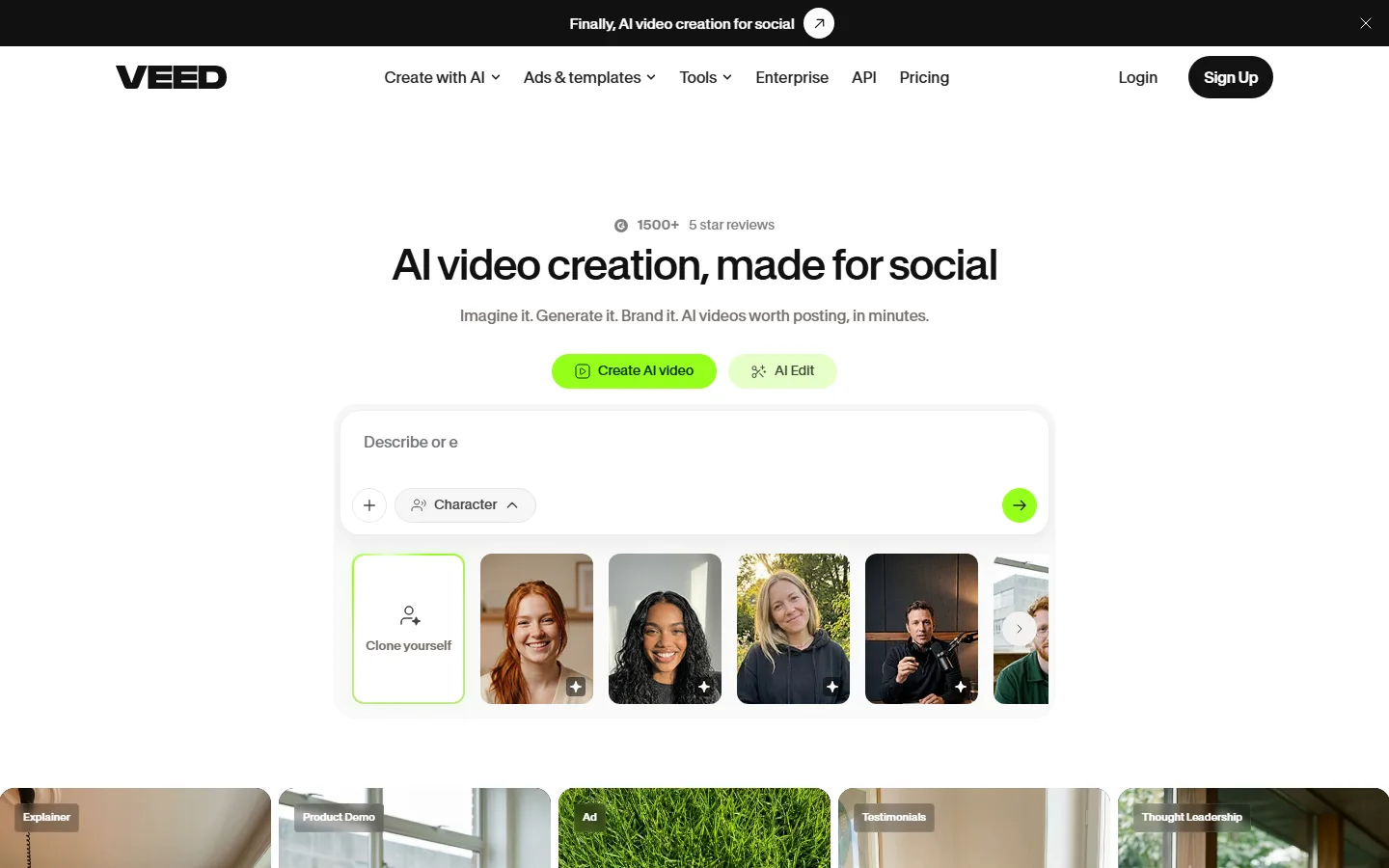
VEED has avatars too, in its talking-head generation flow, but the set is smaller and the focus is different. VEED's strength is speed to a social-ready vertical clip: paste an idea, and it auto-writes a UGC-style script, generates scenes, adds a voice, subtitles, and music, then drops you into the editor, according to Fliki's test, which produced a finished 31-second clip in minutes. The trade-off is control, and the avatar realism does not reach HeyGen's level.
If the video is a realistic talking presenter and that presenter is the whole point, sales outreach, personalized video, spokesperson clips, HeyGen is the tool. If you want a fast social clip with an avatar as one option among many, VEED is enough.
Which Tool Is Better for Editing Footage You Already Shot?
VEED wins editing outright, because editing is the product, and HeyGen's editor is secondary to its generator.
VEED is a full browser-based editor: trim clips, work with transcripts, add B-roll, clean up audio, apply subtitles with heavy styling, and prepare content for different channels. eWeek's G2-based 2026 review named VEED its top choice for built-in AI video editing, citing AI generation, Clips, subtitles, noise removal, and the ability to continue working on generated content in the same editor. Screen recording is built in, which makes VEED a complete workflow for creators who shoot, record, and edit in one place.
HeyGen's editor is capable but centered on the avatar scene. You build a video the way you build a slide deck: create a scene, place an avatar, write the lines it speaks. There is no full timeline for trimming recorded footage, no stock video library for B-roll, and no screen recording. Fliki's test noted HeyGen "is not a fast idea-to-explainer pipeline" with B-roll, because a talking presenter is the product.
If your raw material is footage you filmed or recorded, VEED is the only one of the two that treats that footage as its home turf. HeyGen will generate the presenter, but you would need another tool to edit the result into a finished piece.
What Does Real-World Testing Show About Speed and Output?
Hands-on tests in 2026 produce the same verdict from every reviewer who ran both tools on the same brief: VEED is faster to a finished clip, and HeyGen is stronger on presenter realism.
Fliki's September 2026 test typed the same idea, a 30-second explainer on the benefits of drinking more water, into both tools. VEED went straight to work: it auto-wrote a punchy UGC-style script, split it into scene lines, and generated a finished 31-second vertical clip with scenes, a voice, subtitles, and music in a few minutes, with no follow-up questions. The trade-off was up-front control: VEED made many decisions for you, which is great when you trust it and frustrating when you do not.
HeyGen took a different path in the same test. It asked for avatar, voice, aspect ratio, and brand choices, then generated the video in the editor, but the generation took noticeably longer, and the interface kept showing "still creating" after the video was supposedly ready. That is consistent with the general feedback pattern: HeyGen's generation is slower because the output is more ambitious, and the quality of the presenter is the payoff.
There is also a cost-behavior difference that reviewers flag. Marketsplash's October 2026 analysis noted that failed generations cost nothing on VEED, while on most generative tools, including HeyGen, a bad result is still a paid result. For teams that iterate heavily, that difference changes the effective price of learning and experimentation.
Which AI Video Tool Should You Pick in 2026?
The decision maps to your content pipeline, and the 2026 market has settled into a clear set of use cases.
Pick HeyGen if your videos need a presenter you do not have on staff. Sales outreach videos where the script changes per prospect, personalized product demos, localized training videos in multiple languages, and spokesperson content all get value from HeyGen's avatars and translation. The Creator plan at $29 per month (or $24 annual) is the sweet spot for solo marketers producing a few videos per month, and the credit system is predictable for light use: 600 credits covers roughly 8 minutes of Avatar IV content per month at published rates, according to Marketsplash's rate-card analysis.
Pick VEED if your work is editing: subtitles for short-form social, clipping long footage into vertical clips, screen recording tutorials, or polishing videos you already generate elsewhere. The Creator plan at $12 per user per month billed annually is the cheapest way to remove watermarks, and failed generations cost nothing, which is a real difference from most generative tools in this category, according to Marketsplash.
Pick both if your pipeline includes both jobs, which is common for agencies: generate the presenter with HeyGen, then finish the edit in VEED. If you are weighing the wider market, our HeyGen vs Synthesia comparison covers the other avatar leader, our best AI video generators roundup places both tools against the field, and the Runway vs Pika and Kling vs Hailuo comparisons cover the generative-video side of the category.
FAQ
Q: Is HeyGen worth it in 2026?
A: For avatar-led video, yes. HeyGen Creator at $29 per month includes 600 credits, unlimited 1080p exports up to 30 minutes per video, one custom avatar, and translation into 175-plus languages. It is the strongest avatar realism in the mainstream category, and the free plan lets you test 3 videos per month before paying.
Q: Does VEED have a free plan?
A: Yes. VEED Free allows exports under 10 minutes with a watermark and includes basic editing plus free AI credits that vary by region. The Creator plan at $12 per user per month billed annually removes the watermark and adds 6,000 AI credits.
Q: Which is cheaper, HeyGen or VEED?
A: VEED has the lower entry price, at $12 per user per month billed annually for Creator, against HeyGen's $29 per month for Creator ($24 annual). But the tools do different jobs: VEED's plan buys editing credits, and HeyGen's plan buys avatar generation and translation, so the comparison only makes sense once you know which workflow you are paying for.
Q: Can HeyGen translate videos into other languages?
A: Yes. HeyGen translates videos into more than 175 languages and dialects with lip-sync on the Creator plan and above. This is one of its core differentiators, and it is the main reason localization teams choose HeyGen over editing-first tools.
Q: Can I use VEED without any video editing experience?
A: Yes. VEED's AI flows generate a draft from a one-line idea, including script, scenes, voice, subtitles, and music, then drop you into a simplified editor. Beginners produce usable social clips in minutes, though the full timeline rewards some editing familiarity.
Conclusion
HeyGen and VEED solve different halves of the video problem in 2026. HeyGen generates a presenter from a script and localizes it into 175-plus languages, which is the answer for teams with no camera and no filming budget. VEED edits footage you already have, with auto-subtitles, screen recording, and clipping that turn raw material into social-ready video. Choose by your starting point, and consider running both if your pipeline includes generation and editing.
CTA
Ready to make your first video? Start with HeyGen's free plan to test avatar generation, and try VEED's free editor to caption and clip your existing footage. Both free tiers are open-ended, so test the workflow that matches your content before upgrading.