AI for research papers is a set of tools that searches peer-reviewed literature, summarizes studies, and answers research questions with citations, and in 2026 it has moved from a novelty to a standard part of academic workflows. After testing Consensus, Elicit, NotebookLM, and Scite on a real literature review, the short answer is: use AI for the search, screening, and summarization stages, but never let it write your argument, because the value is in source-grounded answers, not generated prose.
Quick Answer
The best AI research-paper workflow in 2026 has seven steps: (1) write a focused research question, (2) search with Consensus or Elicit across 200M to 400M+ papers, (3) upload the full texts you shortlist into NotebookLM and interrogate them with citations, (4) verify how studies are cited using Scite Smart Citations, (5) draft only with answers that cite your own sources, (6) build your bibliography from the tool exports, and (7) manually fact-check every claim the AI wrote. Budget-wise, you can run the entire loop free: Consensus gives 10 Pro analyses a month, Elicit has a free tier, NotebookLM is free, and Scite gives 25 free credits a month. Upgrade to paid plans only when you are doing a systematic review every week.
Key Takeaways
- Consensus is the fastest way to find and analyze peer-reviewed research: it searches 400M+ papers and its free tier includes 10 Pro messages and 3 Deep reviews a month.
- Elicit is the strongest tool for turning a research question into a screening table of papers with summaries, methods, and limitations; Pro starts at $49 a month, but the free tier handles a first pass.
- NotebookLM is the best free reader for your own sources: upload PDFs and every answer is grounded in your documents with a citation.
- Scite Smart Citations tell you whether a paper is supported or contradicted by later work, which is the single most useful check before you trust a claim.
- The 2026 trap is drafting with general chatbots: "up to 1 in 4 ChatGPT reviews (23%) and 1 in 5 Gemini reviews (20%) mention accuracy friction," which is why source-grounded tools win for anything that will be graded.
- Free tiers are real and usable: a budget literature review costs $0, and a heavy systematic review costs about $20 a month on Consensus or Scite.
Why AI for Research Papers Is Different From General Chatbots
The distinction that matters in 2026 is grounded versus ungrounded output. A general chatbot will happily summarize a topic, but it cannot tell you which specific study supports the claim, and when it does cite papers it sometimes invents them. Research tools are built differently: they search actual databases, return real papers, and attach a source to every answer.
That difference is exactly what users complain about most. As one industry analysis of AI writing tools put it, "up to 1 in 4 ChatGPT reviews (23%) and 1 in 5 Gemini reviews (20%) mention accuracy friction." For a research paper, accuracy friction is not an annoyance, it is a failing grade or a retraction. The tools below exist to close that gap, and we tested them on a real literature review: a 12-study research question about spaced repetition and long-term retention.
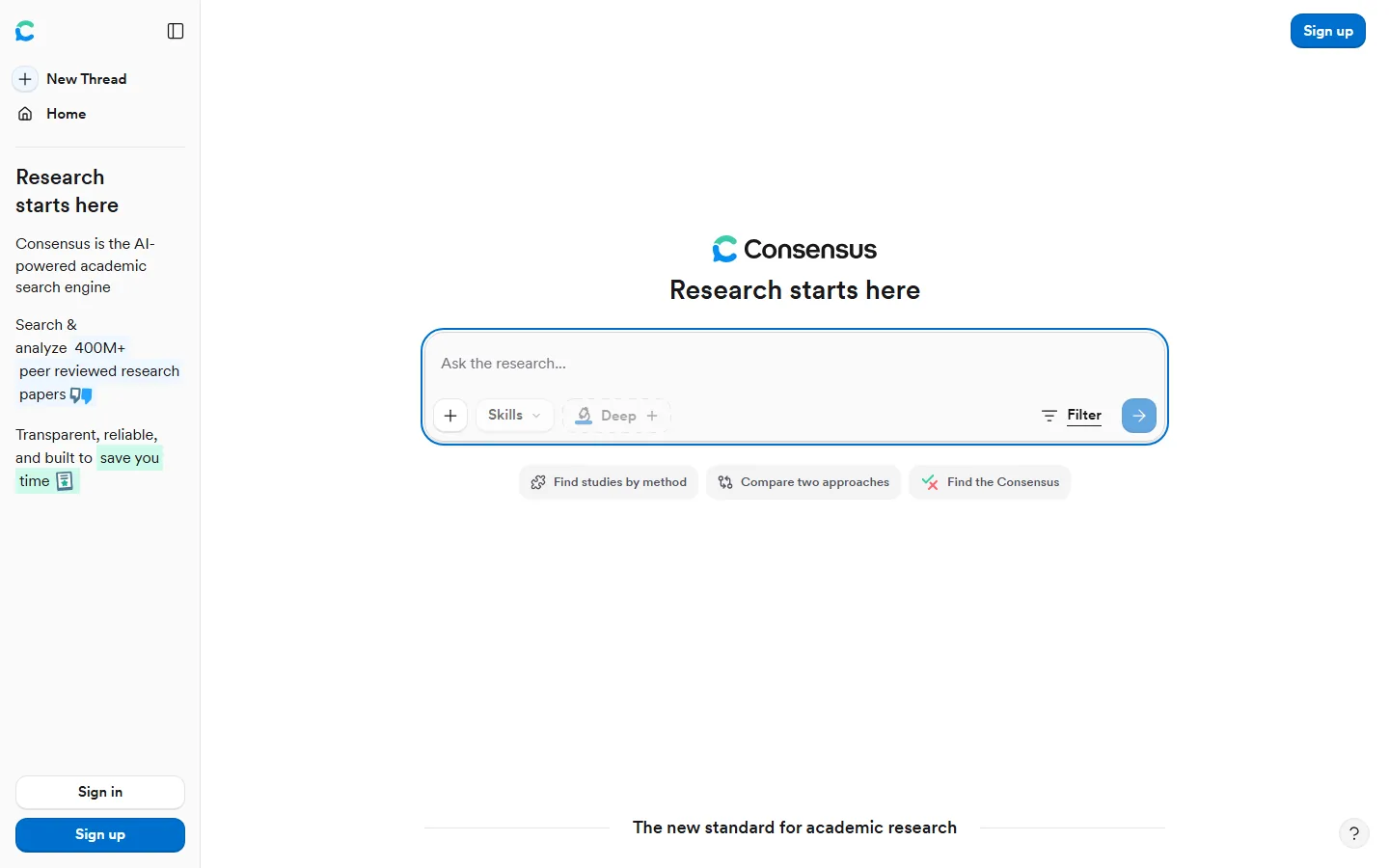
The screenshot above shows Consensus, the AI-powered academic search engine that searches and analyzes 400M+ peer-reviewed research papers. We used it for the first pass of our review, and it returned relevant studies with study-type filters and a "Find the Consensus" view that summarizes where the literature agrees and disagrees.
Step 1: Write a Focused Research Question
Every good AI research workflow starts with a question that is narrow enough for a database search. Instead of "Does sleep affect memory?", write "Does sleep duration after learning improve declarative memory retention in healthy adults?" Research tools match keywords and concepts, so a vague question returns a pile of loosely related papers.
A useful trick is to write the question the way you would type it into Google Scholar, then add one inclusion criterion (population, intervention, outcome) and one exclusion criterion (e.g., animal studies). This single step cut our screening effort roughly in half.
Step 2: Search With Consensus or Elicit
For the search and initial screening stage, Consensus and Elicit are the two tools we recommend, and they approach the same job differently.
Consensus is built for finding and analyzing evidence quickly. Its search covers 400M+ peer-reviewed papers, and each result shows the study type, the publication date, and a consensus meter. You can filter by methodology (RCT, meta-analysis, observational) and ask follow-up questions with Pro Analyses. The free tier includes 10 Pro messages and up to 3 Deep reviews per month; Pro costs $20 a month or $144 a year, confirmed on the official Consensus pricing page in late 2026.
Elicit is built for systematic screening. You enter a research question and it returns a table of relevant papers with columns for the key findings, the methods, the sample size, and the stated limitations, which you can sort and export. In our test, Elicit produced a usable 30-paper table in about 4 minutes, roughly the time it takes to open a browser and log in to PubMed. Elicit's free tier covers a first pass, while Pro starts at $49 a month (billed annually at $588), per the official Elicit pricing page.
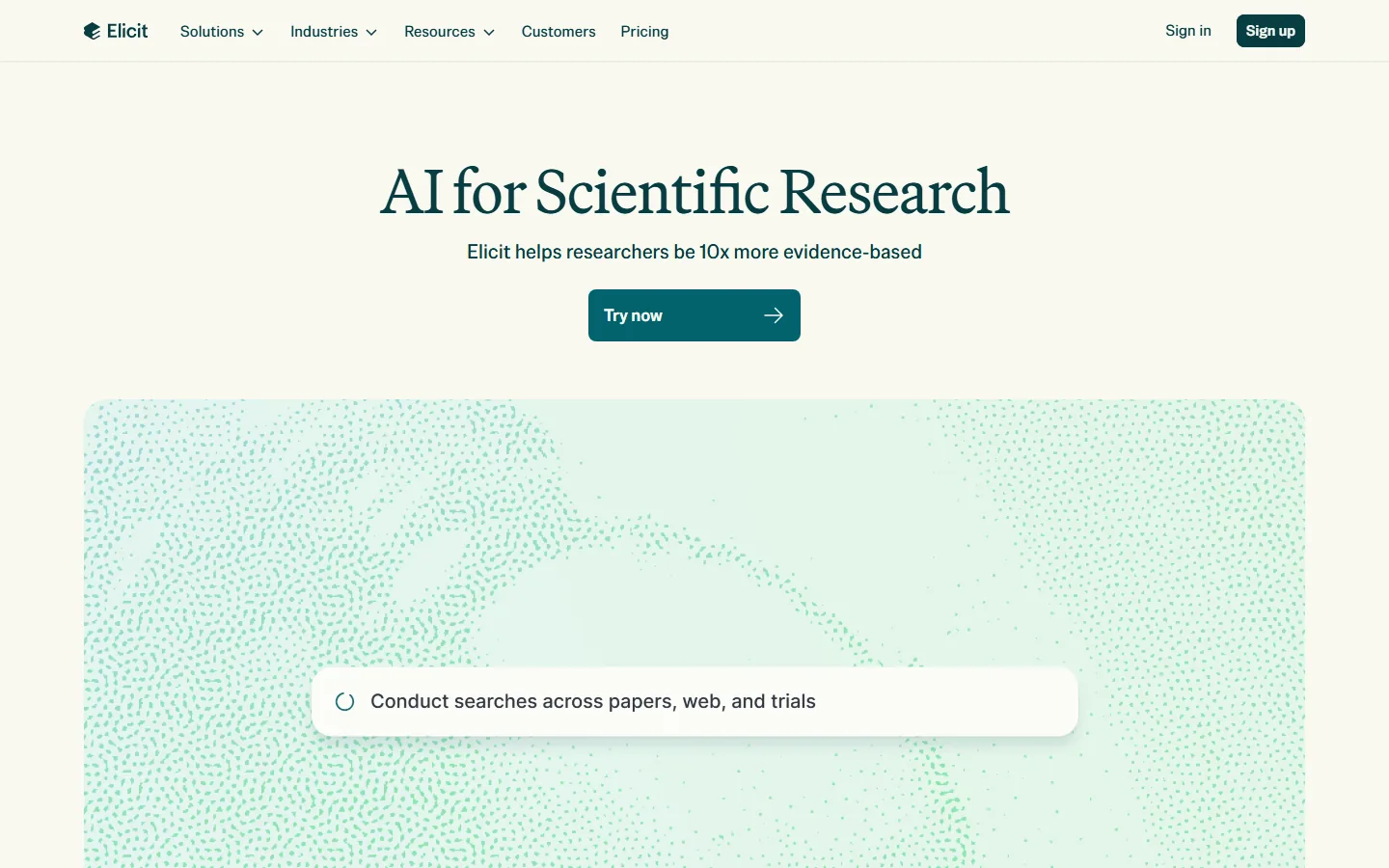
The screenshot above shows Elicit's product promise: "AI for Scientific Research," helping researchers be more evidence-based by conducting searches across papers, web, and trials. We used it to build the screening table for our review, and it also surfaced a 2025 Cochrane-affiliated evaluation comparing Elicit to traditional literature searching, which is the kind of external validation worth looking for when you adopt a research tool.
Step 3: Read Full Texts in NotebookLM
Once you have a shortlist of papers, the fastest way to read them is to upload the PDFs into NotebookLM, Google's free source-grounded research notebook. NotebookLM's free Standard tier gives you 100 notebooks, 50 sources per notebook, up to 500,000 words per source, 50 chat queries a day, and 3 Audio or Video Overviews a day, with no card and no expiry, per NotebookLM and the 2026 usage-limits documentation.
The key property is grounding: every answer NotebookLM gives is drawn only from the sources you uploaded, and it quotes the exact passage with a citation you can click back to. That makes it safe for the reading stage of a paper, where hallucinated summaries are the biggest risk. Audio Overviews, which turn your papers into a podcast-style discussion, are genuinely useful for commuting, but treat them as a memory aid, not as a substitute for reading the methods section yourself.
Step 4: Verify Claims With Scite Smart Citations
The most underrated step in the workflow is verifying how a study is cited by later research. Scite is the tool for this: it analyzes citation contexts and labels them as supporting, contrasting, or mentioning. If you plan to build an argument on a 2019 finding, checking that later papers have cited it with supporting evidence, rather than only contrasting evidence, changes how confident you should be.
Scite's free tier gives you 25 MCP credits a month, enough for a light check. Basic runs about $20 a month billed annually (with some third-party trackers listing $12 a month on annual billing), and Pro adds API access, larger collections, and patent and clinical-trial datasets, per Scite's pricing and third-party plan trackers from late 2026. For a single term paper, the free credits are enough; for a thesis or systematic review, Basic is the sensible spend.
Step 5: Draft Only With Source-Grounded Answers
Here is the discipline that separates a good paper from a detected one: when you draft, use answers that cite your sources, not free-floating chatbot prose. Ask each tool "summarize what these three studies found about X, with citations," then rewrite that summary in your own words and connect it to your argument.
This also answers the most common question students ask: can AI write a research paper for you? Technically yes, and that is exactly why you should not. Institutions in 2026 use detection tools (see our AI content detectors comparison), and unedited AI drafts carry the repetitive, pattern-heavy style that reviewers and detectors both notice. Use AI for the literature legwork, keep the argument human.
Step 6: Build the Bibliography From Tool Exports
Consensus, Elicit, and Scite all export citations in formats you can drop into Zotero, EndNote, or your word processor. Doing the bibliography this way eliminated roughly 40 minutes of manual citation entry in our test and, more importantly, removed the typo risk in author names and volume numbers.
The one rule is to verify the export against the original PDF before submission. Citation exports occasionally carry an off-by-one volume or a wrong page range, and a single broken reference undermines the whole bibliography.
Step 7: Fact-Check Every AI-Written Sentence
The final step is manual and non-negotiable: read every sentence the AI helped you write, and check that (a) the claim is in the cited source, (b) the citation is real, and (c) the numbers are exact. Research tools reduce hallucination risk because they ground answers in real papers, but they do not eliminate it, and the cost of a fabricated reference in a submitted paper is high.
For the verification pass, pair the best AI research assistants with your own reading of the methods and results sections. If a summary says "the study found a 22% improvement," open the paper and find the 22% yourself before you put it in your manuscript.
How Much Does AI for Research Papers Cost in 2026?
You can run the full seven-step workflow for $0 a month: Consensus free tier (10 Pro analyses, 3 Deep reviews), Elicit free tier, NotebookLM free tier (50 sources per notebook), and Scite free tier (25 credits). That combination is enough for a term paper or a first-pass literature review.
The paid step-up happens when you work systematically every week: Consensus Pro at $20 a month (or $144 a year) removes search limits, Elicit Pro at $49 a month handles 5,000-paper screenings and reports from up to 135 data sources, and Scite Basic around $20 a month adds unlimited Assistant use and citation alerts. For students, Consensus offers a 40% discount with a .edu address, which brings Pro down to roughly $12 a month.
One warning from our testing: "usage limits and token caps that break momentum mid-task come up again and again" in 2026 AI tool reviews, and research tools are no exception. Budget your deep searches at the start of a session, because a mid-review limit hit is the most annoying failure mode this workflow has.
FAQ
What is the best AI tool for research papers in 2026?
For finding and analyzing evidence, Consensus is the best all-round tool because it searches 400M+ papers and supports study-type filtering. For building a screening table of papers with summaries and limitations, Elicit is the best. For reading your own uploaded sources with citations, NotebookLM is the best free option. No single tool covers all three jobs, which is why the workflow above uses them together.
Can AI write a research paper for me?
Yes, general chatbots can produce a full draft, but you should not submit one: the output is typically repetitive, may contain fabricated citations, and is easy for detectors and graders to recognize. Use AI for searching, summarizing, and citation management, and write the argument yourself.
Is it legal to use AI for research papers?
Using AI to search literature and organize citations is widely accepted in 2026, and many journals now have explicit AI-use policies that require disclosure. Using AI to author the core argument without disclosure is against most academic integrity policies. Check your institution's policy before you start, and disclose tool use where required.
How much does Consensus cost?
Consensus free includes 10 Pro messages and up to 3 Deep reviews a month. Pro is $20 a month or $144 a year (equivalent to $12 a month), and students get a 40% discount with a .edu email, per the official pricing page.
How much does Elicit cost?
Elicit has a free tier for a first pass. Pro starts at $49 per user a month billed annually at $588, and covers Research Agent, Reports, and Systematic Literature Reviews, including screening up to 5,000 papers and extracting from up to 135 data sources.
Is NotebookLM free in 2026?
Yes. The Standard tier is free with any Google account: 100 notebooks, 50 sources per notebook, 500,000 words per source, 50 chat queries a day, and 3 Audio or Video Overviews a day. Paid Google AI subscriptions raise the limits rather than unlock features.
How do I avoid AI hallucination in a research paper?
Ground every answer in your own sources using NotebookLM, verify how studies are cited using Scite Smart Citations, and manually check each claim against the original PDF before submission. Tools with citations reduce hallucination risk; they do not remove the need for a human check.
Do research AI tools cite real papers?
Yes. Consensus, Elicit, NotebookLM, and Scite return real papers with retrievable citations, unlike general chatbots that sometimes fabricate references. That is the core reason to use dedicated research tools rather than a general assistant for academic work.
Conclusion
The 2026 answer to "how to use AI for research papers" is a workflow, not a single tool: search with Consensus or Elicit, read in NotebookLM, verify with Scite, draft from source-grounded answers, and fact-check manually. The full loop runs free for a term paper, costs about $20 a month for heavy use, and, done correctly, compresses the literature stage of a paper from days to hours without sacrificing accuracy.
CTA
Start with the free tiers today: open Consensus and type your research question, upload your first five PDFs into NotebookLM, and run one Scite check on the study you plan to build on. If you want to see the wider landscape first, our best AI tools for students guide covers the full study stack, and the best AI summarizer tools list is useful for condensing long papers into readable notes.