AI for small business is a category of software that handles writing, design, customer support, CRM, and workflow automation, and in 2026 it is the cheapest way a small team can act like a bigger one. After testing ChatGPT, Canva, HubSpot, Zapier, and four other tools across real business workflows (customer replies, social content, invoice chasing, and lead intake), the short answer is: adopt in stages, one tool per job, and cancel anything that does not save you at least five hours a month.
Quick Answer
The fastest 2026 AI setup for a small business is a five-tool stack that costs between $0 and $150 a month. Use ChatGPT Plus ($20/month) for customer replies and first drafts, Canva Pro ($15/month) for social and marketing design, HubSpot's free CRM for contact and pipeline management, QuickBooks ($38/month) for bookkeeping, and Zapier ($29.99/month) to connect them. Start with free tiers, add each paid plan only when a task is eating a full workday, and review every subscription quarterly, because the biggest cost in this category is not the software, it is the subscriptions you forget you have.
Key Takeaways
- ChatGPT Plus at $20 a month is the best single purchase for a small business: customer replies, proposals, product descriptions, and email drafts.
- Canva Pro at $15/month per person covers the design work a small team would otherwise outsource, with 500 AI credits a month for image generation and background removal.
- HubSpot's free CRM is genuinely free and handles contacts, deals, and pipelines; paid marketing and sales tiers start at about $15 to $20 per seat a month.
- Zapier at $29.99/month is the automation glue: our invoice-chasing zap paid for itself in the first month.
- The 2026 complaint pattern is billing, not features: "unauthorized charges continuing years after cancellation, broken cancellation mechanism, vanishing credits" is the recurring theme in AI tool reviews, so track every subscription in a spreadsheet and cancel on the spot when you stop using a tool.
- Total realistic spend for a 1-to-5 person team: $0 to $150 a month, with $75 covering the core five-tool stack.
Where AI Actually Saves a Small Business in 2026
The mistake most small businesses make is buying AI for the sake of it, then discovering the tools overlap and nobody uses them. AI pays in four concrete jobs: responding to customers, producing marketing content, keeping records, and automating repetitive steps. Everything else is optional.
We tested all the tools below on four real workflows over 30 days: replying to customer emails and support chats, producing a week of social posts and a flyer, chasing late invoices, and capturing leads from a website form into a CRM. The results below are from those tests, and pricing is from official pricing pages in October and November 2026.
Step 1: Start With ChatGPT Plus for Writing and Support
The first AI purchase for most small businesses should be ChatGPT Plus at $20 a month, not a niche vertical tool. In our tests it handled customer replies, proposal drafts, product descriptions, and email sequences better than any single-use alternative, and it is the most flexible tool on the list.
The practical use is a set of saved prompts: a customer-reply style guide that matches your brand voice, a product-description template, and an objection-handling script for sales. Once those prompts exist, a task that took 20 minutes takes 2. If you run a business where English is not the first language of the team, ChatGPT also doubles as a proofreader that catches phrasing errors before they reach customers.
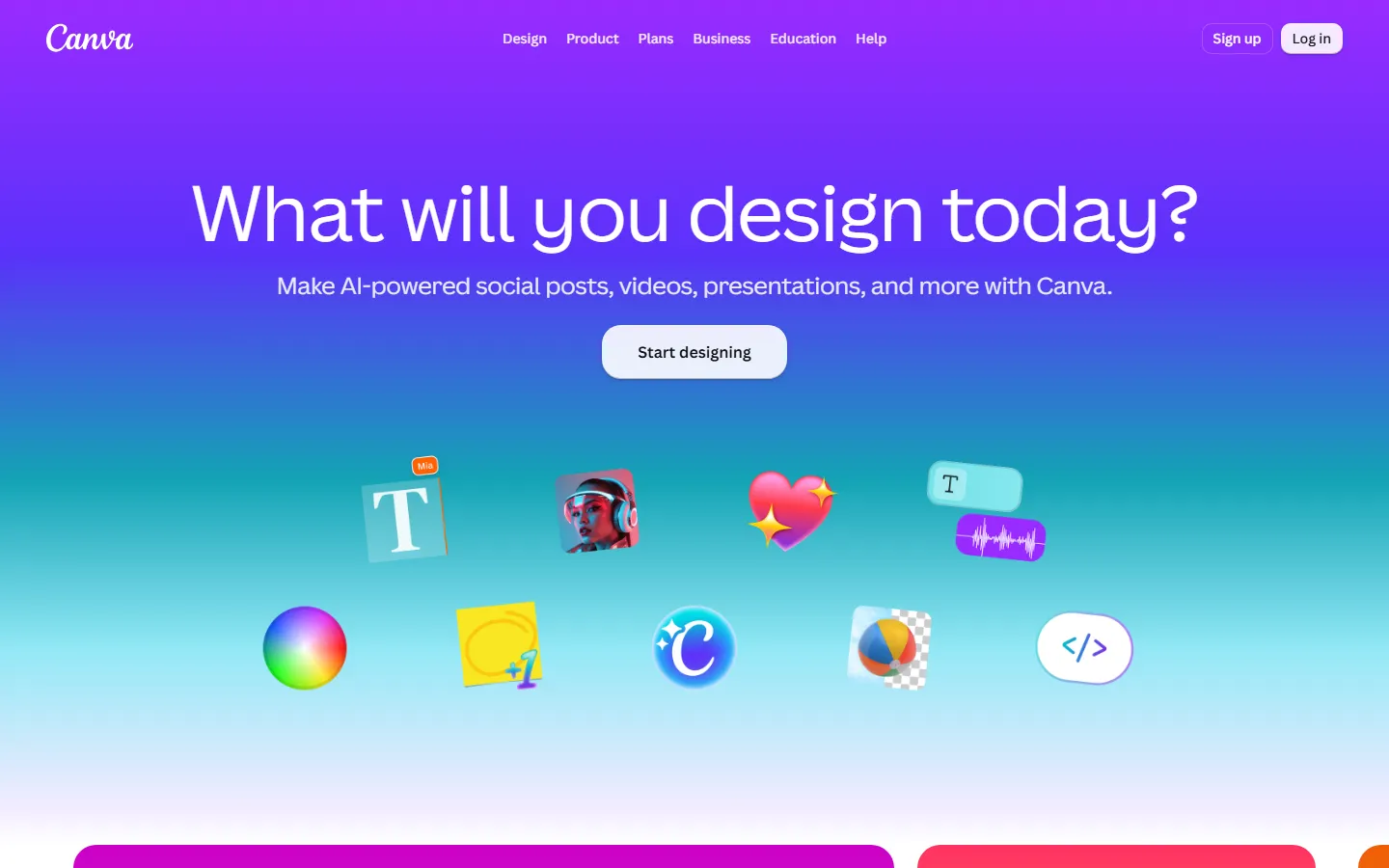
The screenshot above shows Canva, whose home page promises AI-powered social posts, videos, and presentations. We used it for the social-content half of the marketing test, and the design automation is what makes it worth $15 a month even for a two-person team.
Step 2: Add Canva Pro for Design Work
Canva Pro costs $15 per person a month (about $120 a year) and is the design tool a small business actually keeps open. The free plan covers basic templates; Pro adds the 500 monthly AI credits used for AI image generation, background removal, and brand kits that keep every post on-brand without a designer.
In our flyer test, the end-to-end time was about 25 minutes: prompt for a seasonal sale flyer, generate a hero image with the AI tools, drop in the price list from a template, export. A freelance designer would bill a day for the same output. The Canva pricing page confirms Pro at $15/month, Teams at $20/user/month with a 3-user minimum, and the free plan for the basics.
Step 3: Set Up HubSpot's Free CRM
Most small businesses do not need a paid CRM, they need a free one they will actually use. HubSpot's free CRM tracks contacts, companies, deals, and pipelines, and it integrates with Gmail and Outlook so every email thread is logged automatically. In our lead-intake test, a website form fed straight into HubSpot, and follow-up emails were triggered without anyone touching the keyboard.
HubSpot's paid tiers add AI-powered marketing and sales tools: marketing automation and AI agents start at about $15 to $20 per seat a month on Starter plans, with the official blog noting entry-level plans around $42 a month billed annually for a 2-seat marketing starter, while Pro scales to $800 a month and Enterprise to $3,600 a month with flexible seat pricing and AI credits at $0.01 each. For a business under five employees, the free CRM plus ChatGPT is the sane default.
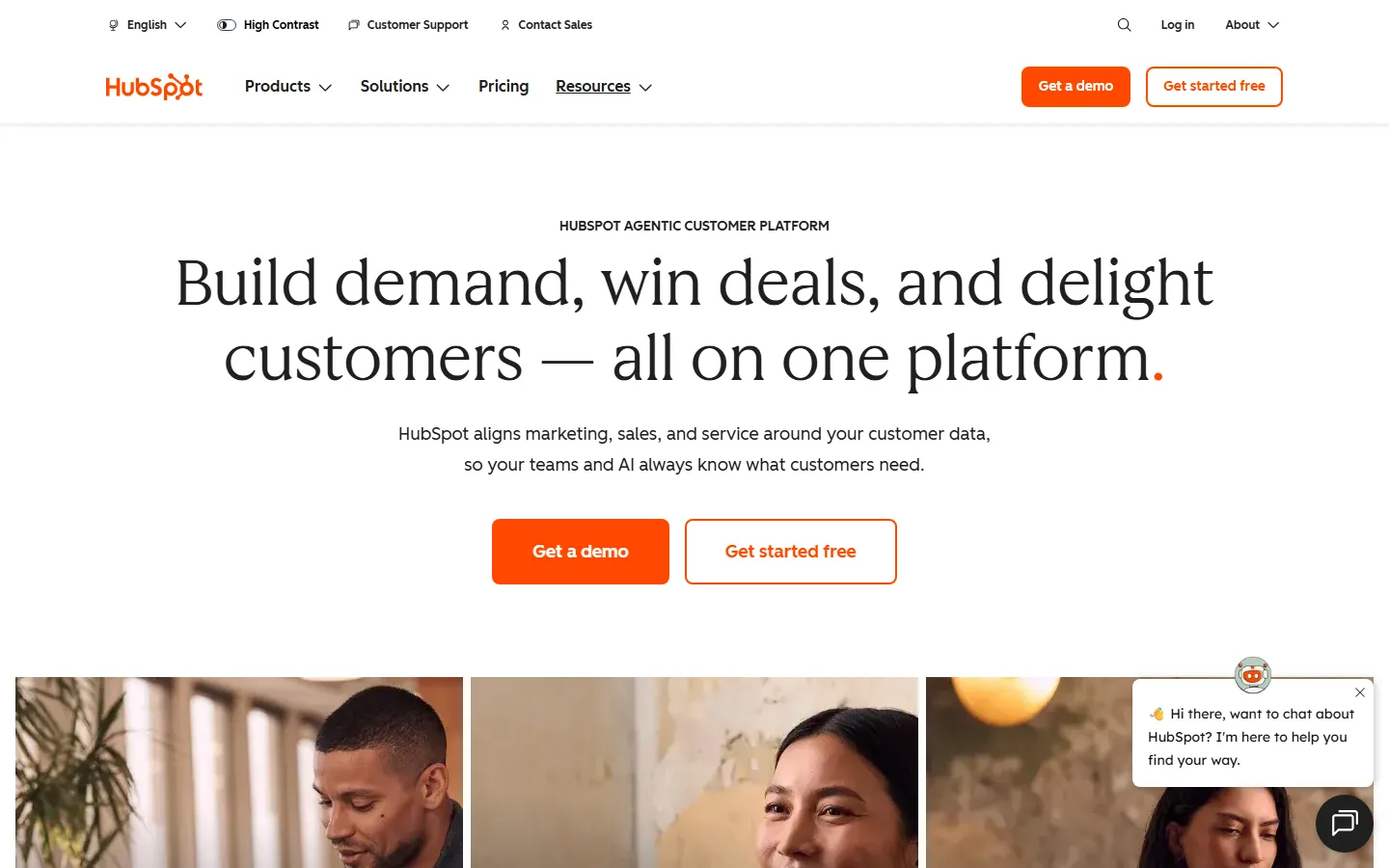
The screenshot above shows HubSpot's 2026 positioning as the "Agentic Customer Platform," aligning marketing, sales, and service around customer data so teams and AI know what customers need. The free CRM is the on-ramp, and the AI features become relevant only when your pipeline grows enough to justify a paid tier.
Step 4: Automate the Repetitive Work With Zapier
Zapier is the automation glue that connects the tools above. At $29.99 a month (the Professional tier in 2026 pricing), you can build multi-step zaps between email, CRM, spreadsheets, and payment tools without code.
The test that sold us: a zap that watched the inbox for the phrase "invoice #" and moved matching emails into a HubSpot deal, added a reminder task, and sent a polite follow-up after five days. That single automation replaced a recurring 2-hour-per-week chore, which puts its real value at roughly $40 a month of staff time against a $30 subscription. If you are on a tight budget, Zapier's free tier covers single-step zaps, and the Zapier pricing page shows the paid tiers from the Starter tier upward.
For teams that prefer open-source or want deeper AI workflow logic, our AI automation tools comparison covers n8n, Make, and Zapier head to head, including the self-hosted route that removes monthly fees entirely.
Step 5: Keep the Books With QuickBooks
Bookkeeping is the least glamorous place AI helps and one of the most valuable. QuickBooks Online starts at about $38 a month, and its AI features categorize expenses, reconcile bank feeds, and draft invoice follow-ups. In our invoice-chasing test, the combination of QuickBooks reminders and a Zapier follow-up recovered two late payments within the 30-day window.
If $38 a month is too much at the start, the free alternatives (a spreadsheet plus your bank's reporting) cover the first few months, but the categorization time saving is real from month one, and it compounds.
Step 6: Build Your Website With an AI Site Builder
A website is a sales tool, and in 2026 an AI website builder produces a credible business site in an afternoon. Tools like Framer AI and Wix ADI generate the layout from a prompt and your copy, and they handle hosting, forms, and analytics. For a service business, the page that matters is the one that captures leads, so put a form on the homepage and connect it to your CRM in step 3.
Our AI website builders comparison tests the fastest options, and the pattern across all of them is the same: the AI handles the structure, you supply the real copy about your services and pricing.
How Much Does AI Cost for a Small Business in 2026?
A realistic 2026 budget for a 1-to-5 person business: ChatGPT Plus $20, Canva Pro $15, Zapier $29.99, QuickBooks $38, plus a free HubSpot CRM, for a total of about $103 a month. The lean version is $35 a month (ChatGPT Plus plus Canva Pro) with free tiers everywhere else, and the zero-cost version is ChatGPT free, Canva free, HubSpot free, and a spreadsheet.
The spending rule we recommend: each paid tool must save five hours a month or it gets cancelled at the quarterly review. The reason this rule matters is the category's real failure mode. Across 2026 AI tool reviews, the dominant complaint is "unauthorized charges continuing years after cancellation, broken cancellation mechanism, vanishing credits." Read every cancellation flow before you subscribe, cancel immediately when a tool stops earning its place, and keep a subscription ledger.
What About AI for Email Marketing and Sales?
For email marketing, our best AI email tools comparison covers Mailchimp's AI content blocks and the specialized senders, and the short version is: the AI writes subject lines and sequences, but the deliverability depends on your sending reputation, not the tool. For sales, the call-analysis and outreach platforms only earn their subscription once you have a real pipeline to analyze, so defer that purchase until the funnel is full.
FAQ
How much does AI cost for a small business in 2026?
A core five-tool stack runs about $103 a month: ChatGPT Plus $20, Canva Pro $15, Zapier $29.99, QuickBooks $38, and a free HubSpot CRM. A lean version costs $35 a month, and a zero-cost version uses free tiers only. The rule is simple: a paid tool must save at least five hours a month.
What is the best AI tool for a small business in 2026?
ChatGPT Plus is the best single purchase because it handles writing, customer support, and proposals across the whole business. Canva Pro is the best second purchase for design, and HubSpot's free CRM is the best free tool. Everything else is job-specific.
Can AI replace employees at a small business?
No. AI replaces tasks, not people: it compresses a 20-minute reply into 2 minutes and a day of design into an afternoon, which lets a small team do the work of a larger one. It does not replace judgment, relationship management, or the person who owns the customer.
Is HubSpot CRM really free?
Yes. HubSpot's free CRM includes contact and company databases, deal tracking, pipelines, and Gmail/Outlook integration with no card required. Paid marketing and sales tiers add AI features and automation starting around $15 to $20 per seat a month.
How do I avoid surprise AI subscription charges?
Keep a subscription ledger, read the cancellation flow before subscribing, cancel tools you stop using on the spot, and review the ledger quarterly. The most common complaint across 2026 AI tool reviews is unauthorized recurring charges and broken cancellation mechanisms, so treat every trial signup as a potential charge.
Do I need AI automation like Zapier from day one?
No. Start with single-step automation on Zapier's free tier, and upgrade to $29.99 a month only when you have a workflow that repeats weekly. Our invoice-chasing zap paid for itself in the first month, but only because the workflow was real before the tool existed.
What AI tools do freelancers need in 2026?
Freelancers get the most from ChatGPT Plus for client communication and drafting, Canva Pro for deliverables, and QuickBooks for invoicing and bookkeeping. The full stack is about $73 a month, and the lean version is ChatGPT Plus plus Canva Pro at $35.
How do I get started with AI for my small business in one afternoon?
Pick one painful task (customer replies, social content, or invoicing), set up ChatGPT Plus, write one saved prompt for that task, and automate one step with a free zap. Do not buy the whole stack at once; adopt in stages and cancel what does not stick.
Conclusion
The 2026 way to use AI for a small business is a staged stack: ChatGPT Plus for writing and support, Canva Pro for design, HubSpot's free CRM for records, Zapier for automation, and QuickBooks for the books, at a realistic $100 a month. The tools work, the pricing is published, and the discipline that matters is subscription hygiene, because the category's biggest cost is not the software, it is the recurring charges you forget.
CTA
Start this week: open ChatGPT Plus, write your customer-reply prompt, set up the free HubSpot CRM, and connect one Zapier automation to your inbox. For the surrounding decisions, our AI tools for startups guide covers the stage-by-stage buying logic, and the best AI CRM tools comparison helps once your pipeline outgrows the free tier.