Bubble vs Glide 2026: No-Code App Builder Compared
Quick Answer: Bubble is the better choice for teams building full web applications with complex data models, custom workflows, and scaling requirements, because its visual editor, database, and plugin ecosystem have matured over a decade and its paid plans start around $32 per month on annual billing. Glide is the better choice for teams that want to turn spreadsheets and simple business data into usable apps and agents within days, because the new GlideOS builds software from a spreadsheet or a plain-language prompt, with plans starting at $25 per month. If you need a product, pick Bubble. If you need an internal tool, pick Glide.
Bubble is a full-stack no-code development platform that lets you build web applications with a visual editor, a built-in database, workflows, and integrations, with pricing based on app capacity. Glide is a no-code app builder that started as a spreadsheet-to-app tool and evolved into GlideOS, an agentic platform that generates apps and internal tools from spreadsheets or natural-language descriptions. The core difference in 2026 is depth versus speed: Bubble gives you a complete development environment, while Glide gives you the fastest path from data to a working app.
How Much Do Bubble and Glide Cost in 2026?
Pricing structures are very different, and they shape which tool fits which budget.
Bubble sells plans per app with capacity tiers. According to Bubble's official pricing page (October 2026), the Web and Mobile combo plans cost $59 per month for Starter, $209 per month for Growth, and $549 per month for Team on annual billing. For web-only projects, Bubble's official comparison post (September 2026) lists Starter Web at $32 per month annually ($39 monthly), Growth Web at $119 per month annually ($134 monthly), and Team Web at $349 per month annually ($399 monthly). The Free plan lets you build in the editor but apps cannot go live, according to Bubble's cost article (August 2026). Glide's official pricing page and Bubble's official pricing page are the authoritative sources for current plan limits.
Bubble's capacity model matters for cost planning. Paid plans include workload units, with reported allocations of 175K, 250K, or 500K units depending on tier, according to Goodspeed Studio's May 2026 analysis of the new pricing model. Heavy database operations and API calls consume workload units, so an app that grows can push a team from Starter to Growth sooner than the seat count suggests.
Glide moved to a new agentic platform, GlideOS, with credits-based pricing. According to the official Glide pricing page (October 2026), GlideOS plans start at $25 per month. The September 2026 pricing changelog lists Plus from $50 per month, with 3 team members, 5 published apps, 20 projects, and 5 enabled workflows, and Pro from $125 per month, with 5 or more team members and unlimited published apps and workflows. An October 2026 comparison from Programming Insider confirms the structure: Free at $0 with 2 team members, Basic at $25 per month with 2 members and 2 published apps, Plus at $50 per month with 3 members and public apps, and Pro at $125 per month with unlimited apps. GlideOS uses LLM tokens and credits for building and running software, so AI-heavy builds consume credits.
Which One Handles Complex Data and Logic Better?
This is the clearest separation between the two platforms.
Bubble is a real application platform. You get a database with data types, fields, and relations, plus a workflow engine where you can define complex automation: multi-step actions, conditional logic, scheduled jobs, API calls, and user permissions. This is why Bubble powers actual SaaS products and marketplaces, not just internal tools. The learning curve is real, but the ceiling is high, and the platform has a mature ecosystem of plugins and templates for payments, auth, and third-party services.
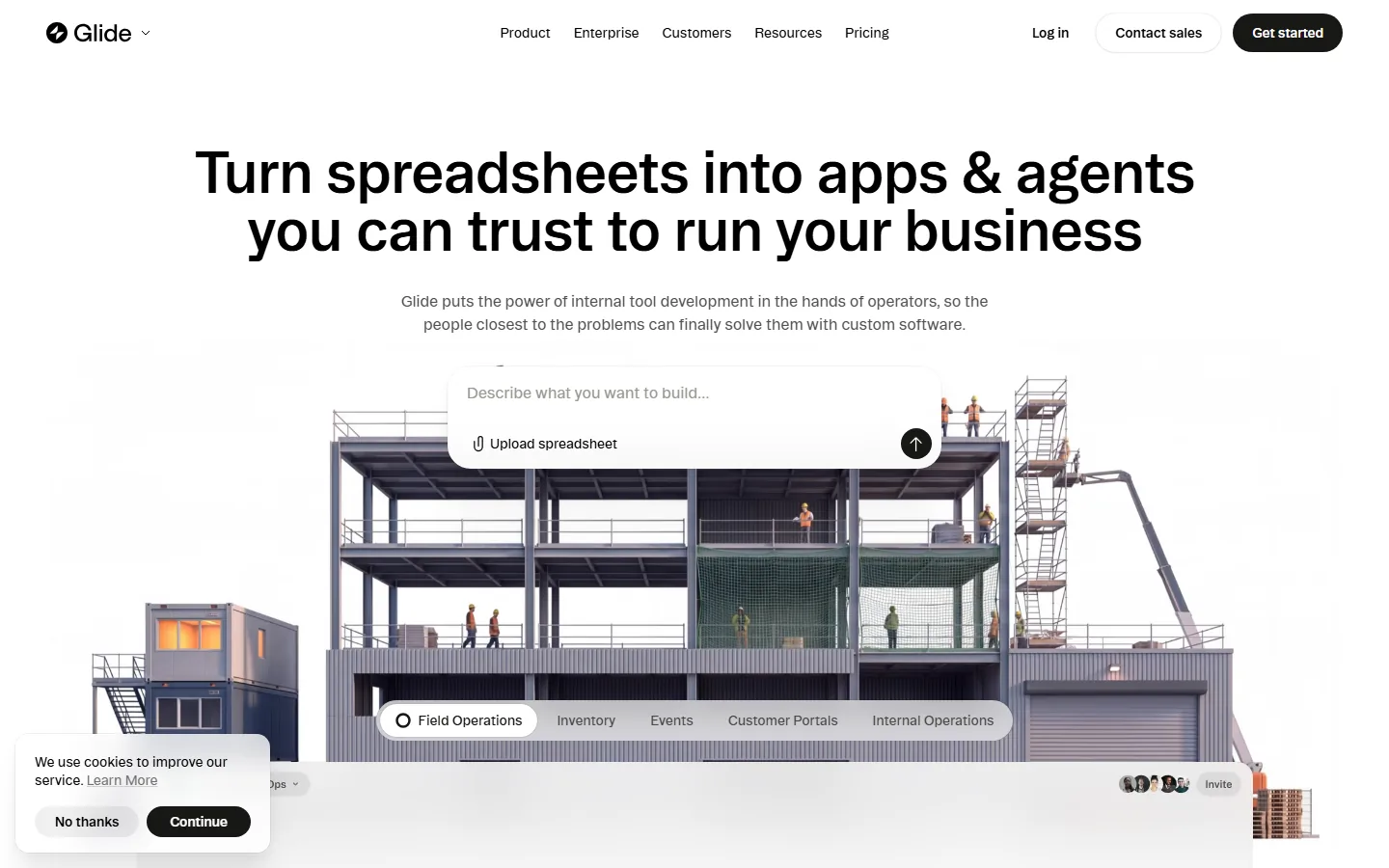
Glide is built around the spreadsheet model. Classic Glide apps are driven by Google Sheets or Excel data, with a sheet as the backbone and app screens generated from it. GlideOS keeps that DNA and adds AI generation: you can describe what you want to build or upload a spreadsheet, and the platform assembles an app with data tables and agent workflows. For typical business data, inventory, field operations, customer portals, and internal operations, Glide covers most needs without any database design.
The practical rule in 2026 is to match the tool to the data model. If your app needs relational data, complex business rules, and custom logic beyond what a spreadsheet expresses, Bubble is the right platform. If your app is essentially structured data with standard operations, create, read, update, delete, filter, and search, Glide gets you there much faster and with far less design work.
How Do the AI Features Compare in 2026?
Both platforms added AI aggressively in 2026, but the AI philosophy differs.
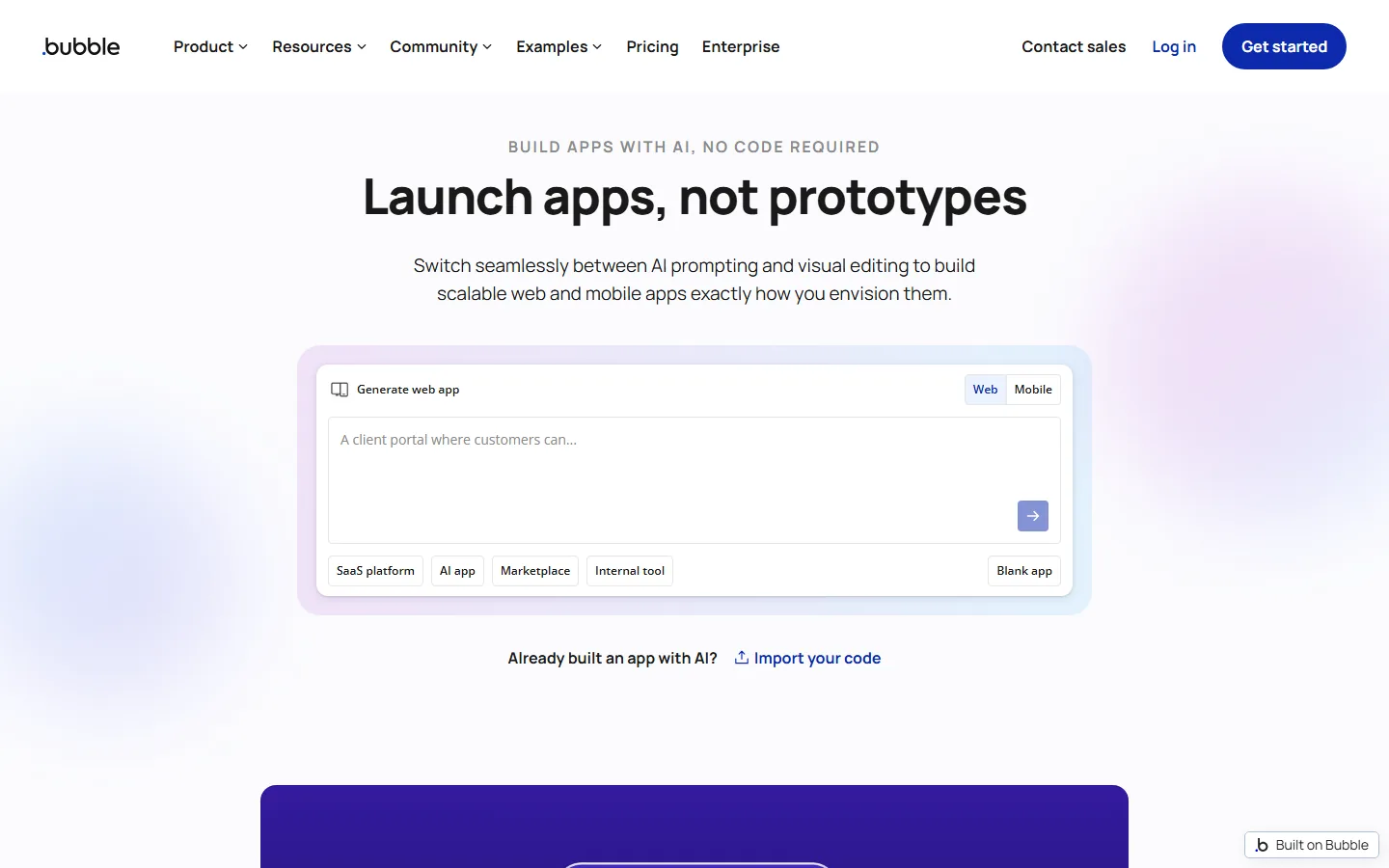
Bubble's AI features help you build within a full development environment. The Bubble homepage now centers on AI-assisted app generation, where you can prompt the platform to generate an app and then switch to the visual editor to refine it. The key point is that AI accelerates the build, but the result is still a Bubble app you own and control, with the full editor, database, and workflow engine underneath. This fits teams that want AI speed without losing the power of a real platform.
GlideOS treats AI as the core runtime. The platform uses LLM tokens to build software and work with you during the build, and the agent layer is part of the product, not an add-on. Glide markets this as agents you can trust to run your business, with the spreadsheet-to-app flow powered by AI assembly. The tradeoff is that GlideOS runs on credits, so AI-heavy usage has a metered cost that Bubble's flat capacity pricing does not have.
For teams comparing the two, the difference is where the AI lives. Bubble uses AI as a build accelerator inside a classic no-code environment. GlideOS uses AI as the building and operating layer itself, which makes it faster to start but couples your running costs to token consumption.
Which One Is Better for Startups Building a Product?
For a startup building a customer-facing product, Bubble is the standard recommendation in 2026.
The reasons are structural. Bubble supports authentication, payments, user roles, complex workflows, and scaling infrastructure, which are the requirements of a real product. It also lets you move from MVP to production without switching platforms, because the same editor that built the prototype runs the production app. Independent comparisons, including Bubble's own analysis versus other AI builders, consistently place Bubble as the choice when the app needs a real backend.
Glide can launch a product too, especially for niche audiences, but its strengths are internal tools, client portals, and spreadsheet-driven apps. GlideOS can generate a public app quickly and supports published apps on Plus and above, but complex product logic, custom roles, and heavy customization push you back toward Bubble or a traditional code stack. Startups that chose Glide for a quick launch often migrate to Bubble when the product grows, while startups that chose Bubble rarely migrate away.
Cost plays a role as well. A single Bubble Starter app at $32 per month annually is cheaper than a hosted backend, and the Free plan covers prototyping. Glide's Basic at $25 per month covers light internal use, but public apps and more members require Plus at $50 per month or Pro at $125 per month. For a funded product team, Bubble's capacity-based pricing is more predictable at scale than Glide's credits.
Which One Should an Internal Tool Team Pick?
For internal tools, field operations, and spreadsheet-driven workflows, Glide is the faster and cheaper answer.
Glide's origin is spreadsheet-to-app, and its templates reflect that: Field Operations, Inventory, Events, Customer Portals, and Internal Operations are the categories the platform promotes. A warehouse manager can turn an inventory spreadsheet into a mobile app with scanning and status updates in days, without any database design or workflow engineering. GlideOS extends that to agent-style automations, where the platform maintains workflows on the underlying data.
Bubble can build internal tools too, and it is the better choice when the internal tool needs serious logic: approval workflows, complex permissions, integrations with your product's database, or multi-department rules. But that power comes with a slower build cycle. For a small operations team that needs a working tool next week, Glide wins. For an internal system that will grow into a company-wide product, Bubble wins.
A useful middle path is to use Glide for quick internal tools and Bubble for the systems that genuinely need a full backend. Many teams run both, because the tools solve different classes of problems and the overlap in price is small enough to justify. The same logic applies to adjacent no-code territory such as n8n vs Zapier, where automation teams choose a flexible platform for pipelines that a simple connector cannot express.
How Do the Platforms Compare for Non-Technical Users?
Learning curve is a major selection factor, and the two platforms sit at opposite ends of the spectrum.
Glide is the friendlier entry point. If you can work with a spreadsheet, you can build a Glide app, and GlideOS reduces the setup further by generating the app from a prompt or uploaded data. The interface is designed around app screens and simple data relationships, and most business users can become productive within a day. For non-technical users, this is the fastest path from idea to working app in the no-code space.
Bubble has a steeper curve. The visual editor is powerful, but data types, workflows, conditions, and the event system require deliberate learning. Bubble provides extensive documentation and a large community, and the effort pays off in capability, but a non-technical user should expect weeks of learning before building confidently. Teams that want non-technical staff to own the tool long-term should consider Glide first.
The honest tradeoff is that Glide trades capability for accessibility, while Bubble trades accessibility for capability. The right choice depends on who will build and maintain the app, not just what the app does.
FAQ
Q: Is Bubble free to use?
A: Yes, Bubble has a Free plan that lets you build and test in the editor, but apps cannot go live. Paid plans start at $32 per month on annual billing for Starter Web, or $59 per month for the Web and Mobile combo.
Q: Is Glide free to use?
A: Yes, GlideOS has a Free plan with limited credits and 2 team members, but published apps and most features require paid plans starting at $25 per month for Basic.
Q: Which is better for building a SaaS product, Bubble or Glide?
A: Bubble is the better choice for SaaS products, because it supports authentication, payments, complex data models, and scaling workflows. Glide is best for internal tools and spreadsheet-driven apps.
Q: Can Glide handle complex databases?
A: Glide is built around spreadsheet data, which suits simple relational structures and standard operations. For complex relational data, custom logic, and advanced permissions, Bubble is the stronger platform.
Q: Do Bubble and Glide charge per user?
A: Bubble charges per app with capacity-based workload units, not per user. Glide charges per plan tier with team member limits, and its classic platform charged per additional user at roughly $5 to $6 per user per month.
Q: Which no-code tool is easier for a non-technical person?
A: Glide is significantly easier, because spreadsheet-to-app generation and the new GlideOS prompt-based builder let non-technical users ship working apps in days. Bubble has a steeper learning curve but more power.
Q: How do AI features affect cost on Bubble and Glide?
A: Bubble bundles AI build assistance into its capacity-based pricing, so AI use does not add a separate metered line. GlideOS runs on LLM tokens and credits, so AI-heavy building and operating consume credits that count against your plan.
Conclusion
The 2026 recommendation is a clear split. Choose Bubble when you are building a real product or a complex internal system: it gives you a database, workflows, authentication, and scaling under one roof, with web-only plans starting around $32 per month on annual billing. Choose Glide when you need to turn spreadsheets and business data into usable apps and agents fast, with plans starting at $25 per month and a learning curve measured in days. If your team has both needs, running the two side by side is often the cheapest way to cover them.
CTA
Test both free plans before deciding: build a prototype in Bubble's free editor to feel the workflow engine, and generate a GlideOS app from one of your own spreadsheets to see the speed difference. Then compare the broader landscape with our best no-code AI tools guide, the best AI website builders roundup, and the best vibe coding tools list, plus AI tools for non-technical users before you commit your stack.