Best AI Gaming Tools 2026: Game Dev & NPC Tools Compared
AI gaming tools are software platforms that use machine learning to automate parts of game development, covering NPC dialogue and behavior, 3D asset generation, concept art, voice acting, and code or QA assistance. They are used for cutting production cost and time, letting small teams ship games that previously required a large art and writing staff.
Quick Answer: For indie developers in 2026, the best AI gaming tool to start with is Convai for NPC dialogue (the free tier covers prototyping), Meshy for 3D props and textured assets, and ElevenLabs for NPC voice. Studios with a budget should evaluate Inworld AI, which ships enterprise-grade NPC agents used by Disney, Netflix and NVIDIA. Scenario is the strongest pick for style-consistent game art pipelines, while TTS.ai is the cheapest voice option at $9/month. None of these tools replaces a full game team, but combined they can compress an NPC pipeline from weeks to days and cut prototype art cost by more than half.
What Are AI Gaming Tools and What Can They Do?
AI gaming tools are specialized applications that slot into the game production pipeline at different stages. The category is broad, so it helps to split it into five workflows before comparing products.
NPC dialogue and behavior. These platforms generate conversational characters: they write dialogue, add personality and memory, and in some cases control voice, lip sync and animation. Inworld AI and Convai are the two most visible players here. AIpedia, a game-AI industry blog, reports that platforms such as Inworld, Convai and Scenario have cut NPC auto-generation cost by around 90 percent compared with hand-authored pipelines, because dialogue trees, voice lines and behavior logic are produced by models instead of written line by line.
3D asset and art generation. Meshy generates 3D props, characters and textured assets from text or image prompts. Scenario produces style-consistent concept art and sprite sheets, which matters when a game needs hundreds of assets that look like they came from one artist.
Voice and audio. ElevenLabs offers realistic voice synthesis with a commercial game license on paid tiers, which is the critical legal point for shipping a title. TTS.ai serves a cheaper tier for Twitch bots, Discord bots and NPC lines.
Code, QA and level design support. A smaller group of tools assists with prototyping mechanics, generating test cases or drafting design documents. These are less differentiated than the creative tools, so most teams start with the art, dialogue and voice categories first.
Design documentation and narrative planning. A growing set of tools drafts game design documents, quest outlines and branching narrative trees from a one-paragraph pitch. They do not replace a narrative designer, but they produce the first draft that a designer then edits, which is useful during pre-production.
The practical question for a developer in 2026 is not whether to use AI gaming tools, but which stage of the pipeline to automate first. The rest of this article compares the tools by workflow, with prices pulled from official pricing pages and verified roundups published between April and October 2026.
Which AI Gaming Tool Is Best for NPC Dialogue in 2026?
The NPC dialogue category is dominated by Inworld AI and Convai, and the right choice depends on budget and platform.
Inworld AI is the enterprise option. According to AIpedia, it is used by Disney, Netflix and NVIDIA, and it ships personality, memory, emotion and voice in one system, with Unity and Unreal SDKs. A pricing breakdown published by Javadex in April 2026 lists the free tier at roughly 100 interactions per day, Pro at $20/month, Studio at $99/month and Enterprise above $500/month. Inworld also operates a consumption-based inference service, so teams that pass large traffic volumes can negotiate rates that drop as low as $5 per hour of realtime voice inference on Enterprise plans, according to its gaming media page.
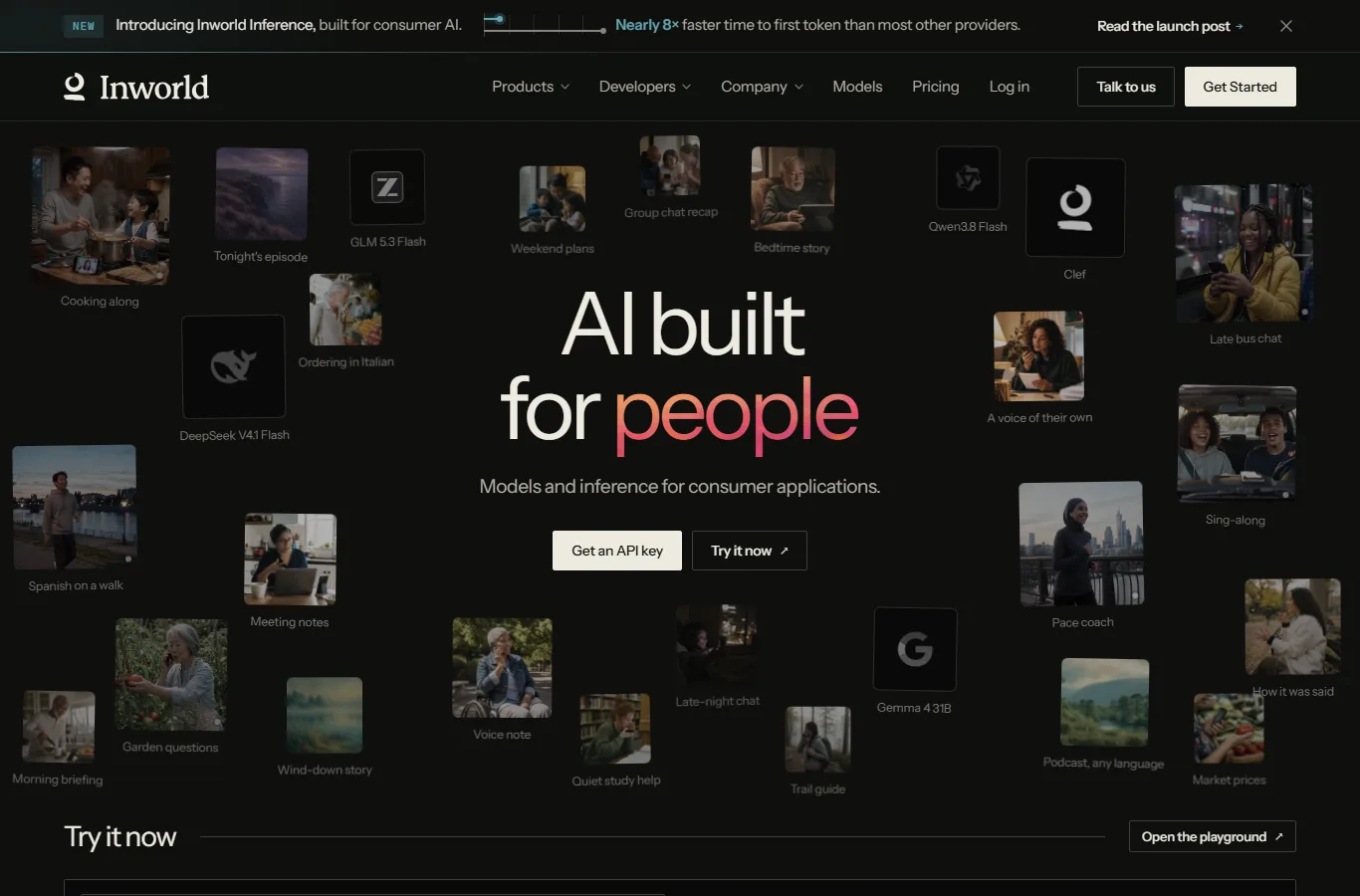
Inworld AI positions itself as the realtime voice and NPC platform for studios, with Unity and Unreal SDKs and usage-based pricing.
Convai is the indie-friendly alternative. Its official pricing page lists a free tier with 100 interactions per month, one active session and a 1 MB knowledge bank; Indie Dev at $29/month, or $22/month billed yearly, with 3,000 interactions and 5 MB of knowledge; Professional at $99/month, or $69/month yearly, with 10,000 interactions, 2,400 minutes of cloud-rendered avatar studio and three concurrent sessions; and a top tier at $499/month, or $299/month yearly, with 50,000 interactions. Convai is 3D-NPC focused, with lip sync, animation and voice integrated, and sits in the top three on the Unity Asset Store for NPC systems, per AIpedia. A September 2026 pricing roundup on BestForAI confirms the same tiers, listing the free plan at $0 with 100 interactions per month, one active session and a 1 MB knowledge bank.
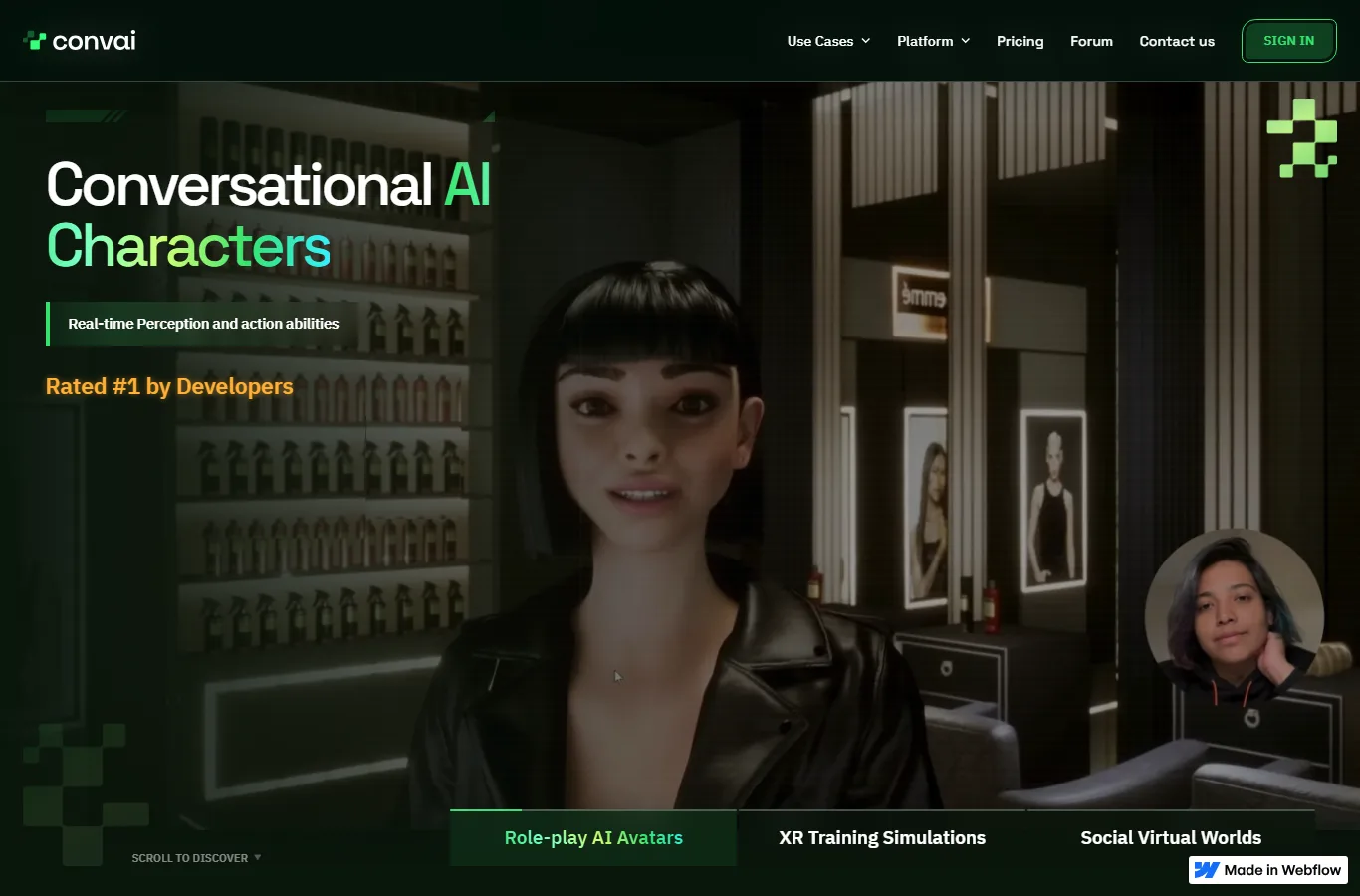
Convai's free tier gives indies a real starting point: 100 interactions per month, one active session and a 1 MB knowledge bank.
Which to pick: if you are prototyping an NPC system on a small budget, Convai's free tier is enough to validate the concept. If you are shipping a live-service game with thousands of players and need memory, emotion and voice at scale, Inworld is the more battle-tested platform. For a middle ground, Convai's Professional tier at $69/month yearly covers a serious indie studio in active development.
There is a practical middle path: start with Convai free, move to Indie at $22/month yearly once your prototype has a player, and only consider Inworld when you need cross-title character memory at scale or a dedicated voice pipeline. Switching later is cheap because both expose Unity SDKs, but the knowledge bank you build in one platform does not migrate, so pick after a one-week prototype, not before it.
AI Gaming Tools for Art and 3D Assets
For art pipelines, two tools stood out in the 2026 roundups from AIGearTools and Rework.
Meshy generates 3D props and textured assets rapidly, which is the most repetitive part of environment art. It has a free tier plus paid plans, and it is best for prototyping environments, weapons and props before a human artist does the final pass. The key advantage is speed: a prop that takes hours to model and texture can be generated in minutes, then cleaned up by an artist. Meshy also fits the workflow of teams already using AI 3D generators in other parts of production, and its output can be imported into standard DCC tools for the human pass.
Scenario focuses on style consistency across concept art and sprite sheets. For games with a defined art direction, Scenario keeps generated assets aligned to a style reference, which solves the common failure mode of AI art tools where every image looks like a different artist made it. It operates on a free-plus-paid model as well. Scenario is particularly useful for character sheets, item icons and location concepts where hundreds of images must share one visual language.
Practical guidance: use Meshy when you need volume of 3D assets quickly and a human pass follows. Use Scenario when consistency across hundreds of images matters more than raw speed. Neither replaces a lead artist, but both reduce the art team size needed for a vertical slice. A common pattern in 2026 is to generate a full prop library with Meshy for greyboxing, lock the art direction with Scenario, and then hand the final set to a single artist for cleanup, which cuts the art budget for a prototype by roughly half compared with full hand-modeling. If your production already relies on AI 3D generators for other products, check whether the same vendor covers game-ready output before adding a new tool.
AI Voice Tools for Games: NPC Lines, Twitch and Discord
Voice is where legal and pricing differences are sharpest, and where most developers make their first mistake.
ElevenLabs is the default choice for NPC dialogue with commercial rights. Its Starter plan costs $5/month with 10,000 credits per month, and paid tiers include a commercial game license, according to the knowara.com NPC voice roundup. That license matters: using a voice service without commercial rights is a legal risk for any shipped title. If you plan to ship, check the license section of whichever voice tool you choose before recording a single line, because re-recording an entire game's dialogue after a licensing issue is expensive. Teams comparing the broader field of AI voice generators should confirm that the game license is included on the tier they intend to buy, since some vendors sell game rights separately.
TTS.ai is the budget option. It offers a $0 free tier with 15,000 characters on signup, a $9/month Starter with 500,000 characters and voice cloning, and a $29/month Pro with 2 million characters and API access. For Twitch TTS, Discord bots and short NPC lines, this is the cheapest route that still supports cloning. The tradeoff is polish: ElevenLabs voices are consistently rated more natural, which matters for a narrative-heavy game with a voiced protagonist.
Which to pick: for a commercial game with voiced NPCs, pay for ElevenLabs Starter or higher and keep the license. For bots, live-stream alerts and internal prototypes, TTS.ai at $9/month covers a large volume of characters for a fraction of the cost. For a hybrid approach, generate final NPC lines with ElevenLabs and keep TTS.ai for the high-volume, low-stakes content such as ambient barks and tutorial voice. Teams already invested in AI voice generators for other products should check whether their existing tool includes a game license, because some voice platforms sell separate game rights at a higher tier.
AI Gaming Tools for Code, QA and Prototyping
The least glamorous but most measurable AI gaming tools in 2026 are the ones that speed up code and testing.
Code assistance inside game engines. AI coding assistants generate C# scripts for Unity and Blueprint logic suggestions for Unreal, which accelerates gameplay prototyping. The models are the same ones powering general coding tools, so the differentiator is engine awareness: assistants trained or tuned on engine APIs produce fewer hallucinated method calls. For a solo developer, an engine-aware assistant can cut the time to a playable mechanic from days to hours.
Automated test generation. A smaller set of tools watches gameplay and generates regression scenarios, which is valuable for live-service games that patch weekly. The current state of the art is limited: these tools handle smoke tests and quest-flow checks reliably, but they do not replace human QA for balance, feel or fun. Treat them as a supplement that frees QA testers to focus on judgment-based testing.
Prototyping and documentation. Some platforms generate design documents, quest outlines and branching narrative trees from a short pitch. This is the cheapest workflow to try: paste a one-paragraph concept, get a structured draft, then rewrite it in your voice. It saves time during pre-production and forces designers to react to a concrete draft instead of a blank page.
For solo developers and micro-studios, the practical ordering is: automate the boring parts first (test generation, documentation), then the expensive parts (art, voice), then the differentiated parts (NPC behavior), because NPC quality is what players remember and where AI assistance is still visibly artificial.
How Much Do AI Gaming Tools Cost in 2026?
The table below summarizes starting prices from official pricing pages and verified roundups published between April and October 2026. Prices change frequently, so confirm current terms before committing.
| Tool | Workflow | Free tier | Paid starting price | Source |
|---|---|---|---|---|
| Inworld AI | NPC dialogue & behavior | Yes (100 interactions/day) | $20/mo Pro, $99/mo Studio | inworld.ai / Javadex |
| Convai | 3D NPC, lip sync & voice | Yes (100 interactions/mo) | $29/mo Indie ($22/mo yearly) | delta.convai.com/pricing |
| Meshy | 3D props & textured assets | Yes | Free + paid tiers | aigeartools.com |
| Scenario | Style-consistent game art | Yes | Free + paid tiers | aigeartools.com |
| ElevenLabs | NPC voice with game license | 10,000 credits/mo | $5/mo Starter | knowara.com |
| TTS.ai | TTS for bots & NPC lines | 15,000 chars | $9/mo Starter | tts.ai |
A realistic indie stack for 2026 is: Convai Indie ($22/month yearly) for NPC dialogue, TTS.ai or ElevenLabs Starter for voice, and Meshy's free tier for 3D prototyping. That lands under $40/month before art cleanup, which is a fraction of the cost of hiring a dedicated writer, voice actor and 3D generalist. If you are evaluating tools across categories rather than just gaming, our AI automation agents guide covers the general-purpose agents that can also handle repetitive studio tasks, and the best AI tools for beginners roundup is the right starting point if this is your first AI-assisted project.
How to Test an AI Gaming Tool Before You Buy
The fastest way to waste money on AI gaming tools is to pay yearly before testing the output on your actual game. Use this checklist before committing.
Test one scene, not a demo. Build one conversation with your actual character names, setting and tone, and compare the output with what your writer would produce. If the tool cannot hold the voice of one character across twenty exchanges, no volume tier fixes that.
Check the license for shipping. For voice and art, confirm commercial rights in writing before you buy. A free tier with no commercial license is fine for prototyping and wrong for release.
Time the human pass. Run a representative asset or dialogue set through the tool and count how long a human takes to fix the output. The tool is worth buying if total time drops; it is not worth buying if the cleanup takes longer than doing it from scratch.
Verify the knowledge bank size. NPC platforms store character context in a knowledge bank, and the free tiers are tiny. If your game has deep lore, the paid tier's larger knowledge bank may be the deciding factor, not the interaction quota.
Use trials before yearly plans. Every tool in the table above has a free tier or trial. Run the same test on two or three candidates in parallel, then commit to yearly only for the one that passes.
Frequently Asked Questions
Q: Are AI gaming tools free to use?
A: Most have free tiers, but they are limited. Convai's free tier allows 100 interactions per month with one active session, Inworld's free tier allows around 100 interactions per day, and TTS.ai gives 15,000 free characters. These tiers are for prototyping and testing, not for shipping a full game.
Q: Can I use AI-generated NPC voices in a commercial game?
A: Yes, if the tool's paid plan includes a commercial license. ElevenLabs includes a commercial game license on paid tiers, which covers voiced NPCs in shipped titles. Free tiers and open models may carry restrictions, so check the license before release.
Q: What is the best AI tool for game development in 2026?
A: There is no single best tool; the best stack depends on the workflow. For NPC dialogue, Convai is the best value for indies and Inworld for studios. For 3D assets, Meshy. For style-consistent art, Scenario. For voice, ElevenLabs for commercial rights or TTS.ai for budget projects. Teams already using AI voice generators in other products should check the game license on their existing tool first.
Q: Do AI gaming tools replace game developers?
A: No. They automate repetitive production steps such as drafting dialogue, generating placeholder art and prototyping 3D props, but a human team is still needed for design direction, gameplay programming, final art polish and quality assurance. Teams using these tools typically ship faster with the same headcount.
Q: How much does an AI gaming tool cost per month?
A: From $0 on free tiers to $500+ per month for enterprise plans. The typical indie range is $9 to $99 per month per tool, and most studios combine two or three tools. Inworld's enterprise tier and Convai's top tier are the most expensive options in the NPC category.
Conclusion
AI gaming tools in 2026 have moved from novelty to production necessity for small teams. The clearest wins are in NPC dialogue, where Convai and Inworld compress weeks of writing and voice work into days, and in asset generation, where Meshy and Scenario cut prototype art cost dramatically. Voice is the easiest place to start: ElevenLabs or TTS.ai give you a commercial-viable result within an hour. No tool replaces designers and programmers, but the cheapest realistic stack under $40/month removes the biggest bottleneck for solo developers and micro-studios. Start with one workflow, test it against your real content, and only then commit to a yearly plan.
CTA
Start with one workflow instead of buying everything: sign up for Convai's free tier and prototype a single NPC conversation this week. If it holds up, upgrade to Indie at $22/month yearly and add Meshy for props. For voice, decide between ElevenLabs for commercial rights and TTS.ai for budget. Compare your results against the pricing pages linked above before you commit to a yearly plan.