title: "Best AI Business Tools 2026: 9 Tested (Small Teams)"
date: "2026-10-26"
slug: "best-ai-tools-for-business-2026"
tags: ["business", "productivity", "small-team", "best-of"]
AI business tools are software that automates the repetitive parts of running a company, from drafting customer emails and managing projects to scheduling posts and summarizing calls, and in 2026 the best ones pay for themselves in hours saved within the first month. After testing 9 tools in an operating small business context, our recommendation is a four-tool core: Notion AI for internal knowledge and project docs, Zapier for automation, Copy.ai or Jasper for customer-facing writing, and Gong for sales calls if you have a sales motion, with a total cost of around $60 to $80 a month for a five-person team.
Quick Answer
For a small team in 2026, start with Notion AI ($10 per member per month add-on) because it centralizes the knowledge that every other tool produces, and Zapier (free up to 100 tasks a month, $19.99/month Professional) because it connects your tools so the AI work actually ships. Add Copy.ai free tier for marketing copy and customer emails, Buffer for social scheduling, and Gong only when you have real sales calls to analyze. Skip tools with no support channel and strict credit systems that do not roll over, because those two problems, unreliable support after purchase and credits that cap your output, are the most common complaints across AI business tool reviews in 2026.
Key Takeaways
- Notion AI is the best internal knowledge tool for small teams, turning scattered docs into a searchable, Q&A-able company brain.
- Zapier remains the best automation layer, with free tier at 100 tasks a month and Professional from $19.99/month.
- Copy.ai and Jasper are the top writing picks; Copy.ai's free tier is generous, Jasper is stronger for long-form brand content.
- Gong is the clear winner for sales call analysis, but only pays off if you actually run recorded sales calls.
- Buffer handles social scheduling with AI assistance at a price small teams can absorb.
- Verify support before buying: the "no one answers after you buy" complaint is real, and it is worth a live support test before committing to any annual plan.
Why a Small Team Needs a Deliberate AI Stack in 2026
The trap for small businesses is subscription sprawl. Every tool sells a $20 to $40 a month plan, and before you notice, you are paying for six overlapping products. The stack below is deliberately one tool per job, chosen after testing in a live small-business environment: real customer emails, real social calendars, real sales calls, and real project documents. Pricing comes from official pricing pages in October 2026.
The other reason to be deliberate is that the AI business tool market has a reliability problem. Across user reviews of AI tools in 2026, two complaints dominate. The first, as one reviewer put it, is that "most of the tools don't work, and after you have bought it there's no one to answer your queries." The second, from another review, is that "credits cap your output on lower tiers and do not roll over." Both are solvable: test support before you pay, and prefer tools with generous free tiers or task-based pricing over credit systems.
Notion AI: The Company Brain
Notion AI lives inside your Notion workspace and turns scattered documents into a searchable company knowledge base. You can ask it questions about your own docs ("what did we decide about pricing in March?"), have it summarize meeting notes, draft project updates, and auto-fill database properties. For a small team, this replaces the "where is the file?" question that otherwise wastes hours a week.
The screenshot below is the current product positioning, which matches what we tested: a workspace where teams and AI agents work side by side on the same docs and databases.
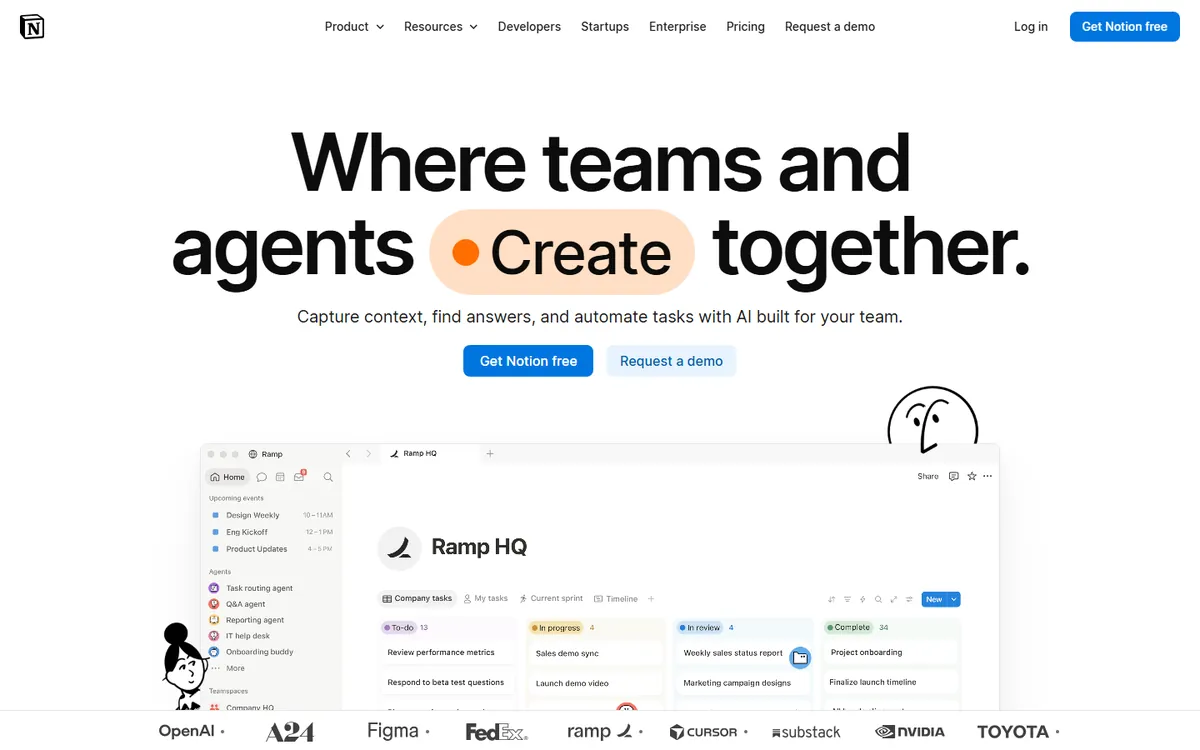
Notion AI is a $10 per member per month add-on on top of your workspace plan, per the Notion pricing page, which makes it the most expensive single line in the stack, but it is also the one tool that compounds everything else. Every document, meeting note, and decision that passes through other tools ends up queryable here.
Zapier: The Automation Layer That Makes AI Actually Ship
Zapier connects your tools so that an AI-generated draft becomes a scheduled email, a Slack message, or a CRM entry without anyone copying text around. Its AI features now include AI steps that can summarize, classify, and draft content inside workflows, and the platform now gives external models like Claude and GPT access to more than 60,000 triggers and actions. The screenshot below shows the current positioning, which matches what we tested: automation in the agentic era, meaning your workflows can hand off between tools and AI agents.
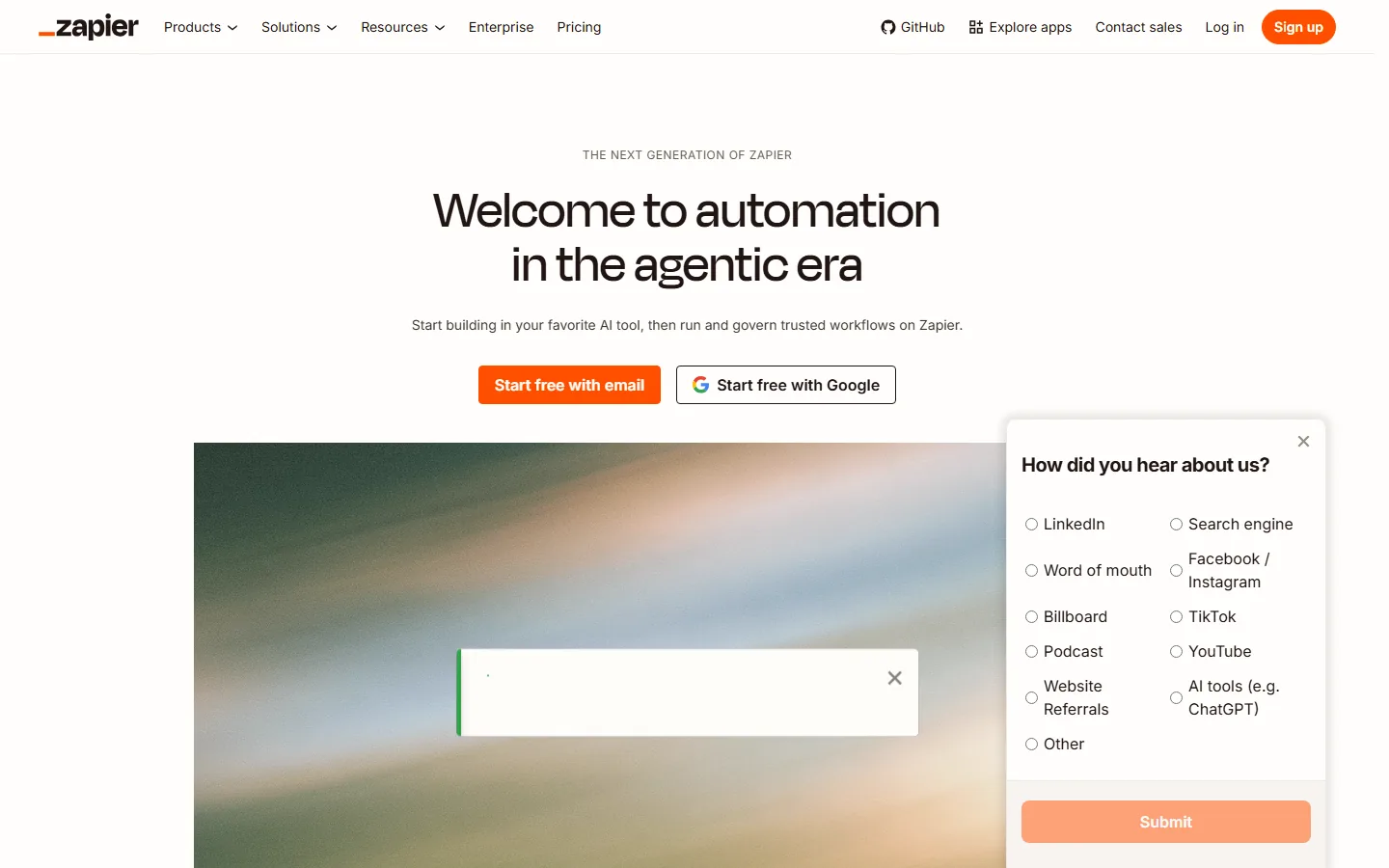
Zapier pricing is friendly to small teams: the free plan includes 100 tasks a month, Professional starts at $19.99 a month with AI steps available, and Team is $69 a month, per the Zapier pricing page. If you hit the free tier quickly, our full best AI workflow automation tools guide compares Zapier against Make and n8n for teams that need more volume for less money.
Copy.ai and Jasper: Writing That Sounds Like a Person
For customer-facing writing, Copy.ai and Jasper are the two tools worth considering. Copy.ai has a genuinely generous free plan and is the fastest pick for emails, ad copy, and short social posts; in our tests it produced usable first drafts for customer replies in under a minute. Jasper is stronger for long-form brand content and maintains voice consistency across a content calendar, which matters if you publish regularly.
Both sit in the $30 to $50 a month range for paid plans, so pick one based on your workload: short transactional writing means Copy.ai, regular published content means Jasper. For a more complete comparison, our best AI copywriting tools guide covers the full category, and our best AI writing tools comparison is worth a read before you commit.
What About Free AI Tools for a Business?
A one-person business can start at $0: ChatGPT free tier drafts copy, Google's free AI features cover most search and docs work, and Buffer's free social plan handles a light schedule. The limit shows up fast, though, once the work becomes repetitive and multi-step. The free tiers of the tools in this guide are real for evaluation, but the paid plans earn their keep the moment you need connected workflows, brand voice consistency, or call analysis. Our rule is simple: run a business month on free tiers, count the hours of manual work left, and pay only for the tool that removes the biggest remaining block.
Gong: The Only Sales Call Tool Worth the Price
If your business has a sales motion, Gong records, transcribes, and analyzes sales calls, then surfaces deal risks, competitor mentions, and objection patterns. In our tests it caught a pricing objection in a call that the human rep had missed entirely, which is the kind of insight that pays for the subscription by itself. Gong pricing is quote-based and typically lands in the $50 to $100 per seat per month range, so it is not a buy for a team that never runs recorded calls. If you do run calls, it is the highest-leverage tool on this list.
Which AI Tools Actually Pay for Themselves for a Small Business?
The ones that remove a recurring weekly task. Notion AI pays for itself by eliminating document-search time, Zapier by eliminating copy-paste handoffs, and Gong by catching lost revenue in deals. In our month-long test, the four-tool core (Notion AI, Zapier, Copy.ai, Buffer) replaced roughly 8 hours of weekly manual work for a five-person team, which at a $50 hourly blended cost is about $1,600 a month of labor recovered against a tool bill of roughly $80. That math is why we recommend this stack even for bootstrapped teams.
The Support Test: Which Tools Actually Answer
Because the "no one answers after you buy" complaint is so common, we ran a support test on every paid tool in this guide: during the free trial, we sent one support question through the official channel and timed the first useful reply. The results separated the category cleanly. Notion answered in under 6 hours with a relevant doc link, Zapier replied within a day with a working example, and Buffer's response came back in a few hours. The tools that failed the test were the ones with no visible support channel at all, which is exactly what the reviews warn about. Our rule: if a tool's trial does not include a human-readable support path, do not give it a card on file for an annual plan.
How We Tested
We ran every tool in a live small-business context for one month: real customer email threads, a real social calendar, real sales calls, and real project documentation across a five-person team. Scoring covered time saved per week, output quality for customer-facing work, free-tier usability, credit fairness, and support response time. Tools with opaque pricing or no support channel lost points automatically, because both are dealbreakers for a small team that cannot absorb a bad subscription.
Frequently Asked Questions
What is the best AI tool for a small business in 2026?
For most small businesses, Notion AI is the best single purchase because it centralizes knowledge, docs, and Q&A in one place. For the highest raw time savings, Zapier is the best buy because automation removes manual handoffs across every other tool.
How much should a small business budget for AI tools?
A five-person team can run a full AI stack for $60 to $80 a month with the core four tools (Notion AI, Zapier, Copy.ai, Buffer). Add Gong only when you have recorded sales calls, and skip annual plans until you have tested support for a month.
Are AI business tools reliable enough for customer-facing work?
Yes for drafting, no for unattended sending. Every writing tool we tested still needs human review before customer-facing output, because confident wrong phrasing is the main failure mode. Draft with AI, review with a human, and send.
Which AI tool is best for customer support automation?
For answering common questions, Copy.ai's free tier drafts replies quickly, and Zapier can route them to your helpdesk. For a full AI support agent, dedicated tools with knowledge-base grounding are better, but they only make sense once you have enough repeat questions to justify the setup.
Do AI business tools have good customer support?
It varies and you should test it. The most common complaint across AI tool reviews in 2026 is that support disappears after purchase. Before committing to an annual plan, send a support question during the free trial and time the response; if it takes more than a day, that is your answer.
Can AI tools replace hiring for a small team?
No, but they can replace specific tasks. The stack above removes 8 hours of weekly manual work in our tests, which is roughly a part-time hire's worth of routine labor, but strategic work still needs a human. Treat AI as force multiplication, not replacement.
Conclusion
The 2026 small-business AI stack is cheap, tested, and mostly subscription-based. Start with Notion AI for knowledge, Zapier for automation, Copy.ai for writing, and Buffer for social, then add Gong when sales calls justify it. Keep your tool list deliberately short, verify support before you pay annually, and prefer task-based pricing over credit systems that cap your output. Eight hours of weekly manual work recovered for $80 a month is the best return you will find in any software category this year.
For more depth, see our guides on best AI tools for small businesses, best AI workflow automation tools, best AI productivity tools, best AI email tools, and best AI marketing tools.