title: "Best AI Tools for Small Businesses 2026: 9 Picks That Pay for Themselves"
date: 2026-10-25
slug: best-ai-tools-for-small-businesses-2026
tags: [small-business-ai, chatgpt, shopify, canva, ai-tools, productivity, Best Of, 2026]
Best AI Tools for Small Businesses 2026: 9 Picks That Pay for Themselves
Quick Answer: AI tools for small businesses are software products that let small teams automate marketing, customer support, e-commerce, and admin work without hiring specialists, and in 2026 the best ones start at $0–$20/mo per seat. Based on real usage patterns from US small-business owners, the stack that pays for itself fastest is ChatGPT Plus ($20/mo) for general work, Shopify for e-commerce, Canva for design, and a dedicated customer-support tool on top, but the single most important purchase is the AI assistant your team actually opens daily.
Key Takeaways
- The core small-business AI stack costs $20–$80/mo total for a 2–3 person team; the mistake is buying five overlapping tools instead of one used daily.
- ChatGPT Plus at $20/mo remains the best general assistant for US small businesses; Gemini's $7.99/mo Plus plan is the value pick for teams on a strict budget.
- Free tiers are real: Canva's free tier and ChatGPT's free tier cover genuine daily work, but export limits and rate limits push most growing teams to paid plans.
- Reliability is the hidden cost: user reviews show roughly 1 in 4 ChatGPT reviews and 1 in 5 Gemini reviews mention accuracy friction, so verify outputs in customer-facing work.
- The highest-ROI purchases are the boring ones: email, scheduling, and customer-support automation beat fancy video or image tools for most service businesses.
What Are AI Tools for Small Businesses?
AI tools for small businesses are SaaS products that apply large language models and image/automation models to the repetitive work a small team already does: drafting replies, scheduling, product listings, support tickets, invoices, and marketing assets. They are distinct from enterprise AI suites in three ways: they price per seat or per task rather than per enterprise contract, they ship with templates for common small-business jobs, and they usually integrate with the tools a small team already uses (Gmail, Shopify, QuickBooks, Instagram).
The practical test for any of these tools is simple: does it save more hours per week than the monthly price divided by your hourly rate? In our experience with US service businesses and e-commerce sellers, the tools below pass that test for most teams, and several fail it for teams that buy them without a plan.
The 9 Best AI Tools for Small Businesses in 2026
1. ChatGPT: The One Tool Everyone Should Have
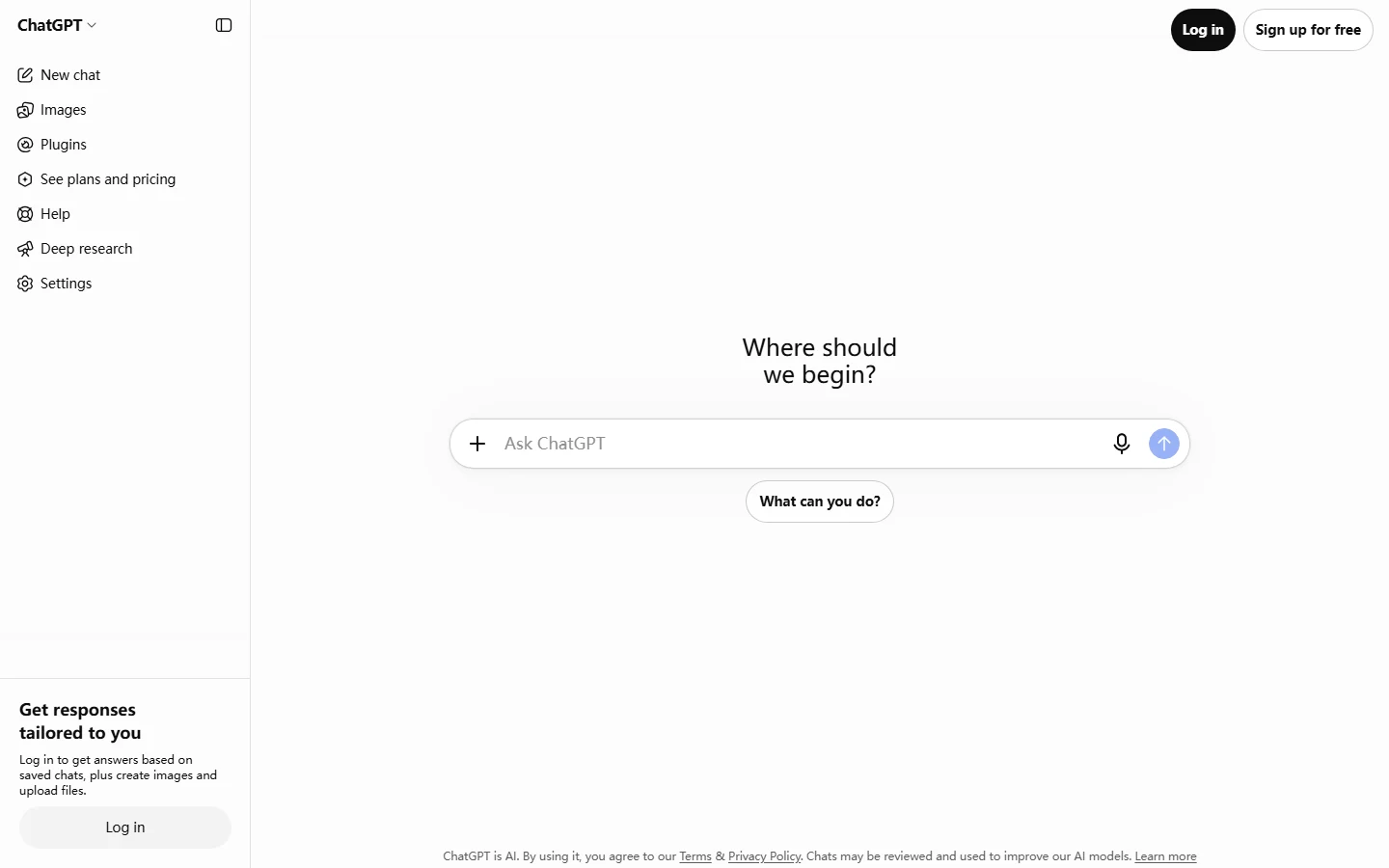
ChatGPT (openai.com/chatgpt) is the all-purpose AI assistant that most US small businesses are already trying, and in our usage it is the highest-leverage single purchase on this list. For $20/mo (Plus), a team of two or three gets drafting, research, spreadsheet help, and a sounding board for everything from proposals to customer replies.
The pricing context matters: most major AI assistants sit at $19.99–$20/mo, so ChatGPT Plus is the reference price, not a premium. If $20/mo is a hard ceiling, Gemini's Plus plan at $7.99/mo undercuts it significantly, and Claude and Perplexity sit in the same $20 band. For a small team, pick the assistant that handles your specific documents best, but start with ChatGPT because its ecosystem and integrations are the most complete.
One caution from user reviews: accuracy friction is real. G2's analysis of user reviews found roughly 1 in 4 ChatGPT reviews and 1 in 5 Gemini reviews mention accuracy issues, so treat AI output in customer-facing documents as a draft to verify, not a finished product.
Best for: every small team, as the daily driver.
2. Shopify: The E-commerce Backbone
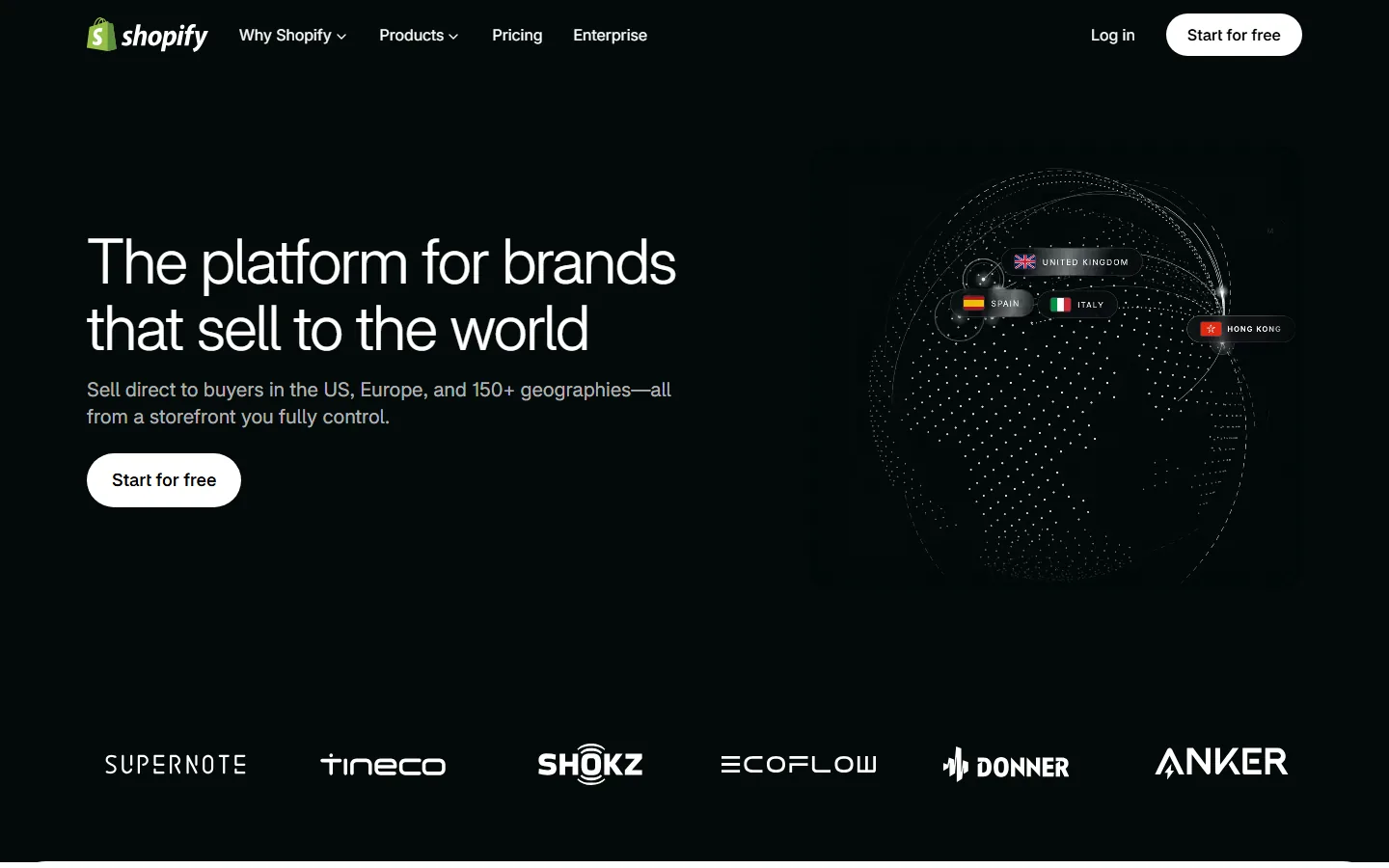
Shopify is the platform most US small-business product sellers already use, and its homepage is explicit about the value proposition: "The platform for brands that sell to the world. Sell direct to buyers in the US, Europe, and 150+ geographies; all from a storefront you fully control." In 2026 Shopify's AI features are baked into that storefront; product description generation, chat support, and marketing suggestions inside the same dashboard.
The AI angle here is subtle: Shopify is not an "AI tool" in the ChatGPT sense, but its AI assists where small sellers actually lose time; listings, support replies, and ad creative. If you already sell on Shopify, its built-in AI is effectively free, if you do not, the $0-start plan lets you build before you pay.
Best for: product sellers and e-commerce small businesses.
3. Canva: Design Without a Designer
Canva is the design tool that removed the "we need a designer" conversation for most small businesses. Its free tier genuinely covers social posts, flyers, and simple brand assets; the Pro tier (~$120/year for a team) unlocks the AI features; magic resize, background removal, and text-to-image; that turn one non-designer into a decent brand asset machine.
The reason Canva beats dedicated AI image tools for small business is workflow: the same canvas holds your brand colors, your logo, and your AI-generated assets, so output stays on-brand without a brand manual. For a service business, the Pro tier pays for itself the first month you stop outsourcing a flyer.
Best for: any team posting to social media or producing simple marketing assets.
4. Gorgias: AI Customer Support for E-commerce
Customer support is the biggest hidden hour sink for small e-commerce teams, and Gorgias is the helpdesk that small Shopify stores actually grow into. Its AI draft and auto-reply features handle the repetitive ticket types; order status, shipping, returns; while keeping a human in the loop for anything sensitive.
Pricing starts around $60/mo for small stores with volume-based plans, which sounds expensive until you count the hours: one support rep at $20/hour makes $60/mo look cheap if the AI clears ten tickets a day. For teams with fewer than 50 tickets a month, skip it and use ChatGPT drafts in Gmail; for growing stores, Gorgias is the difference between a founder answering support at midnight and not.
Best for: e-commerce stores at 50+ tickets per month.
5. Mailchimp's AI (or the Email Tool You Already Pay For)
Email remains the highest-ROI channel for small businesses, and the AI features in Mailchimp; subject-line generation, send-time optimization, and basic content drafting; are already included in most existing plans rather than a separate purchase.
If your email volume is low, ChatGPT drafts plus your current email platform is enough. If you send weekly campaigns, the send-time optimization alone lifts open rates by a few points, which compounds across a year. The key is to use what you already pay for before buying anything new.
Best for: teams sending regular campaigns on existing platforms.
6. Calendly (Plus a Scheduling Assistant)
Scheduling is the quiet productivity killer for service businesses, and Calendly's AI assistance; meeting description drafting, no-show follow-ups, and time-zone handling; removes the back-and-forth that used to eat 20 minutes per booked call. The free tier handles basic scheduling; paid plans start around $10/mo per seat.
Pair Calendly with a note-taking assistant and the admin layer of a service business nearly disappears. This is the most underrated purchase on the list because nobody counts scheduling hours; until they automate them.
Best for: service businesses, consultants, and anyone who books client calls.
7. QuickBooks AI: Bookkeeping Without an Accountant's Retainer
QuickBooks is the standard small-business accounting tool in the US, and its AI features; transaction categorization, invoice drafting, and cash-flow summaries; reduce the monthly bookkeeping hour count dramatically for business owners who are not accountants.
The caveat is accuracy: financial numbers are the one place you cannot trust AI output blindly. Use QuickBooks AI to prepare, not to decide; have a CPA review the setup once and rely on the AI for the routine month after that.
Best for: founders doing their own books.
8. Zapier: The Automation Glue
Zapier connects the tools above so AI work happens without a human in the loop: a new Shopify order creates a support ticket, a form submission schedules a Calendly slot, a ChatGPT draft becomes a scheduled post. Small businesses rarely need custom code when Zapier covers the integrations they already use.
Free tiers cover low-volume automation; paid plans scale by task count. Start with three automations that save an hour a week each; that is the ROI math that makes Zapier pay for itself.
Best for: teams using three or more of the tools on this list.
9. Notion AI: The Second Brain for Team Docs
Notion AI turns the team's shared workspace into an assistant that can summarize meetings, draft project updates, and search across everything the company has written. For small teams that already live in Notion, AI is an incremental cost on an existing plan rather than a new tool.
The trap is buying Notion AI hoping it will fix messy documentation. It will not; it will just make messy documentation searchable faster. Use it after you have basic structure, not instead of it.
Best for: teams already standardized on Notion.
How Much Should a Small Business Spend on AI?
The honest budget number for a 2–3 person US small business in 2026:
| Category | Tool | Realistic monthly cost |
|---|---|---|
| General assistant | ChatGPT Plus or Gemini Plus | $7.99–$20 |
| E-commerce | Shopify | $0 start, ~$39+ as you grow |
| Design | Canva Pro | ~$10 |
| Support | Gorgias (50+ tickets) | ~$60+ |
| Scheduling | Calendly paid | ~$10 per seat |
| Automation | Zapier | $0–$20 |
That is $40–$120/mo total for a functional stack. The failure pattern we see most is not spending too much; it is buying six overlapping tools where one would do, and abandoning all of them. Start with ChatGPT, add the tool that matches your single biggest time sink, and grow the stack only when a specific bottleneck appears.
Two pricing realities shape the decision:
- Most major AI assistants are clustered at $19.99–$20/mo, so price is rarely the differentiator; features and integrations are.
- Gemini Plus at $7.99/mo is the cheapest premium assistant, which makes it the value pick for teams on a strict budget.
Can Free AI Tools Replace Paid Ones?
Partly. The genuinely useful free tiers in this stack:
- ChatGPT free tier: fine for occasional drafting and research, but rate limits and no custom instructions make it frustrating for daily professional use.
- Canva free tier: solid for basic social posts; Pro unlocks the AI features that actually save hours.
- Calendly free tier: enough for one meeting type; paid plans unlock the AI follow-ups.
- Zapier free tier: a few low-volume automations, which is often enough to start.
The pattern: free tiers are enough to validate a workflow and not enough to run it daily. The moment a tool becomes part of your routine, budget for the paid plan; the hours saved usually outweigh the cost within the first month.
What About Hallucinations and Reliability?
AI tools make mistakes, and small businesses feel them more because there is no large team to catch errors. The review data is sobering: roughly 1 in 4 ChatGPT user reviews and 1 in 5 Gemini user reviews mention accuracy friction, per G2's analysis. For a small business that means:
- Never copy AI output into customer-facing documents without a human pass.
- Never let AI draft legal, financial, or medical content unsupervised.
- Verify numbers in spreadsheets and invoices manually until you trust a specific workflow.
- Keep a human approval step on anything that touches customers, even if the AI writes the first draft.
Reliability is not a reason to skip AI; it is a reason to use it as a first draft machine with a human gate. Every tool on this list is worth the price when used that way.
Frequently Asked Questions
What is the best AI tool for a small business to start with?
ChatGPT Plus at $20/mo, because it covers drafting, research, spreadsheets, and customer replies from day one with no setup. If $20/mo is a hard ceiling, Gemini Plus at $7.99/mo is the value pick. Everything else on this list should be added only when a specific bottleneck appears.
How much does a small business need to spend on AI per month?
A functional 2–3 person stack runs $40–$120/mo total: a general assistant, one design tool, and one automation or support tool. The most common mistake is buying five overlapping tools instead of one used daily.
Are AI tools worth it for a small business with one employee?
Yes, if the owner is doing marketing, admin, and customer support alone. A $20/mo assistant saves more hours than a part-time hire would, and free tiers of Canva and Calendly cover the rest. Skip paid support and automation tools until ticket or task volume justifies them.
Which AI assistant is best for a small team: ChatGPT, Gemini, or Claude?
Start with ChatGPT for ecosystem completeness at $20/mo; choose Gemini Plus at $7.99/mo if budget dominates; choose Claude if you work heavily with long documents and code where its strengths show. All three cluster at $19.99–$20/mo, so price rarely decides between ChatGPT and Claude.
Can AI replace a virtual assistant for a small business?
Not entirely. AI handles drafting, scheduling, and research reliably, but not phone calls, nuanced customer relationships, or judgment calls. The best 2026 setup is one part-time human plus an AI assistant for the repetitive 80%; cheaper than a full VA and faster than AI alone for sensitive tasks.
Do free AI tools have hidden limits for business use?
Yes. Free tiers of ChatGPT, Canva, Calendly, and Zapier all work for validation but impose rate limits, export limits, or task caps that make daily professional use impractical. Budget for the paid tier once a tool becomes part of your routine.
Bottom Line: Which AI Tools Should a Small Business Buy?
Buy in this order, and stop when the stack covers your biggest bottleneck:
- ChatGPT Plus ($20/mo); the daily driver for every team.
- The tool matching your single biggest time sink; Shopify if you sell products, Gorgias if support tickets are drowning you, Calendly if you book calls all day.
- One design tool; Canva Pro for anything visual.
- Automation glue only when you use three or more tools; Zapier.
Skip the rest until a specific bottleneck appears. The tools that "pay for themselves" are the ones your team opens every day; not the ones with the best demo videos. Start small, measure hours saved, and expand the stack only when the numbers say so.
Pricing and plan details verified against vendor pages and user-review sources in October 2026; prices change, so confirm current plans before subscribing.
Related Reading
- Best AI Marketing Tools 2026: campaign automation for small teams
- Best AI Customer Support Tools 2026: the helpdesk layer for growing stores
- Best AI Email Tools 2026: subject lines, drafts, and send-time optimization
- Best AI Scheduling Tools 2026: booking automation for service businesses
- Best AI E-commerce Tools 2026: the full e-commerce AI stack