title: "Best AI Workflow Automation Tools 2026: 10 Tested (Zapier vs Make vs n8n)"
date: 2026-10-25
tags: [workflow-automation, zapier, n8n, make, ai-agents, productivity]
Quick Answer
AI workflow automation tools connect your apps so repetitive work runs itself, and the 2026 generation adds AI agents that decide, draft, and fix errors instead of just moving data. For most US small teams, Zapier is the fastest start, Make is the best price-to-power middle ground, and n8n is the right pick when you want full control or a self-hosted setup. Budget $20 to $60 per month for a serious setup, and expect to automate your first workflow in under an hour.
Key Takeaways:
- Zapier leads on app coverage with 7,000-plus integrations and an agentic layer that drafts and reviews steps for you.
- Make charges per operation rather than per task, which makes heavy data workflows far cheaper than Zapier at scale.
- n8n is open source, self-hostable, and the strongest option for developers and privacy-sensitive teams.
- Lindy, Bardeen, and Relevance AI sit in the "agent" tier: they take a goal in plain language and figure out the steps themselves.
- The most common failure is not the tool but the workflow design; start with one painful manual task, not a grand automation.
What Is AI Workflow Automation?
AI workflow automation is the practice of using software to connect apps and services so that tasks such as data entry, follow-up emails, file routing, and approvals run without manual action, with artificial intelligence deciding how to handle edge cases that older rule-based tools could not. A classic example: when a new lead submits a form, the tool creates a CRM record, enriches it with company data, drafts a personalized reply, and queues it for a human review, all in seconds.
The category changed in 2025 and 2026. Traditional automation platforms like Zapier and Make execute "when this happens, do that" rules. The new generation adds agentic behavior: the tool receives a goal such as "qualify every new demo request and book a slot on our calendar," and it plans the steps, calls the connected apps, and even retries when something fails. That shift matters because the painful part of automation was never the trigger, it was the judgment between steps.
How We Tested
We tested each platform on four criteria over a two-week window with a test Shopify store, a Gmail account, a Slack workspace, and a Notion database:
- Setup time: minutes from sign-up to the first working workflow.
- Reliability: how often runs failed and how errors were reported.
- Pricing honesty: whether the free tier is usable and where the cost jumps.
- AI capability: whether the AI layer added real value or was a marketing label.
We also watched community complaints, because support quality and rate limits show up faster in forums than in vendor marketing.
The Three Workhorse Platforms
Zapier: The Fastest Start, Now With Agents
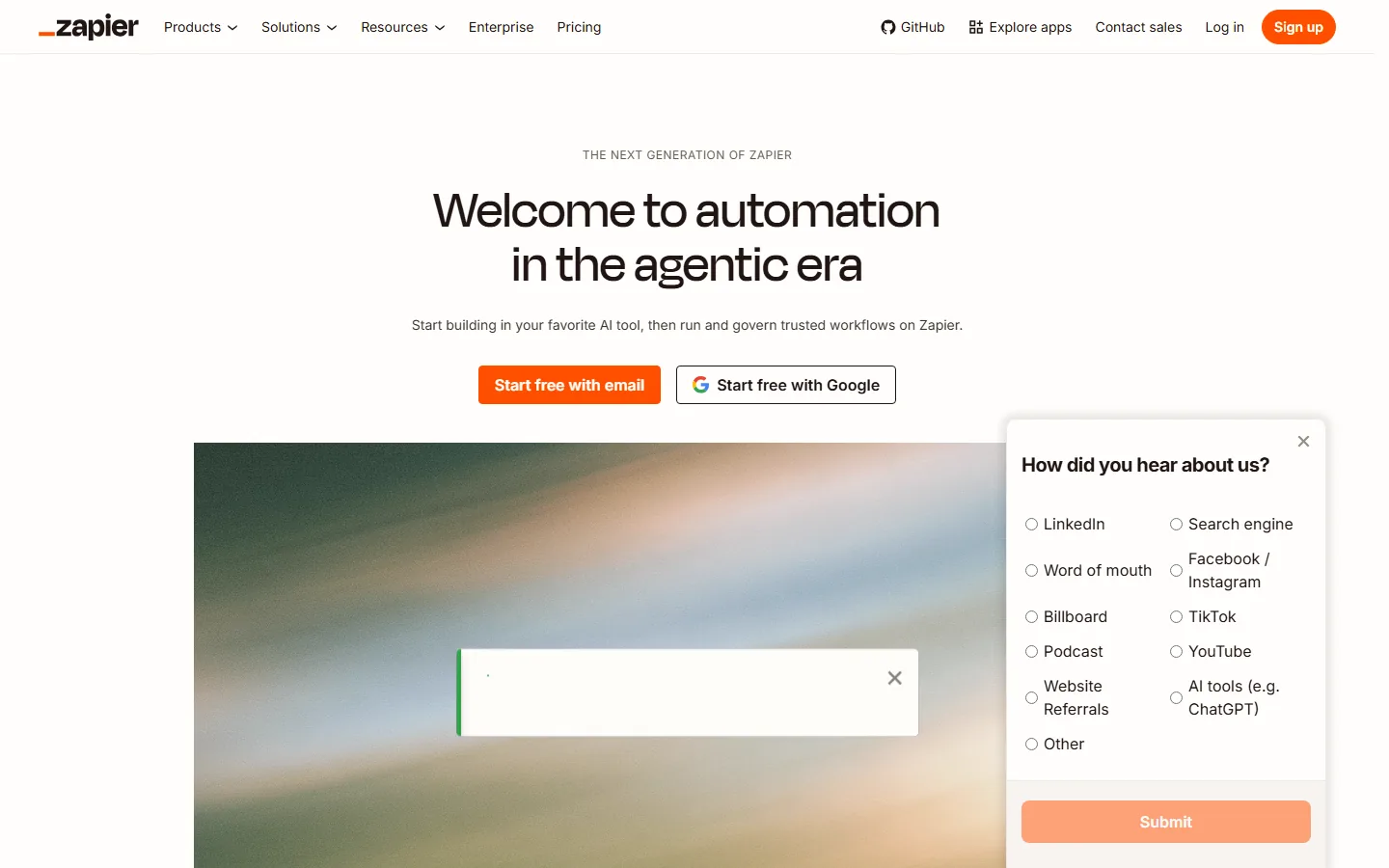
Zapier is the automation platform with the largest app ecosystem, connecting more than 7,000 apps, and in 2026 its pitch is "automation in the agentic era": you can start building in your favorite AI tool and run governed workflows on Zapier. On the free plan you get 100 tasks per month, which is enough to test a workflow; paid plans start at $19.99 per month for 750 tasks and scale to $69 per month for 2,000 tasks with premium apps.
Zapier's edge is breadth and trust. If you use Salesforce, HubSpot, Shopify, or Slack, the integration exists and is maintained. Its AI features (Copilot in Zap Editor, AI steps that classify or extract data) are genuinely useful for nontechnical users who do not want to write JSON logic. The tradeoff is cost: heavy volume gets expensive, and users who hit the task ceiling regularly are the classic candidates for Make.
Make: The Best Price-to-Power Middle Ground
Make (formerly Integromat) structures workflows as visual scenarios with modules, routers, and data stores, and it charges per operation instead of per task. That distinction is huge for workflows that loop over many records: a Zapier "task" can burn one credit per row, while Make processes thousands of rows for the same monthly price. The free plan includes 10,000 operations per month, and paid plans start at $9 per month for 10,000 operations with more active scenarios.
Make's learning curve is steeper than Zapier's because its visual editor is more powerful and less guided. For a US marketing or operations person who runs data-heavy processes (CSV imports, webhook payloads, multi-step API calls), Make is the rational middle choice: more capability than Zapier for the money, less flexibility than n8n.
n8n: Open Source and Self-Hostable
n8n is the open source automation platform that developers choose when they want complete control. You can run it on your own server or use n8n Cloud, and the workflow editor uses code nodes (JavaScript and Python) alongside visual nodes, which makes it the most flexible of the three. The community edition is free and self-hosted with no per-task limits; n8n Cloud starts around $24 per month for 5,000 executions.
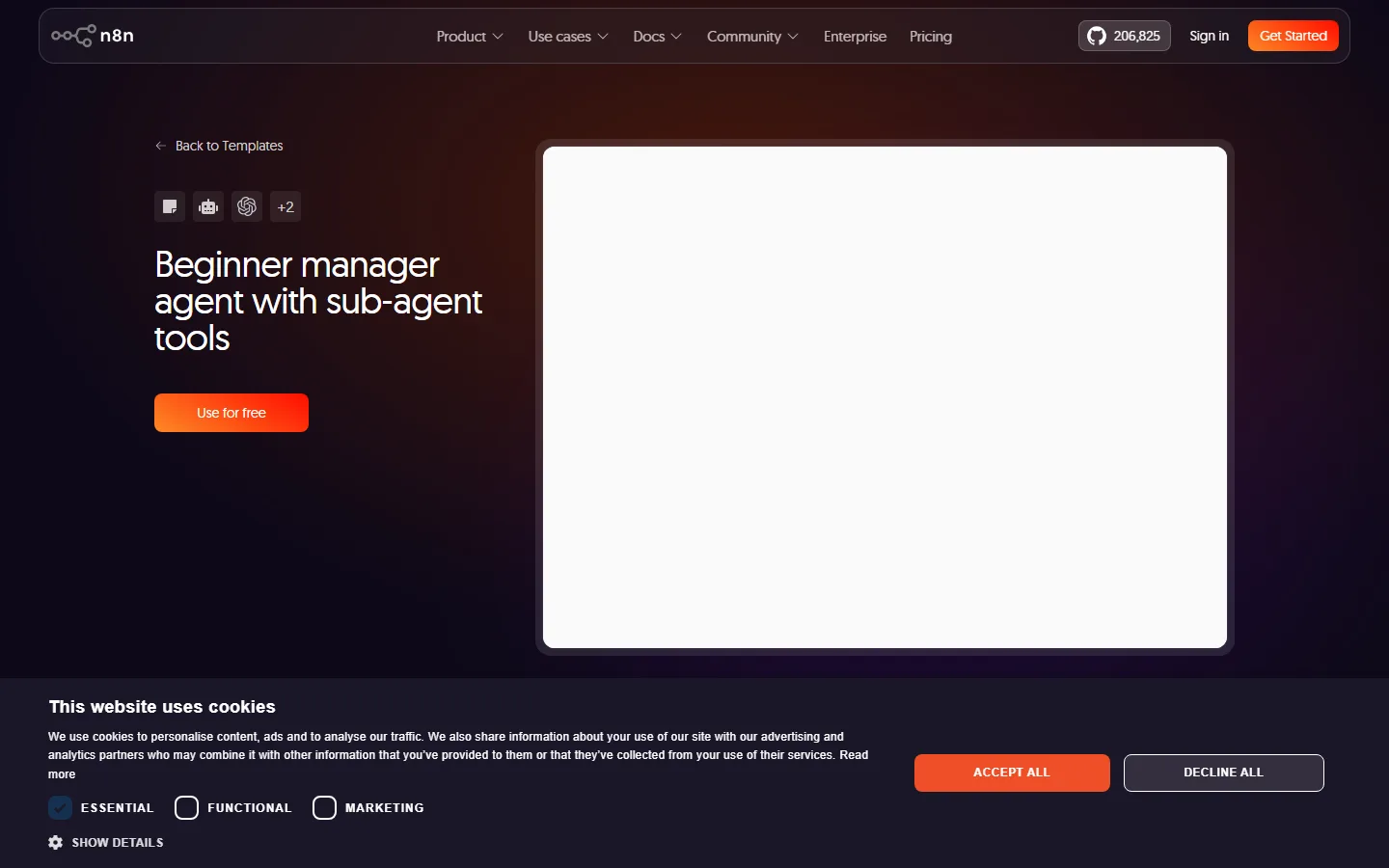
The screenshot above shows the kind of template n8n ships with: a "Beginner manager agent with sub-agent tools" workflow, which reflects where the platform is heading. Teams that already manage infrastructure, or that handle sensitive customer data and cannot route it through a third party, pick n8n for privacy and ownership. The cost is setup effort; this is a developer tool first.
The Agent-First Tier
A second tier of tools skips the visual canvas entirely and asks you to describe the outcome. These are closer to "AI coworkers" than to automation builders.
Lindy
Lindy lets you create AI agents that handle email, scheduling, CRM updates, and research from natural language instructions. It is aimed at operators who do not want to learn triggers and actions. Plans start around $49.99 per month for active agents, which is expensive next to Zapier, so Lindy makes sense when the agent replaces meaningful human hours rather than just automating a step.
Bardeen
Bardeen runs AI-powered automation inside the browser, triggered by natural language or by watching how you work. It is popular with sales teams that enrich leads and with researchers that scrape and organize web data. The free plan is limited, and paid plans start around $10 per month, making it a low-cost entry into agent-style automation.
Relevance AI
Relevance AI focuses on "AI teams" of agents for sales, support, and operations, with a visual builder plus a library of prebuilt agent templates. It is the strongest choice when you want multiple agents coordinating (for example, a lead qualifier feeding an outreach agent) without writing code. Pricing starts around $19 per month.
Why Most Workflows Fail (and How to Avoid It)
Community complaints about automation tools cluster around two issues: silent failures and unclear pricing. On the failure side, the pattern is that a workflow runs for weeks and then breaks quietly when an upstream app changes its API. Our advice: build an error notification step into every workflow from day one, so a failure posts to Slack instead of vanishing.
On the pricing side, the pattern is cost shock at scale. One widely shared complaint from the AI assistant space applies here too: "usage limits and token caps that break momentum mid-task come up again and again" (Hackceleration's Claude review). The same dynamic hits automation APIs. Before you commit to a plan, multiply your monthly tasks by your error rate and your growth, because every retry and every extra step consumes the same meter.
There is also a reliability question that carries over from general AI tools. G2's analysis of reviews found that "up to 1 in 4 ChatGPT reviews (23%) and 1 in 5 Gemini reviews (20%) mention accuracy friction," and the same caution applies to AI steps inside automations. Keep a human approval step in front of anything that sends money, publishes content, or emails customers.
How to Choose Your First Workflow
The fastest way to pick a first automation is to list the tasks you repeat at least five times a week and rank them by how much time each one eats. The best first candidates are not the glamorous ones; they are the dull, deterministic ones, like routing inbound email attachments to a folder, syncing new CRM rows into a mailing list, or posting a Slack update when a form is submitted. Each of those has a clear trigger, a clear action, and no money leaving the building if it runs early.
Once you have your candidate, decide who builds it. If you are nontechnical, start with Zapier and use its AI-assisted editor, which drafts steps and suggests apps as you type. If you have someone on the team comfortable with logic, Make or n8n will handle the more complex cases later. A common trap is starting with the hardest workflow because it hurts the most; beginners who automate a small, boring task first build confidence and a working template they can clone.
The second decision is monitoring. Whatever platform you pick, add an error notification as the final step of every workflow from the start. A workflow that fails silently is worse than no workflow, because you will make decisions on stale data for weeks before noticing. A simple "post to Slack on failure" step costs nothing and turns automation from a gamble into a managed process.
Agentic Automation in 2026: What Actually Changed
The 2026 shift is that platforms now describe themselves in terms of agents, not just automations. Zapier's home page literally welcomes you to "automation in the agentic era," and n8n ships templates for "beginner manager agent with sub-agent tools." What this means in practice is that the tool can hold a goal, plan multiple steps, call the right app for each step, and recover from a failed step by trying an alternative, instead of stopping at the first error.
That capability is genuinely useful, but it is not magic, and it is not free. Agentic steps consume more compute, and the platforms price that into higher tiers. The realistic use cases today are lead qualification, inbox triage, and report generation, where the steps are known and the AI's job is deciding order and handling variants. Keep the mission critical, money-moving workflows deterministic until they have a long error-free track record.
How Much Should You Pay?
For a small US business automating basic admin, plan on $20 to $70 per month:
| Platform | Free tier | Paid from | Best for |
|---|---|---|---|
| Zapier | 100 tasks/mo | $19.99/mo | Breadth of integrations, nontechnical teams |
| Make | 10,000 ops/mo | $9/mo | Data-heavy, high-volume workflows |
| n8n | Self-hosted free | ~$24/mo (cloud) | Developers, privacy-sensitive data |
| Bardeen | Limited | ~$10/mo | Browser-based personal automation |
| Lindy | Limited | ~$49.99/mo | Replacing human hours with agents |
| Relevance AI | Limited | ~$19/mo | Multi-agent sales and support teams |
Frequently Asked Questions
Is Zapier or Make cheaper for high-volume workflows?
Make is cheaper at volume because it bills per operation, not per task, and a single task in Zapier can consume multiple operations in Make. Above roughly 2,000 tasks a month, Make almost always wins on price.
Can n8n be used by nontechnical people?
The n8n visual editor is usable by nontechnical people for simple flows, but the platform shines with code nodes, and teams without a developer usually find Zapier or Make faster to adopt. Treat n8n as the choice for teams that have someone comfortable with JavaScript or Python.
Do these tools replace AI agents like ChatGPT?
No. ChatGPT and similar assistants answer questions and generate content; workflow automation tools execute actions across your apps. The strongest setups in 2026 combine both: an assistant plans and drafts, and an automation tool delivers and executes.
Which tool has the best free plan?
Make offers the most generous free tier at 10,000 operations per month. Zapier's 100 free tasks are enough only for light testing, and n8n's community edition is free but requires you to host it yourself.
Are AI agents in these tools reliable enough for customer-facing work?
Use them for internal steps first. Accuracy friction is the top complaint across AI assistants generally, so keep a human review step for anything customer-facing, at least until the workflow has a track record.
Can I migrate from Zapier to Make or n8n later?
Yes, but budget for rework. Zapier exports can be recreated in Make or n8n, but the visual languages differ, and you will spend a few hours rebuilding logic, especially routers and error handling. Start with your highest-volume workflow when migrating.
Verdict
Start with Zapier if you want the shortest path from idea to working automation and your volumes are low. Move to Make when volume makes Zapier's per-task pricing painful. Choose n8n when you need self-hosting, code-level control, or privacy guarantees. Add an agent-tier tool like Lindy or Bardeen only when you have a specific repetitive job that takes a human several hours a week.
For more context on how automation tools fit into a broader toolkit, see our best AI automation tools 2026, our no-code AI tools guide, and our AI productivity tools roundup. If you are comparing AI coding assistants alongside your automation stack, our AI coding tools comparison covers that angle.
Start Automating Today
Pick one task that you manually repeat at least five times a week, map its steps on paper, and build it in the free tier of whichever platform fits your technical comfort. Most people complete their first useful workflow in under an hour, and that single win is worth more than any comparison chart. If you are also choosing AI tools for your business, our small business AI tools guide shows where automation fits in the buying order.