title: "Best AI Note-Taking Apps 2026: 10 Compared (Notion AI vs Mem vs NotebookLM)"
date: 2026-10-25
tags: [note-taking, notion, notebooklm, granola, productivity, ai-assistant]
Quick Answer
AI note-taking apps are tools that capture, organize, and retrieve your notes and meeting content, using AI to summarize, link, and surface what you recorded without you having to file it manually. For most US professionals in 2026, Notion AI is the best all-rounder when you already live in Notion, Granola is the best meeting-note specialist because it records nothing, and Google NotebookLM is the best free research companion. Budget nothing to $10 per month, because most strong options have generous free tiers.
Key Takeaways:
- Notion AI turns your existing workspace into a searchable, AI-assisted second brain, but it costs an extra $10 per user per month on top of Notion's plan.
- Granola records audio on your own device and turns meetings into clean notes without a meeting bot joining the call, at $15 to $20 per month.
- NotebookLM is free, anchors answers to your uploaded sources, and is the best choice for research-heavy note stacks.
- Mem, Reflect, and Obsidian cover the privacy and knowledge-graph niches, with Reflect and Obsidian offering end-to-end encrypted or fully local storage.
- Accuracy friction is the top complaint across AI assistants generally, so always keep the original note or recording for anything you will act on.
What Is an AI Note-Taking App?
An AI note-taking app is a tool that stores your notes, documents, and meeting recordings and then uses artificial intelligence to summarize, connect, and retrieve that information for you. The useful mental model is a second brain that files itself: you dump in meeting notes, book highlights, voice memos, and research, and the AI organizes them, links related ideas, and answers questions from your own material instead of from the open web.
The category splits into three clusters. Workspace note tools (Notion, Craft, Tana) add AI to your existing database of notes and projects. Meeting notetakers (Granola, Otter, Fireflies) capture conversations and produce summaries and action items. Research tools (NotebookLM, Mem, Reflect) anchor answers to sources you provide, which is the key difference from a general chatbot.
How We Tested
We spent two weeks taking notes the way a busy US operator actually does: daily standups, client calls, a research project with 30 source documents, and voice memos on the go. We scored each tool on capture quality, retrieval speed, accuracy of summaries, pricing, and how well it worked on both desktop and mobile. We also checked what users complain about most, because summary accuracy and export lock-in show up in reviews long before they show up in demos.
The Top Three Picks
Notion AI: The Best All-Rounder for Workspace Notes
Notion AI is the AI layer inside Notion, the workspace tool where teams and agents create together, and in 2026 Notion's pitch is that AI is built in for capturing context, finding answers, and automating tasks. If your notes already live in Notion, the AI upgrade is the most natural fit on this list: ask it to summarize a project page, draft a weekly report from your scattered meeting notes, or answer "what did we decide about pricing?" across your entire workspace.
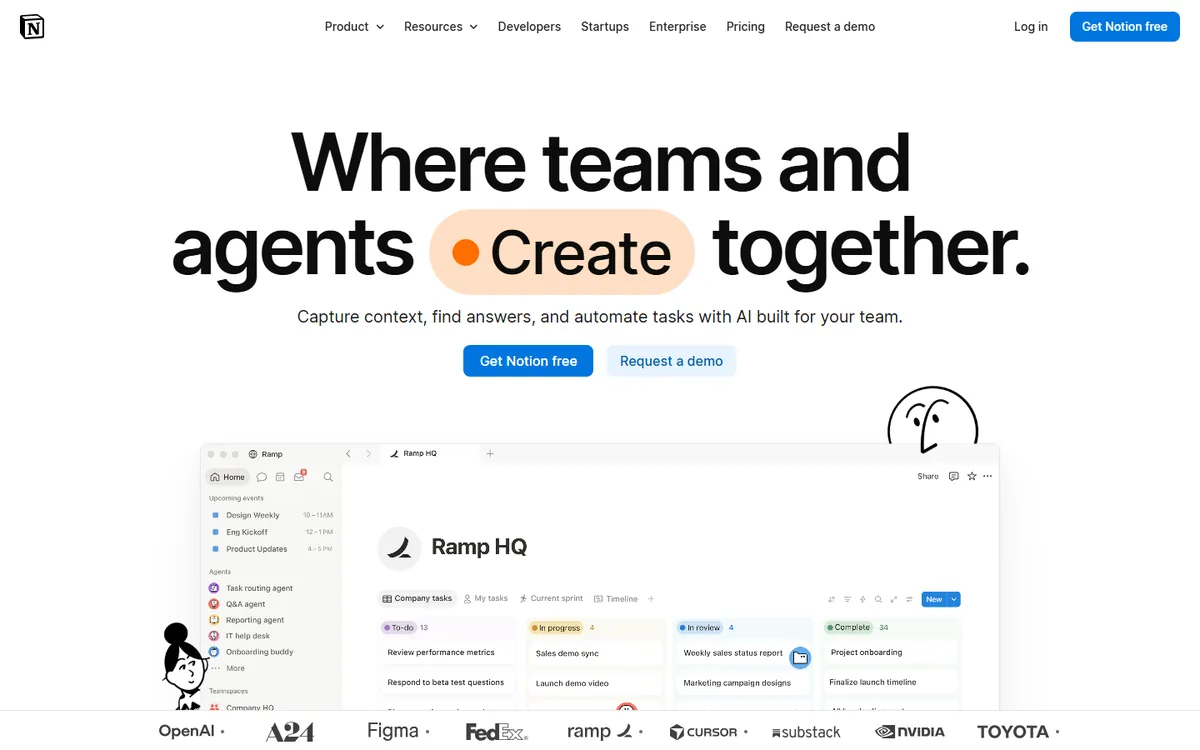
Notion AI costs an additional $10 per user per month on top of your Notion plan, which is real money for a team of ten. It is also the least private option here for sensitive material, because everything goes through Notion's cloud. If you already pay for Notion and your notes matter more than your privacy posture, this is the highest-leverage $10 you can spend on notes.
Granola: The Best Meeting Notes, Without a Bot
Granola is the AI notepad for back-to-back meetings, and its differentiator is that it does not join your call. You run it on your laptop, it records the audio locally, and after the meeting it produces clean notes with actions and memory, all without a meeting bot appearing in the calendar invite. For people who meet clients or lead internal reviews, this removes the awkwardness of bots while keeping the summary benefit.
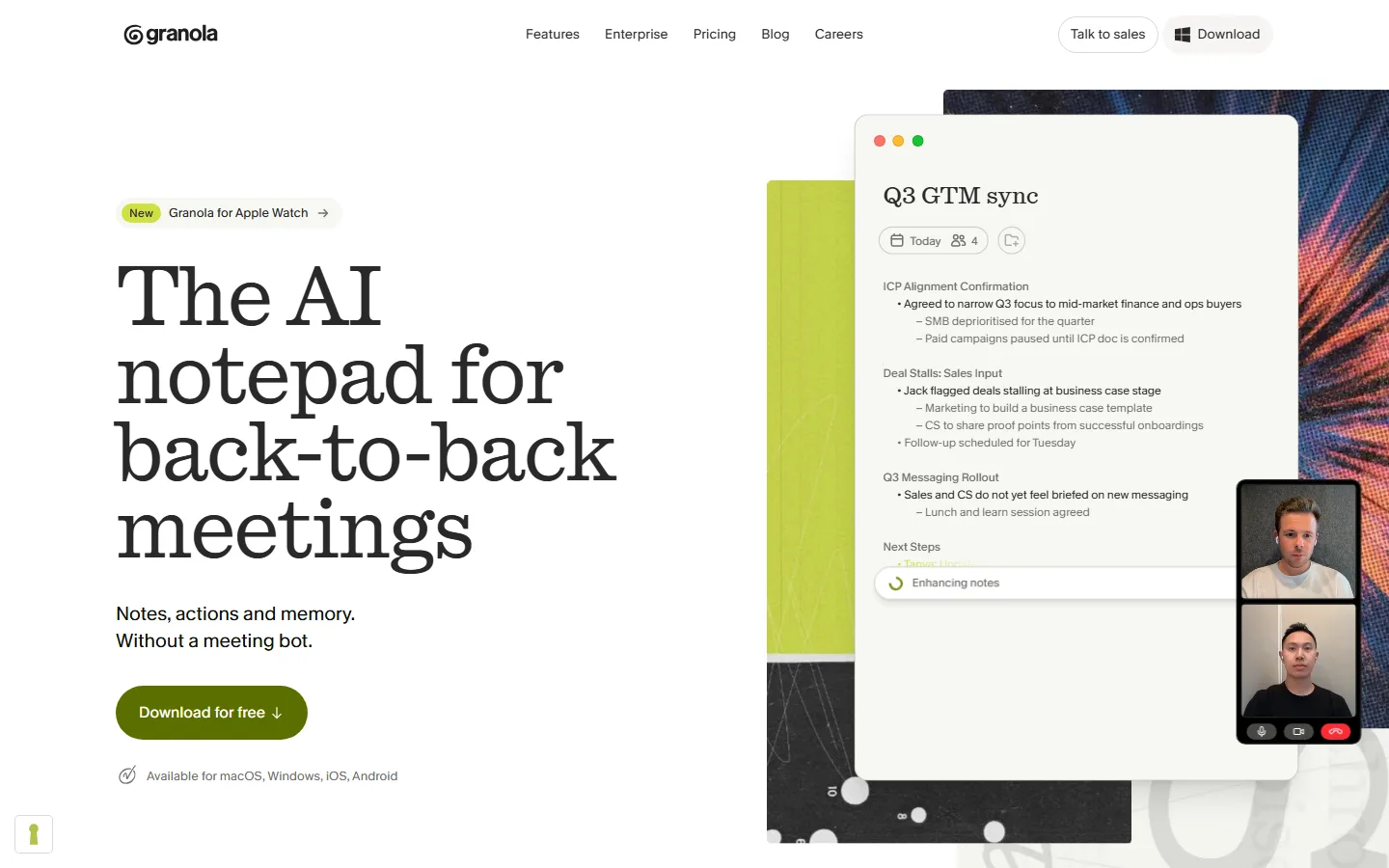
Granola costs $15 to $20 per month after a trial, and it works on macOS and Windows with mobile apps for capturing. The tradeoff is scope: it is a meeting specialist, not a general notes database. Pair it with Notion or Obsidian for the permanent archive, and let Granola handle the capture and summarization step that used to take an hour of your week.
Google NotebookLM: The Best Free Research Companion
NotebookLM is Google's free research tool that grounds its answers in the sources you upload, which is exactly what you want when notes come from PDFs, web pages, and pasted research. You drop in a stack of documents, and NotebookLM summarizes them, answers questions with inline citations back to your sources, and even generates study guides and audio overviews. For a US student, analyst, or writer compiling a research base, this is the strongest $0 option in the category.
The limit is workflow: NotebookLM is project-based and not a daily scratchpad, so it complements rather than replaces your main note app. Keep it for the research-heavy projects, and keep your operational notes in a tool with faster capture.
The Privacy and Knowledge-Graph Tier
Mem
Mem positions itself as a self-organizing knowledge base with an AI chat interface. It uses a knowledge graph to surface related notes you forgot you wrote, and its AI answers from your entire corpus. Mem's free tier is limited, and paid plans start around $8.33 per month if billed annually. It suits people who live in note capture and want the AI to do the filing.
Reflect
Reflect is an end-to-end encrypted note-taking app with AI features, built on a daily-note model with backlinks. It is the pick for people who want AI convenience without a cloud reading their notes. It costs around $10 per month, and the tradeoff is a smaller ecosystem and fewer integrations than Notion.
Obsidian With AI Plugins
Obsidian is the free, fully local markdown notes app, and its AI ecosystem comes from plugins (Smart Connections, Copilot for Obsidian, and others) that add chat, embedding, and retrieval on top of your local vault. There is no vendor cloud at all, which makes it the maximum-privacy option. You pay in setup time and plugin maintenance, so this is the developer's choice rather than the operator's.
Craft and Tana
Craft is the polished Apple-first alternative to Notion with its own AI assistant, and Tana is the "superhuman" outliner that uses AI to structure and query your notes as a knowledge graph. Both are worth a look for specific tastes: Craft for design-sensitive teams on macOS and iOS, Tana for people who think in structured outlines rather than free text.
How to Build a Note System That Actually Works
Tools matter less than process. The professionals who get real value from AI notes share a simple loop: capture, review, retrieve. Capture means getting the raw material into the system fast, whether that is a voice memo, a meeting summary from Granola, or a pasted PDF into NotebookLM. Review means spending five minutes at the end of the day scanning what the AI produced and fixing anything wrong, because a summary you never check is a summary you cannot trust. Retrieve means asking the system questions from your own material when you need a fact, a decision, or a deadline.
Most people break the loop at review. The AI note is good enough that they skip checking it, and then three weeks later they present a wrong number with full confidence. The fix is a ritual: batch the review at the same time every day, keep it under ten minutes, and only then file the output into the long-term store. Teams that do this get a memory that compounds; teams that skip it get a pretty inbox of possibly wrong summaries.
The other process rule is separation of roles. Keep capture tools (Granola, voice memos) separate from the archive (Notion, Obsidian), and let each do what it does best. Trying to make one tool do everything usually ends with meeting notes buried in research notes and nothing easy to find.
Who Should Skip AI Note Apps
AI note apps are not for everyone. If your notes are a personal journal, an ideas scratchpad, or anything where the act of writing is the point, AI summarization adds noise rather than value, and a plain text file or paper notebook is the better tool. Similarly, if you work in a heavily regulated industry where notes are evidence, the accuracy friction that G2 documents across AI assistants (23 percent of ChatGPT reviews and 20 percent of Gemini reviews mention accuracy friction) makes an unedited AI summary risky, and you should keep human-authored notes as the official record.
The honest advice is that most people should buy exactly one of these tools, not a stack. The second and third tools add marginal value and real subscription cost, and they fragment your notes across systems. Pick the tool that matches your dominant activity: meetings (Granola), workspace (Notion AI), research (NotebookLM), or privacy (Reflect or Obsidian), and make it the default before you consider anything else.
Accuracy, Lock-In, and the Real Risks
The biggest complaint about AI note tools is the same one that hits every AI assistant: summary errors that look confident. G2's review analysis found that "up to 1 in 4 ChatGPT reviews (23%) and 1 in 5 Gemini reviews (20%) mention accuracy friction," and the lesson carries over directly: when an AI note tool summarizes a client call or a legal document, treat the summary as a draft, not the record.
Two practical rules reduce the risk. First, keep the raw material: every serious tool keeps the original note or recording, so make sure you know how to retrieve it before you trust a summary. Second, add a review step for anything that will be sent or acted on: an AI note that drops a deadline or a dollar figure is worse than no note at all.
The second risk is export lock-in. A notes app you cannot leave holds your memory hostage, so check the export path before you commit. Notion, Obsidian, and Reflect all export clean markdown or HTML; a few of the newer AI-native tools do not, and that is a red flag.
How Much Should You Pay?
| Tool | Free tier | Paid from | Best for |
|---|---|---|---|
| Notion AI | AI trial only | +$10/user/mo | Existing Notion teams |
| Granola | Trial | ~$15-20/mo | Meeting-heavy professionals |
| NotebookLM | Full free tier | n/a | Research stacks and students |
| Mem | Limited | ~$8.33/mo | Self-organizing knowledge base |
| Reflect | Trial | ~$10/mo | Encrypted, private notes |
| Obsidian | Free (local) | Plugins vary | Developers, maximum privacy |
Frequently Asked Questions
Is NotebookLM really free?
Yes. Google's NotebookLM has a genuine free tier with no credit card, which is rare among AI note tools. Paid NotebookLM Plus exists for heavy usage, but most individuals never need it.
Which AI note-taking app is most accurate?
No tool is reliably accurate enough to skip review, but grounded tools are safer than open chatbots. NotebookLM anchors answers to your uploaded sources with citations, and Granola keeps the audio so you can verify anything. Both beat generic AI writing assistants for accuracy-critical work.
Can Granola join my Zoom or Google Meet calls?
Granola does not join calls as a bot. It records on your device while you are in the meeting, which is why the meeting invite stays clean and why it works across Zoom, Meet, and Teams without permissions.
Is Notion AI worth $10 per user per month?
Yes, if your team already lives in Notion and you spend time hunting for past decisions. No, if your notes are mostly meetings (buy Granola) or research (use NotebookLM) and Notion is only a small part of your flow.
What is the most private AI note-taking app?
Reflect and Obsidian are the privacy picks: Reflect is end-to-end encrypted, and Obsidian with local AI plugins never touches a vendor cloud. Granola stores on your device as well, though its summaries sync to the app.
Will AI note apps replace meeting recordings?
They replace the manual summary step, not the recording. Every serious tool keeps the original recording or notes as the source of truth, and you should too, because summaries are drafts and recordings are evidence.
Verdict
Buy Notion AI if your workspace is already Notion and you want one tool for everything. Buy Granola if you spend your week in meetings and hate bots on your invites. Use NotebookLM for research projects at zero cost. Skip the rest unless you have a specific need: privacy (Reflect or Obsidian), self-organizing knowledge (Mem), or structured outlines (Tana).
For the broader productivity picture, see our best AI productivity tools 2026, our AI research assistants roundup, and our free AI tools guide. If you are weighing AI assistants generally, our ChatGPT vs Claude comparison covers the subscription math.
Start Taking Better Notes Today
This week, do one experiment: take all your meeting notes in Granola (or a voice memo in your phone), and all your research in NotebookLM, and see which summaries you actually trust after three days. Most people find they trust grounded summaries from their own material far more than a general chatbot, and that single insight changes which tool you pay for.