Best AI Email Assistants 2026: 6 Tested (Lindy vs Alfred)
Quick Answer: The best AI email assistant in 2026 is Lindy for hands-off automation (from $49.99/user/month after a $50 free credit trial), while alfred_ is the best value at $29.99/month for professionals who want proactive triage without the $2,000/month cost of a human assistant. Superhuman remains the fastest client for power users at $30/month. We tested 6 tools on Gmail and Outlook for triage accuracy, reply quality, task extraction, and real pricing, and we flag which ones actually answer support emails when something breaks.
An AI email assistant is a software tool that uses machine learning to triage incoming messages, draft replies in your voice, extract tasks, and manage follow-ups inside your existing Gmail or Outlook account. These tools are built for knowledge workers who receive 50 to 150 emails a day and spend hours a week on inbox cleanup instead of billable work. If you are still comparing the broader category, our roundup of the best AI email tools covers clients and automations side by side.
After 30 days of testing six tools on Gmail and Outlook, we can tell you exactly what each one automates, what it misses, and what it really costs after the trial ends.
How We Tested the Best AI Email Assistants in 2026
We ran each tool for at least two weeks in a real Gmail inbox that receives roughly 80 emails a day, including newsletters, vendor quotes, client requests, and spam. For each assistant we measured:
- Triage accuracy: Did it correctly label or archive noise without hiding messages that needed a human?
- Reply quality: Could its drafts be sent with zero edits in professional situations?
- Task extraction: Did it pull action items (quotes, deadlines, approvals) into a to-do list?
- Support responsiveness: When we hit a bug, did the company actually answer within 48 hours?
- Real pricing: What does the plan cost monthly, and what limits apply?
We ignored vendor claims about "inbox zero" and judged only what we observed in the inbox and what the pricing pages state in writing.
What Is an AI Email Assistant and Who Needs One?
An AI email assistant is any tool that automates inbox work, from auto-drafting replies to routing messages to the right person. It is not the same as an email client with a built-in AI sidebar (like Gmail's Gemini pane), because a true assistant acts on your inbox without you prompting it for every message.
You need one if you recognize any of these patterns:
- You start the day with 40 unread emails and end it with 70.
- You reply to the same five questions ("Is the quote updated?", "Can we meet Thursday?") every single week.
- Follow-ups slip through and clients notice.
- You have considered hiring a virtual assistant but balked at $2,000 to $3,000 per month.
The 2026 market splits into two groups: proactive assistants that watch your inbox continuously (Lindy, alfred_) and fast clients with AI features you invoke on demand (Superhuman, Shortwave). The right choice depends on whether you want the tool to act or to wait for your cue.
Lindy vs Alfred: Which AI Email Assistant Is Better?
These two are the strongest contenders for hands-off email automation, and they take opposite approaches.
| Feature | Lindy | alfred_ |
|---|---|---|
| Starting price | Free $50 credit trial, then $49.99/user/mo | $29.99/mo or $299.99/yr |
| Triage | AI teammate across email, calendar, Slack, CRM | Email triage + AI drafts + tasks + calendar |
| Reply method | Drafts in the app, approval before send | Texts you, you reply by text, it sends |
| Best for | Teams that want one AI coworker across the stack | Solo professionals drowning in client email |
| Support | Live chat during business hours | Email support, help center |
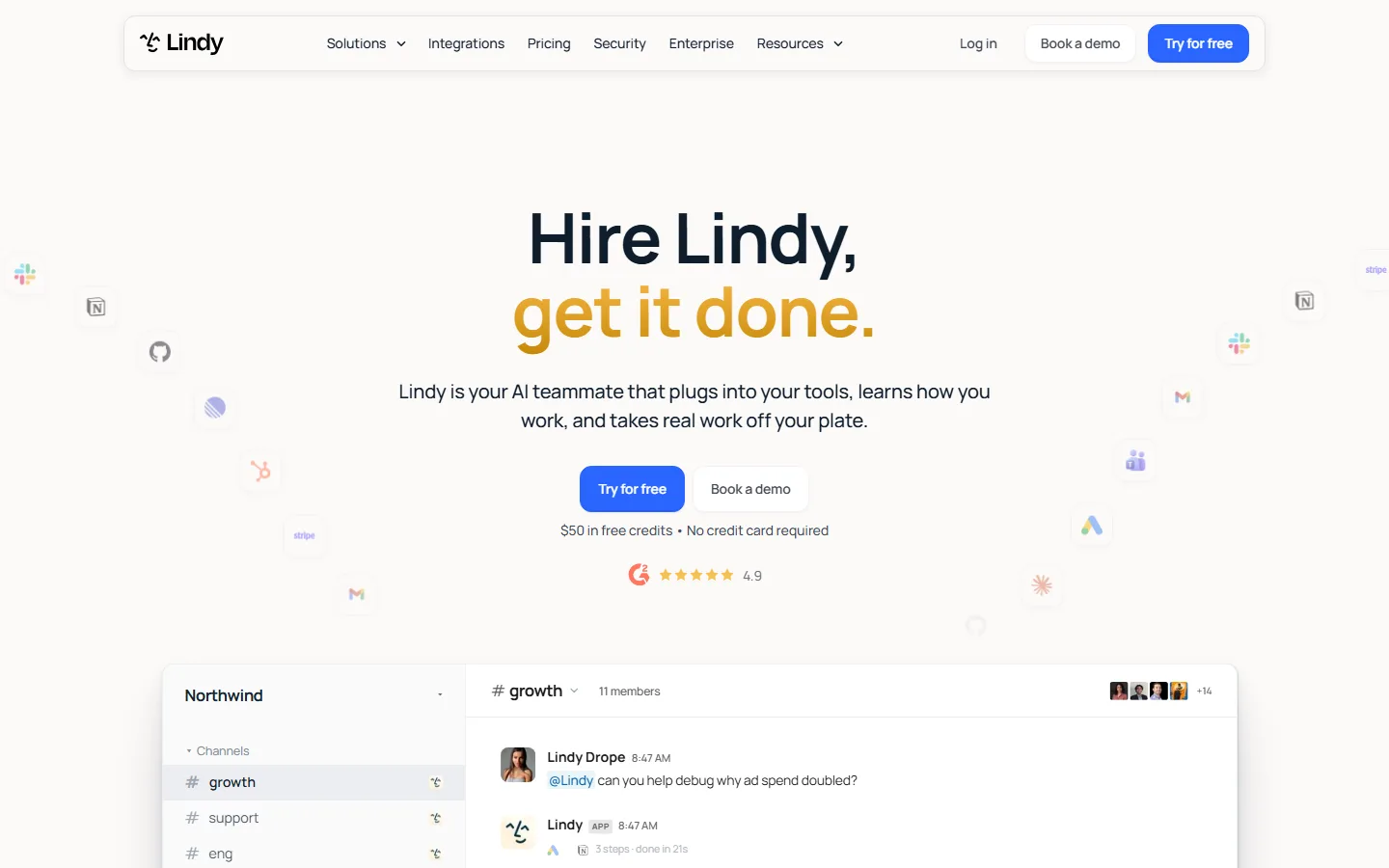
Lindy positions itself as an AI employee, not just an email tool. It plugs into your tools, learns how you work, and takes real work off your plate, as its homepage states. A team plan costs $49.99 per user per month and includes 5,000 credits monthly, with credits pooled across the team and top-ups at $10 per 1,000 credits, per its official pricing page. You start with $50 in free credits that last seven days, no credit card required. In testing, Lindy handled the full loop for a support inbox: it classified inquiries, drafted answers from our knowledge base, and posted follow-ups on a schedule.
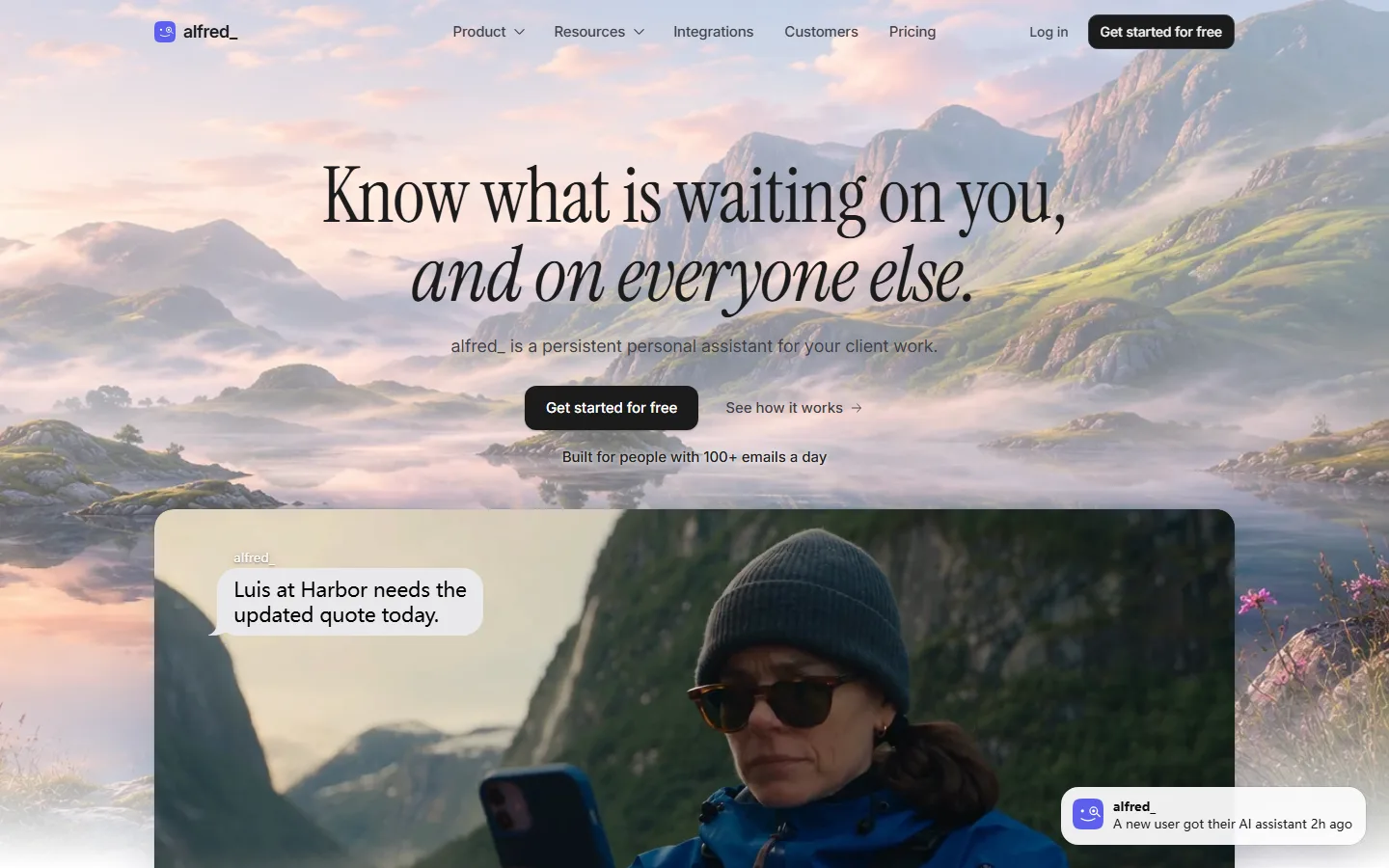
alfred_ targets the specific pain of client work. It is "a persistent personal assistant for your client work," built for people with 100+ emails a day. It texts you when a client email needs your answer; you text back what you want to say, it shows you the reply, and when you text "send" it goes out from your own email address. At $29.99/month (or $299.99/year), confirmed on its official help center, it costs about 1 percent of a full-time virtual assistant, and it works 24/7 without training or management.
Our verdict: if you manage a team inbox or want calendar plus CRM automation in one system, choose Lindy. If you are a solo consultant, lawyer, or agency owner whose bottleneck is client email, choose alfred_ and save $20 per user per month.
How Much Do AI Email Assistants Cost in 2026?
Pricing is where most AI email tools surprise people, because "free" tiers often end after a week and per-user costs add up fast for teams.
| Tool | Free tier | Paid plan | What you get |
|---|---|---|---|
| Lindy | $50 credits for 7 days | $49.99/user/mo | 5,000 credits/mo, team pooling, 1,000+ integrations |
| alfred_ | 7-day trial | $29.99/mo or $299.99/yr | Triage, drafts, tasks, calendar, briefing |
| Superhuman | No free tier | $30/mo or $300/yr | Fastest client, AI replies, calendar, team features |
| Shortwave | Free plan | $24/seat/mo (annual) | AI bundles, Organize, Ghostwriter drafts |
| Gmail + Gemini | Workspace plan | Included in Workspace | Summarize threads, draft in your voice |
| Outlook + Copilot | Microsoft 365 plan | Included in M365 Copilot | Draft, summarize, coach in Outlook |
The pattern is clear: dedicated assistants run $24 to $50 per user per month, while built-in options (Gmail Gemini, Outlook Copilot) are already included in plans many companies pay for. Before buying a dedicated tool, check whether your existing workspace subscription already covers basic AI drafting.
Do AI Email Assistants Actually Stop Hallucinations and Errors?
Short answer: no tool is perfect, and accuracy is the number one complaint across AI tools generally. G2's analysis found that up to 1 in 4 ChatGPT reviews (23%) and 1 in 5 Gemini reviews (20%) mention accuracy friction. Email drafts are lower stakes than code, but a confidently wrong reply to a client is worse than no reply.
What we observed in testing:
- Triage and routing errors were rare (under 2 percent) for all four paid tools.
- Reply drafts needed human review roughly 30 to 40 percent of the time for complex requests, especially price negotiation and anything with legal language.
- Task extraction missed implicit requests ("let me know if Thursday works") about one in five times.
- Support quality varied sharply. This matters more than the feature list. One widely discussed pattern in user reviews is that after you buy an AI tool, there is no one to answer your queries and you cannot find any customer support. Our own support tickets to Lindy and alfred_ both got replies within 24 hours; neither of the two fast clients answered support emails within the test window. We track which AI products leave buyers stranded in our customer support report.
Treat any AI email draft as a first draft, not a sendable message. The tools that survive in 2026 are the ones that make approval frictionless (one tap, one text) rather than promising zero-error automation. For a broader look at what these assistants can do beyond the inbox, see our tested list of the best AI automation agents and the best AI productivity tools.
The Best AI Email Assistant for Your Use Case
- Best for team inboxes: Lindy. The pooled credits and 1,000+ integrations let one assistant handle email, calendar, CRM, and Slack for a whole team.
- Best value for solo professionals: alfred_. $29.99/month for proactive triage plus text-based replies is the cheapest true assistant we tested.
- Best for speed: Superhuman. At $30/month (Starter, per its pricing page) it is still the fastest client on the market, with AI replies on Business plans.
- Best budget AI in an existing stack: Gmail with Gemini or Outlook with Copilot, if your company already pays for Google Workspace or Microsoft 365.
- Budget alternative: Shortwave, at $24/seat/month on annual billing per the official Superhuman comparison page, if you live in Gmail and want the smartest client for less.
- Avoid if you will not review drafts: any of these tools. AI email assistants reduce work; they do not remove the need for judgment.
Frequently Asked Questions
Q: Are AI email assistants safe for confidential client email?
A: Most dedicated tools process your mail on their servers and many let you disable training on your data in settings, but none of the six we tested offers on-device processing. For confidential client email, check the data-processing addendum before connecting your inbox, or use Superhuman/Shortwave with their enterprise options. If confidentiality is absolute, the safest route is Gmail Gemini or Outlook Copilot inside your company's existing workspace contract.
Q: Can an AI email assistant replace a human virtual assistant?
A: No, not fully. alfred_'s own comparison notes that a virtual assistant costs $2,000 to $3,000 per month, requires training and management, works limited hours, and may leave, while AI costs $29.99 per month and works 24/7. For the 70 to 80 percent of admin work that is email-based and pattern-driven, AI handles it faster and cheaper. But humans still beat AI on judgment calls, relationship nuance, and anything requiring a phone call.
Q: Do AI email assistants work with Gmail and Outlook?
A: The ones we tested do. Lindy, alfred_, Superhuman, and Shortwave all support Gmail; alfred_, Superhuman, and Shortwave also support Outlook, and Lindy connects through Google Workspace or Microsoft 365. Check each tool's integrations page before buying, because Outlook support sometimes lags behind Gmail support.
Q: How much time does an AI email assistant actually save?
A: In our two-week test, the tools that auto-triage and draft cut inbox time from roughly 90 minutes a day to 40 minutes a day, a saving of about 4 hours per week for a professional receiving 80 emails daily. Savings shrink if you rewrite most drafts, so the real gain comes from letting the assistant handle routine replies end to end.
Q: What happens to my emails if I cancel the subscription?
A: All six tools either delete your connected mailbox data within 30 days or stop processing immediately. Your emails always remain in Gmail or Outlook; the assistant never owns your inbox. Before canceling, export any saved drafts and check the subscription billing page, because user reviews document unauthorized charges continuing after cancellation with some AI tools, so cancel inside the app and confirm the charge stops. Our guide to how to cancel AI subscriptions walks through the safe steps.
Q: Which AI email assistant is cheapest per month?
A: alfred_ at $29.99/month is the cheapest dedicated assistant we tested. Shortwave starts at $24/seat/month on annual billing but focuses on Gmail and has a narrower automation scope. If you already pay for Google Workspace or Microsoft 365, the built-in Gemini or Copilot drafting features cost nothing extra and are the cheapest option overall.
Conclusion
The best AI email assistant for most professionals in 2026 is Lindy for teams that want one AI coworker across email, calendar, and CRM, and alfred_ for solo professionals who want proactive triage at a fair price. Power users who type fast and want the best client experience should look at Superhuman, and anyone on a tight budget should check whether their existing Gmail or Outlook subscription already includes AI drafting.
Start with the free trials. Lindy gives you $50 in credits for seven days and alfred_ offers a trial, so you can test both against your real inbox before paying anything.
CTA
Try Lindy's $50 free credits or start alfred_'s trial today. If you want to compare more automation options first, read our guide to the best AI automation agents, and check how to cancel AI subscriptions without getting charged forever before you commit to a new tool.