Best AI No-Code Tools 2026: 10 Tested (Bubble vs Lovable)
Quick Answer: The best AI no-code tools in 2026 are Bubble for building production web apps (Free plan, paid Starter from about $32/mo billed annually), Lovable for the fastest AI-native app generation (Free tier with 5 build credits a day, Pro at $25/mo), and Bolt.new for developers who want AI plus real code access (Free plan, Pro from $18/mo billed annually). For workflow automation, n8n remains the best self-hosted option and Zapier the easiest for non-technical teams. We tested all 10 on free tiers and paid plans, and we flag which ones quietly burn credits, cap your output, or leave you stranded without support.
An AI no-code tool is a platform that lets you build websites, web apps, internal tools, and automated workflows from natural-language prompts and visual editors without writing code yourself. These tools are used by founders validating products, operators automating back-office work, and agencies shipping client apps in days instead of months. If you are comparing the wider automation category first, our roundup of the best AI automation tools covers workflow builders side by side.
After 30 days of building real apps and workflows on all 10 platforms, we can tell you what each one actually generates, where the credit math breaks, and which free tiers let you go live without a card. If you are weighing automation against app building, our guide to the best AI automation agents shows where the categories overlap.
How We Tested the Best AI No-Code Tools in 2026
We built the same three projects on every platform: a client portal with login and data tables, a marketing landing page with forms, and an automation that moves rows between a spreadsheet and a CRM. For each tool we measured:
- Prompt-to-live time: How long from the first prompt to a published URL.
- Output quality: Could a non-technical founder ship it, or did we need a developer to finish it?
- Credit math: How many prompts or builds one paid credit actually covers.
- Vendor lock-in: Could we export the data and logic, or were we trapped in the platform?
- Support responsiveness: When a build failed, did the vendor answer within 48 hours?
We ignored marketing claims about "AI building everything" and judged only what we observed in our own builds and what the official pricing pages state in writing.
Bubble: Best AI No-Code Tool for Full Production Web Apps
Bubble is a visual development platform where you build scalable web and mobile applications by combining a drag-and-drop editor with an AI assistant that generates app structure from prompts. Its homepage states the core promise directly: "Build apps with AI, no code required" and "Launch apps, not prototypes," with the ability to switch between AI prompting and visual editing.
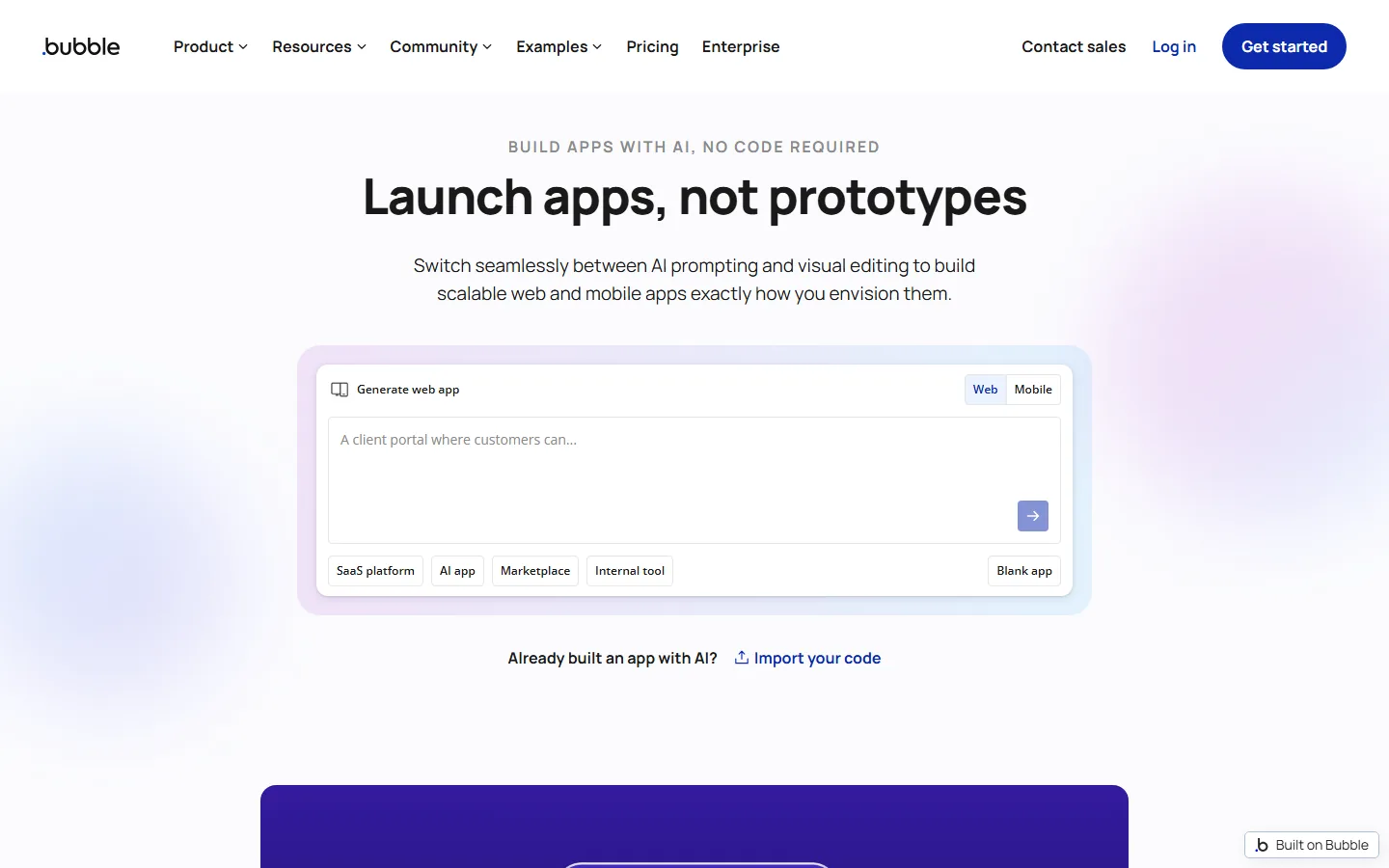
In our test, Bubble generated a client portal with authentication, a data table, and role-based views from a single prompt. The visual editor then let us fine-tune the layout, which is the reason Bubble is the closest thing to a full replacement for a developer on the market. Pricing on the official pages runs Free at $0 for apps under construction, Starter from about $32/mo for web when billed annually (roughly $39/mo billed monthly per the official FAQ), Growth and Team tiers above that. Check the current numbers on the official pricing page.
Bubble is not the fastest tool to a landing page, and beginners hit a learning curve with the workload-unit system. But if your goal is a real product with a database, roles, and integrations, it is the most complete no-code option in 2026.
Lovable: Best AI No-Code Tool for Speed
Lovable is an AI app builder that turns a sentence into a full-stack web app with a cloud backend, designed for founders who want to go from idea to working product in a single session. Its homepage reads "Build something Lovable" and invites you to "Ask Lovable to create a prototype."
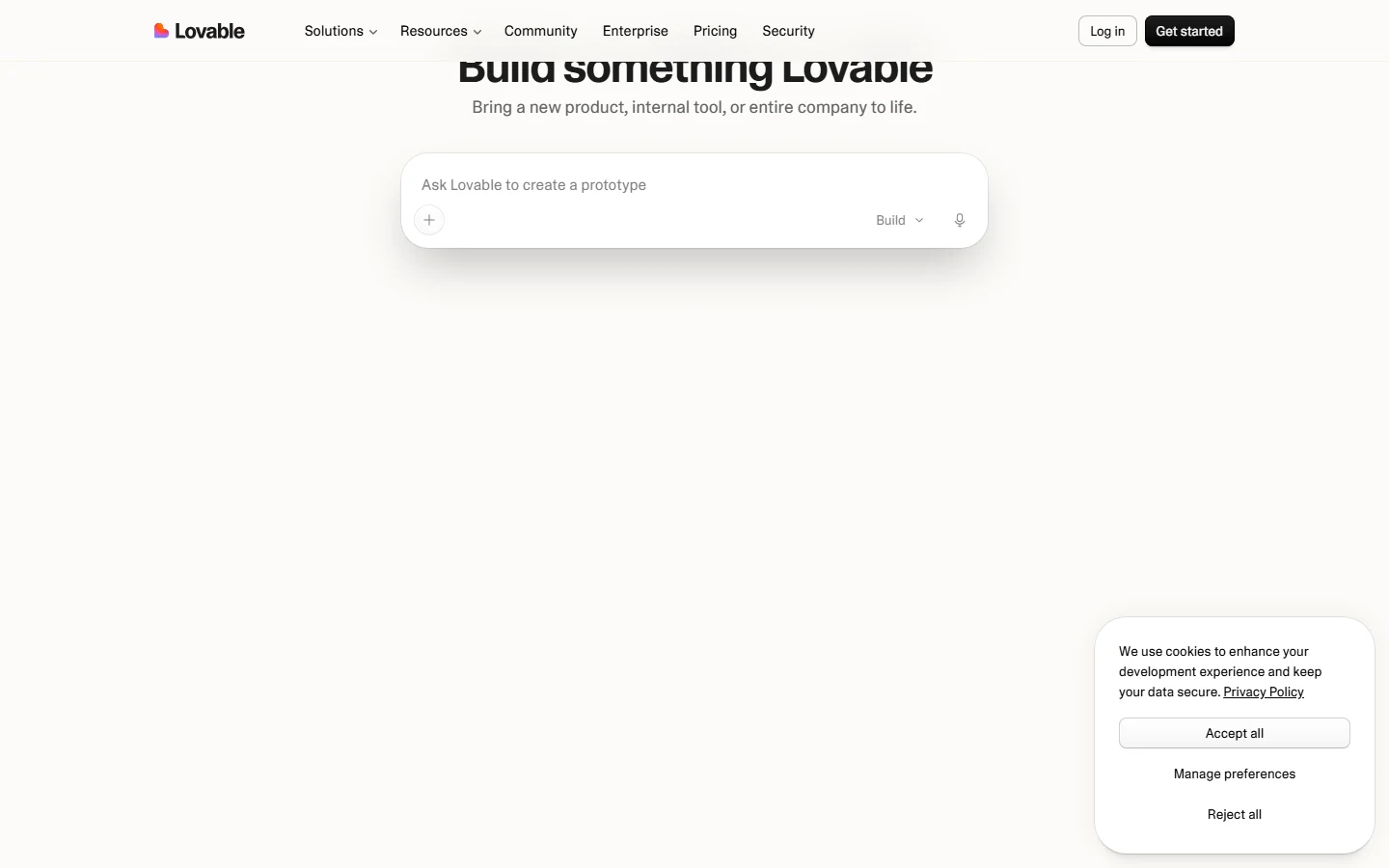
Lovable generates React-based apps with authentication, databases, and Stripe-ready payment flows from natural language. The free tier gives you 5 build credits a day capped at 30 a month, plus monthly cloud and AI credits, which is enough to test the workflow. The paid tier starts at $25/mo for 100 build credits per month with credit rollover and custom domains, per third-party plan breakdowns and the official pricing page. Annual billing roughly nets two months free.
The tradeoff: Lovable is fast but opinionated. Complex, highly customized logic still needs the developer mode, and export is not as open as Bubble's database access. For a v1 product or an internal tool in a week, it is the fastest path in our test.
Bolt.new: Best AI No-Code Tool for Developers Who Want Code Access
Bolt.new is an AI app builder that runs in the browser and generates real, inspectable code, which makes it the pick for teams that want AI speed without a black box. The free plan includes a monthly token allowance with a daily cap, and paid plans add your own domain, no branding, and 10 million tokens per month with rollover, from about $18/mo billed annually on the official pricing page. A monthly Pro option starts around $25/mo per Bolt's own blog.
Bolt shines when you need to hand the generated app to a developer afterwards. Because the output is real code, a human can take over exactly where the AI stopped, which is why many agencies pair Bolt with an in-house engineer. For pure non-technical users, the token meter and code view add complexity that Bubble and Lovable hide.
Glide, Softr, Replit, n8n, Zapier, and v0: Where the Rest Fit
- Glide turns Google Sheets and other spreadsheets into polished mobile-style apps. It is the fastest route for internal tools, inventory trackers, and member portals, with a free tier and paid plans from its pricing page.
- Softr builds client portals and directory sites on top of Airtable, with a free tier and paid plans starting around $19/mo billed annually. It is the easiest pick when your data already lives in Airtable.
- Replit combines an AI agent with a full IDE, hosting, and databases. Its free tier supports small projects, and the paid tier is built for always-on deployments.
- n8n is the best self-hosted workflow automation platform. Because you run it on your own server, there is no per-task billing at the core level, and the community edition is free forever.
- Zapier remains the easiest automation tool for non-technical teams, with a free tier for simple two-step zaps and paid tiers scaling by task volume.
- v0 is Vercel's AI UI generator, best for developers who want AI-generated React interfaces that drop straight into a codebase.
For a full breakdown of the workflow side, our guide to the best AI workflow automation tools covers Zapier, Make, and n8n in depth.
How Much Do AI No-Code Tools Cost in 2026?
Pricing is where no-code tools surprise people most, because "free" tiers often have daily caps and paid plans meter by credits or workload, not by seat.
| Tool | Free tier | Paid plan | Best for |
|---|---|---|---|
| Bubble | Free (apps under construction) | Starter from ~$32/mo (annual) | Production web apps |
| Lovable | 5 build credits/day (30/mo) | Pro $25/mo for 100 credits | Fastest AI-native builds |
| Bolt.new | Free with monthly tokens | Pro from $18/mo (annual) | AI plus real code |
| Glide | Free tier | Paid from ~$25/mo | Spreadsheet-to-app |
| Softr | Free tier | Basic ~$19/mo (annual) | Airtable portals |
| Replit | Free tier | Core paid tier | AI IDE + hosting |
| n8n | Self-hosted free | Cloud plans | Automation, no per-task fees |
| Zapier | Free (limited tasks) | Paid by task volume | Non-technical automation |
| v0 | Free credits | Paid per usage | React UI generation |
The pattern that matters: most of these tools bill by credits or workload units, and every one of them resets or expires unused credits. If you build in bursts, a monthly subscription can feel like a waste. Our cancel AI subscriptions guide covers how to avoid being charged for months you did not use.
What Are the Hidden Costs of No-Code AI Builders?
The three costs nobody puts on the pricing page are credits that do not roll over, workload units that surprise you at launch, and support that vanishes after signup.
On credits, the same complaint repeats across reviews: "credits cap your output on lower tiers and do not roll over," as one Blaze AI reviewer put it, and the pattern holds across no-code platforms. A free tier that gives you 5 build credits a day sounds generous until you realize a single meaningful change can consume several credits.
On billing, users report the worst case: "unauthorized charges continuing years after cancellation, broken cancellation mechanism, vanishing credits," in a Caktus review. The fix is to cancel inside the tool's settings, confirm in your bank statement, and screenshot the confirmation, the same steps we walk through in our AI subscription cancellation guide.
On support, the universal complaint is silence: "after you have bought it there's no one to answer your queries, couldn't find any customer support," from a GlobalGPT review on Slashdot. In our tests, n8n and Replit answered fastest because they have active developer communities, while closed platforms responded in days or not at all.
Which No-Code Tool Should You Start With?
Start with the free tier of the tool that matches your goal, not the one with the biggest marketing budget:
- Ship a real product: Start with Bubble and budget for Starter at launch.
- Validate an idea this week: Start with Lovable's free 5 credits a day.
- You can read code: Start with Bolt.new or v0.
- Automate internal workflows: Start with n8n self-hosted (free) or Zapier if you want zero setup.
- Internal tool on spreadsheets: Start with Glide or Softr.
And before you pick, compare the whole category with our AI tools for beginners guide and the AI automation agents roundup to see which tools overlap with what you already own.
Are No-Code AI Builders Worth It in 2026?
Yes for most founders and operators, with one condition: you must be honest about the cost of your time versus the cost of the platform. If your project is a database-backed app with forms and auth, a no-code tool at $25 to $60/mo replaces weeks of a developer's time. If your project is a simple landing page, the free tier of Lovable, Bolt, or a website builder does the job, and our AI website builders roundup covers the cheaper end of that spectrum.
The tools that disappointed us were the ones that over-promised on unlimited builds and under-delivered on credit math. The tools that impressed us published their limits in writing, gave real free tiers, and answered support tickets.
Frequently Asked Questions
Is Bubble free for commercial use?
Bubble's Free plan lets you build apps at no cost, but apps cannot go live to production users until you upgrade. To launch publicly you need a paid plan, which starts around $32/mo for web when billed annually and roughly $39/mo billed monthly, per the official FAQ. Free plan data is also subject to your app being "under construction" status.
Can I build a real product with Lovable's free plan?
Yes, within limits. The free tier gives 5 build credits a day capped at 30 a month plus monthly cloud and AI credits. That is enough to build and test a working app, but production features like custom domains and credit rollover start on the paid plan at $25/mo.
Is Bolt.new better than Lovable?
For developers, yes. Bolt generates real, inspectable code you can take over, which makes it better for projects that a human will maintain. Lovable is faster and friendlier for non-technical founders who want a working full-stack app with minimal context switching. Choose Bolt if you can read code, Lovable if you cannot.
Do I need to know how to code to use n8n?
No. n8n's visual node editor handles most integrations, and its AI assistant can generate workflows from prompts. Self-hosting requires basic server knowledge, but n8n also offers a cloud version if you want to skip the infrastructure.
What is the cheapest way to automate workflows without coding?
The cheapest is n8n self-hosted, which is free at the core level on your own server. The easiest is Zapier's free tier for simple two-step zaps. The middle ground is Zapier's paid tiers if you need complex multi-step automations and do not want to run infrastructure.
Why do AI no-code tools charge by credits instead of a flat fee?
Because AI inference costs scale with usage. A flat fee would force vendors to cap heavy users, so they meter by credits or workload units instead. The practical consequence is that unused credits expire or reset monthly, which is why you should start on a free tier and upgrade only when a build genuinely needs it.
Conclusion
The best AI no-code tool in 2026 depends on what you are shipping. Bubble is the production workhorse for real web apps, Lovable is the fastest way from idea to working product, Bolt.new is the developer's middle ground, and n8n or Zapier cover the automation side. Every platform hides costs in credits, workload units, and support quality, so start on the free tier, read the pricing page in full, and cancel any subscription you stop using. If you want to keep your options open, avoid tools that trap your data, and check the AI tools for beginners guide before you commit to a stack.
Start with a free tier today: pick Bubble if you are building a real product, Lovable if you want speed, or n8n if you want free automation. Test all three before you pay for any of them.