Canva vs Figma 2026: Design Tool Compared for Creators
Quick Answer: Canva is the better choice for marketers, educators, and small businesses that need fast social graphics, presentations, and print content, because its drag-and-drop editor and template library require no design training and its free plan is genuinely usable. Figma is the better choice for product and UI/UX teams that design interfaces, prototypes, and design systems developers build from, because its components, auto-layout, and Dev Mode are the industry standard. If you produce marketing content, pick Canva. If you design products, pick Figma. Most teams end up using both for different jobs.
Canva is a browser-based graphic design platform used for creating social media graphics, presentations, posters, videos, and print materials from templates, aimed at non-designers and marketing teams. Figma is a collaborative interface design tool used for UI/UX design, prototyping, and developer handoff, aimed at product designers and engineering teams. The practical difference is not image quality: it is whether the finished work has to become code and a shared design system, or just a polished visual anyone can post.
What Is the Core Difference Between Canva and Figma in 2026?
Both tools run in a browser, both let teams edit one design together, and both now sell AI that drafts a first version. What separates them is what the finished work has to become and who is making it.
Canva is built for fast, accessible content creation. You start from a template or a prompt, drag and drop elements, and export a finished graphic, deck, or video in minutes. Its free plan alone offers millions of templates and a large stock library, which is why marketing teams and small businesses treat it as their default design tool. The 2024 Affinity acquisition added free professional desktop apps, Photo, Designer, and Publisher, so one Canva subscription now spans quick social graphics through deep print and photo editing, according to Toolradar's October 2026 comparison.
Figma is built for interface design and developer handoff. You work with frames, components, auto-layout, and variants inside a multiplayer canvas, then hand the file to developers through Dev Mode. There is no equivalent of Dev Mode or component-driven design systems in Canva, and there is no equivalent of Canva's template and asset library in Figma. Neither tool is a substitute for the other's core job, which is why every serious comparison in 2026 ends with the same split: Canva for content, Figma for product.
Canva vs Figma: Pricing Compared in 2026
Both tools start free, and both price per person, but the unit and the math are different.
Canva Free costs $0 and includes 1.6 million-plus templates, 5GB of storage, basic collaboration, and 50 Magic Studio AI credits per month, according to Softwr's September 2026 comparison. Canva Pro costs $15 per month billed monthly, or $144 per year billed annually, and adds 100 million-plus premium stock assets, 1TB storage, brand kits, background remover, and 500 AI credits per month, according to Canva's pricing page and Toolradar. Canva Business costs $25 per user per month (about $250 per year per person) and adds approvals, 100 brand kits, and admin controls.
Figma Starter costs $0 and includes unlimited drafts, 3 shared Figma files, 3 FigJam boards, 150 AI credits per day up to 500 per month, and a maximum of 2 editors per file, according to Softwr and Awesomic. Figma Professional costs $16 per seat per month billed annually, or $20 month to month, for a Full seat that includes Figma Design, Dev Mode, FigJam, Slides, and AI. Figma also sells Dev seats at $12 and Collab seats at $3 per month billed annually, which is how product teams keep costs down when only designers need Full seats. Organization runs $55 per seat, and Enterprise runs $90 per seat, both billed annually.
| Plan | Canva | Figma |
|---|---|---|
| Free tier | 1.6M+ templates, 5GB, 50 AI credits/month | 3 files, 3 FigJam boards, 150 AI credits/day |
| Entry paid price | Pro $15/month (or $144/year) | Professional Full $16/seat/month (annual) |
| Team pricing | Business $25/user/month | Collab seats from $3/seat/month (annual) |
| AI allowance | 50 credits free, 500 on Pro | 150/day free, 3,000/month on Full seat |
| Developer handoff | None | Dev Mode on Full and Dev seats |
| Print/photo editing | Yes, via free Affinity apps | No |
| Best for | Marketing, social, print, decks | UI/UX, prototypes, design systems |
Sources: official Canva and Figma pricing pages, plus Toolradar (October 2026) and Softwr (September 2026).
Which Design Tool Is Easier for Non-Designers?
Canva wins this round by design, and the gap is the reason Canva has more than 170 million registered users.
Canva requires zero design training. You type a prompt or pick a template, drag in elements, and the output looks professional because the templates are already well-composed. Independent reviewers rate Canva roughly 9/10 for beginner ease of use, with a learning time of 2 to 4 hours, according to A Versus B's October 2026 comparison. The free tier is not a crippled trial: millions of templates, background remover, and basic AI generation work without a card.
Figma has a real learning curve. Frames, components, auto-layout, and variants are concepts that pay off for daily product design work but are overkill for a marketer making a social post. A new Figma file opens blank, so the first session is spent learning the canvas rather than producing output. For a non-designer who needs a finished graphic today, Figma is the wrong tool.
The practical guidance in 2026 is blunt: if you are not a designer and you need content, do not start in Figma. Canva gets you from idea to publishable visual in minutes, and Figma only makes sense once you are designing a product that developers will build.
Canva vs Figma for UI Design and Developer Handoff
For product work, Figma is not just better, it is the industry standard, and Canva does not attempt to compete on this ground.
Figma's component system means one edit updates every screen using that component. Auto-layout keeps spacing consistent when content changes. Prototyping supports interactions, conditional logic, and user testing, and Dev Mode hands developers the exact CSS, variables, and specs they need to build the design. The 2026 additions of Figma Sites and Figma Make extend the product into publishing and AI-assisted design, according to Awesomic's September 2026 comparison and Toolradar.
Canva has no component system, no version control in the product-design sense, and no Dev Mode. It cannot export to PSD or AI formats, and its export options are limited to PNG, PDF, MP4, and other basic formats, according to Softwr. For a design that has to become code, Canva is a dead end: a developer would have to rebuild the design from scratch because there is no structured handoff.
The teams that get this wrong are the ones that start a product design in Canva and discover they cannot hand it off. If your deliverable is a clickable prototype, a design system, or a file developers will inspect, Figma is the only choice in this pair.
Which Tool Has the Better AI Features in 2026?
The two tools pushed hard into AI in 2026, and the winner depends on the workflow again.
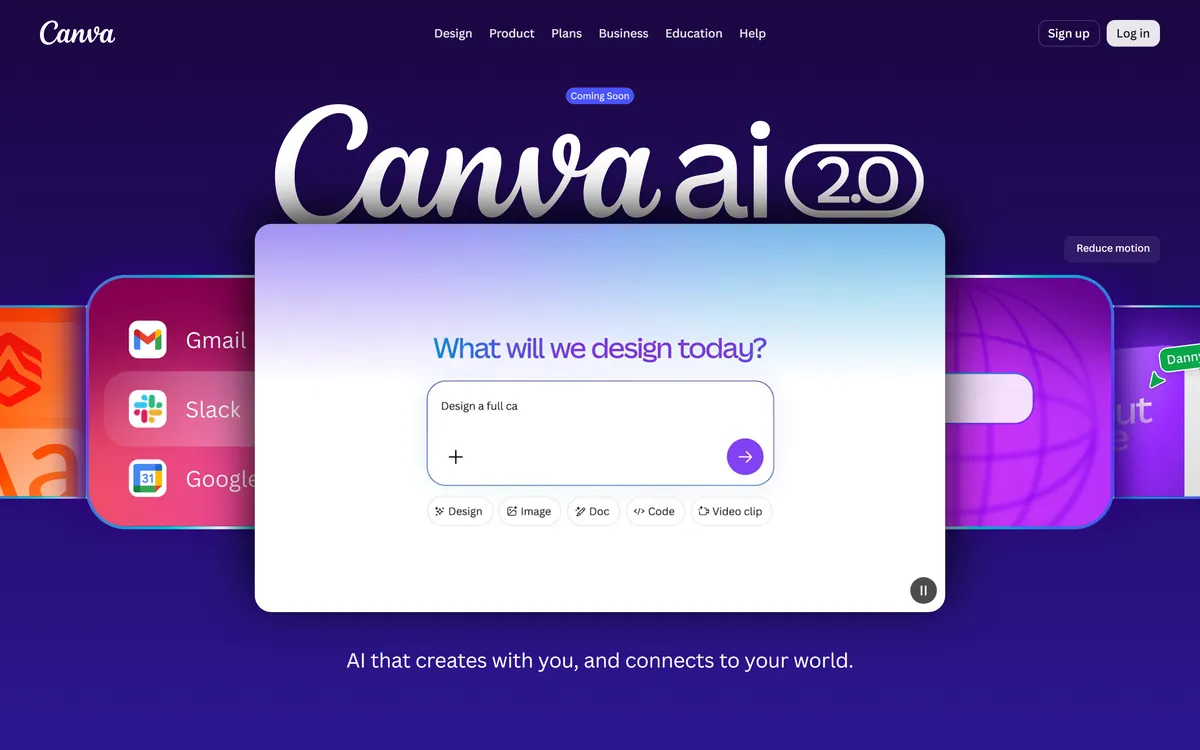
Canva's Magic Studio is a content-generation powerhouse. Magic Write drafts copy, Magic Media generates images, Magic Design creates full layouts from a prompt, and the same workspace covers video and presentations. Free users get 50 credits per month, and Pro users get 500, which is enough for everyday content work but burns fast if you iterate on image generation, where a single prompt can consume several credits per attempt, according to Toolradar. The 2026 Canva AI 2.0 preview extends the tool into a connected workspace that drafts designs from a single input.
Figma's AI is aimed at product and engineering workflows. A 2026 in-canvas AI assistant, a 50-plus skills library, and direct partnerships with Anthropic and OpenAI for coding-agent integration position Figma's AI for interface generation and design-system automation rather than marketing content, according to Toolradar. Figma Draw (formerly Figma AI) is free on Starter, and paid Full seats get 3,000 AI credits per month.
For generating marketing visuals, Canva's AI is the stronger tool. For generating UI or automating design systems, Figma's AI is the more relevant one. Neither tool's AI changes the core split: content versus product.
Which Tool Handles Team Collaboration Better?
Both tools support real-time collaboration, but they govern teams differently, and that difference decides which one scales.
Figma's multiplayer is native: multiple people edit the same file simultaneously with live cursors, comments, and version history. The 2026 model adds branching, team libraries, and a seat-type structure (Full, Dev, Collab, View) designed for structured design-system governance across large product teams, according to Toolradar and Softwr. Branching lets designers experiment without touching the main file, and team libraries share components across projects with controlled updates. That is why Figma is the standard for product orgs where dozens of designers and developers work on the same product.
Canva's collaboration is built for content approval rather than design-system management. The Teams plan supports real-time editing and admin controls, and the Business plan adds approval flows, 100 brand kits, and centralized asset management, according to Awesomic and Toolradar. For a marketing team that needs a designer to approve a campaign graphic before it goes out, Canva's approval workflow is closer to the actual job than Figma's branch-and-library model would be.
The practical pattern in 2026: product teams need Figma's governance and branching, and marketing teams need Canva's approval flow and brand kits. Choosing the collaboration tool before choosing the design tool leads teams astray, because the governance model should match the team's workflow, not the other way around.
Final Verdict: Which Design Tool Should You Pick?
Pick Canva if you produce marketing content: social posts, presentations, flyers, videos, and print materials. The template library, drag-and-drop speed, free Affinity desktop apps, and 50 free AI credits make it the fastest path from idea to publishable visual, and the free tier covers most light work indefinitely.
Pick Figma if you design products: interfaces, prototypes, design systems, and anything developers will build from. The component architecture, auto-layout, multiplayer collaboration, and Dev Mode are exactly what product teams need, and Collab seats keep the cost reasonable when non-designers only need to review.
Pick both if your team does both jobs, which is the most common setup in 2026: Figma for the product team, Canva for the marketing team, with brand assets shared across both. If you are building out a wider design and no-code stack, our guides to the best AI design tools, Canva AI vs Adobe Firefly, and the best AI website builders cover the adjacent options, and our best AI photo editors roundup shows where Canva's AI editing fits.
FAQ
Q: Is Canva better than Figma?
A: Not overall, only for specific jobs. Canva is better for marketing content, social graphics, presentations, and print because it needs no design training. Figma is better for UI/UX design, prototyping, and developer handoff because it has components, auto-layout, and Dev Mode. Choose by what your finished work has to become.
Q: Can I use Figma for social media graphics?
A: Technically yes, but it is not the right tool. Figma can produce any visual, but it has no built-in template library and a steep learning curve. For social graphics, Canva's templates get you a finished post in minutes, while Figma spends that time teaching you frames and auto-layout.
Q: Which is cheaper, Canva or Figma?
A: For one person, Canva Pro at $15 per month costs less than a Figma Professional Full seat at $16 per month billed annually. For teams, Figma's Collab seats at $3 per month per person can be cheaper, but those seats cannot edit in Figma Design, so the comparison depends on which seats your people actually need.
Q: Can Figma replace Canva?
A: No, not for marketing content. Figma has no template library, no stock assets, no print pipeline, and no video editing. It is built for interface design. Most companies use both: Figma for product design and Canva for marketing output.
Q: Is Canva really free?
A: Yes, the free plan is permanent with no trial or credit card required. It includes 1.6 million-plus templates, 5GB of storage, basic collaboration, and 50 Magic Studio AI credits per month, which is enough for light content work forever.
Conclusion
Canva and Figma serve different jobs in 2026, and choosing between them is a workflow decision, not a quality contest. Canva wins for speed and accessibility on marketing and content output, and its free Affinity apps now cover deeper desktop editing too. Figma wins for interface design, prototypes, design systems, and developer handoff, and its seat-based pricing rewards teams that only need a few editors. Buy the one that matches your daily output, and add the other when the second job appears.
CTA
Ready to start creating? Open Canva's free plan for your next social graphic or presentation, and explore Figma Starter if you are designing a product interface. Both free tiers are permanent, so you can test the right fit before paying anything.