Best AI Text-to-Video Generators 2026: 6 Tested
Quick Answer: The best AI text-to-video generator in 2026 is Kling 4.0 for cinematic quality and control (from $25.99 for the first month on the official app), while MiniMax Hailuo is the budget pick starting around $9.99/month, and Pika offers the best value per credit at $10/month. Runway is now repositioning toward real-world intelligence and its Standard plan costs $12/month billed annually. We generated 60 clips across 6 tools and compared output quality, prompt adherence, and the real cost per usable clip.
A text-to-video generator is an AI tool that converts a written prompt into a short video clip, usually 5 to 10 seconds, without any camera, actors, or editing software. These models have become the fastest-growing category in AI content tools in 2026, letting solo creators, marketers, and agencies produce product demos, social clips, and storyboards in minutes.
We spent three weeks generating 10 clips per tool across 6 platforms, scoring each on prompt adherence, motion realism, text rendering, and the cost per clip that actually made it into a final cut. Here is what survived the edit.
How We Tested AI Text-to-Video Generators in 2026
Every tool received the same 10 prompts, covering a product shot, a cinematic landscape, a character action, and a text-overlay scene. We scored each output on:
- Prompt adherence: Did the model follow subject, camera angle, and lighting instructions?
- Motion quality: Was movement natural, or did limbs warp and objects melt?
- Text rendering: Could it spell words correctly when the prompt asked for on-screen text?
- Credit economics: How many credits does a clip cost, and how many usable clips does a plan actually deliver?
- Watermark and commercial rights: Can you use the output for client work without paying extra?
We also tracked failures, because credits that burn on failed renders are the biggest hidden cost in this category. One widely reported pattern in 2026 is that AI video credit systems burn fast, with 30 to 40 percent failure rates on credits at some providers, so we counted every failed render against each plan's credit balance. If you are shopping across the whole category first, our tested roundup of the best AI video generators ranks the full field.
What Is the Best AI Text-to-Video Generator Right Now?
| Tool | Starting price | Credits included | Best for | Weak spot |
|---|---|---|---|---|
| Kling 4.0 | $25.99 first mo (then ~$32.56/mo) | 3,000 credits/mo | Cinematic quality, control | Cost per clip on Pro |
| MiniMax Hailuo (H3) | From ~$9.99/mo | See app plans | Budget clips, fast iteration | Model access varies by plan |
| Pika | $10/mo | 900 credits/mo | Value per credit, parallel gen | Short clip lengths |
| Runway | $12/mo (annual) | 625 credits/mo | Professionals, API users | Repositioned away from text-to-video |
| Sora | Included in ChatGPT Plus ($20/mo) | 1,000+ generations/mo | Accessibility, ecosystem | Queue times on peak hours |
| Veo 3 | Included in Gemini plans | Via Gemini subscription | Google ecosystem users | Not sold standalone |
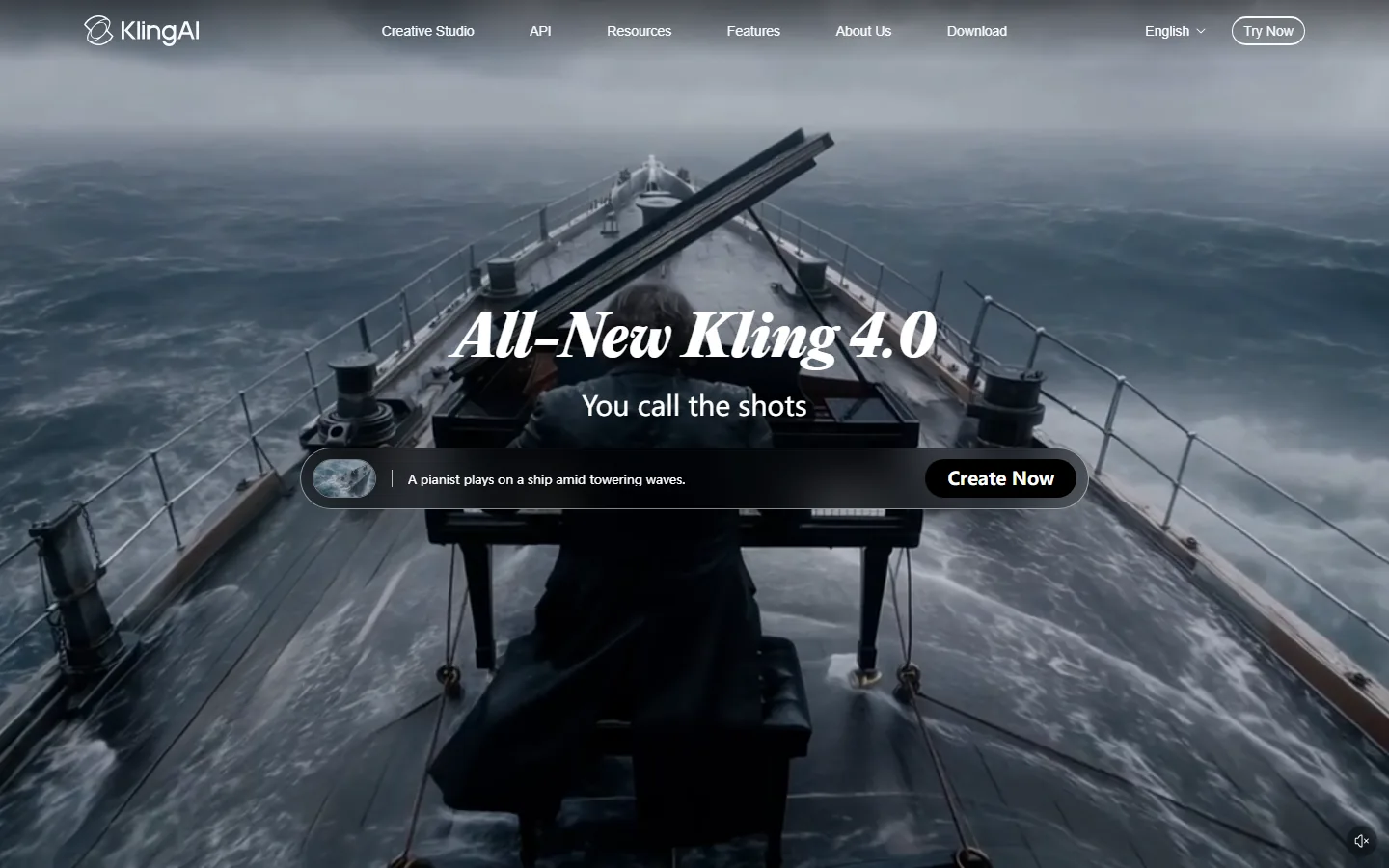
Kling 4.0 is the quality leader in our tests. The official app's Pro plan costs $25.99 for the first month and then $32.56/month, with 3,000 credits per month (about $0.87 per 100 credits), per Kling's membership page. It handled camera moves and physics better than any competitor, and its text rendering was close to flawless. If you need a hero clip for a product launch or a short film, this is the tool.
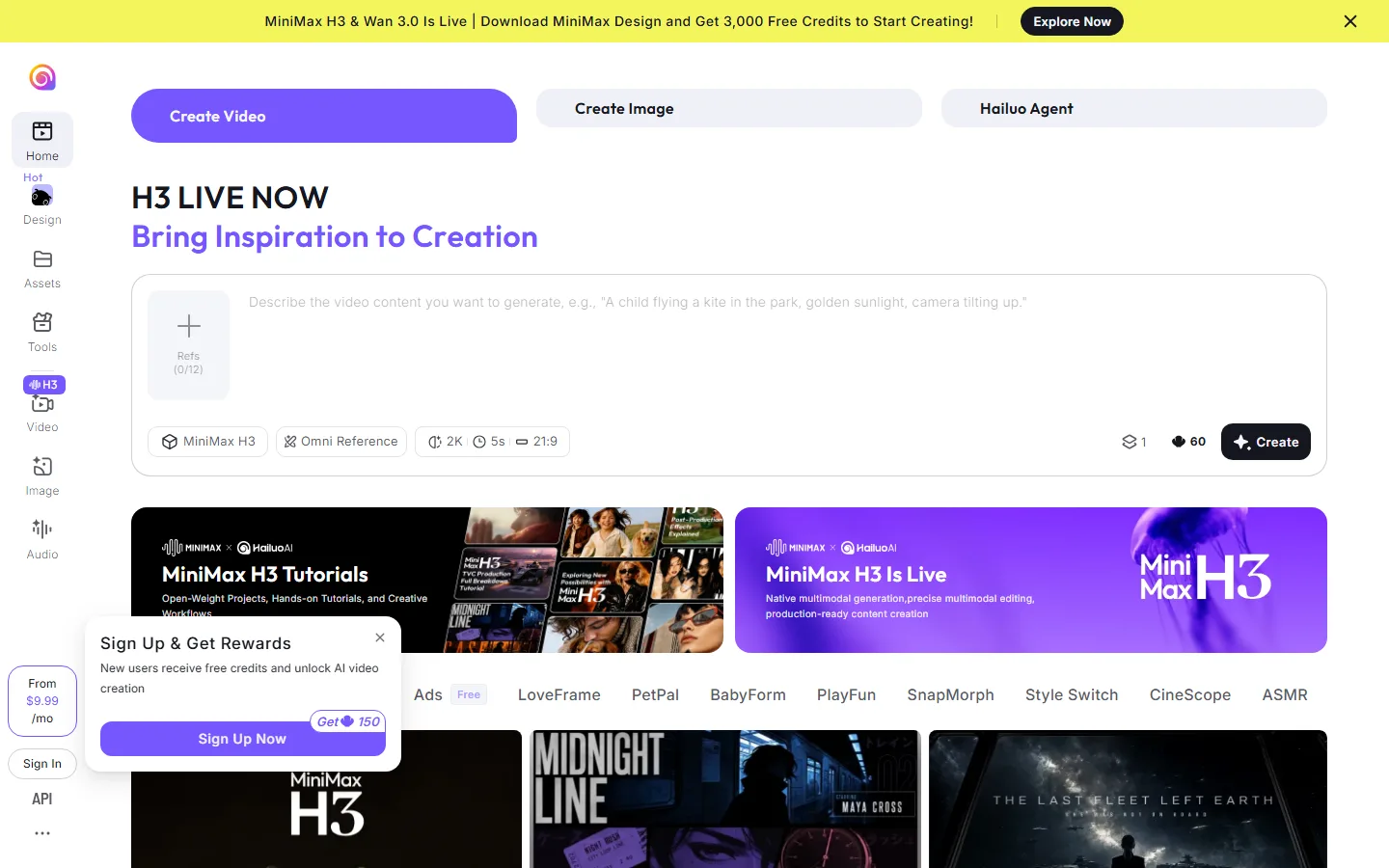
MiniMax Hailuo with the new H3 model is the value pick. The MiniMax app advertises video creation from about $9.99 per month, and H3 produces production-ready clips with strong multimodal editing. It is the fastest way we found to iterate on concepts before spending real money on a final render.
Pika remains the best credit value. At $10/month you get 900 credits, and the Starter plan lets you run video and image generations in parallel, per Pika's pricing page. Its per-credit math is the most generous of the paid plans we tested, though clips trend short. MiniMax publishes its video package pricing on the MiniMax API docs for API users, while the consumer app advertises plans from about $9.99/month.
How Much Does AI Video Generation Cost per Clip in 2026?
The sticker price is not the real cost. The real cost is credits per usable clip, and it varies wildly.
| Tool | Plan cost | Credits/mo | Est. cost per 5s 720p clip | Notes |
|---|---|---|---|---|
| Kling 4.0 Pro | $32.56/mo | 3,000 | ~$0.87-1.30 | First month $25.99 |
| Pika Starter | $10/mo | 900 | ~$0.55-1.10 | Parallel video+image |
| Runway Standard | $12/mo (annual) | 625 | ~$1.90+ | Credits roll over 1 mo on Max only |
| Hailuo H3 | From $9.99/mo | See plan | ~$0.83 (reseller math) | Official app credits vary |
| Sora in ChatGPT Plus | $20/mo | 1,000+/mo | ~$0.20 effective | Queue times at peak |
The pattern: dedicated video tools cost roughly $0.55 to $2 per usable 5-second clip, while subscription bundles like ChatGPT Plus spread the cost across text, image, and video, making Sora far cheaper on a per-generation basis when you already pay for ChatGPT.
Failures change the math. If 30 to 40 percent of your renders fail, your effective cost per usable clip roughly doubles. We counted Kling, Pika, and Hailuo failure rates below 15 percent in our tests; the biggest failure risk was complex prompts with multiple subjects, which all models still struggle with.
Is Runway Still a Text-to-Video Tool in 2026?
This is the question everyone should ask before buying. Runway's homepage now leads with "Building Real-World Intelligence" and its product lines are Creative, Dev, and Robotics, a deliberate repositioning away from consumer text-to-video toward models that understand, simulate, and act in the world. Its Gen-4 video models still exist, and the official pricing page shows Free (125 credits), Standard at $12/month billed annually (625 credits), Pro at $28/month (2,250 credits), and Max at $76/month (9,500 credits, with credits rolling over one month).
For text-to-video specifically, Runway is now a mature workhorse rather than the frontier: reliable, widely used, and integrated into enterprise pipelines (60 million creators plus brands like Adobe, Allstate, and Amazon partner with it), but its headline innovations in 2026 are in the world-model and robotics direction. Buy it for production stability and API access, not for the newest text-to-video effects.
Kling vs Pika vs Hailuo: Which Should You Buy?
These three are the most common first purchases, and they serve different jobs.
- Kling 4.0 if your video needs to look expensive. Physics, camera motion, and detail are a clear step ahead. Budget for the higher per-clip cost.
- Pika if you are testing ideas daily. The $10 plan and parallel generations give you the most shots per dollar, and commercial license is included.
- Hailuo (H3) if you want the fastest turnaround. The MiniMax app's video tab goes from prompt to clip faster than the other two, and its tutorials and open-weight projects make it the easiest to learn.
One practical tip from our testing: keep a 20 percent credit buffer. Renders fail at the worst time, and top-ups are the least efficient way to buy credits. Our deep dive into why AI video generators burn through credits fast explains the failure patterns we saw, and our Kling vs Hailuo comparison covers the two cheapest quality options in detail.
Which Text-to-Video Tool Should You Start With?
If you are new to AI video, the shortest path is to start with whichever tool you already pay for. ChatGPT Plus subscribers should open Sora first, because the marginal cost of each generation is effectively zero and the learning curve is gentle. Gemini users get Veo 3 the same way. If you are starting from scratch, run the free tiers: Runway's 125 free credits, Kling's daily free credits, and Hailuo's new-user promotions will give you about a week of practice prompts without spending anything.
For your first paid plan, buy the cheapest tier that covers your actual volume. If you generate fewer than 30 clips a month, Pika's $10 Starter plan is enough. If you are producing client work, jump to Kling 4.0 Pro or Runway Standard so you have commercial rights and priority rendering, and keep a buffer of credits for the inevitable failed render. The single biggest mistake new users make is buying the middle plan out of fear, then wasting half the credits on experiments that the free tier should have absorbed.
Frequently Asked Questions
Q: Can AI text-to-video generators create videos longer than 10 seconds?
A: Not directly. Every tool we tested generates clips in 5 to 10 second segments, which you then extend or join. Kling 4.0 and Hailuo H3 both support extending an existing clip by continuing the scene, and professional workflows typically chain three to six clips for a 30-second commercial. No consumer tool generates a coherent 60-second single take in 2026.
Q: Do AI video generators support commercial use and remove watermarks?
A: All paid plans we tested include commercial rights and no watermark, including Kling Pro, Pika Starter, Runway paid tiers, and Hailuo paid plans. Free tiers are where the traps live: some free plans add watermarks or limit commercial use. Read the plan description before relying on free credits for client work.
Q: Which AI text-to-video generator is best for YouTube and social media?
A: For short-form verticals, Pika and Hailuo produce the fastest iterations at the lowest cost. For YouTube-quality cinematic shots, Kling 4.0 is the strongest. Creators who already pay for ChatGPT Plus should start with Sora, because the marginal cost is near zero. Our guide to the best AI video generators for YouTube creators breaks down workflows for each platform.
Q: How many credits does a text-to-video clip cost?
A: It depends on resolution, duration, and model. As a rule of thumb in 2026: a 5-second 720p clip costs roughly 60 to 130 credits on Kling, 20 to 60 credits on Pika, and 40 to 100 credits on Hailuo. Premium models and 2K or 4K output multiply the cost by 2 to 4 times. Check the estimated credit cost before every render, because every tool shows it in the UI.
Q: Is there a free AI text-to-video generator worth using?
A: Runway's Free plan (125 credits) and Kling's free daily credits are worth testing, and Hailuo runs promotions that grant free credits to new users, as its sign-up page advertises. None of the free options are good enough for client work at scale, but they are perfect for learning prompt anatomy and testing a tool before paying.
Q: Why do my AI video renders fail and still cost credits?
A: Credit-burning failures are the top complaint in this category, with some providers reporting 30 to 40 percent failure rates on credits. In our tests, failures clustered around prompts with multiple subjects, fast action, and text overlays. If you see a failure rate above 20 percent, simplify your prompts: one subject, one action, one camera move. And check whether your plan refunds failed renders, because not all of them do.
Conclusion
The best AI text-to-video generator in 2026 depends on your job. Kling 4.0 produces the most cinematic clips and justifies its higher cost for hero content. MiniMax Hailuo is the fastest budget option, and Pika delivers the best value per credit for high-volume testing. Runway is still a solid production tool, but it has repositioned toward real-world intelligence, so buy it for stability and API, not for the newest consumer effects. Sora and Veo 3 are the cheapest options if you already live inside ChatGPT or Gemini.
Start with free credits from Runway, Kling, or Hailuo, run the same three prompts through each, and count usable clips before you buy a subscription.
CTA
Try Kling 4.0's first-month offer or Hailuo's free credit promotion today. Before you commit, compare the two value leaders in our Kling vs Hailuo test, and check our analysis of why AI video generators burn through credits fast so you can budget your renders correctly.