Bottom line: Grammarly is the better choice for professionals and teams who write original content and need real-time grammar, tone, and brand consistency, because it works inside 500,000+ apps and its Pro plan costs $12 per member per month billed annually. QuillBot is the better choice for students, researchers, and ESL writers who rework existing text, because its paraphraser is the deepest in the category and Premium costs about $8.33 per month billed annually. If you mostly write from scratch, pick Grammarly. If you mostly rewrite sources, pick QuillBot. Most heavy writers end up using both.
Official sources
Related guides
Key takeaways
- Q: Is QuillBot better than Grammarly?
- Q: Does Grammarly have a free version?
- Q: How much does Grammarly cost per month in 2026?
Grammarly vs QuillBot 2026: Which writing assistant wins?
Grammarly is the better choice for professionals and teams who write original content and need real-time grammar, tone, and brand consistency, because it works inside 500,000+ apps and its Pro plan costs $12 per member per month billed annually. QuillBot is the better choice for students, researchers, and ESL writers who rework existing text, because its paraphraser is the deepest in the category and Premium costs about $8.33 per month billed annually. If you mostly write from scratch, pick Grammarly. If you mostly rewrite sources, pick QuillBot. Most heavy writers end up using both.
Frequently Asked Questions
Grammarly vs QuillBot 2026: Which Writing Tool Wins?
Quick Answer: Grammarly is the better choice for professionals and teams who write original content and need real-time grammar, tone, and brand consistency, because it works inside 500,000+ apps and its Pro plan costs $12 per member per month billed annually. QuillBot is the better choice for students, researchers, and ESL writers who rework existing text, because its paraphraser is the deepest in the category and Premium costs about $8.33 per month billed annually. If you mostly write from scratch, pick Grammarly. If you mostly rewrite sources, pick QuillBot. Most heavy writers end up using both.
Grammarly is an AI writing assistant that checks grammar, spelling, clarity, and tone in real time as you type, used by individuals and teams through browser extensions, desktop apps, and mobile keyboards. QuillBot is an AI-powered writing suite built around paraphrasing and rewording existing text, used by more than 35 million writers for rewriting, summarizing, translating, and checking plagiarism. The practical difference is not which one catches more errors: it is whether your day is spent creating new text or reshaping text you already have.
What Is the Real Difference Between Grammarly and QuillBot in 2026?
The two tools started as grammar checkers and now overlap, but each one keeps a clear center of gravity.
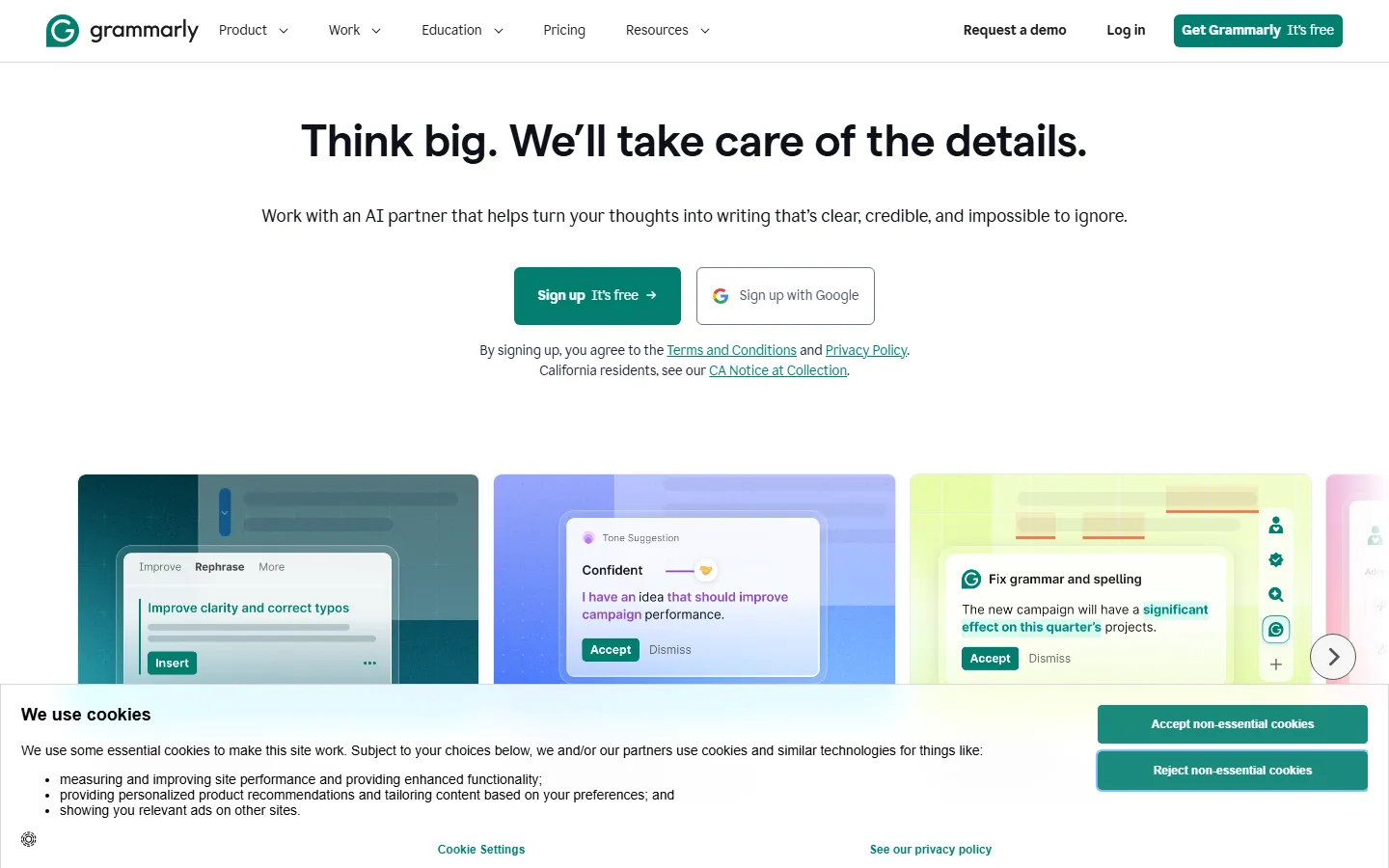
Grammarly behaves like a writing coach that sits next to you. It watches what you type and corrects mistakes inline: grammar, punctuation, spelling, tone, and clarity. Its browser extension covers Gmail, Google Docs, Slack, LinkedIn, and roughly 500,000 other apps and sites, according to a July 2026 comparison from Marketraa. On paid plans, Grammarly rewrites full sentences and paragraphs, adjusts tone toward a target style, and scans documents for plagiarism without page caps.
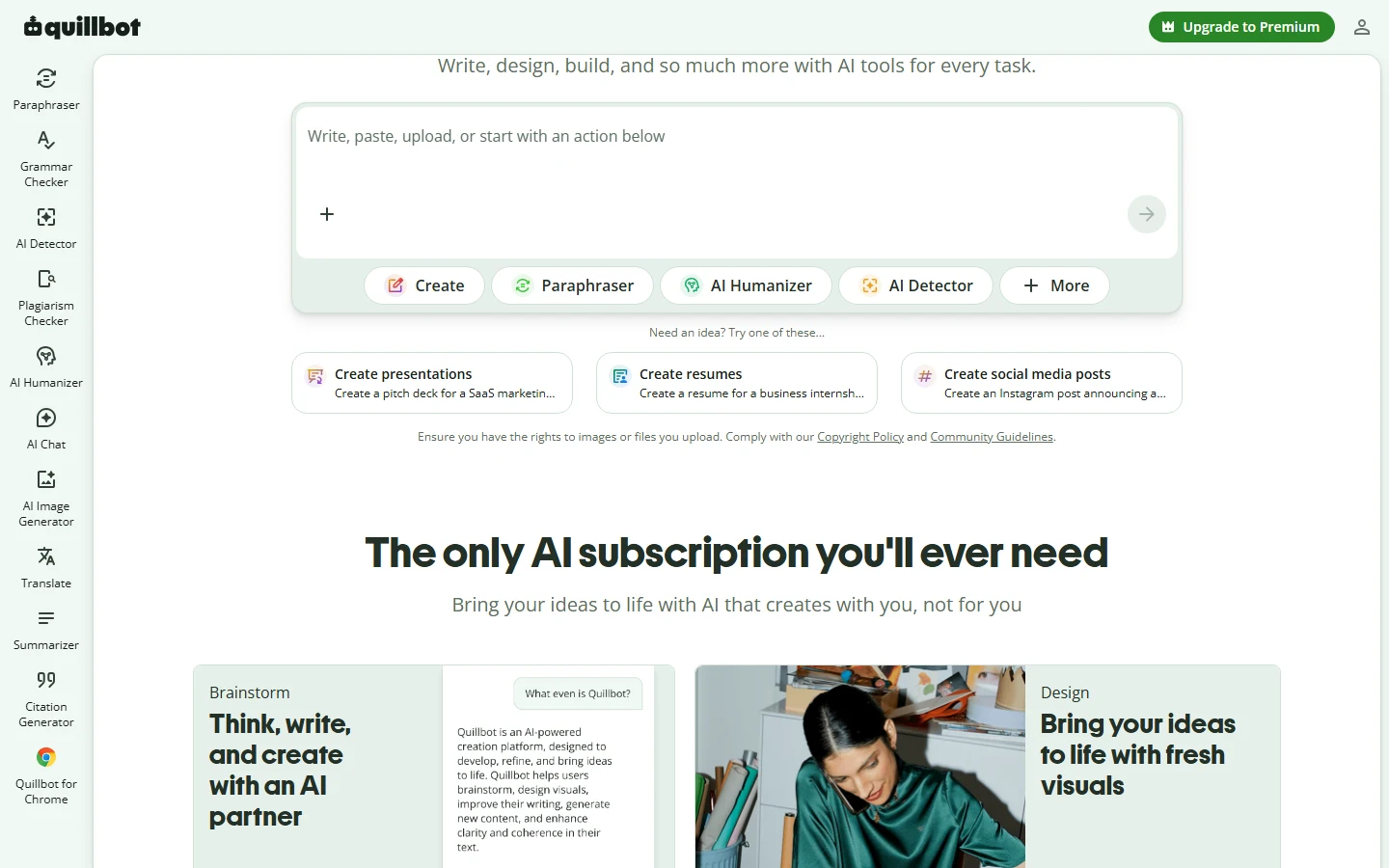
QuillBot behaves like a workshop for text you already wrote. Its paraphraser rewords passages in multiple modes, from Standard and Fluency to Academic, Formal, Simple, Creative, Shorten, Expand, and Custom. It also bundles a summarizer, a translator for more than 50 languages, a citation generator, an AI detector, an AI humanizer, and a plagiarism checker. The tool's Chrome extension has about 6 million active users with a 4.7 rating, working inside Gmail, Google Docs, LinkedIn, and Notion, according to Marketraa.
That single structural difference explains almost every recommendation you will read in 2026: Grammarly wins where you need polish on your own writing, and QuillBot wins where you need a different version of writing you already have.
Grammarly vs QuillBot: Pricing Compared in 2026
QuillBot is the cheaper paid tool, and the gap matters if you are paying out of pocket.
Grammarly Free costs $0 and includes basic grammar, spelling, and punctuation checking with no word limits, basic tone detection, and about 100 AI prompts per month. Grammarly Pro costs $12 per member per month billed annually, or $30 month to month, and adds full-sentence rewrites, tone adjustment, unlimited plagiarism scans, style guides, brand tones, and roughly 2,000 AI prompts per month, according to the official Grammarly pricing page and a July 2026 Marketraa comparison. Enterprise pricing is custom and removes the AI usage cap.
QuillBot Free costs $0 and includes the paraphraser with 2 modes and a 125-word input limit, basic grammar checking, limited AI detector access, and short summaries. QuillBot Premium costs about $8.33 per month billed annually at $99.95 per year, about $13.31 per month billed quarterly, or $19.95 month to month, according to the official QuillBot pricing page and an August 2026 breakdown from AI Comparison. Premium unlocks unlimited paraphrasing in all modes, a plagiarism checker with roughly 20 pages per month, faster processing, higher word limits, and the full summarizer and citation tools.
| Plan | Grammarly | QuillBot |
|---|---|---|
| Free tier | Unlimited grammar checks, 100 AI prompts/month | Paraphraser 125 words, 2 modes, basic grammar |
| Entry paid price (annual) | $12/member/month (Pro) | ~$8.33/month (Premium) |
| Month-to-month price | $30 | $19.95 |
| Plagiarism checker | Unlimited scans on paid plan | ~20 pages/month on Premium |
| AI prompts/generation | ~2,000 prompts/month on Pro | 300 AI images/month + unlimited AI Chat on Premium |
| Best for | Original writing, teams, tone control | Rewriting, students, research, budget |
Sources: official Grammarly pricing and QuillBot Premium pages, plus Marketraa (July 2026) and AI Comparison (August 2026).
Which Tool Has the Better Free Plan?
The answer depends on the task, but for everyday writing Grammarly's free plan is more generous, while QuillBot's free plan is more useful for paraphrasing.
Grammarly Free gives you unlimited grammar, spelling, and punctuation checking with no word limits, plus basic tone detection. That makes it genuinely useful as a daily safety net for emails, social posts, and documents, and it works everywhere through the browser extension. The main cap is AI prompts, at about 100 per month, which means the free plan is a checker first and a generator a distant second.
QuillBot Free is capped at 125 words per paraphrase and 2 modes, which is restrictive the moment you need to rewrite a paragraph or a page. The AI Detector and citation generator are available in limited form, but heavy paraphrasing work hits the word limit fast. For a student rewriting a 300-word paragraph, the free tier stops being useful quickly.
If you can only use one free tool and you write every day, Grammarly Free provides more daily value. If your core need is rewording a specific passage, QuillBot Free still does that one job acceptably, though the 125-word limit forces you to split long text into chunks.
Grammar Accuracy: Which Tool Catches More Mistakes?
Grammarly is the stronger grammar checker, and independent reviewers agree on this point consistently.
Grammarly detects more than 250 types of grammar, punctuation, and spelling errors and explains why each correction improves the sentence. It is particularly strong on tone inconsistency, clarity issues such as overly long sentences, and vocabulary suggestions. In the October 2026 comparison from AIToolsBakery, Grammarly wins the grammar round decisively: deep, contextual, real-time checking against QuillBot's reliable but more basic word-level and punctuation corrections.
QuillBot's grammar checker is competent for fundamentals but is not the reason people buy it. It fixes basic errors and offers full-sentence rewrite suggestions on Premium, but it lacks Grammarly's depth on tone, style, and clarity. Independent testers from AI Comparison describe QuillBot's grammar work as "reliable word-level and punctuation corrections" rather than context-aware sentence-level suggestions.
For writers whose main concern is correct, polished, professional-sounding text, Grammarly is the stronger purchase. For writers who mainly need a second pass after rewriting, QuillBot's grammar checker is enough, but it is not the differentiator.
Paraphrasing: Where QuillBot Pulls Ahead
Paraphrasing is QuillBot's home turf, and no tool in the mainstream category matches its mode depth.
QuillBot Premium unlocks up to 9 predefined rewriting modes plus a Custom mode: Standard, Fluency, Formal, Academic, Simple, Creative, Shorten, Expand, and Custom, according to AI Comparison and AIToolsBakery. A synonym slider lets you control how close the rewritten text stays to the original, and freeze words protect specific terms you do not want changed. That combination is what makes QuillBot the default recommendation for academic writing, where students need to rephrase source material without changing meaning.
Grammarly's rewriting is more limited. Pro includes full-sentence and paragraph rewrites with tone adjustment, but it does not offer the mode selection, synonym control, or freeze-word mechanics of QuillBot. It is designed to improve your own sentences, not to produce an alternative version of a passage on demand.
The practical test: if your workflow is "I wrote a paragraph, make it sound different and better," QuillBot does that in one step with control. Grammarly will fix the grammar and clarity of that paragraph, but it will not give you nine different versions of it.
What Does Real-World Testing Show About Speed and Workflow?
Hands-on reviewers consistently describe two different rhythms, and the rhythm is part of the product.
Grammarly works inline while you type. The browser extension underlines issues as they appear, and you accept or dismiss suggestions without leaving the app you are writing in. AIToolsBakery's October 2026 test described Grammarly as a real-time editor that corrects as you go, which makes it nearly invisible in the workflow: you write in Gmail, Google Docs, or Slack, and the checking happens in the background. That is the defining experience of the tool, and it is why professionals who live inside those apps rarely switch.
QuillBot works on selected text. You paste or select a passage, pick a mode, and the tool returns a rewritten version. The dev.to hands-on review from October 2026 tested both tools side by side and noted the same split: QuillBot's flow is a deliberate rewrite step, while Grammarly's flow is continuous correction. That makes QuillBot better for batch work, such as reworking a full paragraph or an essay section in one pass, and Grammarly better for catching mistakes as they happen.
There is also a structural difference worth noting: neither tool offers a public developer API for programmatic access on any plan, according to Marketraa's July 2026 comparison. If your team needs grammar checking inside a custom product, both tools are dead ends in 2026, which matters for SaaS teams evaluating the two for embedded writing assistance.
Which Writing Tool Should Students and ESL Writers Pick in 2026?
For students and non-native English writers, QuillBot is the stronger value, with Grammarly as a useful second pass.
Students live in a rework-heavy workflow: paraphrasing sources, summarizing papers, generating citations, and translating material. QuillBot bundles all of those into one subscription at the lowest entry price. The Academic mode is built for essays and literature reviews, the citation generator covers more than 1,000 styles, and the translator handles more than 50 languages. For ESL writers, the Fluency mode is specifically designed to make text read naturally, which is the hardest part of writing in a second language.
Grammarly still has a role. Non-native writers who use QuillBot to rework a draft should run Grammarly Free over the result as a second pass, because Grammarly's tone and clarity suggestions catch issues that paraphrase tools miss. That combination, QuillBot Premium plus Grammarly Free, is the budget workflow many students describe as the best of both worlds.
The cost case is straightforward. At roughly $8.33 per month billed annually, QuillBot Premium is about 31 percent cheaper than Grammarly Pro at $12, and it bundles more tools into that single price, according to Marketraa's July 2026 comparison. For anyone paying out of pocket, the price gap alone usually decides the question.
Final Verdict: Which Writing Tool Should You Buy?
Pick Grammarly if you write original content daily and need professional polish. The real-time checking, tone control, brand voices for teams, and unlimited plagiarism scans justify the higher price, and the 500,000+ app coverage means you never switch tools to improve your writing.
Pick QuillBot if you rework existing text and want the deepest paraphrasing for less money. Students, researchers, and ESL writers get the most value from its mode depth, translator, citations, and genuinely useful free plan at about $8.33 per month.
Most writers who care about quality end up using both: Grammarly Free as the daily checker and QuillBot Premium as the rewriting engine. If you are building a broader writing stack, our guides on the best AI grammar checkers, the best AI writing tools, and AI writing tools that actually match your voice cover the alternatives, and our Jasper vs Writesonic comparison shows how the generation-focused tools fit alongside these two.
FAQ
Q: Is QuillBot better than Grammarly?
A: Neither is better overall; they solve different problems. QuillBot is better for paraphrasing, summarizing, and academic work on a budget. Grammarly is better for grammar, clarity, tone, and professional or team writing. Choose based on whether you write new text or rework existing text.
Q: Does Grammarly have a free version?
A: Yes. Grammarly Free costs $0 and includes unlimited grammar, spelling, and punctuation checking, basic tone detection, and about 100 AI prompts per month. It works across the browser extension in Gmail, Google Docs, Slack, and thousands of other apps.
Q: How much does Grammarly cost per month in 2026?
A: Grammarly Pro costs $12 per member per month billed annually, or $30 month to month. Enterprise pricing is custom. The free tier remains $0, and QuillBot Premium costs about $8.33 per month billed annually, which makes QuillBot the cheaper paid option.
Q: Can I use QuillBot and Grammarly together?
A: Yes, and it is a common workflow. Many students and writers use QuillBot to paraphrase and rework text, then run Grammarly Free over the result as a final grammar and tone pass. The two tools complement each other instead of competing.
Q: Does QuillBot detect AI-written text?
A: Yes. QuillBot includes an AI Detector with limited access on the free plan and unlimited access on Premium. Grammarly also offers AI content detection on its paid plans.
Conclusion
Grammarly and QuillBot are not really competitors in 2026; they are two halves of the same writing problem. Grammarly polishes the text you write, and QuillBot reshapes the text you already have. Pick Grammarly for original writing and team voice, pick QuillBot for rewriting and academic work on a budget, and use both if your writing day includes both kinds of work.
CTA
Ready to improve your writing workflow? Try Grammarly's free plan to check your next draft, and explore QuillBot Premium if paraphrasing is your main task. Start with the free tiers, then upgrade the one that matches the work you actually do.