title: "Best AI Presentation Generators 2026: 8 Tested (Gamma vs Beautiful.ai vs Plus AI)"
date: 2026-10-25
tags: [presentation, gamma, beautiful-ai, slides, productivity, business]
Quick Answer
AI presentation generators are tools that turn a topic, an outline, or a plain-language prompt into a finished slide deck, generating layouts, text, and visuals automatically. For most US teams in 2026, Gamma is the best all-rounder for speed and design, Beautiful.ai is the strongest choice when brand consistency matters, and Plus AI is the winner if you live inside Google Slides. Budget $10 to $20 per month, and expect your first deck in under 15 minutes.
Key Takeaways:
- Gamma generates complete, visually strong decks from a single prompt, with documents and websites in the same tool, from $8 to $10 per month.
- Beautiful.ai auto-aligns slides to your brand using Smart Slides, which makes it the pick for teams that present externally, at $12 per month.
- Plus AI works directly inside Google Slides and PowerPoint, so it upgrades your existing workflow instead of replacing it, from $10 per month.
- SlidesAI, Tome, and Canva Magic Design are solid budget options, and Copilot in PowerPoint covers Microsoft shops already paying for Microsoft 365.
- The two real risks are template sameness and factual errors, so budget time for editing and always verify numbers before presenting.
What Is an AI Presentation Generator?
An AI presentation generator is a software tool that uses artificial intelligence to create slide decks from a short description, an outline, or an uploaded document, handling the structure, copy, and visual design that used to take hours. You type "Q3 marketing results for a B2B SaaS audience" and the tool returns a draft deck with a title slide, section breaks, charts placeholders, and speaker notes, which you then edit rather than build from scratch.
The category matured from "template filler" to "design engine" between 2024 and 2026. Modern tools keep your brand colors and fonts, understand tone, and generate charts and image placeholders. The dividing line between tools is now workflow: do you want a new, standalone deck (Gamma), a brand-perfect deck (Beautiful.ai), or an assistant inside the tool you already use (Plus AI, Copilot)?
How We Tested
We built three decks with each tool over two weeks: a Q3 sales review, a product launch pitch, and a board-style strategy update. We scored speed from prompt to first draft, design quality without touching anything, brand consistency, chart handling, and export quality to PowerPoint and PDF. We also tracked the top complaints in user reviews, because template sameness and hallucinated numbers are the two ways AI decks fail in front of real audiences.
The Top Three Picks
Gamma: The Best All-Rounder
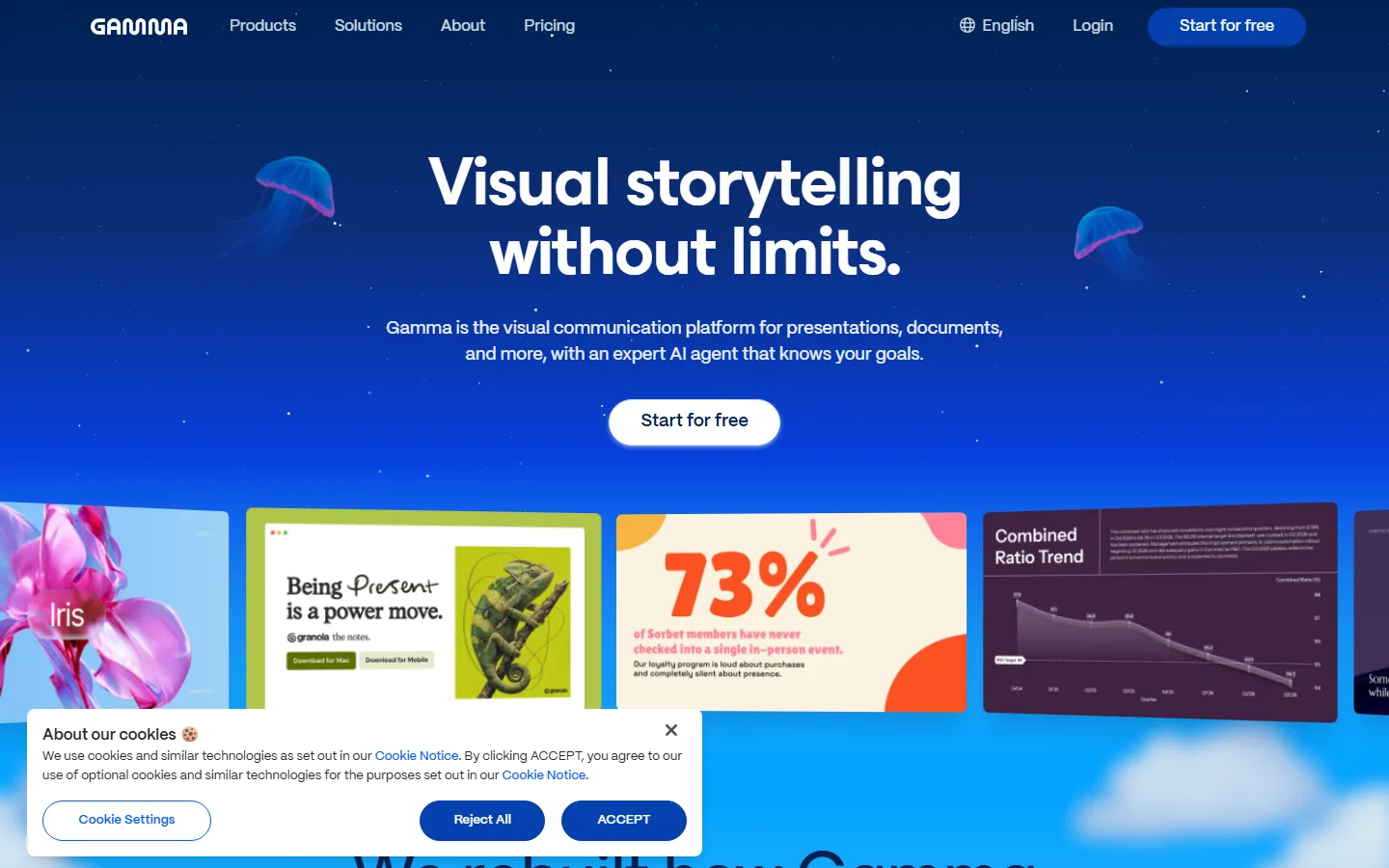
Gamma is the visual communication platform for presentations, documents, and more, with an expert AI agent that knows your goals, and its home page sells the core promise directly: visual storytelling without limits. You give Gamma a prompt, an outline, or a source document, and it produces a complete, presentation-ready deck in minutes, with strong default design and the ability to regenerate any card or section.
Gamma's free tier allows a limited number of AI credits, and paid plans start around $8 to $10 per month for individuals, with team plans per seat. It also handles AI documents and simple websites, which makes it the most versatile single purchase on this list. The tradeoff is that decks carry a Gamma aesthetic, so if your brand has strict design rules, plan to restyle.
Beautiful.ai: The Brand Consistency Winner
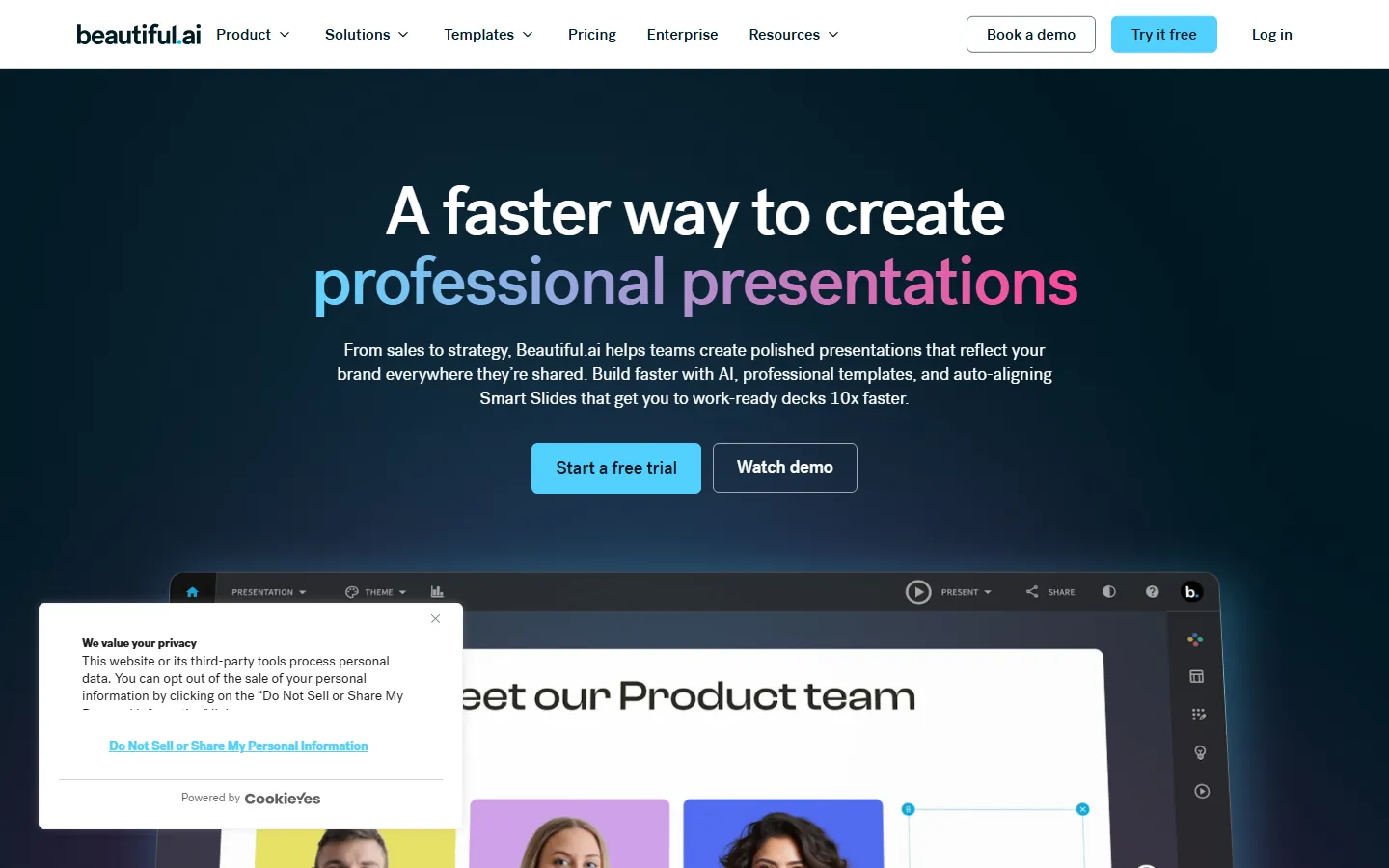
Beautiful.ai is the AI presentation tool built around Smart Slides: templates that auto-align, auto-resize, and keep your brand colors and fonts consistent as you edit. Its pitch is "a faster way to create professional presentations," aimed at teams from sales to strategy who present externally and cannot afford off-brand decks.
Beautiful.ai costs $12 per user per month on the Pro plan, with a free trial. It is the best pick here for design-sensitive teams and for anyone who has been burned by a deck that looked obviously AI-generated. The tradeoff is flexibility: Smart Slides keep you on rails, and power users who want total layout freedom will find the guardrails limiting.
Plus AI: The Google Slides Upgrade
Plus AI works inside Google Slides (and PowerPoint) rather than replacing them. You open a slide deck, ask Plus AI to outline it, generate slides, or rewrite content, and it edits the file in place with your existing theme. For teams and schools that already live in Google Slides, this is the lowest-friction option: no new tool to learn, no export step, and your brand theme is respected by default.
Plus AI starts around $10 per month for individuals and $20 per user per month for teams. The tradeoff is that it inherits the visual quality of your base template, so if your template is weak, the output is weak, whereas Gamma or Beautiful.ai can lift the design floor.
How to Choose the Right AI Deck Tool
Decide by workflow, not by feature list. Start with where your final deck has to live. If it must end up in Google Slides because your team reviews and edits there, Plus AI is the least disruptive choice, because it generates inside the file your team already uses. If the deck is a one-off for a pitch or an event and nobody needs to keep editing it, Gamma gives you the best finished product fastest. If you present externally every week and your brand must look identical every time, Beautiful.ai's Smart Slides save more time than any generation speed advantage.
The second question is who does the editing. A deck that will be presented by a senior person usually needs a human editing pass regardless of tool, so choose the tool whose output that person finds easiest to fix. A deck that is internal, like a weekly status update, can ship almost as-is, so raw generation speed matters more. Teams that confuse these two cases buy the wrong tool and then blame AI for what was really a workflow mismatch.
The third question is volume. One deck a month justifies the cheapest option or a free tier. A team producing dozens of decks a quarter justifies the $10 to $20 per seat pricing of the leaders, because the time saved pays for the subscription many times over. Track how many hours you spent on decks last quarter before you decide.
The Budget and Ecosystem Tier
SlidesAI
SlidesAI is a Google Slides add-on that generates decks from text prompts at a low price, making it the cheapest entry into AI presentations. It suits students and occasional presenters who want decent slides without a subscription. Expect basic design and a smaller feature set than the leaders.
Tome
Tome generates narrative-style presentations and AI content for storytelling-heavy pitches, aimed at founders and creatives. Its deck style is bold and editorial, which stands out for product narratives but is not ideal for dense corporate data.
Canva Magic Design
Canva Magic Design generates presentation drafts from prompts or documents inside Canva, which matters if your team already designs everything in Canva. It inherits Canva's huge template library and brand kit, and pricing rides on Canva Pro at $12.99 per month. Quality is template-driven, so results vary more than with dedicated AI deck tools.
Copilot in PowerPoint
Microsoft's Copilot in PowerPoint generates decks, adds slides, and summarizes existing ones for Microsoft 365 users, with no separate subscription if you already pay for Microsoft 365 Copilot. For corporate US environments standardized on Microsoft, this is the default choice; for everyone else, the dedicated tools above deliver better design for less money.
Why AI Decks Fail in Front of Real Audiences
The first failure mode is sameness. Users of AI writing tools describe the same problem: "long drafts get repetitive, reusing sentence patterns across a run of posts" (a Blaze AI review), and AI decks have the same disease, with every deck pulling from the same layout library. The fix is editing for voice: rewrite the first sentence of every slide so it sounds like your team, and swap at least one visual per section.
The second failure mode is factual error. G2's analysis found that "up to 1 in 4 ChatGPT reviews (23%) and 1 in 5 Gemini reviews (20%) mention accuracy friction," and AI-presented numbers inherit that risk, usually invisibly, because charts look authoritative. The rule: verify every figure against your own data before presenting, and treat the AI's charts as placeholders until you check the source numbers. A confident wrong chart in front of your board is worse than no chart.
How Much Should You Pay?
| Tool | Free tier | Paid from | Best for |
|---|---|---|---|
| Gamma | Limited credits | ~$8-10/mo | Fast, complete decks; all-rounder |
| Beautiful.ai | Trial | $12/mo | Brand consistency, external decks |
| Plus AI | Trial | ~$10/mo | Teams already in Google Slides |
| SlidesAI | Limited | Low | Students and budget users |
| Canva Magic Design | With Canva free | $12.99/mo (Pro) | Teams already in Canva |
| Copilot in PowerPoint | With M365 Copilot | Included | Microsoft-standard enterprises |
The 10-Minute AI Deck Checklist
Before any AI-generated deck goes in front of people, run this checklist. First, verify every number: compare each chart and figure against your source data, because an AI chart looks authoritative even when wrong, and the accuracy friction documented in AI assistant reviews applies to deck generators too. Second, rewrite the first line of every slide so it reads like your team's voice, which is the fastest cure for the sameness that plagues AI output. Third, swap at least one visual per section, either a real screenshot, your own chart, or a branded image, so the deck does not look like the template everyone else used.
Fourth, check the flow: AI tools structure decks logically, but they miss narrative beats that your audience needs, like the problem statement before the solution or the ask before the close. Fifth, confirm the deck answers the question the meeting was called to answer, not the question the prompt happened to generate. Finally, run a spelling and consistency pass on names, product terms, and prices, because AI mixes up specifics confidently.
The pattern holds across every tool here: the AI gets you 80 percent of the deck in 15 minutes, and the last 20 percent, the part the audience actually remembers, is still human judgment. Budget that time and the tool pays for itself.
Frequently Asked Questions
Can AI presentation generators replace designers?
No, and they are not meant to. They replace the mechanical work of structuring and laying out a deck, which is exactly the part nobody wants to do. Designers, brand systems, and human judgment still matter for anything that represents your company publicly.
Which AI presentation tool is free?
Gamma's free tier gives you a limited number of AI credits, SlidesAI has a freemium model, and Canva's free plan includes basic Magic features. NotebookLM-style fully free tools do not exist in this category, so expect to pay for serious volume.
Does Beautiful.ai export to PowerPoint?
Yes. Beautiful.ai exports to PowerPoint and PDF, though heavy edits after export will not stay auto-aligned, so do your editing inside Beautiful.ai first and treat export as final.
Is Plus AI better than Gamma?
It depends on workflow. Plus AI is better if you must keep your team in Google Slides with its existing theme and review flow. Gamma is better if you want a higher design floor and a tool that can also produce AI documents and simple websites. Test both with your own content before deciding.
Are AI-generated presentations safe for investor or client pitches?
They are a strong starting point, not a finished product. Investors and clients have seen AI decks, and the ones that fail do so on generic design and wrong numbers. Verify every figure, rewrite the voice, and customize at least one visual per section before an external meeting.
How long does it take to make a deck with these tools?
From prompt to a first full draft, expect 10 to 15 minutes with Gamma or Beautiful.ai, and 5 to 10 minutes with Plus AI inside an existing file. Plan an additional editing pass of 30 to 60 minutes for a deck that will actually be presented.
Verdict
Start with Gamma if you want the best balance of speed and design for a new deck. Choose Beautiful.ai if your brand must look right in front of clients. Pick Plus AI or Copilot if your team is anchored in Google Slides or Microsoft 365. Use SlidesAI or Canva Magic Design when budget or existing workflows dominate. Whichever you choose, budget the editing time, because the last 20 percent of polish is still human work.
For the wider toolkit, see our best AI productivity tools 2026, our AI marketing tools roundup, and our small business AI tools guide. If you are new to AI tools entirely, our AI tools for beginners guide is the right starting point.
Make Your Next Deck in 15 Minutes
Take the deck you are dreading, type its topic and audience into Gamma's free tier, and spend 15 minutes editing the result into something you would actually present. That one experiment will tell you more about whether AI presentations are for you than any review, and it is free to try.