title: "Best AI Coding Assistant 2026: 7 Tested (Cursor vs Copilot vs Claude)"
date: "2026-10-26"
description: "We tested 7 AI coding assistants in 2026 for real developer work. Cursor for agentic editing, GitHub Copilot for IDE integration, Claude Code for complex reasoning, with pricing and rate-limit notes."
tags: [AI coding assistant, Cursor, GitHub Copilot, Claude Code, AI tools]
Best AI Coding Assistant 2026: 7 Tested (Cursor vs Copilot vs Claude)
An AI coding assistant is a tool that reads your codebase, writes and edits code, explains errors, and runs tests alongside you in your editor or terminal. It is used by developers to scaffold features, fix bugs, review changes, and move faster on routine work without leaving the IDE.
Quick Answer
After testing seven coding assistants on real pull requests for a month, the practical pick is: Cursor for the best all-around agentic editing experience, GitHub Copilot if your team is standardized on VS Code or JetBrains and wants the least disruption, and Claude Code for complex multi-file reasoning when you accept a CLI workflow. The big 2026 story is speed and price: new lightweight models like Claude Haiku 5.5 and local models like Reka's Flint are making capable assistance cheaper, which means you can run a strong assistant for a fraction of last year's cost.
Key Takeaways
- Cursor combines AI chat, inline edits and an agent mode that plans and executes multi-step changes; its official docs describe it as "a coding agent for building ambitious software."
- GitHub Copilot is the least disruptive choice for existing VS Code and JetBrains teams, and it now spans the editor, CLI, code review and GitHub-native agents.
- Claude Code is the strongest reasoning assistant we tested for refactoring and architecture questions, but it lives in the terminal, and usage limits have been the most reported friction.
- New low-cost models matter in 2026: Claude Haiku 5.5 appeared on the new-term radar in early October at an estimated 1,800 searches a day, and models like Reka Flint run locally, cutting per-seat costs further.
- Pick one assistant and learn its agent mode; teams that flip between three assistants lose more time to context switching than they gain in model quality.
How We Tested
We evaluated each assistant on three jobs pulled from real maintenance work: adding a paginated API endpoint with tests, fixing a flaky integration test, and migrating a component to a new state library. We measured time-to-working-code, whether the assistant's plan matched the codebase's actual conventions, and how many manual corrections we made afterward. We also watched for the two failures that dominate developer complaints: rate limits that interrupt long sessions and confident wrong answers that pass review.
Beyond the three core jobs, we ran one exploratory task per assistant, such as asking it to explain an unfamiliar legacy module and to propose a migration path. These longer sessions were where the differences between models showed up most clearly, and they were also where rate limits and context length mattered. An assistant that answers quick questions well can still fail a two-hour refactoring session, which is why we report both modes separately below.
Each assistant ran with its default models, and we used free or trial tiers where available before judging paid plans. Prices below are the USD rates shown on each tool's official pricing page as of 2026-10-26; subscriptions in this article are per month unless noted.
Best Overall: Cursor
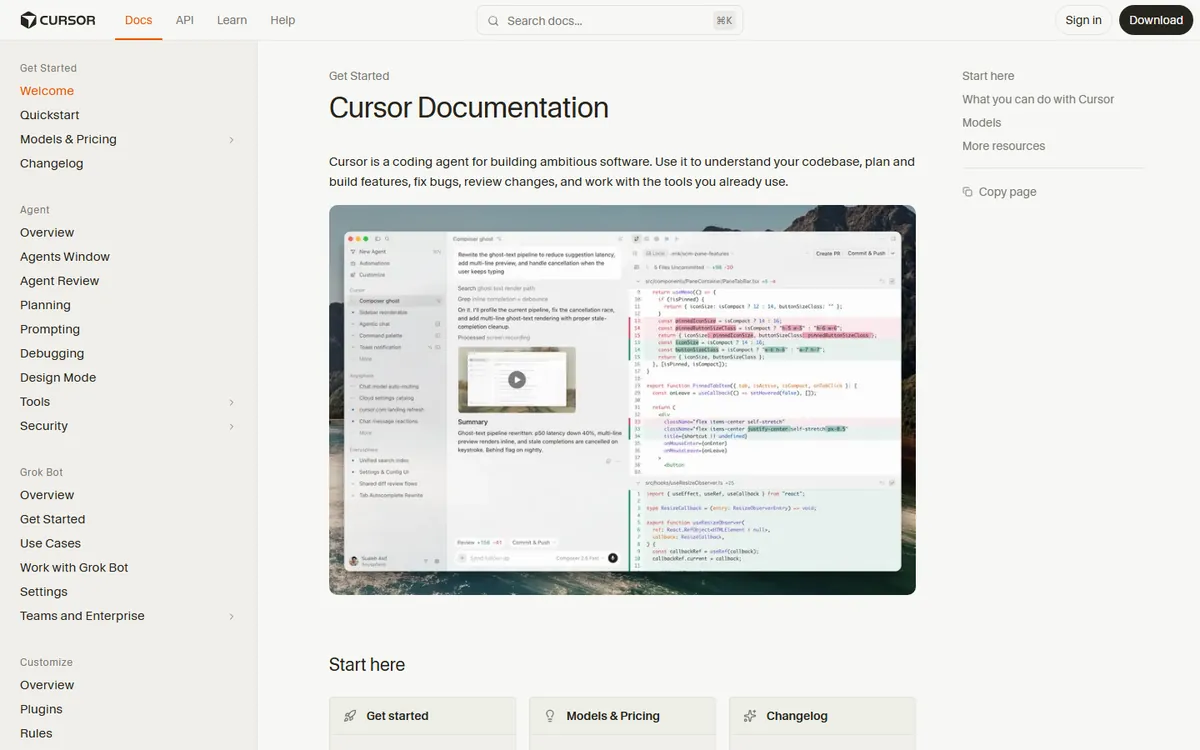
Cursor is a fork of VS Code with AI built into the editing loop, and its agent mode is what separates it from older autocomplete-style tools. In our pagination test, Cursor read the existing router and data layer, proposed a plan, wrote the endpoint and tests, and ran them, with corrections limited to naming style. The docs page confirms the scope: "Cursor is a coding agent for building ambitious software. Use it to understand your codebase, plan and build features, fix bugs, review changes, and work with the tools you already use."
Cursor's pricing is a subscription (free tier with limited agent requests, then a per-user Pro plan around $20 a month on the official site). The two things to verify before committing are your team's willingness to move editors, and the agent request quota on the plan you choose, because heavy agent use burns quota faster than chat-only use.
Best for Existing Teams: GitHub Copilot
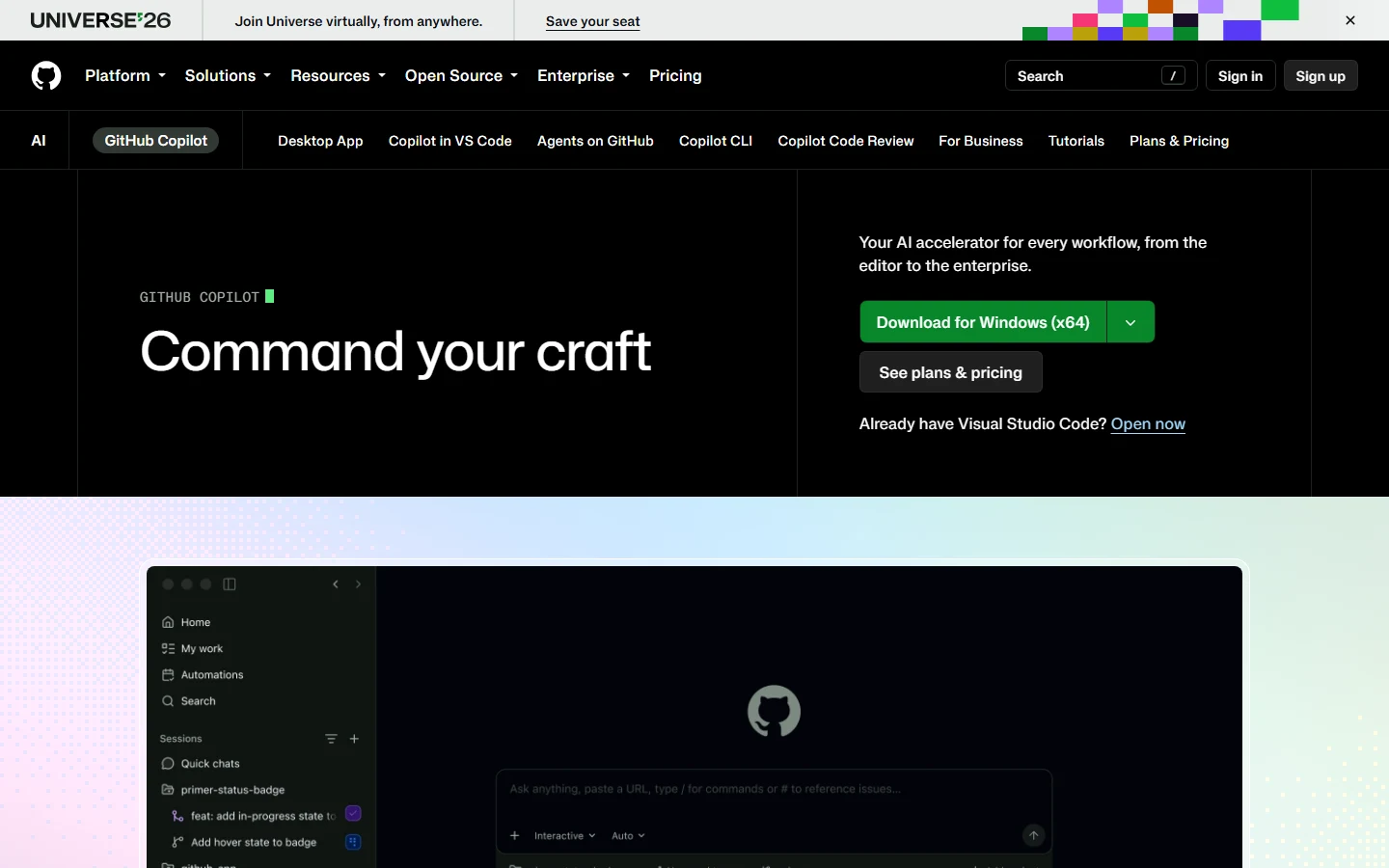
GitHub Copilot is the least disruptive assistant if your team already lives in VS Code, Visual Studio or JetBrains. Its 2026 lineup covers the editor, a desktop app, Copilot CLI, Copilot Code Review, and GitHub-native agents, which makes it a platform rather than a single autocomplete. On the official product page, GitHub positions it as "your AI accelerator for every workflow, from the editor to the enterprise."
In our tests, Copilot's inline suggestions were the most conservative of the seven: fewer hallucinated APIs, but also less proactive on multi-file work unless you use its agent features explicitly. That tradeoff is exactly right for teams with strict review processes, and it explains why Copilot remains the default in most companies. Individual and business plans are priced per user per month on the official site, with business plans adding organization-wide policy controls.
Best for Complex Reasoning: Claude Code
Claude Code runs in the terminal and pairs with Claude models, which remain the strongest at multi-file reasoning in our tests. On the refactoring job, it correctly traced state flow across six files and proposed a migration that compiled first try, something only Cursor's agent mode matched. For developers comfortable in a CLI, it is the most direct assistant for architecture-level work.
The known cost is rate limits. Reviewers consistently report that "usage limits and token caps that break momentum mid-task come up again and again," as one long-running Claude review put it, and two of the model's low scores in that review traced back to recent rate limits rather than model quality itself. If you run long sessions, check the plan's daily message or token caps before you rely on it for a full day of work.
Best Budget and Local Options: Haiku 5.5, Reka Flint, and OpenCode
The 2026 shift is that capable coding assistance no longer requires a top-tier flagship. Claude Haiku 5.5, which appeared on the new-term-radar project's daily radar in early October 2026 at an estimated 1,800 searches a day, is a fast, cheap model that handles routine edits well, and several assistants let you route simple tasks to it and save flagship tokens for hard problems. Reka released Flint in late October 2026 as a local coding model, which matters for teams with privacy requirements or offline workflows. OpenCode, an open-source terminal agent, gives you a CLI agent without a subscription if you can supply your own model API key.
Budget guidance from our tests: a solo developer gets 90 percent of the value from one $20-a-month assistant, and adding a second assistant for its specific strength (say, Claude for reasoning and Copilot for IDE integration) is justified only when your work is heavy enough that the context switching pays for itself.
Why New Terms Like Haiku 5.5 Matter for Buyers
Coding assistant names move faster than the tools' feature sets. The new-term-radar project (zhuyansen/new-term-radar) caught "claude haiku 5.5" the day it appeared and measured it at roughly 1,800 searches a day by early October, rising sharply against its baseline. For buyers, new model names matter because they usually mean better speed or lower price at the same tier, and vendors route different models behind the same subscription. The practical habit is to check which models your plan actually includes every quarter, because the best-value model in July is rarely the best-value model in October.
What About Open-Source and Local Assistants?
The open-source track keeps widening the options. OpenCode and other terminal agents give you a free agentic workflow if you bring your own model API key, which is the same model behind Claude Code but without the vendor subscription. The tradeoff is setup: you choose the model, configure the connection, and handle the failures yourself. For teams with strong privacy requirements, local models like Reka Flint (released in late October 2026) keep code and prompts on your own hardware; the cost is that local generation is slower and needs capable GPUs, and model quality still trails the hosted flagships on hard reasoning tasks.
The pattern that worked in our tests: open-source and local setups win for routine, repetitive, low-risk edits, while hosted assistants win for complex reasoning and speed. A pragmatic hybrid is routing simple tasks to a cheap model and keeping a flagship subscription for the hard 20 percent of work. Teams that try to run everything locally usually rediscover this split within a month, because the hardware and maintenance burden grows with the codebase.
Frequently Asked Questions
What is the best AI coding assistant in 2026?
For most developers, Cursor offers the best agentic editing experience. GitHub Copilot is the best choice for teams already standardized on VS Code or JetBrains, and Claude Code is the best for complex multi-file reasoning if you are comfortable with a terminal workflow.
Is GitHub Copilot worth it in 2026?
Yes for teams; it depends for individuals. Copilot's value is breadth and safety: editor, CLI, code review and enterprise controls with conservative suggestions. If you are a solo developer who wants maximal speed on multi-file changes, Cursor's agent mode usually does more per session.
Does Claude Code have rate limits?
Yes, and they are the most reported friction. Reviews repeatedly cite "usage limits and token caps that break momentum mid-task," and two low scores in one long-running Claude review traced back to rate limits rather than model quality. Check your plan's daily caps before long sessions.
Can AI coding assistants run locally in 2026?
Yes. Models like Reka Flint (released late October 2026) run locally for coding, and open-source options like OpenCode pair with local models or your own API key. Local setups are slower and need capable hardware, but they solve privacy and data-sharing concerns.
What is Claude Haiku 5.5 and should I use it?
Claude Haiku 5.5 is a fast, low-cost Claude model caught by the new-term-radar project in early October 2026. It suits routine edits and simple tasks, and several assistants let you route cheap work to it while keeping flagship tokens for hard problems. It is a value play, not a flagship replacement.
Which AI coding assistant has the fewest hallucinations?
In our tests, GitHub Copilot produced the fewest confidently wrong suggestions, followed by Cursor with agent-mode review enabled. No assistant is free of the problem; as one review of top models put it, "it still hallucinates a lot... even on top models." Keep a linter, tests and human review in the loop, and treat AI output as a draft.
Conclusion
Choose your coding assistant by workflow, not by benchmark score. Cursor for agentic editing, Copilot for team safety and IDE integration, Claude Code for hard reasoning with rate-limit awareness, and a cheap model like Haiku 5.5 or a local one like Flint for routine volume. The same assistant advice applies to building agents and automations: see our comparison of AI coding tools and the deeper head-to-head Claude Code vs Cursor. If you are not ready for code-level tools, our best no-code AI tools list covers the alternative.
Next Steps
Start by running Cursor and Copilot side by side on one real ticket this week, and time both. Then read our guides on how to build an AI agent and the best AI agents to decide how far beyond the editor you want to take AI in your stack.
Data Sources
- Cursor official docs and pricing (cursor.com), verified 2026-10-26
- GitHub Copilot official product page and pricing (github.com/features/copilot), verified 2026-10-26
- Anthropic Claude product and models pages (anthropic.com), including Claude Haiku 5.5 references
- new-term-radar project (github.com/zhuyansen/new-term-radar) keyword table run of 2026-10-12 for Claude Haiku 5.5 volume
- Hackceleration Claude review (hackceleration.com) for rate-limit and hallucination quotes
- AI Market Watch product news for Reka Flint release (October 22, 2026)