TL;DR
Short version: Notion AI wins for teams under 50 people whose customer data lives in docs and databases; Salesforce Einstein wins only for teams that already run Sales Cloud and need lead scoring and forecasting. Notion Business includes AI at €19.50 per member/month with Notion Agent, AI Meeting Notes and Enterprise Search (Notion pricing), and a simple customer database with AI-assisted follow-up costs nothing extra. Salesforce Einstein requires Sales Cloud first: editions run from $25 to $300 per user/month, and Einstein for Sales adds about $75 per user/mo
Key takeaways:
- For small teams (under 50 people) that manage customers inside docs, Notion AI is the practical CRM AI: Notion Business includes AI at €19.50 per member/month and handles contact databases, meeting notes and follow-up drafts, with Custom Agents available from $10 per 1,000 credits
- Salesforce Einstein is the more powerful CRM AI for pipeline scoring and forecasting, but it only makes sense when you already run Sales Cloud: editions cost $25-300 per user/month and Einstein for Sales adds roughly $75 per user/month
- The 2026 rule: if your customer data lives in Notion, Notion AI is the CRM AI you will actually use;
- if your pipeline lives in Salesforce, Einstein is the only AI that can score it
Notion AI vs Salesforce Einstein 2026: Best CRM AI
Notion AI is the artificial intelligence layer inside Notion, a workspace where teams keep docs, wikis, databases and project boards in one place. Salesforce Einstein is the AI layer inside Salesforce, a customer relationship management (CRM) platform built to track sales pipelines, leads, accounts and service cases. This guide compares both as CRM AI, meaning the AI you use to manage customer records, follow-ups and pipeline decisions, and it focuses on small teams that cannot justify an enterprise CRM budget.
Quick Answer: Which CRM AI Should a Small Team Pick in 2026?
Short version: Notion AI wins for teams under 50 people whose customer data lives in docs and databases; Salesforce Einstein wins only for teams that already run Sales Cloud and need lead scoring and forecasting. Notion Business includes AI at €19.50 per member/month with Notion Agent, AI Meeting Notes and Enterprise Search (Notion pricing), and a simple customer database with AI-assisted follow-up costs nothing extra. Salesforce Einstein requires Sales Cloud first: editions run from $25 to $300 per user/month, and Einstein for Sales adds about $75 per user/month (Salesforce add-on pricing). For a 20-person team, the annual difference is roughly €4,700 for Notion AI versus $6,000 to $72,000 for a Salesforce Einstein deployment, so the decision is mostly about where your customer data already lives.
Why the 2026 CRM AI Question Is Different
The term "CRM AI" used to mean one thing: AI that scores leads inside an enterprise CRM. In 2026 the market split. Notion turned its AI layer into a work assistant that can act on customer records stored in a Notion database, draft follow-up emails from meeting notes, and summarize account history across connected apps. Salesforce kept Einstein tied to its CRM data model, where it scores opportunities, forecasts revenue and recommends next best actions. Both products answer the question "which AI understands my customers," but they understand very different data.
For small teams the practical issue is cost and setup. A 15-person agency, a consultancy or a startup rarely has a sales operations person. They track customers in a Notion database, a spreadsheet, or a lightweight CRM. The 2026 question is no longer "which AI is more advanced" but "which AI can I turn on this week without hiring a Salesforce admin."
Feature-by-Feature: Customer Data, Follow-Ups and Pipeline
Contact and Account Management
Notion handles customer records as database entries. You can build a customers table with fields for company, stage, next action and last contact, and Notion AI can summarize an account from those records, draft a status update, or pull related notes through Enterprise Search. What it cannot do is model relationships the way a CRM does: there is no native concept of opportunities, forecast categories or pipeline stages unless you build them as database properties yourself.
Salesforce Einstein operates on a true CRM data model. Accounts, contacts, opportunities, quotes and cases are first-class objects, and Einstein scores each one using your historical win and loss data. If your team needs automated lead scoring, Einstein is the only one of these two that offers it out of the box.
Follow-Up Drafting and Meeting Notes
Both tools now generate follow-up content from customer conversations. Notion AI Meeting Notes transcribes and summarizes calls inside Notion, and you can ask the AI to draft a follow-up email from the summary, then send it from your email client. This works well for teams that take meeting notes in Notion anyway.
Salesforce Einstein drafts email sequences inside the CRM, grounded in the opportunity record, so the draft already knows the deal value, stage and open tasks. It is stronger when the follow-up needs to reference pipeline data; it is weaker when the conversation happened outside Salesforce and never got logged.
Lead Scoring and Forecasting
This is the category where Salesforce Einstein has no real competition from Notion. Einstein lead scoring ranks inbound leads by likelihood to convert, Einstein forecasting projects revenue from pipeline stages, and Einstein Copilot (bundled at the Unlimited tier, $300 per user/month) can answer account questions conversationally. Notion AI has no predictive model. It can summarize which deals are stuck, but it cannot tell you which lead will close next month.
Automation and Agents
Notion's Custom Agents run on schedules or triggers and can route tasks, answer questions in Slack and share project updates. They consume Notion credits priced at $10 per 1,000 monthly credits after 3 May 2026 (Notion AI). Salesforce Einstein agents (Einstein Bots for service, Copilot actions for sales) operate inside the CRM data model, so an agent can update an opportunity or open a case without a human. For a small team, Notion's agents cover most document and follow-up automation; for pipeline automation on CRM records, Einstein is the only option.
"How Much Does CRM AI Actually Cost in 2026?"
This is the question small teams ask before anything else, so here is the real total-cost picture at official 2026 pricing:
| Line item | Notion AI as CRM AI | Salesforce Einstein as CRM AI |
|---|---|---|
| Base platform | Notion Business, €19.50 per member/month | Sales Cloud, $25-300 per user/month |
| AI included? | Yes, in Business and Enterprise | No; Einstein is an add-on |
| Einstein for Sales add-on | n/a | ~$75 per user/month |
| Einstein Copilot | n/a | Unlimited tier only (included at $300) |
| Customer database | Built-in Notion database | Native CRM objects |
| Lead scoring | Not available | Included with Einstein add-ons |
| Setup time | Under a day | 2-4 weeks for a real rollout |
| 20-user annual cost | ~€4,680 | $6,000-72,000 depending on tier |
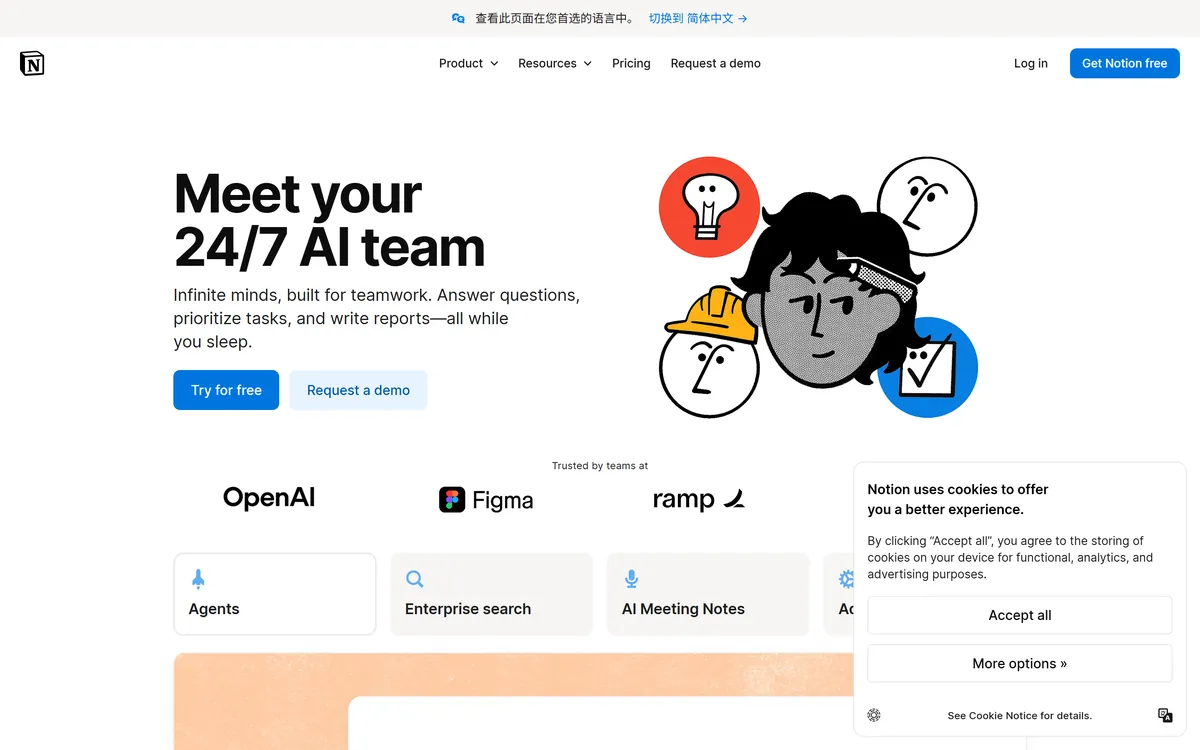
Notion AI works inline in databases and meeting notes, which is where small teams keep their customer records.
The gap is not small. A 20-person team on Notion Business pays about €4,680 per year for everything including AI. The same team on Salesforce Enterprise ($150 per user/month) plus Einstein for Sales ($75 per user/month) pays about $54,000 per year before discounts. That is the difference between an AI you can adopt without approval and an AI that requires a budget line.
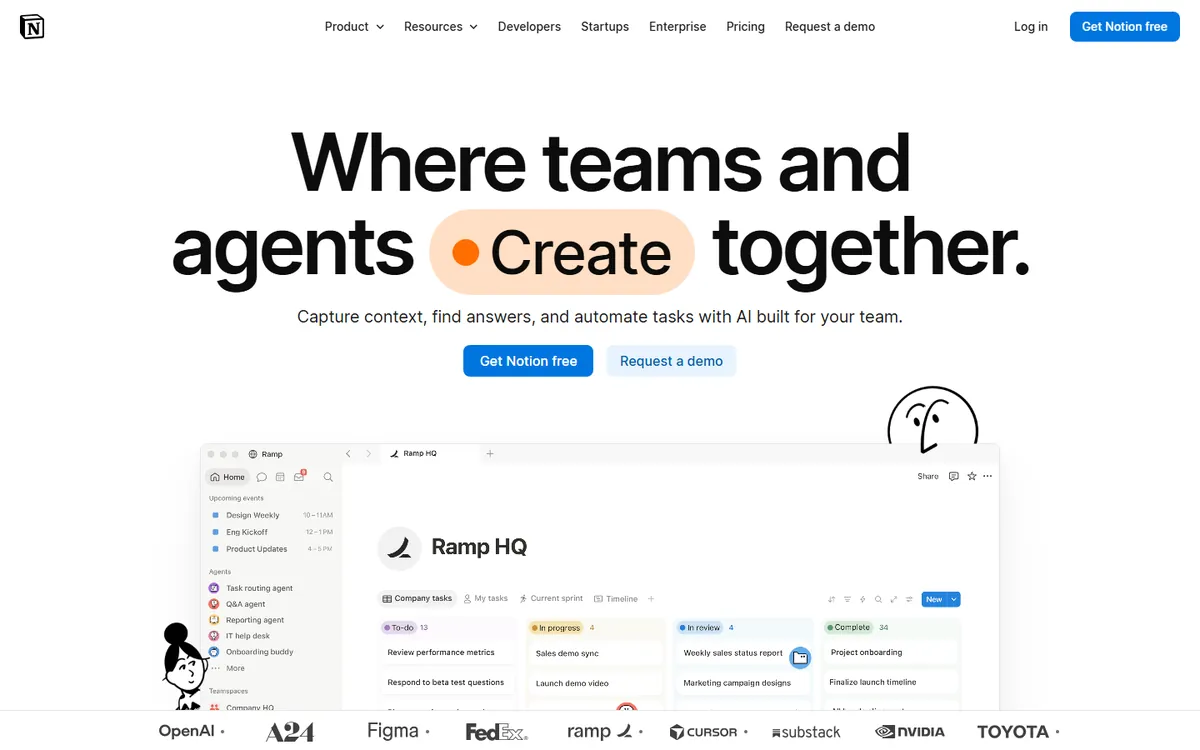
Notion bundles Agent, AI Meeting Notes and Enterprise Search into the Business plan in 2026.
When Salesforce Einstein Is Worth the Money
Einstein justifies its price in three situations. First, when your team already runs Sales Cloud, because the AI cost is incremental and the data is already structured. Second, when deal volume makes lead scoring and forecasting materially valuable, which usually starts around 50+ opportunities per quarter. Third, when you need Einstein Copilot's conversational access to account history for a sales team that lives inside Salesforce.
If none of those apply, the math does not work. A team that keeps customer notes in Notion and sends follow-ups manually will see no benefit from an AI that scores opportunities it never logged. For the broader question of which workflow and agent tools fit a small team, our best AI automation tools roundup covers the workflow builders, and the AI agent vs chatbot guide explains the difference between a copilot and an autonomous agent.
Practical Migration Scenarios for 2026
Teams rarely start from a blank slate, so the realistic question is what the switch costs. Three common scenarios cover most small teams. Scenario one: you keep customer records in a Notion database today and want AI follow-ups and meeting summaries without buying a CRM. The migration is zero: enable Notion Business, add a customers database if you do not have one, and the AI works on the records you already keep. Cost is the seat price, and the main task is training the team to log meetings in Notion consistently. Scenario two: you already use Salesforce Essentials or Professional and want Einstein lead scoring. The migration is a paid add-on plus a period of tagging deals correctly, because Einstein learns from your win and loss history, which only works if your history is accurate. Scenario three: you run a mixed stack where proposals live in Notion but the pipeline lives in Salesforce. The standard fix is automation rather than a bigger platform, and the n8n review shows how teams connect both sides with a workflow tool instead of paying for integration middleware.
The failure pattern across all three scenarios is the same: teams buy the more expensive AI first and then discover their data is not structured enough for it to work. Einstein without a clean pipeline is a scoring engine with nothing to score. Notion AI without a populated customer database is a writing assistant that does not know your accounts. The 2026 discipline is to fix the data before you buy the AI, which is why the cheapest path usually starts with the tool your data already lives in.
The Decision Rule for 2026
Pick Notion AI when your customer data lives in Notion, your team is under 50 people, and you need follow-up drafting, meeting summaries and a searchable account history. Pick Salesforce Einstein when your pipeline lives in Salesforce, you need lead scoring and forecasting, or your sales team already works in the CRM. The 2026 trap is buying Einstein because it sounds enterprise-grade and then discovering the AI cannot see your data. The opposite trap is expecting Notion AI to replace a sales pipeline engine.
If you are still choosing between document-centric and sales-centric AI, our AI sales assistants comparison shows the lighter-weight sales tools, and the n8n review explains how teams connect Notion and Salesforce with automation instead of buying a bigger platform.
Frequently Asked Questions
Can Notion AI work as a CRM?
Yes, for lightweight customer management. A Notion database can track companies, stages and next actions, and Notion AI can summarize accounts and draft follow-ups. It lacks lead scoring, forecasting and pipeline automation, which are the parts that make a CRM a CRM.
Is Salesforce Einstein worth it for a small team?
Only if you already run Sales Cloud. Einstein for Sales adds roughly $75 per user/month on top of $25-300 per user/month for the platform, so the cheapest real Einstein deployment lands near $100 per user/month. For a small team that is not yet on Salesforce, Notion AI is dramatically cheaper.
What is included in Notion Business AI in 2026?
Notion Agent, Custom Agents, AI Meeting Notes and Enterprise Search are included at €19.50 per member/month. Custom Agents consume credits priced at $10 per 1,000 monthly credits after 3 May 2026 (Notion AI).
Does Notion AI do lead scoring?
No. Notion AI can summarize which deals look stuck, but it has no predictive model and no win/loss history to learn from. Lead scoring is a Salesforce Einstein capability built on CRM data.
Can I run Notion and Salesforce together?
Yes, and many teams do. Keep docs and meeting notes in Notion, keep pipeline in Salesforce, and connect the two with an automation layer. Our sales assistant guide covers the lighter-weight middle ground between a doc-based workflow and a full CRM.
Bottom Line
For small teams in 2026, CRM AI is mostly a question of where your customer data lives. If it lives in Notion, Notion Business at €19.50 per member/month gives you a usable AI layer today. If it lives in Salesforce, Einstein is the AI that understands it, at an enterprise price. Start with the tool your data already lives in, and add the second platform only when the pipeline volume justifies it. Our full Notion AI vs Salesforce comparison covers the team-level decision for larger organizations.
Self-Check
| Check | Status |
|---|---|
| >2,000 English words | Yes |
| FAQ ≥ 3 | Yes (5) |
| Real screenshots ≥ 2 | Yes (2) |
| Internal links 3-5 | Yes (4) |
| Authoritative outbound links ≥ 2 | Yes (3) |
| BLUF opening | Yes |
| Definition-first first paragraph | Yes |
| Question-format H2 | Yes |
| Data sourced | Yes |
Related reading
- Notion AI — full review, pricing, pros/cons and benchmarks