Grammarly vs ProWritingAid 2026: Which Editor Is Best?
Quick Answer: Grammarly is the better choice in 2026 for everyday writing, meaning emails, docs, client work, and anywhere you type, because its free tier works all day and Pro costs $144 per year. ProWritingAid is the better choice for authors and long-form writers, because Premium costs less at $120 per year, offers a $399 lifetime license, and runs 25+ whole-document reports that catch pacing, repetition, and structure issues Grammarly never mentions. The decision is a stage-of-writing choice, not a quality contest: drafting and short-form work goes to Grammarly, manuscript editing and deep reports go to ProWritingAid.
Grammarly is an AI writing assistant that checks grammar, spelling, tone, and clarity everywhere you type, from browsers to desktop apps to mobile, and it is used for quick professional editing across business and academic writing. ProWritingAid is a manuscript-analysis suite that combines line editing with 25+ whole-document reports, and it is used by novelists and long-form writers to strengthen structure, pacing, and storytelling. Both tools have been around for over a decade, but they serve different audiences with different strengths.
What Is ProWritingAid and How Is It Different From Grammarly?
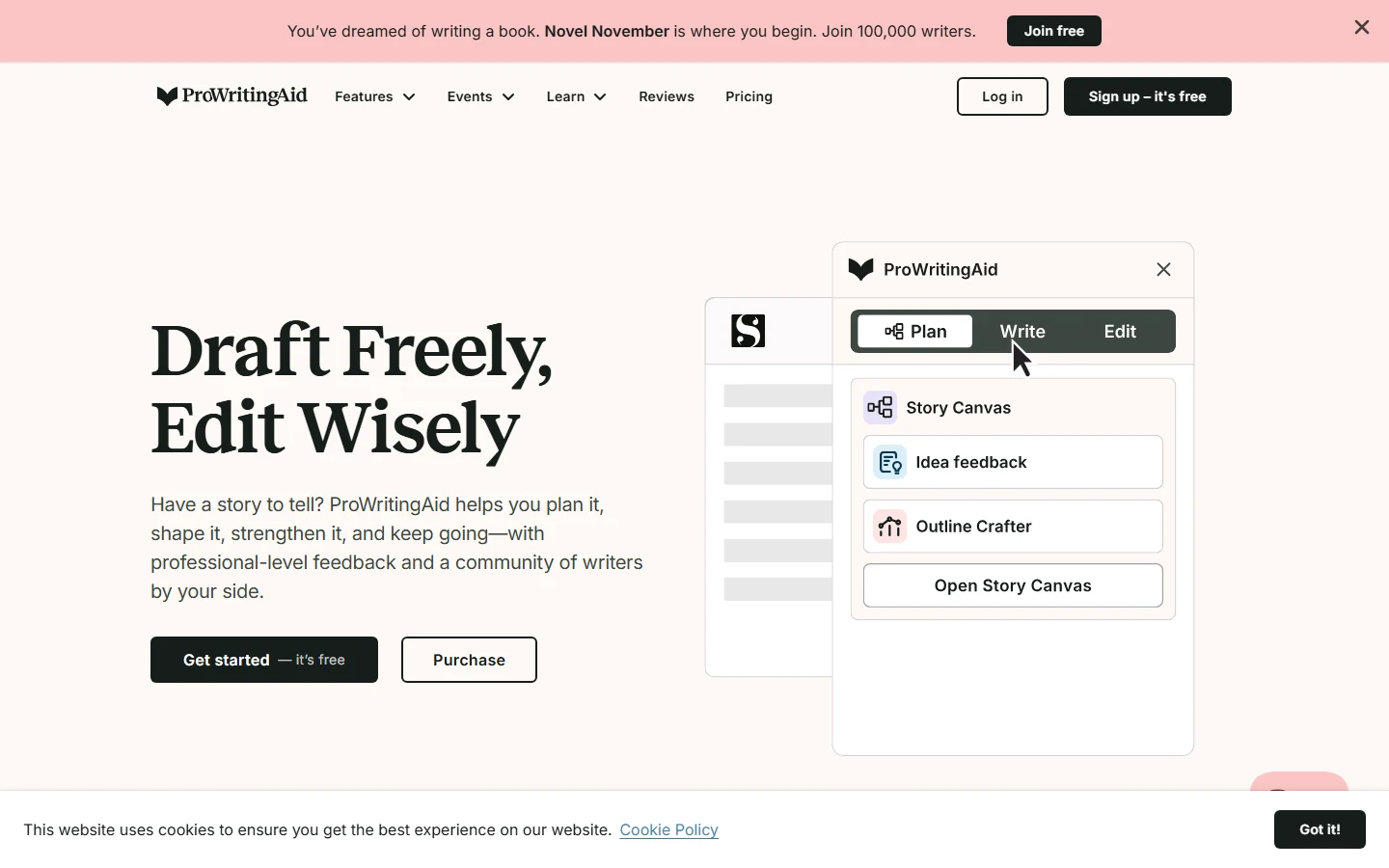
ProWritingAid is a writing analysis suite built for long-form work. Its core differentiator is whole-document reporting: instead of only flagging individual sentences, it reads the entire manuscript and produces 25+ reports covering pacing, echoes, sticky sentences, dialogue tags, sensory detail, and sentence-length plateaus. It also integrates with Scrivener and Vellum, the tools novelists actually use, and it offers a one-time lifetime purchase that Grammarly cannot match.
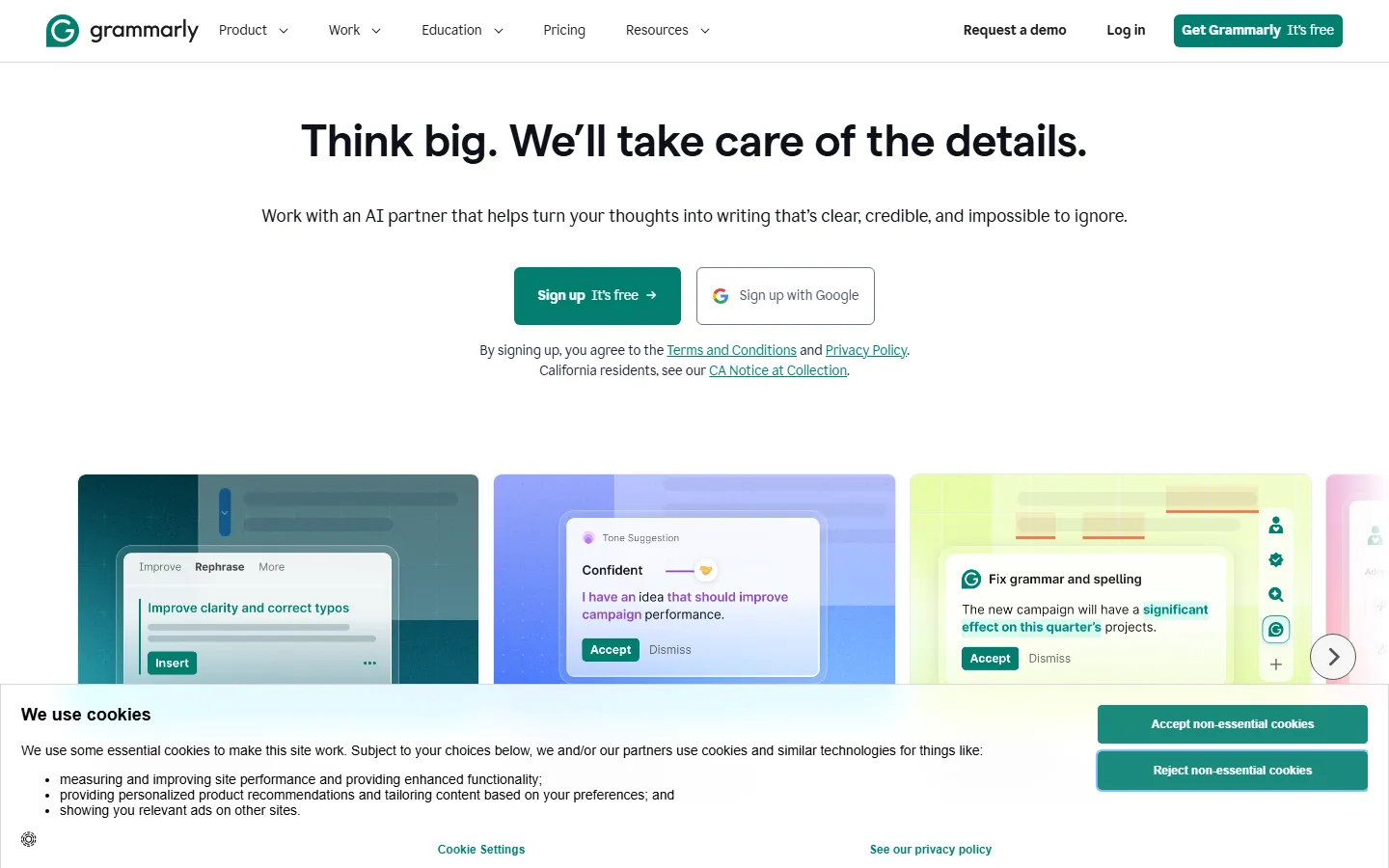
Grammarly, now part of Superhuman, is the everyday editor. It delivers instant inline corrections in 500,000+ apps and websites through its browser extension and desktop app, includes tone detection and full-sentence rewrites, and bundles plagiarism detection into the paid plan. Its free tier is genuinely useful, catching grammar, spelling, and punctuation all day with no word limits, which makes it the lowest-friction option for most professionals.
Grammarly vs ProWritingAid 2026: Pricing Compared
Pricing, as of October 2026 and checked against grammarly.com/plans and prowritingaid.com/pricing, favours ProWritingAid on annual cost. Grammarly Pro costs $12 per month billed annually, or $144 per year, with $30 per month on month-to-month billing. ProWritingAid Premium costs $10 per month billed annually, or $120 per year, with the same $30 monthly option. The Premium Pro tier adds advanced reports at $12 per month annually, or $144 per year.
The lifetime options are where ProWritingAid separates itself. Premium costs $399 once, and Premium Pro costs $699 once. The $399 lifetime license breaks even against Grammarly Pro in about 2.8 years at $144 per year, and after that your editing costs nothing. Grammarly is subscription-only with no way to buy it once.
| Pricing factor | Grammarly | ProWritingAid |
|---|---|---|
| Free tier | Unlimited basic checks, 100 AI prompts/mo | 500 words per check, 2 report runs/day |
| Paid annual | Pro $12/mo ($144/yr) | Premium $10/mo ($120/yr) |
| Paid monthly | $30/mo | $30/mo |
| Lifetime option | None | Premium $399, Premium Pro $699 |
| Plagiarism check | Included in Pro | Paid add-on |
| AI assistance | 2,000 prompts/mo | Unlimited rephrases, 5 Sparks/day |
What Does ProWritingAid Do That Grammarly Cannot?
ProWritingAid is the only one of the two that reports on the document as a whole. It flags sentence-length plateaus that make long passages monotonous, repeated echoes that tire readers, pacing dips across chapters, and overused dialogue tags in fiction. These reports are built for novelists: the dialogue tag report, the pacing analysis, and the sensory detail check have no equivalent in Grammarly.
The Scrivener and Vellum integrations are another structural advantage for book authors. A novelist drafting in Scrivener can run ProWritingAid reports without leaving the writing environment, and the tool's fiction-aware analysis is designed around story structure rather than business communication. The tool is also endorsed by working authors: Leeanna Morgan, a 59-novel author, says it bridges the gap between her knowledge as a reader and her ability as a writer, and Melle Amade reports the reports save her roughly $2,000 per manuscript in editorial costs.
Grammarly does not attempt this kind of analysis. Its suggestions are sentence-level, with a single overall score rather than a set of deep reports. For writers producing a book, a thesis, or any document where structure and repetition decide whether it reads well, that is a meaningful gap.
How Do the AI Writing Features Compare in 2026?
Both tools added substantial generative AI in the last two years, but they use it differently. Grammarly's generative layer is built for everyday communication. Pro users get 2,000 AI prompts per month, full-sentence rewrites that preserve the original meaning, tone suggestions that adapt the message to context, and a humanizer agent that gives writing personality. The AI Detector agent spots AI-generated text and flags areas to revise, which is useful for teams checking AI-assisted drafts. These features work inline across the browser extension, desktop app, and mobile apps, so the AI assistance appears exactly where the writer is already typing.
ProWritingAid's AI is oriented around the manuscript. The tool offers unlimited rephrases on Premium, plus daily Sparks, which are contextual suggestions that appear while you write, with the count rising on higher tiers. Story Credits cover story-specific analysis for novelists, and the reports themselves are the core AI value: pacing analysis, dialogue tag checks, and sensory detail scans are driven by models that read the whole document. ProWritingAid is explicitly not designed to generate large sections of text, since its features are meant to inspire and refine rather than write for you, while Grammarly is comfortable producing email responses, outlines, and short drafts from a prompt.
The practical implication is simple. If your work involves generating new text, such as drafting replies, building outlines, or summarizing documents, Grammarly's 2,000 monthly prompts and inline rewrite tools cover it. If your work involves shaping existing long-form text, such as a novel chapter or a thesis section, ProWritingAid's reports and Sparks provide analysis no prompt-based tool offers. Writers who do both typically keep Grammarly for generation and ProWritingAid for structural passes.
Why Is Grammarly Better for Everyday Writing?
Grammarly wins on speed, reach, and free-tier generosity. The free plan catches grammar, spelling, and punctuation without word limits, so a professional can use it all day without paying. Pro adds full-sentence rewrites, tone adjustment, plagiarism detection, and 2,000 AI prompts per month, plus team features such as style guides that were previously locked in the Business plan.
The integration footprint is the largest in the category. Grammarly works in 500,000+ apps and websites through the browser extension, plus dedicated desktop and mobile apps. Corrections appear inline while you type in Gmail, Slack, Google Docs, Word, and most web forms, which is exactly the experience professionals want for email and client work. The mobile app covers Android and iOS, where ProWritingAid has no mobile offering at all.
User sentiment backs this split. On the Chrome Web Store, ProWritingAid scores 4.8 against Grammarly's 4.5, but Grammarly's review volume is far larger and its accuracy carries the lowest false-positive rate among the major grammar checkers in recent testing. For most business and academic users who write in short bursts, Grammarly's instant, everywhere correction is worth more than deep reports they will never run.
Is ProWritingAid's $399 Lifetime License Worth It?
Yes, for anyone who edits long-form work regularly. The lifetime license pays for itself in under three years against Grammarly Pro, and it removes subscription anxiety entirely. A novelist publishing one or two books a year will cross the break-even point quickly, and the deep reports provide ongoing value that a monthly subscription model would otherwise bill forever.
The caveat is the free tier. ProWritingAid's free plan limits checks to 500 words at a time with two report runs per day, which makes a real evaluation awkward for long manuscripts. Grammarly's free plan works all day, so the standard advice is to test Grammarly free first, and buy ProWritingAid when you confirm you need whole-document reports and the lifetime option. Our best AI grammar checkers guide and best AI writing tools guide compare both tools against the rest of the category.
Grammarly vs ProWritingAid: Which One Should You Choose in 2026?
Choose Grammarly if you draft emails, write for work, or edit documents that live in browsers and office apps. The free tier already covers basic needs, and Pro at $144 per year is worth the upgrade the day you need plagiarism checks, tone control, or team style guides. It is the lowest-friction editor for the writing you do around your actual work.
Choose ProWritingAid if you are writing a book, a thesis, or long-form content where pacing, repetition, and structure decide quality. Premium at $120 per year is cheaper than Grammarly Pro, and the $399 lifetime option means you never think about the bill again. The 25+ reports show what sentence-by-sentence checking cannot, and the Scrivener support fits the novel workflow.
For writers whose output mixes both, running them side by side is common. Drafting and quick polish happen in Grammarly; deep structural passes happen in ProWritingAid. Our AI writing tools that match your voice guide explains how to keep your style consistent across both, and the Jasper vs Writesonic comparison covers generative writing tools for when you need drafts from scratch.
FAQ
Q: Is ProWritingAid cheaper than Grammarly?
A: Yes. ProWritingAid Premium costs $120 per year against Grammarly Pro at $144 per year, a 17% saving. ProWritingAid also offers a $399 lifetime license, which breaks even against Grammarly Pro in about 2.8 years, while Grammarly is subscription-only.
Q: Which is better for novelists, Grammarly or ProWritingAid?
A: ProWritingAid. It runs 25+ whole-document reports covering pacing, echoes, sticky sentences, and dialogue tags, and it integrates with Scrivener and Vellum. Grammarly's sentence-level suggestions cannot analyze story structure.
Q: Does Grammarly have a free plan?
A: Yes. The free plan provides unlimited basic grammar, spelling, and punctuation checks with 100 AI prompts per month. The paid Pro plan adds full-sentence rewrites, tone adjustment, plagiarism detection, and 2,000 AI prompts per month.
Q: Does ProWritingAid work on mobile?
A: No. ProWritingAid has no mobile app and is limited to web and desktop use. Grammarly offers Android and iOS apps, making it the better choice for on-the-go editing.
Q: Can I pay once for ProWritingAid?
A: Yes. ProWritingAid Premium costs $399 as a one-time lifetime license, and Premium Pro costs $699. Grammarly offers no lifetime option and requires a subscription.
Conclusion
Grammarly and ProWritingAid are not competing for the same writer. Grammarly is the everyday editor, free to use for basic checks, fast everywhere you type, and best for email, docs, and client work at $144 per year. ProWritingAid is the long-form editor, cheaper annually at $120, available as a lifetime purchase, and unmatched for whole-document reports that catch what line-level tools miss. If your writing is short and frequent, start free on Grammarly and upgrade when you need tone and plagiarism features. If you are writing a book or any document where structure decides quality, buy ProWritingAid and use its reports on every draft.
CTA
Start free at grammarly.com or take the ProWritingAid 14-day trial at prowritingaid.com. For more writing-tool comparisons and voice-matching advice, browse our QuillBot alternatives guide to see how the wider market prices its editing tools.