Quick Answer: Voicemod is the right purchase for gamers, streamers, and Discord users who want a stable, easy real-time app with a permanent free tier, while dedicated AI voice changers such as ElevenLabs and open-source voice conversion win on voice realism, custom voice clones, and creator-grade output. As of October 2026, Voicemod costs around $10 per month on a paid plan, ElevenLabs starts free with per-character pricing, and the open-source option costs nothing but setup time. Choose based on where you change your voice: in voice chat or in content.
An AI voice changer is software that uses a neural network to re-synthesize your speech in the voice of a target speaker, while Voicemod is a consumer real-time voice changer and soundboard app that mixes DSP effects with a library of AI voices. The two compete in the same Discord-shaped market but solve different jobs: Voicemod optimizes for speed, stability, and fun in live calls, while dedicated AI voice changers optimize for realism and control. This comparison tests both sides on the same dimensions using official pricing pages and independent 2026 reviews.
AI Voice Changer vs Voicemod: Head-to-Head Comparison
The fastest way to decide is the table below. We compared free tier, real-time latency, platform support, Discord routing, custom voice models, and voice realism, using official product pages checked in October 2026 and independent testing published in 2026.
| Dimension | Voicemod | Dedicated AI voice changer (ElevenLabs / open source) |
|---|---|---|
| Free tier | Permanent, 3-6 rotating AI voices, all DSP effects | ElevenLabs free tier per-character; open source unlimited |
| Real-time latency | 150-250 ms AI, under 15 ms DSP | ElevenLabs cloud; open source 60-150 ms on GPU |
| Platform | Windows, Mac | Web (ElevenLabs); Windows/Linux (open source) |
| Discord routing | Virtual microphone, built-in | Virtual cable or import (ElevenLabs not live); native (open source) |
| Custom voice models | No on free tier, limited on Pro | Yes on both, full control on open source |
| Voice realism | Good, game-ready | Best available, emotion and accent capture |
| Best for | Discord, gaming, streaming | Content creation, voice acting, custom clones |
What Does Voicemod Actually Do Well?
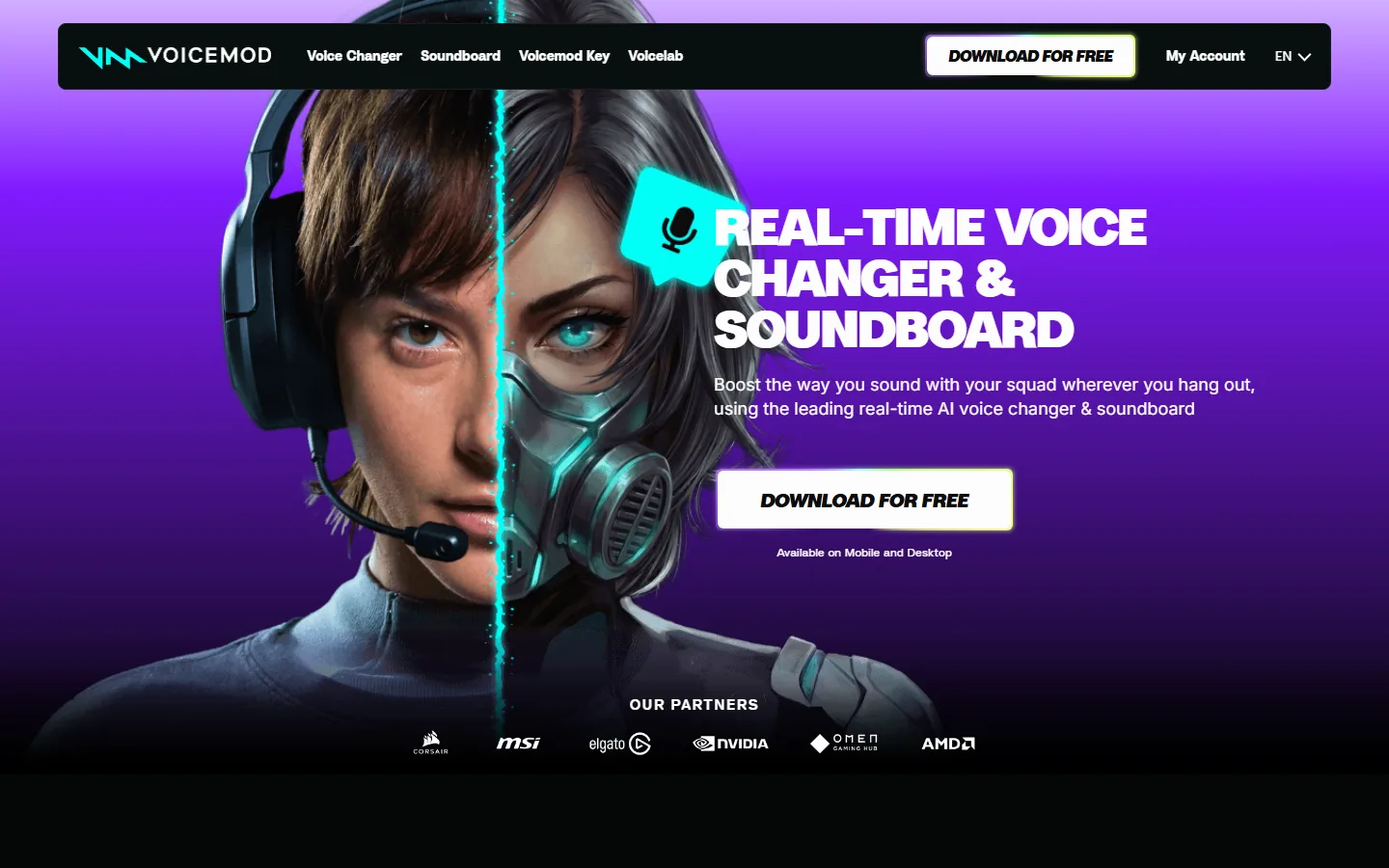
Voicemod's strength is that it is a complete voice-chat product, not just a voice converter. The official product page describes it as a real-time AI voice changer and soundboard with a free version that includes a rotating selection of voice changing options, a permanent clean mic effect, and a soundboard, and it positions itself explicitly for gaming, streaming, and chatting. Independent testing in 2026 confirms the free tier delivers roughly 3 to 6 AI voices plus all DSP effects with real-time performance, and the app routes into Discord through a virtual microphone that you select once in Voice and Video settings. The user experience is the selling point: install, pick a voice, talk. You do not train models, you do not touch Python, and the free tier never expires. That makes Voicemod the right buy for people whose main goal is sounding different during a game with friends, and the same strengths, easy setup, stable routing, and a permanent free tier, are exactly what a busy gamer wants from a voice tool. For most voice-chat users, the decision is not about which tool is more powerful, it is about which tool stays out of the way when you are mid-game, and that is Voicemod's home turf.
Where Does Voicemod Fall Short?
Voicemod has three real limits. First, the AI voice library is small and rotates, so a voice you love today can be gone tomorrow, and the full library, custom voice models, and unlimited soundboards sit behind Voicemod Pro. Second, latency for AI voices runs 150 to 250 ms, which is fine for casual calls but noticeable when you need fast back-and-forth banter; DSP effects are faster but sound artificial. Third, Voicemod is built for real-time play, not for polished output: it is not a tool for recording a voice-over or producing a podcast episode with a consistent character voice. Users who hit these walls describe the same pattern that shows up across consumer AI tools, where the product works during the trial and then the useful features sit behind a subscription, and support can be thin when something breaks: reviewers of similar tools report "after you have bought it there's no one to answer your queries". For creator work, that wall is a reason to look at dedicated AI voice changers.
What Do Dedicated AI Voice Changers Do Better?
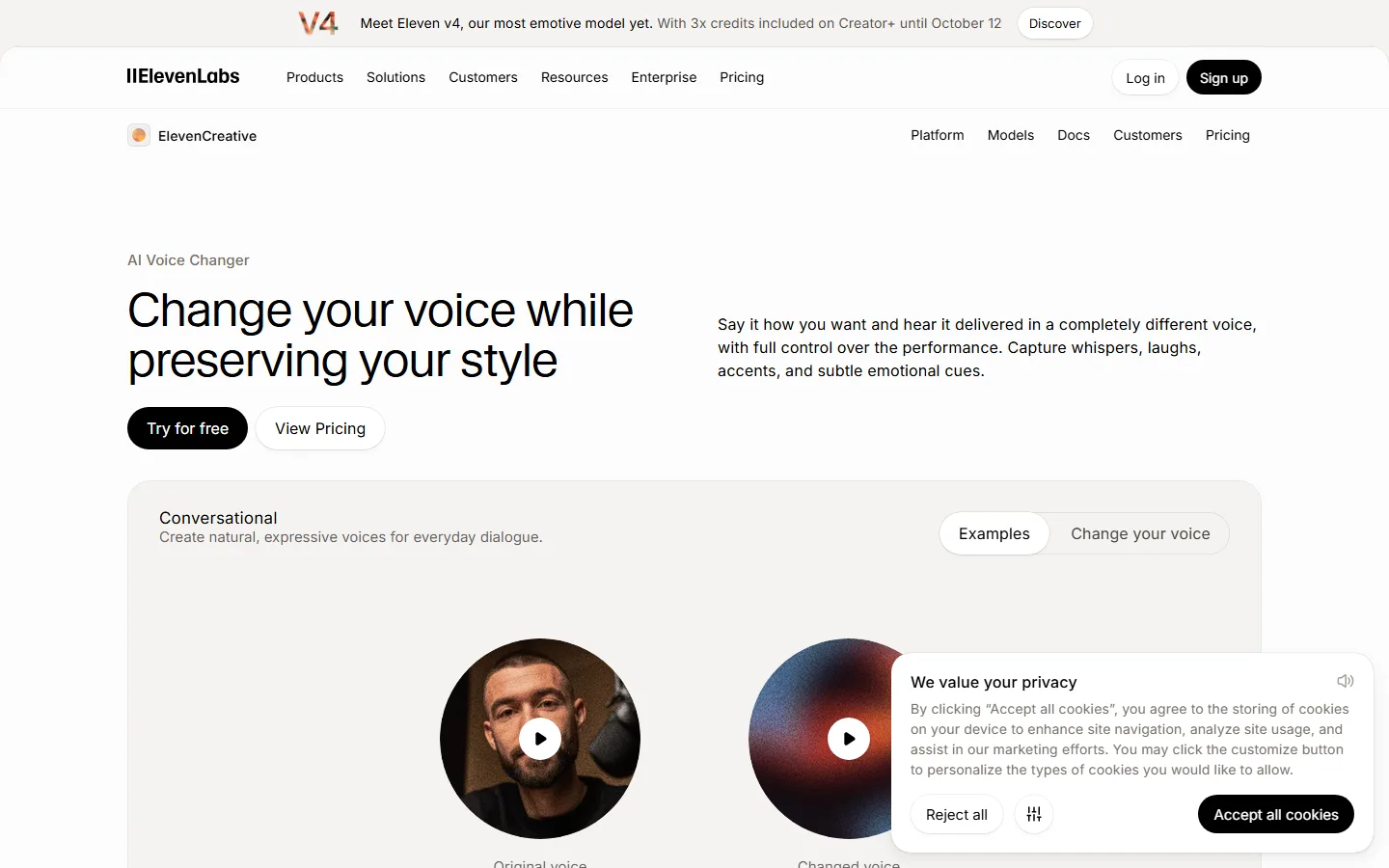
Dedicated AI voice changers win on the two things Voicemod de-prioritizes: realism and control. The ElevenLabs voice changer page markets itself with "Change your voice while preserving your style", capturing whispers, laughs, accents, and subtle emotional cues, which is a different standard from game-ready filters. Open-source voice conversion goes further: it runs entirely on your hardware, accepts any custom model including community-trained clones, and has no usage cap, no watermark, and no subscription, with real-time latency of 60 to 150 ms on a capable NVIDIA GPU. The trade-offs are real. ElevenLabs is a cloud service, so audio leaves your machine, and its free tier is per-character and capped. Open source requires Python 3.10 or newer, CUDA, and terminal comfort, which most users will not accept. If you produce content where your voice is part of your identity, the extra setup or the cloud subscription is worth it. If you just want to joke with friends, it is not.
Which One Sounds More Realistic in 2026?
Realism depends on the use case and the hardware. Independent testing in 2026 separates the market into DSP effects, which alter frequency and sound artificial, and neural AI voice conversion, which re-synthesizes speech and sounds convincing. Voicemod's free AI voices are real neural voices, but they run at 150 to 250 ms and the selection rotates. ElevenLabs' voice changer targets emotional fidelity, which is why its marketing centers on preserving style and catching laughter and accents. Open-source voice conversion produces the most realistic output because you can import any trained model, including a clone of a specific person's voice, and the quality is limited only by the model and your GPU. For a quick "sound like a robot" gag, Voicemod is fine. For "sound like this specific character for my next video", a dedicated AI voice changer is the only real answer.
Is Voicemod Worth the Subscription Over a Free AI Voice Changer?
For Discord and gaming, Voicemod's free tier already covers the fun use cases, so the subscription only makes sense if you need consistent access to specific voices, more soundboard slots, or the full library. For content creation, a Voicemod subscription is usually the wrong buy, because the same money gets more realism and control elsewhere. The honest framing is that Voicemod Pro buys convenience inside one polished app, while an AI voice changer subscription or an open-source setup buys capability. If you only change your voice occasionally, stay on the free tier or use a no-sign-up web converter. If your voice is part of how you earn money, spend on the tool that gives you the best realism and lets you keep a consistent character voice, because consumers of AI voice tools keep hitting the same warning from 2026 reviews: "unauthorized charges continuing years after cancellation" with some apps, so check billing behavior before you commit to a subscription.
Which Should You Buy in 2026?
Buy Voicemod if your use case is real-time fun: Discord calls, game sessions, and streaming where you want a stable app with a permanent free tier and the option to upgrade for the full library. Buy or set up a dedicated AI voice changer if your use case is output: voice-overs, character voices, podcasts, or any content where a consistent, realistic voice matters more than speed. A middle path works for many people: keep Voicemod's free tier for live calls and use a no-sign-up web converter or open-source tool for recorded content, spending nothing until you prove you need a paid plan. Neither tool is "the best" overall, because the market split is clean: Voicemod owns the live voice-chat experience, and dedicated AI voice changers own realism and custom voices.
FAQ
Q: Is Voicemod an AI voice changer?
A: Yes. Voicemod includes real neural AI voices alongside DSP effects, but its free tier rotates a small selection of 3 to 6 AI voices. The full AI library requires Voicemod Pro, and the app does not support importing custom AI voice models.
Q: Is Voicemod better than a free AI voice changer?
A: For Discord and gaming, yes, because the free tier is permanent, the app is polished, and DSP effects run at under 15 ms. For realism and custom voices, no, because dedicated AI voice changers and open-source voice conversion produce better output and accept any model.
Q: Can I use Voicemod on Discord for free?
A: Yes. The free version routes into Discord through a virtual microphone that you select in User Settings, Voice and Video. Discord routing is not restricted on the free tier, only the AI voice library and soundboard slots are limited.
Q: What is the best AI voice changer for realistic voices?
A: For realistic output, open-source voice conversion with a trained model is the best because you can import any custom model and there is no quality cap. ElevenLabs is the best no-setup cloud option, marketed as capturing whispers, laughs, accents, and emotional cues.
Q: Does Voicemod work for content creation?
A: It works for quick clips and live streams, but it is not built for polished output. For voice-overs, character voices, and podcasts, dedicated AI voice changers or open-source tools give better realism and control, including custom voice clones.
Q: How much does Voicemod cost in 2026?
A: Voicemod has a permanent free tier and a paid Pro plan for the full library, with subscription pricing around $10 per month as of October 2026, depending on promotions. Dedicated AI voice changers range from free per-character tiers to subscription and per-use pricing.
Q: Is it safe to pay for a voice changer subscription?
A: Mostly, if you read the billing terms. Reviewers of consumer AI tools repeatedly report "unauthorized charges continuing years after cancellation", so cancel at least 24 hours before renewal, keep the confirmation email, and watch the same card for a full billing cycle afterward.
Conclusion
Voicemod and dedicated AI voice changers are not really competing products, they are competing job descriptions. Voicemod wins the live voice-chat job with a polished app, a permanent free tier, and Discord-ready routing. Dedicated AI voice changers win the output job with better realism, custom voice clones, and creator-grade control. Decide by the question "where do I change my voice?" and buy accordingly, or run both for free and upgrade only the side you actually use.
CTA
Test before you pay: install Voicemod's free tier tonight and try its rotating voices in a Discord call, then compare one conversion from a no-sign-up web tool before deciding. For the deeper picture, read our best AI voice changers 2026 roundup, the Discord voice changer guide, and the open-source voice changers breakdown. If custom clones are your real goal, our best AI voice cloning tools comparison covers ElevenLabs and the open-source alternatives, and the ElevenLabs v2 review shows what the paid side delivers.