Quick Answer: Twelve free AI tools genuinely cover student work in 2026. Verified free tiers exist for Grammarly, Gemini Notebook, Khanmigo, MagicSchool, Notion, Otter.ai, Quizlet, Wolfram Alpha, and Photomath, and they cover writing, math, notes, flashcards, and lecture transcription for a full semester without a subscription. Paid upgrades exist in every case, but the free tiers are real, not trial timers, and the limits reset monthly. Start with Gemini Notebook for note-taking, Grammarly Free for essays, and Photomath for homework, then add the rest only when a specific class demands it.
Free AI tools for students are software products that provide useful AI features at no cost, with a free tier that never expires rather than a short trial. Student budgets are the sharpest constraint in the AI market, and the 2026 pricing landscape keeps pushing the other direction: most premium assistants sit at $19.99 to $20 per month, and unhappy subscribers report that expensive plans add limits instead of removing them. The tools below were checked in October 2026 against their live pricing pages, official education pages, and the actual free-tier limits, so the list separates what is really free from what sounds free.
Why "Verified Free Tiers" Matters for Students
The phrase "free AI tool" hides two very different products. One is a free tier that runs forever, with monthly limits that reset. The other is a 7-day trial that quietly converts into a charge. Students are the most exposed group to the second kind, because marketing pages target them and because a surprise charge on a student card is harder to absorb. The pain shows up in real user reports about AI billing: unauthorized charges continuing years after cancellation, broken cancellation mechanisms, and vanishing credits on lower tiers. That is why this list only includes tools with a permanently free tier that is documented on the vendor's own pricing page, plus one honesty note on tools that gate important features behind paid plans.
What Is the Best Free AI Note-Taking Tool for Students?
Gemini Notebook (formerly NotebookLM) is the best free note-taking and study tool for students in 2026. Google provides it free of charge to anyone with a Google account, and Google for Education confirms that institutions get it at no cost through Google Workspace for Education Fundamentals. You upload course materials such as lecture PDFs, slides, and textbook chapters, and the tool answers questions grounded only in that material, with inline citations. That design removes the main reliability problem students face with general chatbots: answers that sound confident but pull facts from outside the course.
The September 2026 update added real-time voice conversations, an audio recorder for lectures, and interactive study tools such as quizzes and flashcards. College students can also check eligibility for one year of free access to higher usage limits, which is the closest thing to a student plan in this category. The free tier has usage limits and lacks some advanced features, but the core workflow, upload sources, ask questions, get cited answers, survives on the free plan. For lecture-heavy classes, pair it with a transcription tool from the next section.
Which Free AI Tools Fix Writing and Grammar?
Grammarly Free is the most complete free writing tool for students, because the free tier is permanent and includes the features that matter for essays. Grammarly states on its official student page that the free product runs at no cost, shows no ads inside the product, and does not sell your data. The free tier covers basic writing suggestions, tone detection, spelling, and punctuation, which is the full set of fixes most essays need. The paid Pro plan adds advanced suggestions and extra generative AI prompts, but the free tier does not expire and does not watermark your work.
The official Grammarly student page says millions of students use the product to write and submit original work, and it now includes AI-text and plagiarism checks on higher tiers. One honest limitation: the AI writing features are mostly on the paid side, so a student who wants full AI drafting should treat Grammarly as a proofreader plus a small AI assist, not as a free essay generator. For generating first drafts, the free tier of ChatGPT is the better pairing, which we cover later.
How Do AI Tutors Help with Homework and Math?
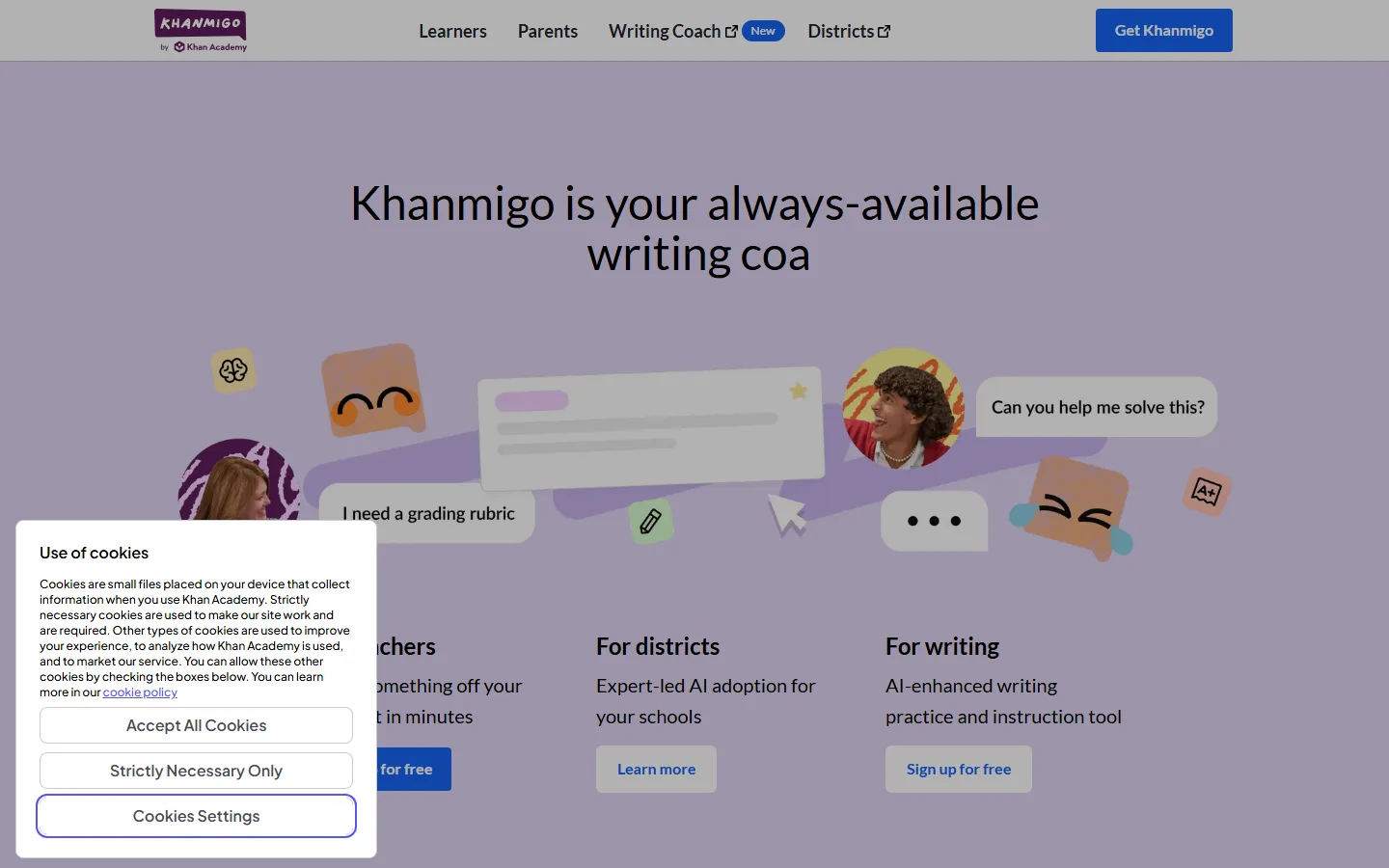
Khanmigo, the Khan Academy AI tutor, is the strongest free tutoring option for homework help, because it teaches steps instead of handing out answers. Khan Academy runs Khanmigo as an always-available writing coach and subject tutor, and the live site offers sign-up for free accounts for learners. Independent education lists treat Khanmigo as a personal AI tutor for math and science, powered by a GPT-class model, and note it was free for learners on the academy model. Some third-party pricing guides list a $4 per month learner plan, so the exact boundary between free and paid moved over time; the safe reading is that basic tutoring is available free and deeper coaching can be paid.
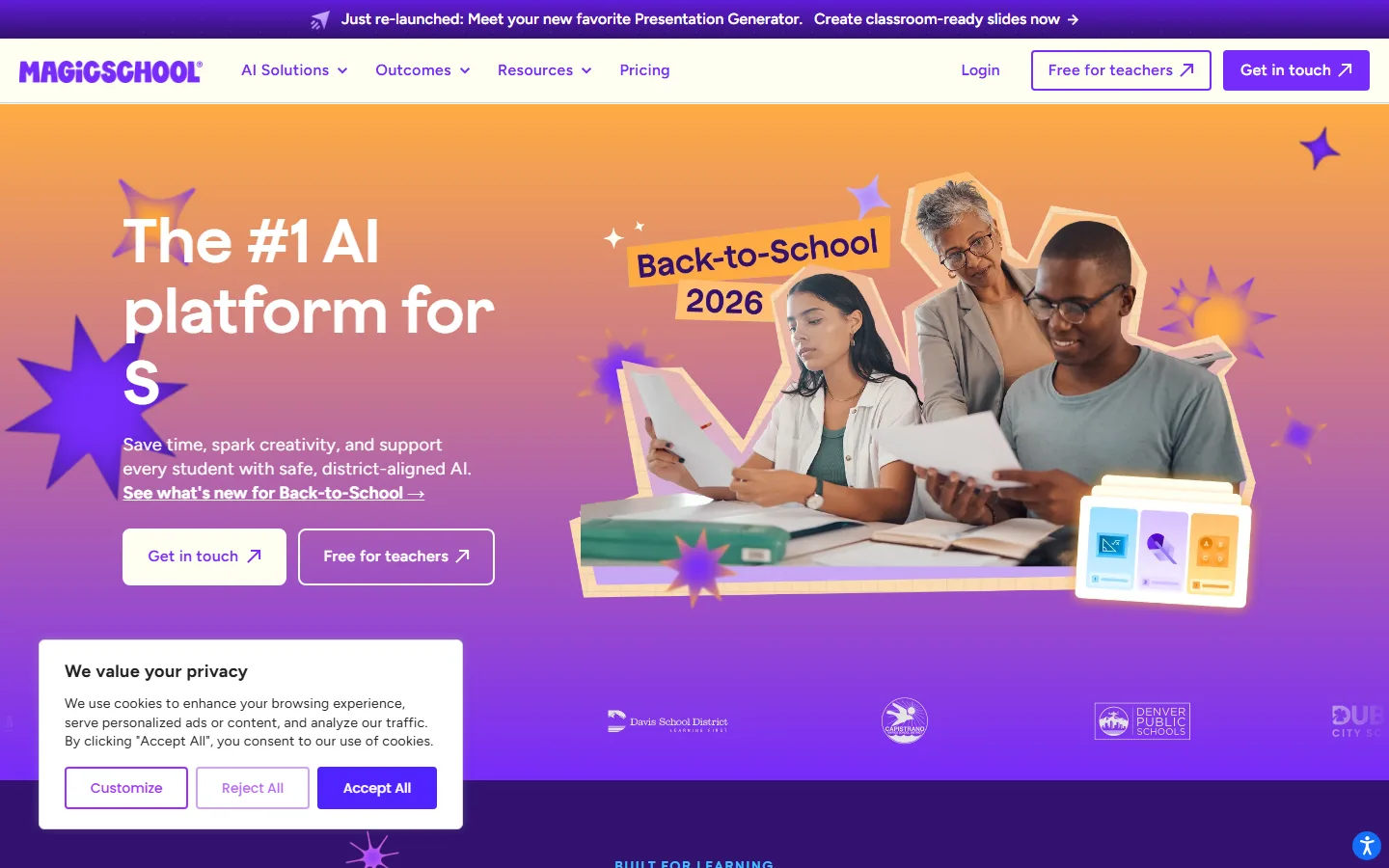
MagicSchool is the second tutor on this list, and its positioning is teacher-first: the live site offers "Free for teachers" accounts, and it brands itself as the number one AI platform for schools with district-aligned safety. A student whose teacher uses MagicSchool gets classroom-ready tools without paying, but the account model is built around educators, so students should check whether their school issues accounts. For pure math step-by-step solving, Photomath has a free basic tier that photographs a problem and shows the solving path; the paid version adds detailed explanations. Together these three cover the tutoring gap: Khanmigo for concepts, MagicSchool for teacher-assigned work, Photomath for math mechanics.
What Are the Best Free AI Tools for Flashcards and Memorization?
Quizlet remains the best free flashcard and memorization tool, and its free tier covers the classic workflow of creating sets, studying with flashcards, and taking practice tests. Third-party student tool roundups list Quizlet at free or about $3 per month for the student plan, with the paid version adding advanced spaced repetition and exam-mode features. The free tier is sufficient for a semester of vocabulary, definitions, and quick self-tests, which is the majority of memorization work in most courses.
For study guides and summaries, Gemini Notebook doubles as a flashcard generator: the September 2026 update added interactive quizzes and flashcards built from your uploaded sources. That makes Notebook the more powerful memorization tool for material that lives in PDFs and lecture slides, while Quizlet is better for a standalone deck you want to drill repeatedly. A practical workflow is to export key definitions into Quizlet for spaced drilling and let Notebook generate in-context questions from the actual course documents.
Which Free AI Tools Replace Paid Transcription and Organization?
Otter.ai offers 300 free transcription minutes per month, which is enough for roughly 3 to 4 lecture hours a month, and Notion offers a free Plus plan for students that removes the biggest organizational pain. Otter's free tier is documented in student tool roundups at 300 minutes per month, and it turns lecture audio into searchable text that pairs well with Gemini Notebook. The paid plan is around $7 per month for students, but the free minutes reset monthly, so a light lecture schedule never needs it.
Notion's free tier covers notes, databases, and project boards, and its student program upgrades qualifying accounts to the Plus plan at no cost, which adds version history and unlimited blocks. For students organizing group projects, a research log, or a thesis outline, Notion free plus Gemini Notebook covers the whole pipeline: collect sources in Notebook, structure the work in Notion, and write with Grammarly. The one missing piece in the free stack is a long-form writing assistant, which is where the free tier of ChatGPT comes in.
Is ChatGPT's Free Tier Enough for Students?
ChatGPT's free tier is enough for drafting, explaining, and brainstorming, and for most students it is the correct starting point before any paid plan. The free account includes the standard model with no monthly dollar cost, and OpenAI's own help center documents the free tier's behavior, including usage limits that reset. Students who want the most generous free access can read the dedicated breakdown of how to use ChatGPT free, which covers the current limit structure. The important context for students is the pricing pressure in the wider market: premium assistants cluster around $19.99 to $20 per month, and several user communities report that paid tiers add hard usage caps rather than removing them. A student who needs occasional drafting does not need that pressure.
The practical free stack for a student semester is therefore: Gemini Notebook for course-based research and quizzes, Grammarly Free for essay proofreading, Photomath for math, Quizlet for memorization, Otter.ai for lecture minutes, Notion for organization, and ChatGPT free for general drafting. That combination covers every major study task, costs zero dollars, and only fails when a course demands specialized paid tools such as advanced statistical software, where the university usually provides licenses anyway. If your experience with ChatGPT ever feels like the quality dropped, the Is ChatGPT getting worse in 2026 analysis explains what changed and how to work around it.
Why Do Students Pay for AI When Free Tiers Work?
The main reason students pay is convenience and limit exhaustion, not missing features. Free tiers reset monthly, and exam periods create spikes: 300 Otter minutes disappear in a week of back-to-back lectures, Quizlet's free deck limits get tight before finals, and Notebook's free usage cap slows down a heavy research week. Vendors know this rhythm and price paid plans as overflow valves. The honest guidance is to map your own monthly peaks first and buy only the single plan that covers your worst month, rather than stacking subscriptions.
The counter-argument is also real. Some free tiers are deliberately stingy to push upgrades, and a student on the lowest budget may find the friction costs more study time than the subscription costs money. Check the vendor's own pricing page for current limits before deciding, because limits change; the numbers in this article were verified in October 2026 and reflect the live pages at that date.
FAQ
Q: Are these free AI tools really free for students, or trials?
A: All twelve tools have a permanently free tier documented on the vendor's pricing page, not a timed trial. Monthly limits reset, and the accounts remain free indefinitely. The two caveats are Khanmigo, where deeper coaching can move to a paid learner plan, and Quizlet, where the classic flashcard workflow is free but exam-mode features are paid.
Q: Which free AI tool is best for taking lecture notes?
A: Gemini Notebook is the best free choice for lecture notes because it grounds answers in your uploaded lecture materials with inline citations, and its September 2026 update added an audio recorder for lectures. Pair it with Otter.ai's 300 free monthly minutes when you need full lecture transcription.
Q: Can I use free AI tools to write my entire essay?
A: You can draft with ChatGPT's free tier and proofread with Grammarly Free, but the best workflow is to write the argument yourself and use the tools for research, organization, and correction. Free tiers of Grammarly focus on grammar and tone rather than full AI drafting, which lives on the paid Pro plan.
Q: Does Khanmigo cost money in 2026?
A: Khanmigo offers free accounts for learners, and some pricing guides list a roughly $4 per month learner plan for deeper coaching. The safe check is the live Khan Academy page, because the free and paid boundary has shifted over time.
Q: How much transcription do I get free from Otter.ai?
A: Otter.ai's free tier includes about 300 minutes of transcription per month, which covers roughly three to four lecture hours. The minutes reset monthly, and the paid plan runs about $7 per month for students.
Q: What should I do if a free AI tool starts charging me?
A: Check the vendor's billing page immediately and cancel through the account settings rather than uninstalling the app, because uninstalling does not cancel subscriptions. Several user reports document charges continuing after cancellation, so keep the cancellation confirmation email and check the next monthly statement.
Q: Is NotebookLM still free after the rename to Gemini Notebook?
A: Yes. Google renamed NotebookLM to Gemini Notebook in July 2026, and the product remains free of charge to anyone with a Google account, with usage limits on the free tier. Google for Education documents that institutions can provide it at no cost through Workspace for Education Fundamentals.
Conclusion
The free AI stack for students in 2026 is genuinely workable: Gemini Notebook for research and quizzes, Grammarly Free for writing, Photomath for math, Quizlet for memorization, Otter.ai for lecture minutes, Notion for organization, and ChatGPT free for drafting. Every tool on this list has a permanent free tier with monthly limits that reset, which separates them from trials that convert into charges. The only purchases worth making are the single paid plan that covers your worst exam month, and only after you have confirmed the current limits on the vendor's pricing page.
CTA
Start with the two highest-impact tools today: open Gemini Notebook, upload the syllabus and lecture PDFs for your hardest class, and create your first study guide. Then install Grammarly Free and run your last essay through it before you submit. If you want the full map of free options across categories, read the verified list of the best free AI tools in 2026, and for total beginners who are new to AI entirely, the AI tools for complete beginners guide covers the first week of setup, with the complete ChatGPT beginner guide and the guide to using ChatGPT free as follow-ups if the general assistant is your main tool.
[More free tool guides: AI tools for complete beginners · Best free AI tools 2026 · ChatGPT beginner guide · How to use ChatGPT free · Is ChatGPT getting worse]