An AI assistant built by OpenAI, ChatGPT answers questions, writes text, analyzes files, and generates images inside a chat window, and it is used by more than 800 million people weekly in 2026. If you have never opened it before, this guide covers the free plan first, because OpenAI made free-tier chat unlimited in August 2026, so you can learn the tool without paying anything.
Quick Answer: Should You Start with the Free Plan?
Yes. Start with the free plan. As of August 2026, free users get unlimited text messages with the default GPT-5.5 model, a change OpenAI made with no cap on text chat, as BetaNews documented, plus access to the basic tools and no credit card requirement. Upgrade to Plus at $20/mo only when you hit a wall: you want the newest model variants, longer conversations, image generation, voice and video calls, or higher limits during peak hours. Most beginners can spend weeks on the free tier before that moment arrives.
How Do I Sign Up for ChatGPT in 2026?
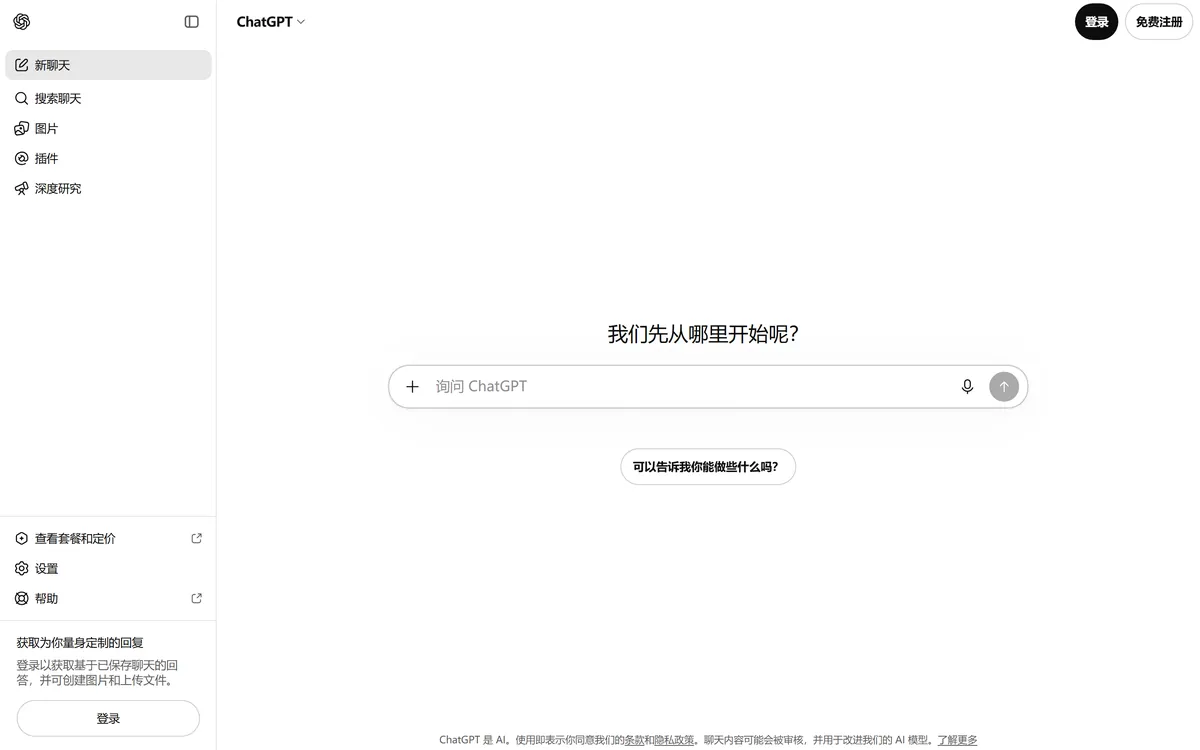
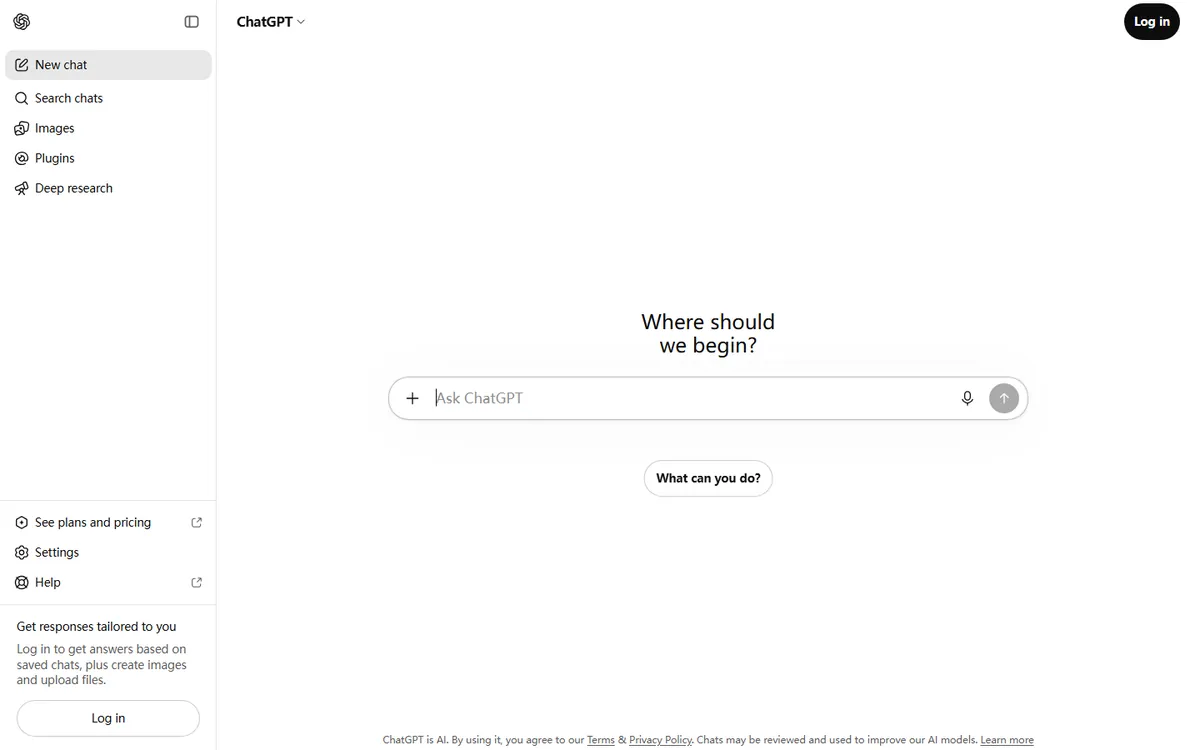
Signing up takes about five minutes and needs only an email address. Go to chatgpt.com, click Sign up, and either enter your email or choose Continue with Google or Continue with Microsoft. OpenAI sends a verification link to your inbox; click it, fill in your name and date of birth, and verify your phone number by SMS. You can use ChatGPT before creating an account at all by simply typing a prompt on the chatgpt.com homepage, as the official OpenAI getting-started guide explains, but chats are only saved after you log in, so creating the account is worth it from day one.
No credit card is needed for the free plan, which removes the main blocker for beginners. If you later upgrade to Plus, billing works through the OpenAI website and supports most major cards plus PayPal in most regions. The account you create also carries over to ChatGPT apps on iOS, Android, and desktop, and to the API if you ever want to build something with the same login.
What Does the ChatGPT Free Tier Include in 2026?
The free tier is much bigger than it was in 2024. OpenAI expanded the free experience over 2025 and 2026, and the current free plan includes:
| Free tier feature | What it means in practice |
|---|---|
| Unlimited text chat | No cap on how many text messages you can send, made unlimited in August 2026 |
| GPT-5.5 default model | Access to the current flagship with automatic reasoning on hard questions |
| File uploads | Attach PDFs, images, and spreadsheets for reading and analysis |
| Web browsing | Ask questions that need current information |
| Memory | ChatGPT remembers context you ask it to keep across chats |
| Daily free image limits | A few images per day on the free tier |
The free tier limits appear in the places you notice last: image generation counts are capped per day, voice calls have time limits, and during very high traffic your responses may be slightly slower. None of these stop a beginner from learning the tool, because text chat, the core of ChatGPT, is unlimited.
How Do I Write a Good First Prompt?
A good prompt is specific, gives context, and states the format you want. Instead of "write about productivity," try: "You are a productivity coach. Write a 300-word plan for a remote worker who gets distracted by phone notifications between 9am and 11am. Use three bullet points and one short paragraph per point."
Beginners overestimate how much prompt engineering they need. The default GPT-5.5 model auto-switches to a deeper reasoning pass on hard questions, so you rarely need to touch the model picker. Practical first tasks that work well on the free tier: summarize a PDF you upload, explain a concept you are studying, draft an email, translate a paragraph, brainstorm names, and check your grammar in a document.
OpenAI's own getting-started guide suggests copying a ready prompt to see the range of what ChatGPT can do, for example asking it to act as a tutor for a topic you want to learn. Keep chats organized with the New chat button: each chat keeps its own context, and long-running chats are easier to resume when they cover one subject.
A practical way to build the habit is to give ChatGPT one real task a day for a week. Day one, summarize a long article you saved; day two, draft a difficult email; day three, explain a concept from your job in simple terms; day four, translate a paragraph into another language; day five, brainstorm ten names for a project; day six, have it review a paragraph you wrote for clarity; day seven, plan a simple weekly schedule. After seven tasks you will know which ones ChatGPT does well for you personally, and you will have the evidence to decide whether Plus adds anything, which beats deciding on marketing claims.
ChatGPT Free vs Plus vs Pro: Which Plan Should I Choose?
ChatGPT has three consumer tiers in 2026: Free at $0, Plus at $20/mo, and Pro at $200/mo. For a beginner the decision is simple:
| Plan | Price | Best for |
|---|---|---|
| Free | $0 | Learning, casual use, unlimited text chat |
| Plus | $20/mo | Power users, image generation, voice and video calls, higher limits |
| Pro | $200/mo | Professionals needing the absolute newest models and research-grade limits |
Plus adds the latest model variants, GPT-5.5 with image generation, voice and video conversations, higher usage limits, and priority access during peak times. The $200 Pro tier exists for people doing heavy research, coding, and agent work where usage limits matter more than price.
The pricing trap for beginners is subscribing before you know whether you use ChatGPT daily. One common complaint among users is that plan limits appeared without notice: as one developer put it, "$200 Pro 20x hard usage limits appeared without advance notice." Even on paid plans, usage limits can change. The practical rule is to spend two weeks on the free tier first, track how many hours you actually spend in the chat, and only then decide whether $20 a month changes your workflow. The free tier with unlimited text chat covers most personal use cases.
What Does ChatGPT Do That Beginners Often Miss?
Beginners tend to use ChatGPT like a search box, typing a question and copying the answer, but the tool does much more on the free tier alone. You can upload a file with the paperclip icon and ask for a summary, a rewrite, or a fact check, which works for PDFs, Word documents, spreadsheets, and images. You can ask ChatGPT to analyze a spreadsheet you upload, for example "explain the trend in this sales sheet and flag anything unusual," and it will read the rows and give you a plain-language answer.
Two more features matter early. The microphone icon enables voice conversation, which is the fastest way to use ChatGPT while cooking, commuting, or exercising, and the free tier includes daily voice time with limits. Memory, controlled from the settings, lets ChatGPT remember facts you want to reuse, such as your name, your job, or your writing style, so later chats do not start from zero. Both work on the free plan and make ChatGPT feel like a personal assistant rather than a chatbot.
What Are the Common Beginner Mistakes?
The most common mistake is asking for everything at once. A prompt like "write me a business plan" produces a generic answer, because ChatGPT does not know your market, your budget, or your audience. The fix is to break the request into pieces and give context, which takes two extra sentences and produces a noticeably better result. The second mistake is treating every answer as fact. ChatGPT can still be wrong on niche topics, so for anything that matters, numbers, dates, legal claims, verify against a source you trust, and this habit matters more than any prompt trick.
The third mistake is sharing sensitive information. Anything you paste into ChatGPT can be used to train models depending on your data settings, so avoid pasting passwords, full personal documents, or confidential work files unless your account has the privacy controls enabled and you understand them. The fourth is staying on old habits: many beginners copy text into a separate editor to improve it, when ChatGPT can rewrite a passage in a different tone right in the chat, which saves a round trip. None of these mistakes are fatal, and all of them disappear within the first few weeks of regular use, as you build prompts that fit your own work and your own way of asking questions. If you are a student, the same free account works for essay drafts, research summaries, and exam prep, and the free tier is enough for all of it, which is why students are one of the largest groups on the free plan. If you are learning a language, ChatGPT also acts as a patient conversation partner: ask it to chat with you in the target language and correct your mistakes, which is a use case that works entirely on the free tier and improves noticeably with practice, and it costs nothing beyond the minutes you spend on it.
Frequently Asked Questions
Is ChatGPT really free to use in 2026?
Yes. ChatGPT has a free plan with unlimited text messages, available since OpenAI made free-tier chat unlimited in August 2026. You can even try it before creating an account by typing a prompt at chatgpt.com, though chats are only saved when you log in.
How do I start using ChatGPT for the first time?
Open chatgpt.com, click Sign up, verify your email and phone number, and type your first message in the chat box. No credit card is required. The default model is GPT-5.5, and it auto-selects deeper reasoning when your question is complex.
What can I do with the free ChatGPT plan?
You get unlimited text chat, file uploads, web browsing, memory, and a daily limit of free images. Voice calls, newest model variants, and image generation are the main upgrades in Plus.
Is ChatGPT Plus worth $20 a month for a beginner?
Usually not at first. The free tier covers unlimited text chat and basic tools. Upgrade to Plus when you need daily image generation, voice and video calls, or higher limits during peak hours, which for most beginners happens after weeks of regular use.
Can I use ChatGPT without a phone number?
No. OpenAI requires phone number verification when you create an account, as part of its abuse protection. Email-only signup without SMS verification is not available.
Conclusion
ChatGPT is the easiest AI assistant to start using in 2026, because the free tier is genuinely useful: unlimited text chat, the GPT-5.5 model, file uploads, and no credit card. Sign up once, write your first specific prompt, and spend two weeks on the free plan before deciding whether Plus matters to you. If you want to compare ChatGPT with its main rivals before you commit, read our comparison of ChatGPT vs Claude or the detailed ChatGPT review. For more free options, see our guide to getting ChatGPT free and the best AI tools for beginners. If the service ever feels slower than it used to, you are not alone; we looked at is ChatGPT getting worse in detail.
Start today: open chatgpt.com, create your free account, and ask ChatGPT to explain one topic you have wanted to learn for a while. That single conversation will teach you more than any guide can, and the account stays free for as long as you keep it on the free plan.