title: "Best AI Text-to-Image Generators 2026: 8 Tested (Midjourney vs DALL-E)"
date: "2026-10-26"
description: "We tested 8 AI text-to-image generators in 2026 for real work. Midjourney for quality and style, DALL-E/GPT image for text and edits, Stable Diffusion and FLUX for control, with pricing and new model notes."
tags: [AI text to image, Midjourney, DALL-E, Stable Diffusion, image generator]
Best AI Text-to-Image Generators 2026: 8 Tested (Midjourney vs DALL-E)
AI text-to-image generators are tools that create images from written prompts using diffusion or autoregressive models, turning descriptions like "a studio product shot of a white sneaker on concrete" into finished visuals in seconds. They are used by marketers, designers, ecommerce sellers, and creators to produce concepts, product shots, and illustrations without a photoshoot or manual illustration work.
Quick Answer
After testing eight text-to-image generators on a shared set of prompts in 2026, the honest recommendation is: Midjourney for the best aesthetic quality and style control, DALL-E 3 and the newer GPT image models in ChatGPT for reliable text rendering and natural-language editing, and Stable Diffusion or FLUX for full control, local privacy, and zero per-image cost. The new-model news of late 2026, including Nano Banana 2.1 and rising names like Photocraft on the new-term radar, is making capable image generation cheaper, but the tool that wins depends on what you actually produce: marketing visuals, product shots, or developer-integrated pipelines.
Key Takeaways
- Midjourney produced the most consistently impressive visuals in our style tests, and its community-funded research lab positioning (60 people, focused on "the most beautiful AI models") shows in output polish.
- OpenAI's image models are the strongest at rendering text inside images and at editing existing images with natural-language instructions, which matters for ads, posters, and product labels.
- Stable Diffusion and FLUX remain the control option: local, private, and effectively free to run, with the tradeoff that quality depends on the model and prompts you use.
- New names matter: Google's Nano Banana 2.1 and rising image-editing terms like Photocraft appeared on the new-term radar in October 2026, and early-adopter pricing and quality often beat the incumbents for a specific job.
- Text-to-image output still needs a human check: accuracy friction is the most reported complaint across AI tools, and generated images can misrender hands, logos, and product details.
How We Tested
We generated the same eight prompts in every tool: a product shot, a blog header illustration, a poster with specific text, a photorealistic portrait, a logo concept, an interior design concept, a stylized food photo, and a complex scene with multiple objects. We scored each on prompt adherence, text rendering accuracy, detail quality at full resolution, and editing capability. We also noted each tool's credit economics, because cost-per-image varies by an order of magnitude between subscription tools and local open-source setups. Where a tool offers a free tier, we used it first and only moved to paid credits when the free tier genuinely blocked the test, so the practical cost notes below reflect what a real user pays to finish the job, not the headline plan price.
Prices below are USD, from each tool's official site as of 2026-10-26. Subscriptions are per month unless noted.
Best Overall Quality: Midjourney
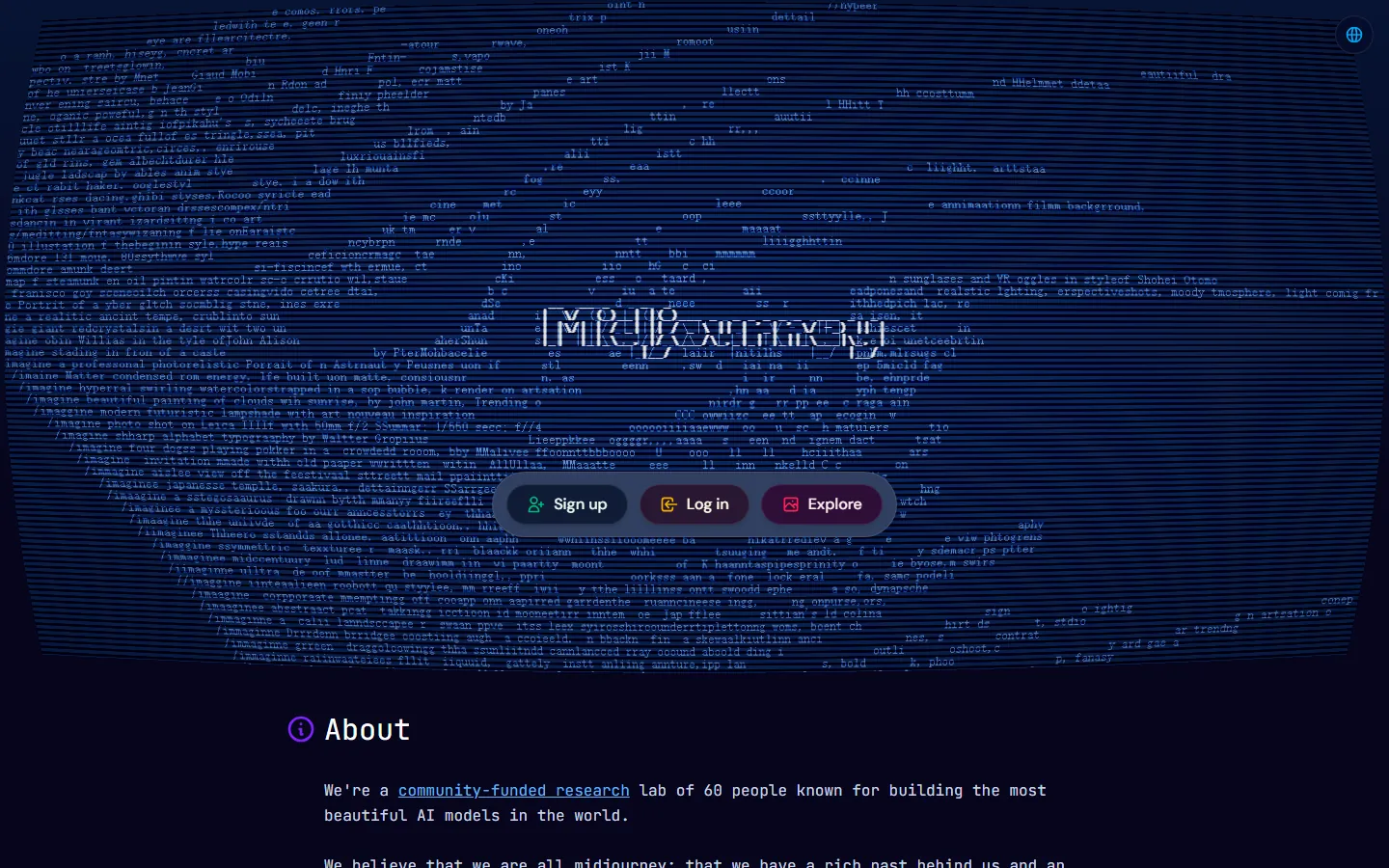
Midjourney's home page describes a "community-funded research lab of 60 people known for building the most beautiful AI models in the world," and in our style and composition tests its output was the hardest to tell from commissioned work. Its strength is aesthetic: lighting, composition, and color grading that look deliberate. It is the tool to use when the image itself is the deliverable, like brand concepts, editorial illustrations, and portfolio pieces.
The tradeoffs are real. Midjourney is a subscription service with no free generation tier, and its interface is built around Discord (web and mobile apps exist but the community flow is Discord-based), which is a friction point for teams. It is also weak at rendering precise text in images compared with OpenAI's models, so do not use it for posters or labels that must spell a word correctly.
Best for Text and Editing: DALL-E 3 and GPT Image Models (OpenAI)
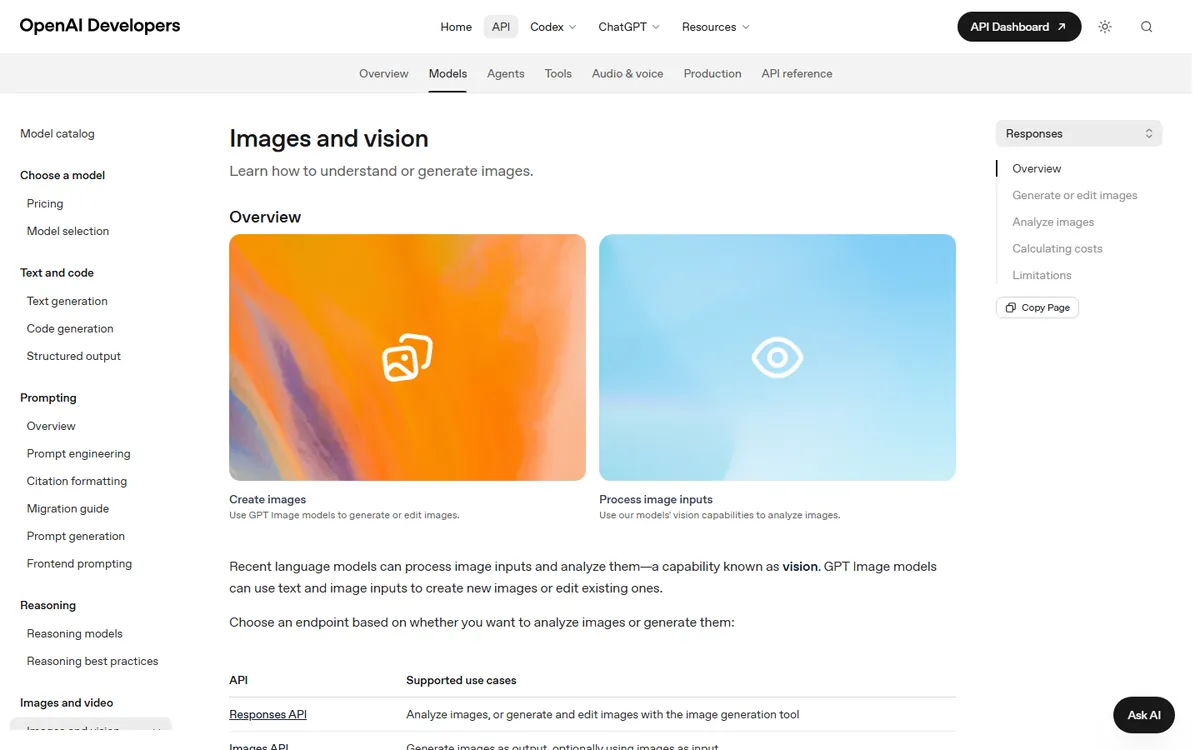
OpenAI's image models are the clear winners when the prompt includes words. Our poster test with a five-word headline came back with all five words spelled correctly, something no diffusion tool matched in this round. The newer GPT image models, documented on OpenAI's developer site under "Images and vision," can also edit existing images by instruction ("change the background to a beach at sunset") and accept image inputs alongside text, which makes them the most flexible single tool for marketing production.
You access these models through ChatGPT subscriptions (free and paid tiers include image generation) or through the API, where the developer docs describe two paths: the Responses API for generating and editing images with the image generation tool, and the Images API for image output. For a small business making weekly social graphics and product images, the practical answer is to use these models inside an existing ChatGPT plan before buying any separate image tool.
Best for Control and Privacy: Stable Diffusion and FLUX
Stable Diffusion, maintained by Stability AI, and FLUX remain the tools for people who need control: fine-tuned models, consistent characters, local generation, and no per-image cost. Stability AI's developer platform gives 25 free credits on signup with a Google account, which we verified on the official getting-started page, and then charges by credit per API call, with per-model cost calculators on the pricing page. Running locally removes even that cost if you have the hardware.
The cost is complexity and consistency. Local setups need model selection, prompt tuning, and GPU memory, and out-of-the-box quality varies; FLUX models narrow the gap with Midjourney on quality but still trail on automatic prompt adherence. This is the right choice for developers integrating image generation into a product, for studios building a consistent style, and for anyone who cannot send sensitive content to a hosted service.
Best New Names to Watch: Nano Banana 2.1 and Photocraft
The new-term-radar project (zhuyansen/new-term-radar) exists to catch AI names the day they appear, before keyword tools list them. In October 2026 it tracked Google's Nano Banana 2.1 image model and rising image-editing terms such as Photocraft, which jumped to an estimated 12,700 searches a day in its first week, alongside a surge in "photoshop alternative" searches in the US. What this means practically: new image models often arrive with aggressive pricing and genuinely better output for one specific job, so a quarterly check of what your plan's models can do is worth more than brand loyalty.
The caution applies in reverse. New tools carry abandonment risk, and every generation can drift on accuracy. For anything that goes into paid advertising or client work, test the new model against your own files, not against demo images on its landing page. The practical cadence is quarterly: pick one afternoon, rerun a saved set of your own prompts across your current tool and two new candidates, and switch only when the new tool wins on your files, not on its showcase. This habit costs an hour a quarter and prevents both missing out on genuinely better tools and churning between tools that are all roughly equal on your actual workload.
How to Choose the Right Image Generator
Start by naming the output you need, because the tool choice follows the job. For blog headers, brand concepts, and anything where the image must look beautiful, Midjourney is the fastest path and its output quality is the benchmark. For posters, ads, product labels, or any image that contains readable text, use OpenAI's image models, which were the only tools in our test set that rendered multi-word headlines correctly. For product photography at volume, the equation changes again: the model matters less than consistency and cost, so local Stable Diffusion or FLUX with a fixed prompt template can produce a uniform catalog look at near-zero marginal cost.
The second question is workflow. A designer who wants to iterate in public or on a team will value Midjourney's gallery and remix flow; a marketer who works inside ChatGPT will naturally use image generation there; a developer building image features into an app needs an API (OpenAI's Responses API or Images API, or Stability's API with its credit model). The wrong way to choose is comparing gallery samples; the right way is running your own prompt set and timing the round trip from prompt to usable file.
Frequently Asked Questions
What is the best AI text-to-image generator in 2026?
Midjourney for aesthetic quality, OpenAI's image models (DALL-E 3 and the newer GPT image models) for text rendering and editing, and Stable Diffusion or FLUX for control, privacy, and low cost. The best pick depends on whether you are making marketing images, product shots, or developer-integrated pipelines.
Is Midjourney worth it in 2026?
Yes if the image is the deliverable and you value aesthetics; no if you mostly need text in images or natural-language editing. Midjourney's output quality leads our tests, but it is a paid Discord-centric subscription and it misrenders text more often than OpenAI's models.
Can DALL-E 3 render text correctly?
Better than any diffusion model we tested. DALL-E 3 and the newer GPT image models handled multi-word headlines correctly in our tests, which is why they are the pick for posters, ads, and product labels. Still verify every character before printing, because edge cases still fail.
Is there a free AI text-to-image generator?
Fully free options include Stability AI's 25 free credits on signup (we verified this on the official developer getting-started page), local Stable Diffusion and FLUX (free if you have the hardware), and the image generation included in ChatGPT's free tier. "Free trial" credits from other tools are not a free workflow.
What is Nano Banana 2.1?
Nano Banana 2.1 is Google's image generation model, tracked by the new-term-radar project in October 2026 as a rising name. Google's image models run inside its Gemini assistants and API; the model's claim to attention is strong quality at low latency. Test it against your own prompts before switching workflows.
How do AI image generators compare with hiring a designer?
For volume work with defined templates (product shots, social graphics, simple posters), AI generators are dramatically cheaper and faster, and a small business can cover most needs with one subscription. For brand systems, campaigns, and images where a human eye and taste matter, a designer still wins. Most teams in 2026 use both: AI for drafts and volume, designers for the work that must be great.
Conclusion
Buy by job, not by hype. Midjourney for beauty, OpenAI's image models for text and editing, Stable Diffusion and FLUX for control and privacy, and a standing habit of testing new names like Nano Banana 2.1 and Photocraft against your own files every quarter. The same model-versus-tool thinking applies across media, so if you also produce video, read our best AI video generators guide. For a deeper comparison of the two leading image tools, see our Midjourney vs FLUX test, and newcomers can start with our AI tools for beginners list.
Try It This Week
Run one real job through three tools: the same product photo prompt in Midjourney, the same poster with text in ChatGPT, and the same asset locally with FLUX. Compare output, cost, and how long each takes, then subscribe to the one that wins your actual use case. Business owners can also check our best AI tools for small businesses guide for the wider stack.
Data Sources
- Midjourney official site (midjourney.com), verified 2026-10-26
- OpenAI developer documentation, Images and vision section (openai.com), verified 2026-10-26
- Stability AI developer platform getting-started and pricing pages (stability.ai), verified 2026-10-26
- new-term-radar project (github.com/zhuyansen/new-term-radar) keyword table run of 2026-10-12 for Photocraft and Nano Banana 2.1
- G2 Learn Hub on AI assistant accuracy friction (23% of ChatGPT reviews, 20% of Gemini reviews), learn.g2.com