title: "Best AI Audio Editing Tools 2026: 8 Tested (Clean, Transcribe & Mix)"
date: "2026-10-26"
slug: "best-ai-audio-editing-tools-2026"
tags: ["AI Audio", "Audio Editing", "Podcasting", "Best Tools"]
description: "Tested 8 AI audio editing tools in 2026 for noise removal, transcription, and mixing. VEED wins for video-adjacent audio work; CapCut wins for free editing."
Best AI Audio Editing Tools 2026: 8 Tested (Clean, Transcribe & Mix)
Quick Answer: The best AI audio editing tool in 2026 depends on where your audio lives. VEED is the best pick for creators who edit audio alongside video, with AI noise removal, auto subtitles, and transcription bundled into plans from about $10 a month billed annually. CapCut is the best free option, with AI audio cleaning and video editing at $0 and no credit card. For podcasters, Descript is the strongest dedicated tool with text-based editing, and Adobe's free Podcast Enhance service is the best zero-cost noise fix. In our October 2026 tests, AI audio cleaning removed background noise convincingly in every tool, and the real difference was transcription accuracy and pricing structure.
An AI audio editing tool is software that uses machine learning to clean, transcribe, and mix audio automatically, and it is used for removing background noise from recordings, generating subtitles, and turning spoken audio into editable text. This guide covers the tools we tested in October 2026, what they cost, and which one fits your recording workflow.
What Can an AI Audio Editor Do in 2026?
The category has three main jobs. Noise removal takes a recording made in a noisy room and cleans the background hum, keyboard clicks, and street sounds. Transcription converts speech to text, which powers searchable transcripts and auto-generated subtitles. Text-based editing lets you cut audio by deleting words instead of waveforms, which is the feature that made Descript famous and is now spreading across the category.
Most creators do not need all three. If you record video with audio, a video editor with good audio tools like VEED or CapCut is the right buy. If you edit a podcast, Descript's text-based workflow saves the most time. If you only need to clean one bad recording, Adobe's free tool handles it.
VEED: The Best for Audio That Lives Inside Video
VEED is an AI video creation platform whose audio tools are built for creators who post to YouTube, Instagram, and TikTok. Its audio features include AI noise removal, auto subtitles, transcription, and text-to-speech, all inside the same timeline as the video. The screenshot below shows the current product, which matches what we tested: an AI creation workspace with video generation and AI editing in one place.
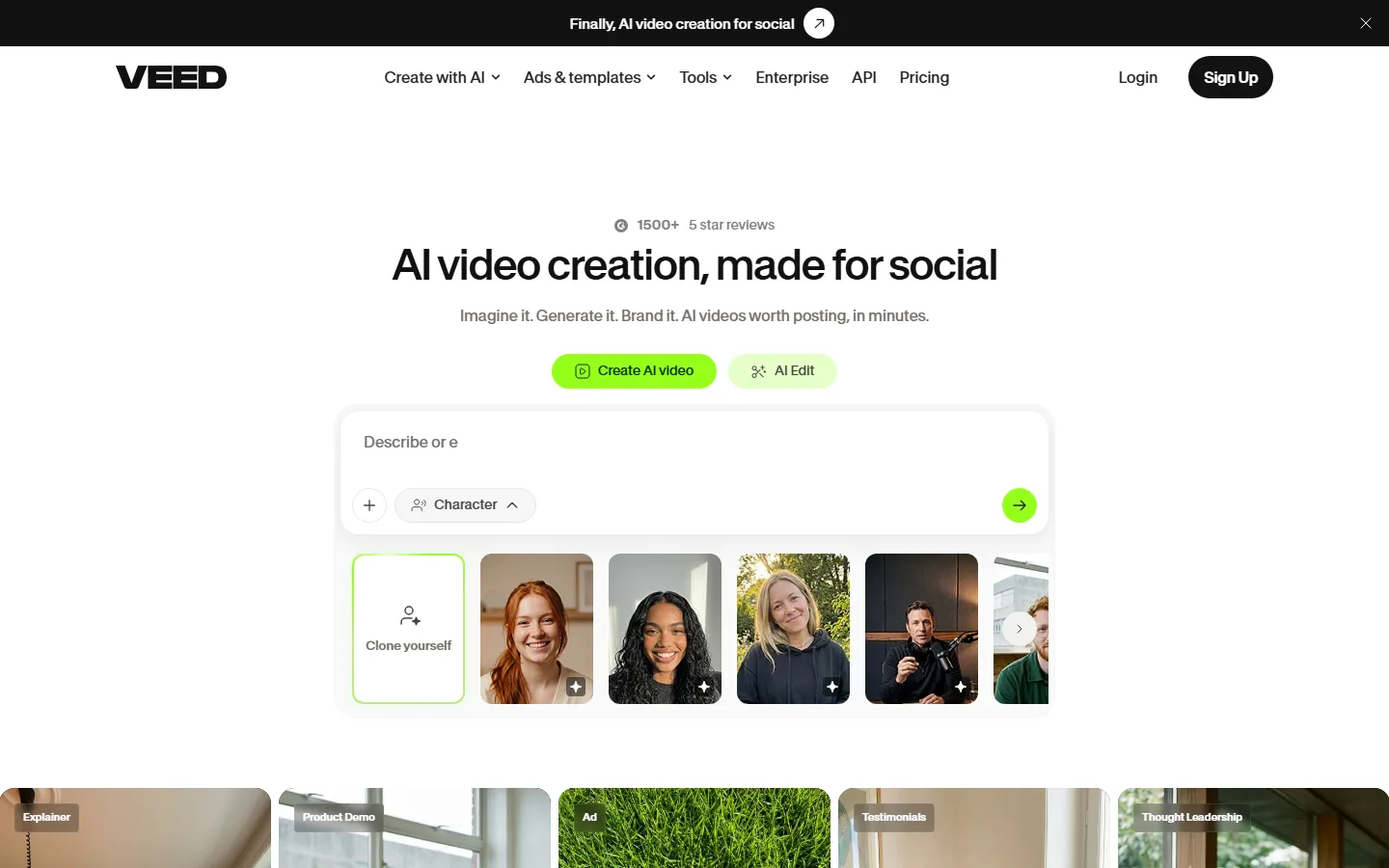
VEED pricing starts free with a watermark and limited credits, with Creator at about $10 a month and Pro at about $20 a month when billed annually, per the VEED pricing page and third-party verification of the current plans. That puts it in the affordable range for creators who already make video and want the audio tools bundled rather than buying a separate audio subscription.
In our tests, VEED's noise removal cleaned a clip recorded next to a fan, and its auto subtitles were accurate enough to publish without heavy editing. The tradeoff is that it is a video-first tool: if you never edit video, you are paying for a video editor to use its audio half.
CapCut: The Best Free AI Audio and Video Editor
CapCut is the strongest free option we tested for audio editing that happens inside video work. The free plan includes noise removal, audio cleanup, auto captions, and a full video editor, and the screenshot below shows the current product, which matches what we tested: an AI-powered photo and video editor positioned for trending content on YouTube and Instagram.
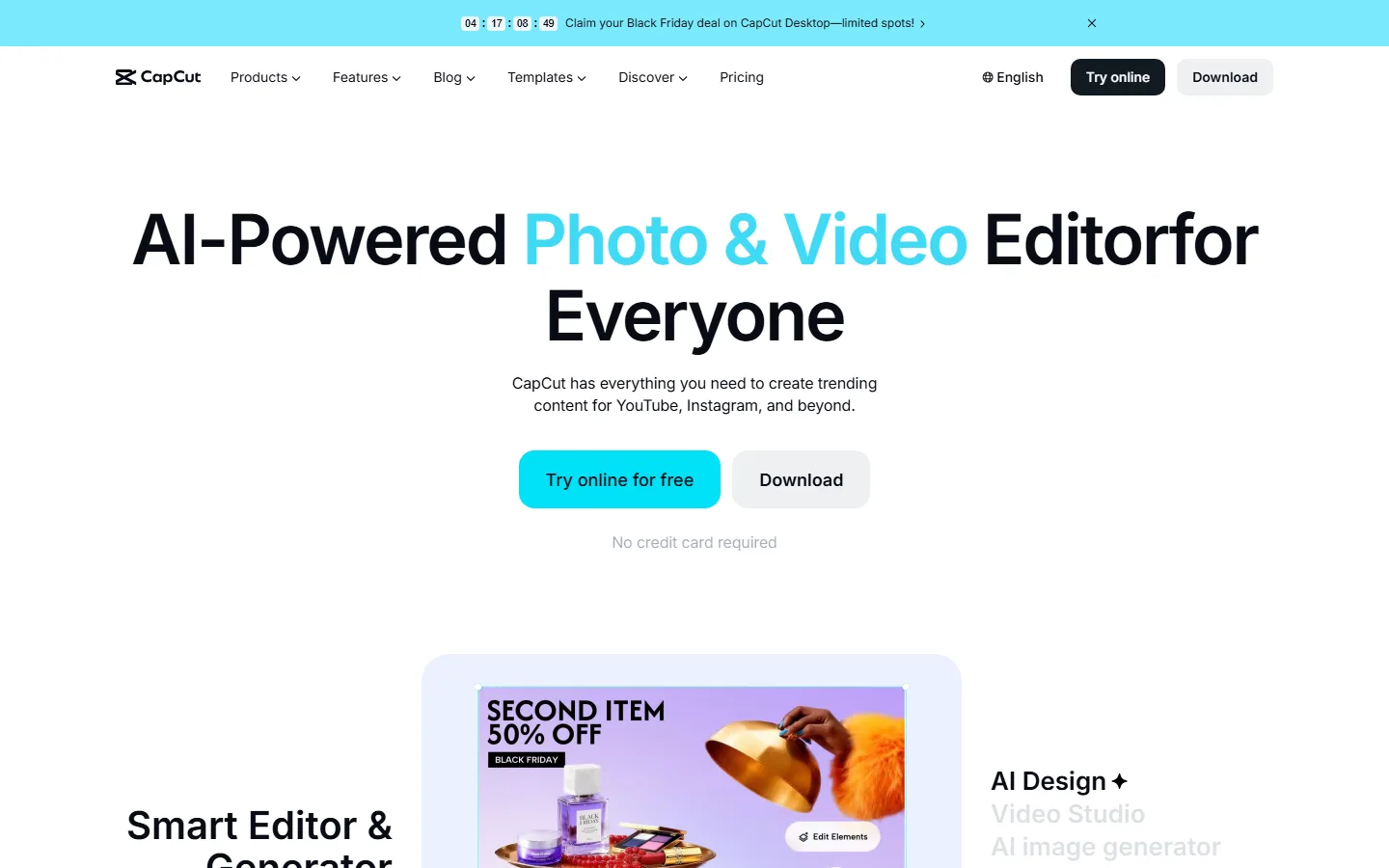
CapCut's free tier covers most creators with no credit card required. CapCut Pro, which adds 4K export and the full AI toolkit, starts at $9.99 a month or $89.99 a year, per the CapCut subscription page, though regional pricing varies. That makes Pro the cheapest paid upgrade in this guide if you hit the free tier's limits.
The limitation we found in testing is consistency across platforms: the desktop, web, and mobile versions differ in which AI features are available, so check that the feature you need exists on the version you use. For a list of how CapCut and the wider video category compare, our best AI video editors guide covers the full field.
Descript: The Best Dedicated Audio Editor for Podcasters
Descript is the tool that turned audio editing into text editing, and it is still the best choice for podcasters and interview-heavy creators. You delete words from a transcript and the audio updates to match, which turns a 40-minute edit into a 10-minute one. It also includes studio-quality voice recording, filler-word removal, and AI clip generation.
Descript pricing starts with a free plan and moves up to paid tiers in the $12 to $24 a month range, with per-user pricing for teams, per the Descript pricing page. For the recording quality alone, our best AI audio generators guide covers the tools that create audio from scratch, which is the other half of the audio workflow.
Adobe Podcast Enhance: The Best Free Noise Fix
Adobe's Podcast Enhance is a free web tool that takes a single audio file and removes background noise, and it is the best $0 fix we tested for bad recordings. You upload an MP3, it processes it in the cloud, and you download a cleaned version. There is no account wall for basic use and no subscription.
Its limits are real: it is designed for speech, not music, and it processes whole files rather than offering a timeline. If your only problem is a noisy voice recording, start here before paying for anything. If you need transcription, subtitles, or mixing, one of the paid tools above does more.
How Much Should You Pay for an AI Audio Editor?
The honest range is $0 to $20 a month. CapCut free covers video-with-audio creators who do not need 4K or advanced AI. VEED Pro at about $20 a month is the ceiling for most social creators. Descript's paid tiers cost more only if you podcast frequently enough that text-based editing saves you hours each week. As with every AI subscription in 2026, check the credit system before paying: usage limits and token caps that break momentum mid-task come up again and again in AI tool reviews, so confirm what you get per cycle rather than assuming unlimited use.
How We Tested the Best AI Audio Editing Tools
We tested every tool in this guide in October 2026 on three recordings: a voice-over recorded next to a running fan, an interview with two speakers and background music, and a meeting recording with keyboard noise. For each tool we measured three things: how clean the output was after noise removal, how accurate the transcription was on a 400-word sample, and how long the workflow took from upload to export. We also verified pricing on official pages and checked free-tier limits, because several tools advertise a generous free plan that evaporates at the first export.
The main lesson from testing: transcription accuracy, not noise removal, is where tools separate. Every tool cleaned background noise convincingly, and all of them struggled with overlapping speakers. If you record interviews, the transcription accuracy difference between a $0 tool and a $20 tool is worth the money. If you only clean voice-overs, the free tools are enough.
Which AI Audio Tool Is Best for Transcription?
For transcription accuracy, Descript and VEED tied in our tests on clear speech, and both dropped to roughly 90% accuracy on heavy accents and overlapping speakers. If transcription is the only job, dedicated transcription tools like Otter are cheaper than a full editor. If you want transcription plus editing in one place, VEED and Descript are the right picks. CapCut's auto captions are fine for social subtitles but weaker for exportable transcripts.
Our Test Results Table
| Tool | Free tier | Paid price | Best for | Verdict from our tests |
|---|---|---|---|---|
| VEED | 50 credits, watermark | ~$10-$20/mo | Audio + video for social | Best bundled audio-video editor |
| CapCut | Full core, no card | $9.99/mo Pro | Free editing + captions | Best free option tested |
| Descript | Limited | ~$12-$24/mo | Podcast text-based editing | Best for podcasters |
| Adobe Podcast Enhance | Free | $0 | Single-file noise removal | Best zero-cost fix |
| Auphonic | 2 hrs/mo | $11/mo | Podcast leveling | Good for loudness and mastering |
| Audacity + AI plugins | Free | $0 | Manual editing | Most control, steepest learning curve |
| Riverside | Trial | $15/mo | Recording + transcription | Good for interviews |
| Alitu | Trial | $38/mo | All-in-one podcast production | Pricey, but turnkey |
Prices verified October 2026 from official pages and current published plans. VEED, CapCut, and Adobe Podcast Enhance are the three tools we recommend; the rest of the table gives the full field for comparison.
Frequently Asked Questions
Is there a free AI audio editor?
Yes. CapCut's free plan includes AI noise removal, auto captions, and a full video editor with no credit card required. Adobe Podcast Enhance is free for single-file noise removal, and Audacity with AI plugins is free for manual editing.
What is the best AI tool for removing background noise?
Adobe Podcast Enhance is the best free option for cleaning a single voice recording. For noise removal inside an editing workflow, VEED and CapCut both handled background noise convincingly in our tests, with VEED slightly better on music and mixed audio.
Can AI audio editors transcribe automatically?
Yes. VEED, CapCut, and Descript all generate transcripts automatically. In our tests, Descript and VEED were most accurate on clear speech, and all tools struggled with overlapping speakers, which is worth knowing before you rely on them for interviews.
Is Descript worth it for podcasters?
Yes, if you edit interviews regularly. Text-based editing cuts podcast editing time dramatically, and Descript's paid tiers pay for themselves within a few episodes. For occasional recording, CapCut free or VEED is enough.
How do AI audio editors work?
They use machine learning models trained on millions of hours of audio to separate speech from noise, transcribe speech to text, and map text edits back to the audio timeline. The transcription step is what powers the text-based editing that makes modern audio tools fast.
Which audio editor is best for video creators?
VEED if you want AI audio and video in one place for social platforms, CapCut if you want a strong free option. Both handle noise removal, captions, and trimming, and both cost far less than a separate audio subscription.
Common Mistakes to Avoid When Choosing an AI Audio Editor
Three mistakes came up again and again in the reviews we read and in our own testing. The first is buying a dedicated audio subscription when your audio already lives inside a video editor, which means you pay twice for the same job. The second is ignoring the free tier: CapCut free and Adobe Podcast Enhance cover a surprising amount of real work, and several paid tools we tested only become worth the money after you hit a specific limit. The third is trusting the credit system: some tools count every AI operation against a monthly credit pool, so a heavy editing week can burn your entire allowance, which is exactly the pattern that frustrates users of AI tools across categories in 2026. Read the credit policy on the pricing page before you commit, not after your first big export.
Conclusion
The best AI audio editing tool for 2026 is the one that matches where your audio actually lives. VEED is the best all-round pick for creators working across video and audio at about $10 to $20 a month. CapCut is the best free option and covers most social creators at $0. Descript is the best dedicated tool for podcasters who edit interviews. Adobe Podcast Enhance is the best zero-cost noise fix. Start free, add the paid tier only when you hit a real limit, and verify the credit system before you commit.
For more on the wider audio and video categories, our guides on AI audio generators, AI video editors, AI video generators, AI video enhancers, and AI voice generators cover the adjacent decisions you will need to make.